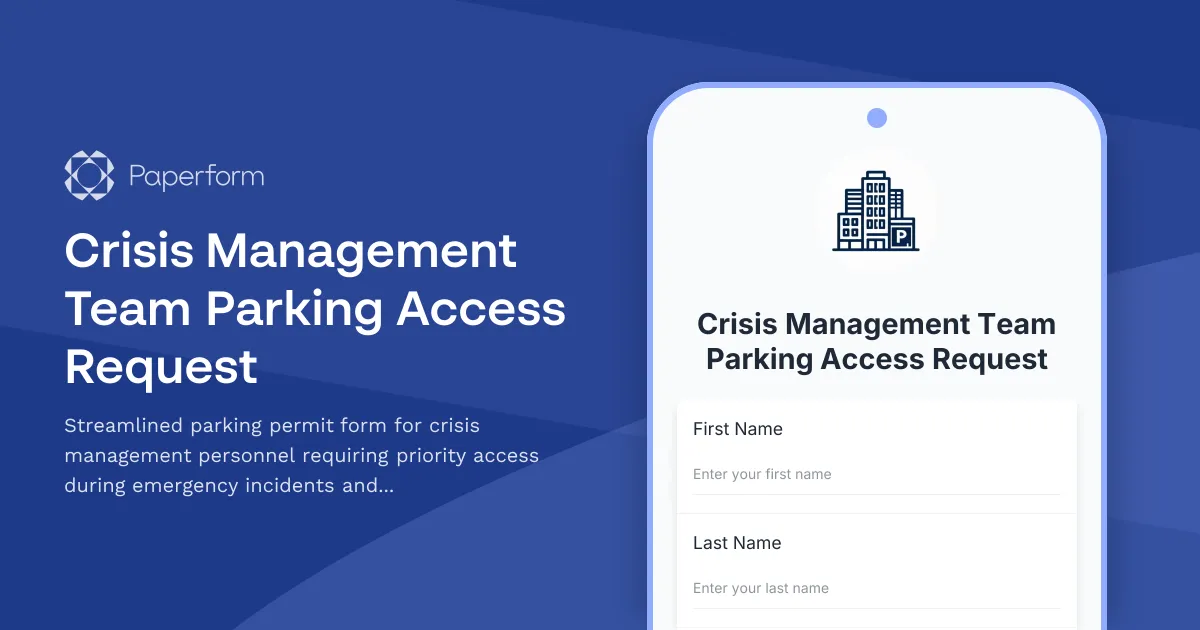
Crisis Management Team Parking Access Made Simple
When critical incidents strike, every second counts—and the last thing your crisis management team needs is a parking hassle. This Crisis Management Team Parking Access Request form template helps corporate facilities and emergency operations teams quickly process parking permits, assign priority spots, and ensure seamless garage access for business continuity personnel during emergencies.
Built for Business Continuity and Emergency Response
This template is purpose-built for corporate headquarters, large enterprises, and organizations with dedicated crisis management teams. Whether you're a facilities manager, emergency operations coordinator, HR director, or security manager, this form streamlines the entire parking access process for your most critical personnel.
Key features include:
- Role-based priority assignment – Automatically categorize team members by their crisis management function (Incident Commander, Emergency Operations, Business Continuity, Communications, etc.) to determine parking priority levels
- Emergency contact integration – Capture primary and alternate contact details, including after-hours numbers and notification preferences
- Vehicle registration – Record multiple vehicles per team member for flexible response scenarios
- Incident access tiers – Define different parking zones and access levels based on crisis severity and role requirements
- 24/7 access credentials – Process requests for badge access, gate codes, and reserved spot assignments
- Automated approval routing – Conditional logic ensures requests flow to the right approvers based on role and clearance level
Why Paperform for Crisis Team Parking Management?
Traditional parking request processes—email chains, PDF forms, manual spreadsheets—create bottlenecks exactly when speed matters most. This Paperform template gives you a professional, mobile-responsive solution that works seamlessly across desktop and smartphone, so team members can submit requests from anywhere, and approvals can happen in real time.
The form's conditional logic intelligently adapts based on responses. For example, Incident Commanders automatically see fields for reserved executive parking, while support staff receive options for general priority zones. This ensures you're only collecting relevant information for each role type, speeding up processing and reducing confusion.
With Paperform's calculation engine, you can even automate permit validity periods, priority scoring, and access tier assignments—all without touching a spreadsheet.
Automate Post-Submission Workflows with Stepper
Once a crisis team member submits their parking request, the real efficiency gains come from automation. Connect this form to Stepper to build sophisticated workflows that:
- Route to security and facilities for background verification and badge provisioning
- Sync with access control systems to automatically grant garage entry credentials
- Update your HRIS or emergency management platform with current parking assignments
- Send automated confirmation emails with parking maps, access instructions, and emergency procedures
- Trigger reminders for annual permit renewals or role changes
- Generate reports on crisis team parking capacity and utilization for facilities planning
This level of automation means your facilities team can focus on strategic emergency preparedness rather than chasing down parking paperwork.
Perfect for Enterprise Facilities and Security Teams
This template is ideal for:
- Corporate facilities managers coordinating emergency operations parking at headquarters buildings
- Security directors managing access control for crisis response personnel
- HR and people operations onboarding new crisis team members with priority parking needs
- Business continuity planners ensuring key personnel can reach command centers during incidents
- Emergency operations coordinators managing parking logistics during drills and actual events
- Real estate and workplace teams at enterprises with complex campus environments
Whether you're managing parking for a 10-person crisis leadership team or a 200-person emergency operations organization, this form scales to fit your needs.
On-Brand, Secure, and Mobile-Ready
Every touchpoint with your crisis management team should reflect professionalism and preparedness. Paperform's design flexibility lets you match your corporate brand with custom fonts, colors, and logos—or keep it clean and functional with a professional default theme.
For organizations with strict security requirements, Paperform offers SOC 2 Type II compliance, SSO integration, role-based permissions, and data residency controls. Your crisis team's contact information, vehicle details, and access credentials stay protected with enterprise-grade security.
And because emergencies don't wait for business hours, this form is fully mobile-optimized, so team members can submit parking requests from their phones while commuting, traveling, or responding to an incident in progress.
Integrate with Your Existing Emergency Systems
Connect this parking request form to your broader emergency management ecosystem using Paperform's native integrations and webhooks. Push approved parking records to:
- Google Sheets or Airtable for centralized tracking and reporting
- Slack or Microsoft Teams to notify facilities when high-priority requests come in
- Your physical security system via API to provision access badges automatically
- HubSpot, Salesforce, or your CRM if you're managing crisis team members as part of a larger directory
- Notion or project management tools to coordinate parking as part of emergency preparedness planning
With Stepper, you can orchestrate complex, multi-step workflows that span multiple systems—no developers required.
Get Started in Minutes
This template is ready to use right out of the box, or customize it to match your organization's specific crisis management structure, parking zones, and approval workflows. Add or remove fields, adjust conditional logic, and apply your branding—all in Paperform's intuitive doc-style editor.
Whether you're preparing for natural disasters, security incidents, IT outages, or any other business continuity scenario, ensuring your crisis management team has immediate, priority parking access is a small detail that makes a huge operational difference.
Trusted by enterprises worldwide, Paperform gives you the tools to professionalize every aspect of your emergency operations—starting with how your most critical personnel get on-site when it matters most.



More templates like this
Corporate After-Hours Access Request Form
A professional form for employees to request weekend and after-hours building access with manager approval workflow and employee verification.
Executive Protection Parking Request Form
Secure parking request form for executive protection details, VIP movement coordination, and high-security positioning requirements at corporate headquarters.
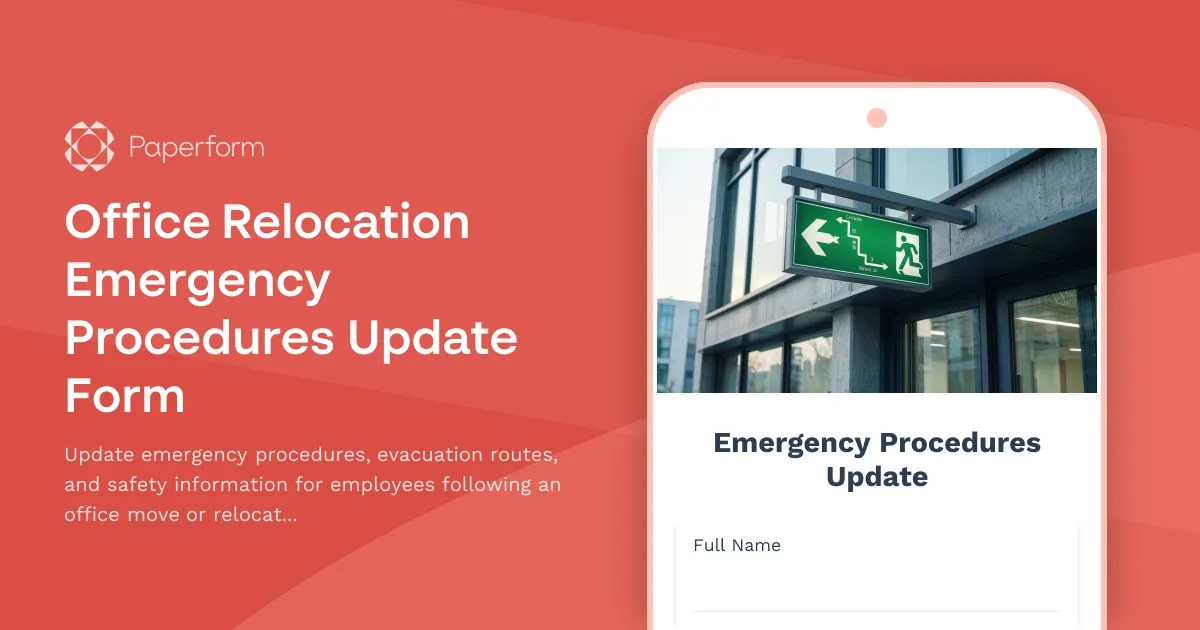
Office Relocation Emergency Procedures Update Form
Update emergency procedures, evacuation routes, and safety information for employees following an office move or relocation. Ensure everyone knows new exit routes, muster points, and emergency contacts.
Air Force One Maintenance Security Incident Report
Secure incident reporting form for Air Force One maintenance facility security breaches, enabling coordinated response across Secret Service, Air Force, and federal agencies with flight schedule impact assessment.
Airport Terminal Evacuation Check-In Form
A comprehensive emergency evacuation form for airport terminals to track passengers, airline staff, retail workers, security personnel, and ensure safe headcount verification during emergency situations.
Bike-to-Work Challenge Registration & Parking Request
Register for your workplace bike-to-work challenge, request secure bike parking and locker room access, track your commute, and sign the participation pledge to earn incentives.
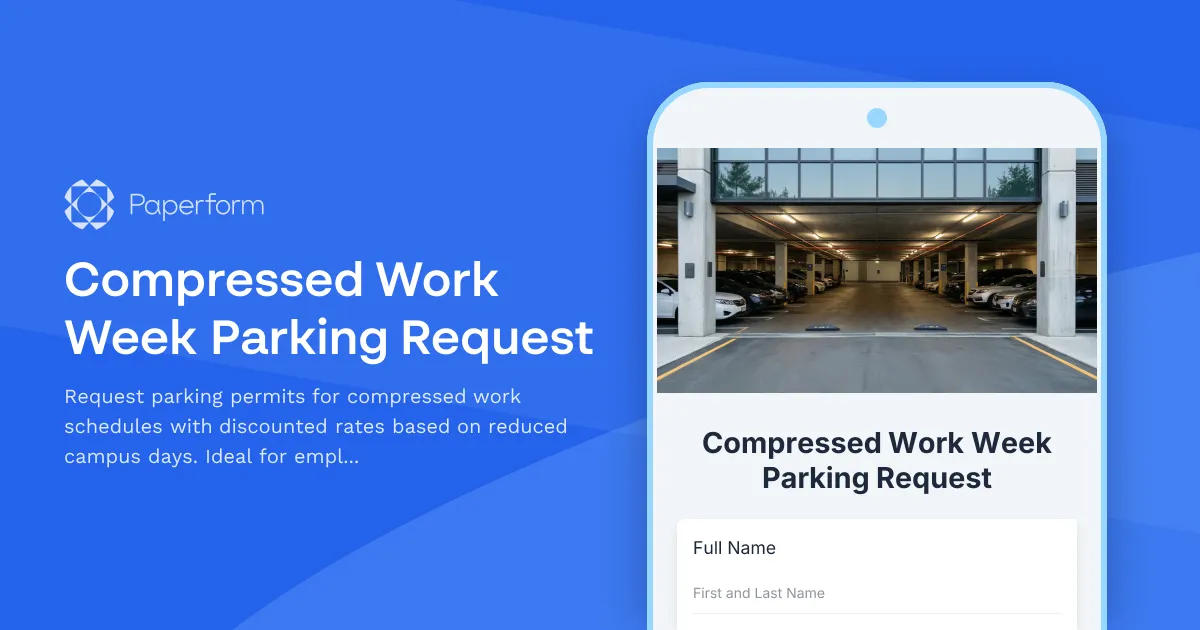
Compressed Work Week Parking Request
Request parking permits for compressed work schedules with discounted rates based on reduced campus days. Ideal for employees working 4x10 or alternative schedules.
Military Base Visitor Pass Application
Comprehensive visitor pass application for military base access with security clearance verification, vehicle registration, sponsor confirmation, and restricted area designation.
Nuclear Facility Security Badge Application
Comprehensive security badge application for nuclear facility access, including NRC background check authorization, radiation safety training verification, and dosimetry assignment.
Office Accessibility & ADA Compliance Audit Form
Comprehensive accessibility assessment form for office spaces, covering wheelchair access, restroom accommodations, assistive technology, emergency procedures, and reasonable accommodation requests.
Office Move Building Access and Security Coordination Form
Coordinate building access, badge transfers, and security system updates for office moves and relocations. Streamline employee access permissions, visitor management, and security integrations in one form.
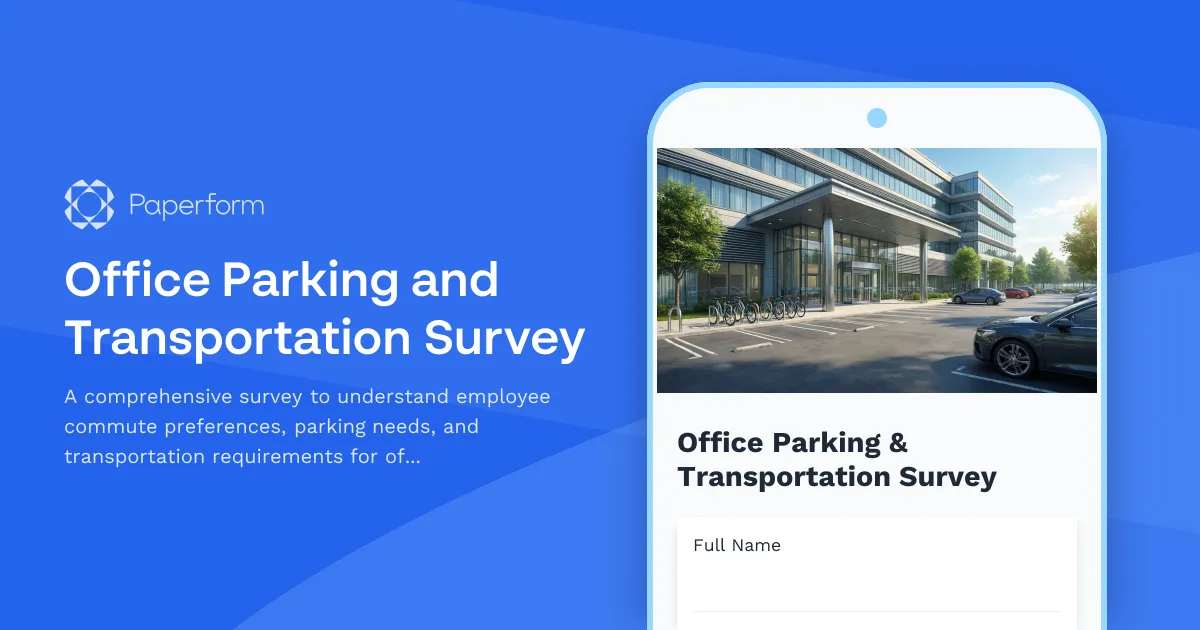
Office Parking and Transportation Survey
A comprehensive survey to understand employee commute preferences, parking needs, and transportation requirements for office relocations or new workspace planning.