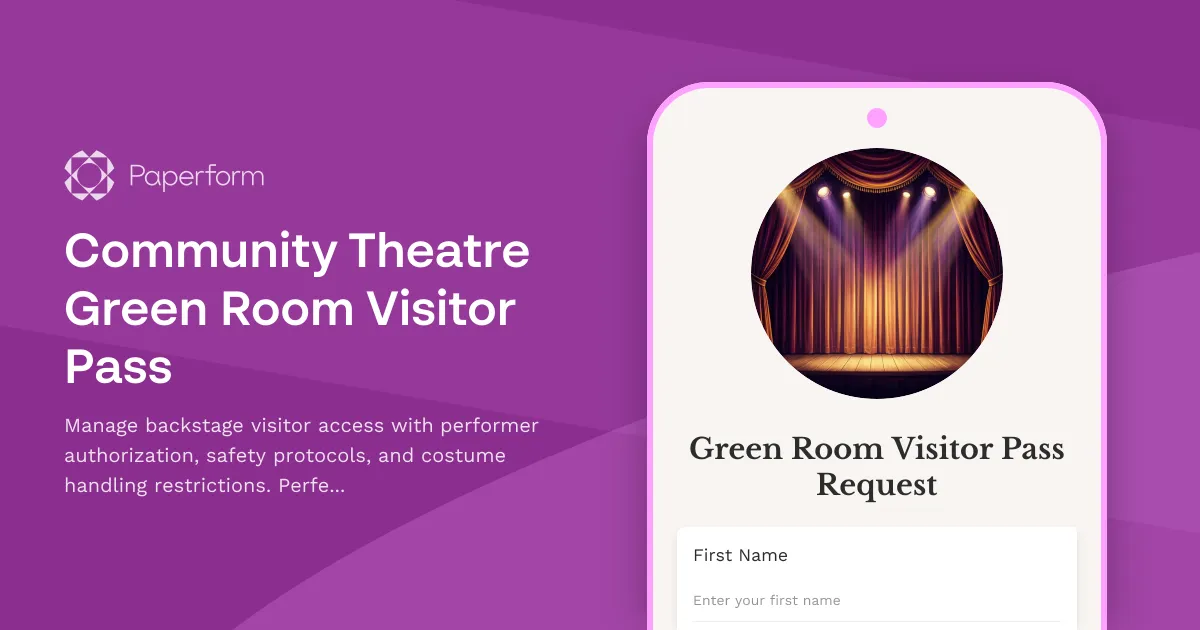
Professional Green Room Visitor Management for Community Theatres
Community theatres thrive on energy, collaboration and creativity—but during show time, backstage access needs structure. Whether you're managing a small black box theatre or a larger community venue, controlling who enters the green room, dressing areas and backstage zones is essential for performer safety, costume integrity and smooth show operations.
This Community Theatre Green Room Visitor Pass template gives you a simple, professional way to register backstage visitors, confirm performer authorization, communicate safety protocols and set clear expectations around costume handling, prop interaction and traffic flow during live performances.
Why community theatres need visitor management forms
In the chaos of opening night or mid-run performances, it's easy for well-meaning friends, family members or donors to wander backstage without understanding the unwritten rules. A single misplaced prop, bumped costume rack or loud conversation in the wings can disrupt a scene, stress performers or create safety hazards.
This form helps theatre managers, stage managers and production teams:
- Control access to green rooms, dressing areas and backstage zones during rehearsals and performances
- Verify performer authorization so only invited guests are granted passes
- Communicate safety protocols around props, set pieces, costume racks and backstage traffic patterns
- Protect costumes and makeup by setting clear handling and photography restrictions
- Reduce liability by documenting that visitors have acknowledged safety rules and conduct expectations
- Streamline check-in on show nights with pre-registered visitor lists
Whether you're a volunteer-run theatre, a community arts centre or a semi-professional troupe, this form adapts to your needs—from single-show passes to recurring visitor access across a production run.
How this green room visitor pass works
Visitors complete the form online before arriving at the venue, or check in on a tablet at the stage door. The form captures:
- Visitor details: name, contact information and relationship to the performer or production
- Performer authorization: which cast or crew member is sponsoring their visit, with optional authorization confirmation
- Visit details: date, performance or rehearsal, and reason for backstage access
- Safety acknowledgment: agreement to follow backstage protocols, respect costume and prop restrictions, maintain quiet zones and follow stage manager instructions
- Costume and photography policies: understanding that costumes, wigs and makeup are not to be touched, and photography may be restricted
- Emergency contact: in case of incident or evacuation during their visit
Once submitted, the form generates a digital visitor record that stage managers can reference during check-in, and sends the visitor a confirmation with their pass details and any venue-specific rules.
Key features for theatre operations
Performer authorization workflow: Require visitors to name the performer or crew member who invited them, and optionally send a confirmation request to that person before approving the pass. This prevents surprise guests and ensures performers have control over who enters their space.
Safety and conduct protocols: Clearly communicate rules around noise levels, restricted areas (like the wings during a scene), prop handling, costume racks and backstage traffic flow—especially during live performances when focus and timing are critical.
Costume and makeup handling restrictions: Set expectations that costumes, wigs, accessories and makeup stations are off-limits unless the visitor is part of the production team. This protects months of design and construction work from accidental damage.
Flexible access levels: Use conditional logic to adjust the form based on whether the visit is during a performance, rehearsal or strike/load-in, with different rules and restrictions for each scenario.
Digital pass generation: Automatically send approved visitors a confirmation email with their pass details, date, time, sponsoring performer and any special instructions—so they arrive prepared and informed.
Who benefits from this template
This form is designed for:
- Community theatres managing green room and backstage access during productions
- Theatre companies running multi-week or multi-show seasons with rotating casts and crews
- Stage managers responsible for maintaining order, safety and focus backstage
- Production managers coordinating volunteer-run or semi-professional productions
- Arts centres hosting multiple theatre groups and needing consistent visitor policies
- Student and youth theatres where parental access and safety protocols are especially important
Automate your visitor workflow with Stepper
Once a visitor submits the form, you can use Stepper to automatically notify the sponsoring performer for authorization, log the visitor in a shared Airtable or Google Sheet for stage management reference, send reminder emails with backstage rules the day before the visit, and alert the stage manager team via Slack when a new visitor checks in—keeping everyone in the loop without manual coordination.
Customize for your venue's needs
Every theatre has its own layout, culture and safety priorities. You can easily adapt this template to:
- Add photo upload for visitor badges or digital passes
- Include specific room or area access (green room, dressing room A, costume shop)
- Require COVID-19 or health screening questions if your venue has protocols
- Collect emergency contact details for minors visiting backstage
- Add custom questions about allergies (relevant if there's food, smoke effects or animals backstage)
- Link to your venue's full backstage conduct policy or safety manual
Integrate with your theatre's tools
Paperform connects seamlessly with the tools community theatres already use. Send visitor records to Google Sheets or Airtable for real-time check-in lists, sync with Slack to notify stage managers of new approvals, trigger confirmation emails with Mailchimp or Gmail, and use Stepper to route authorization requests to the right performer or production team member automatically.
Protect your production, respect your performers
Backstage is a sacred space during a show—a place for focus, preparation, vulnerability and trust. A well-managed visitor policy protects that space while still welcoming the community support that makes local theatre thrive.
With this green room visitor pass template, you can balance hospitality with safety, celebrate your performers' work with their loved ones, and keep the magic of live theatre running smoothly from call time to curtain call.
Start using this template today to bring professionalism, clarity and peace of mind to your backstage visitor management—because every great performance deserves a great support system, both onstage and off.



More templates like this
Theatre Backstage Visitor Pass Application
A comprehensive backstage visitor registration form for theatres, ensuring safety compliance, production staff authorization, and performance protection protocols are met before granting backstage access.
Opera House Rehearsal Hall Booking Form
A professional booking form for opera house rehearsal halls, orchestra pits, warm-up rooms, costume fitting areas, and accompanist coordination for performances and rehearsals.
Theater Backstage Access Pass Request
Request backstage access passes for theater production crew members with show dates, area restrictions, and stage manager approval workflows.
Theater Fly Loft After-Hours Rigging Access Request
Secure after-hours access to theater fly loft and rigging systems for touring productions with safety certification verification, load calculations, and technical director approval.
Dance Studio Rehearsal Space Booking Form
Book rehearsal space at our dance studio with options for floor type, mirrors, sound systems, and flexible hourly rates for dancers and performance groups.

Esports Arena Spectator Registration Form
Register spectators for esports tournaments with schedule selection, player interaction guidelines, streaming consent, and equipment handling protocols.
Event Venue AV Equipment Upgrade Purchase Request
A comprehensive internal purchase request form for event venues to submit and track AV equipment upgrade proposals, including technical specifications, capacity requirements, and depreciation schedules.

Observatory Telescope Room Reservation Form
Book observatory telescope sessions for stargazing, celestial events, and astrophotography with equipment rentals and volunteer astronomer support.
Performing Arts Center Weekend Load-In Access Request
Streamline weekend and after-hours building access for touring productions with union labor coordination, insurance verification, and technical rider documentation in one secure form.
Stadium Event Visitor Credential Form
Streamline stadium visitor registration with event-specific access levels, media pass requests, field access authorization, and equipment approval. Perfect for sports venues, concert arenas, and large event facilities managing multiple credential types.
Upcycling Workshop Supplies Request Form
Request materials, equipment, and schedule workshops for upcycling projects. Track material sourcing, manage class bookings, and integrate retail sales of finished products.
Architecture Biennale Pavilion Hospitality Planning Form
Coordinate catering and hospitality services for architecture biennale pavilions, managing international delegate dietary requirements, exhibition opening receptions, and VIP curator services with professional elegance.