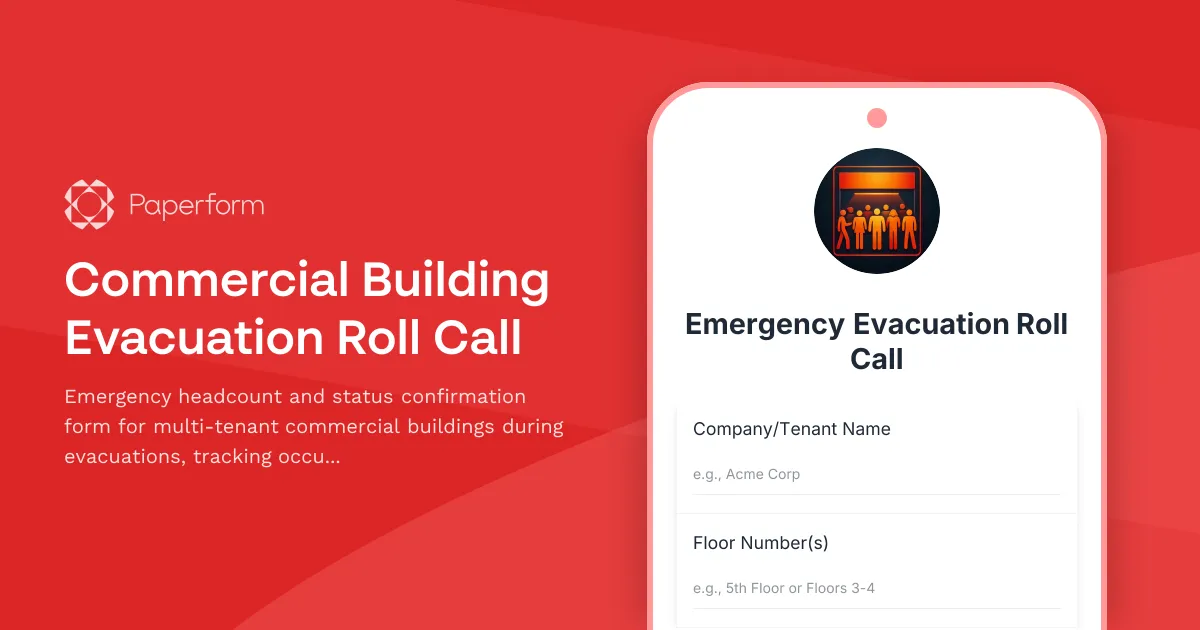
Emergency Evacuation Roll Call Form for Commercial Buildings
When an emergency strikes a multi-tenant commercial building—whether it's a fire alarm, gas leak, natural disaster, or security threat—accurate headcount and status tracking can make the difference between chaos and coordinated safety. This Commercial Building Evacuation Roll Call Form provides facility managers, safety coordinators, and emergency response teams with a fast, mobile-friendly way to confirm that everyone has safely evacuated and reached their designated assembly area.
Why Digital Evacuation Roll Call Matters
Traditional clipboard-based roll calls are slow, error-prone, and difficult to consolidate across multiple floors and tenants. In a multi-tenant building, you may have dozens of companies, each with their own employees, contractors, and visitors—making manual headcounts nearly impossible to coordinate in real time.
With Paperform, you can replace paper-based processes with a digital evacuation checkin form that can be filled out on any mobile device. Building managers can share a QR code or link at assembly areas, allowing company representatives to quickly submit headcount data, report anyone missing, and flag occupants who need medical assistance or mobility support. All submissions flow into a central dashboard, giving emergency coordinators instant visibility across the entire building.
Who This Form Is For
This template is designed for:
- Facility managers and property management teams overseeing multi-tenant office buildings, business parks, and commercial complexes
- Health and safety officers responsible for emergency preparedness and evacuation procedures
- Building security teams coordinating evacuations and liaising with first responders
- HR and operations managers ensuring employee safety during workplace emergencies
- Emergency response coordinators conducting drills and real-world evacuations
Whether you're running a quarterly fire drill or responding to an actual emergency, this form ensures accurate, real-time tracking of building occupants.
Key Features of This Template
This evacuation roll call form includes:
- Company and floor identification to quickly map which tenants and floors have been accounted for
- Headcount tracking for employees, contractors, and visitors present at the time of evacuation
- Assembly area confirmation to verify that occupants have reached the designated safe zone
- Missing persons reporting with conditional fields that appear when someone is unaccounted for
- Assistance needs flagging for occupants with disabilities, injuries, or medical conditions requiring immediate attention
- Emergency contact collection for follow-up communication and incident documentation
The form uses conditional logic to streamline the experience: if a company representative confirms everyone is safe, they can submit quickly. If anyone is missing or needs help, additional fields appear to capture critical details for first responders.
How This Form Integrates Into Your Emergency Response Plan
A digital evacuation form works best as part of a broader emergency preparedness strategy:
- Pre-drill setup: Share the form link or QR code with all tenant companies before drills, so team leads know where to submit roll call data
- Assembly area signage: Display QR codes at designated assembly points so representatives can scan and submit on their phones
- Real-time monitoring: Use Paperform's submission dashboard to track which companies have checked in and which are still outstanding
- Incident documentation: Export all submissions for post-incident reports, insurance claims, and safety audits
- Automated alerts: Use Stepper to trigger SMS or email alerts to building management when critical submissions come in (e.g., missing persons or medical emergencies)
For buildings with multiple floors or wings, you can create separate forms for each assembly area and consolidate data using integrations with Google Sheets, Airtable, or your facility management software.
Why Paperform Is the Right Platform for Emergency Forms
Speed and accessibility are non-negotiable in an emergency. Paperform forms are mobile-optimized, load instantly, and work offline if connectivity is spotty during a crisis. The clean, uncluttered interface ensures that even under stress, users can submit accurate information quickly.
Conditional logic keeps the form short for straightforward check-ins while capturing detailed information only when needed—reducing friction during an already high-pressure situation. And because Paperform is SOC 2 Type II compliant and offers data residency controls, your sensitive safety data is protected according to the highest security standards.
For facilities that manage multiple properties, the Agency+ plan lets you deploy the same form template across different buildings, each with its own branding and submission workflows.
Automation and Follow-Up With Stepper
Once a submission comes in, Stepper (stepper.io) can automate critical next steps:
- Alert emergency coordinators via SMS or Slack when a submission reports missing persons or assistance needs
- Update central dashboards in Notion, Airtable, or Google Sheets with real-time headcount data
- Trigger follow-up emails to company contacts once the all-clear is given
- Log incidents in facility management systems for compliance and reporting
- Generate post-evacuation reports summarizing response times, headcounts, and issues for review
This level of automation ensures that building managers and safety officers can focus on coordinating the response, not chasing down data.
Industries and Use Cases
This template is ideal for:
- Corporate offices and business parks with multiple tenant companies
- Government buildings and public administration facilities
- Healthcare campuses (non-clinical areas) and administrative wings
- Educational institutions with mixed-use buildings
- Mixed-use developments with retail, office, and residential components
- Industrial facilities with office and warehouse zones
- Coworking spaces with high tenant turnover and varied occupancy
Any facility with a diverse occupant population benefits from structured, digital roll call processes that can scale during an emergency.
Compliance, Drills, and Best Practices
Most jurisdictions require commercial buildings to conduct regular evacuation drills and maintain accurate records of participation and response times. This form helps you meet those requirements by:
- Creating a timestamped audit trail of every drill and real-world evacuation
- Documenting occupant accountability for safety inspections and insurance
- Identifying gaps in evacuation procedures through post-drill data analysis
- Ensuring accessibility compliance by tracking assistance needs and response
Over time, you can use submission data to optimize assembly area assignments, improve signage, and reduce evacuation times.
Getting Started
This template is ready to use as-is, but you can easily customize it to match your building's specific emergency procedures. Add custom fields for visitor logs, adjust assembly area options to match your site plan, or integrate with your existing facility management tools.
Whether you're a property manager overseeing a single building or a portfolio manager responsible for multiple sites, Paperform gives you the flexibility, speed, and reliability you need to keep occupants safe when every second counts.
Trusted by facility managers and safety coordinators worldwide, Paperform is SOC 2 Type II & GDPR compliant, making it a secure, professional choice for emergency preparedness and crisis management.



More templates like this
Emergency Evacuation Check-In Form
A professional evacuation accountability form for corporate office buildings to conduct headcounts, verify employee safety, and confirm assembly point attendance during emergency situations.
Shopping Mall Evacuation Check-In Form
Emergency evacuation headcount and status tracking form for shopping mall personnel, store employees, security, maintenance staff, and customer assistance coordination during crisis situations.
Airport Terminal Evacuation Check-In Form
A comprehensive emergency evacuation form for airport terminals to track passengers, airline staff, retail workers, security personnel, and ensure safe headcount verification during emergency situations.
Convention Center Event Evacuation Form
Track evacuation status, headcount, and safety information for convention center events with exhibitor booths, attendee estimates, and emergency exit usage.
Apartment Complex Fire Evacuation Check-In Form
A critical emergency form for apartment residents to quickly check in during fire evacuations, report their status, and provide essential safety information to emergency responders.
Coworking Space Member Emergency Contact Form
Collect essential emergency contact information, building access details, key card information, and workspace preferences for coworking space members to ensure safety and optimal facility management.
Prison Facility Evacuation Form
A comprehensive emergency evacuation form for correctional facilities to track inmate headcount, officer assignments, secure perimeter status, and transport coordination during crisis situations.

Airport Security Threat Report Form
A comprehensive security threat reporting form for airport personnel to document and escalate critical incidents, coordinate TSA notification, manage terminal evacuations, and facilitate law enforcement response.
Community Swimming Pool Evacuation Form
A comprehensive emergency evacuation checklist for community swimming pools to verify all swimmers, staff, and areas are accounted for and secured during an emergency evacuation.
Corporate Facility Active Threat Evacuation Report
A critical incident reporting form for documenting active threat situations, employee evacuations, and coordinating with law enforcement and family reunification efforts.
Correctional Facility Riot Incident Report
Complete riot and critical incident documentation for correctional facilities, including tactical response, injury assessment, and state oversight notification requirements.
Healthcare Facility Active Shooter Incident Report
Comprehensive incident report form for active shooter events in healthcare facilities, designed to document casualties, coordinate law enforcement response, and deploy trauma counseling resources efficiently.