Streamline Your Call Center Workspace with Smart Hot Seat Booking
Managing a busy call center floor requires precision, flexibility, and seamless coordination. Whether you're running an inbound customer service center, sales team, or technical support operation, this Call Center Hot Seat Booking Form gives your agents and managers the tools they need to reserve workstations, coordinate equipment, and organize shift schedules—all in one streamlined workflow.
Built for Call Center Operations
This template is designed specifically for contact centers using hot desking or flexible seating arrangements. It captures everything your team needs to get set up and productive: desk location preferences, headset equipment assignments, system login requirements, and break schedule coordination. No more scrambling for available seats or missing equipment at shift start.
Why Paperform for Call Center Management?
Paperform makes it easy to create professional, on-brand booking forms that actually work for your operations team. With conditional logic built in, the form adapts based on agent responses—showing relevant equipment options, collecting shift-specific details, and routing requests to the right team leads. You can embed this form on your internal portal, share it via link, or integrate it directly into your workforce management system.
Once an agent submits their booking, you can use Stepper (stepper.io) to automatically notify supervisors, update your seating chart in Google Sheets or Airtable, send confirmation emails with desk assignments, and even trigger reminders before shift start. This eliminates manual coordination and ensures every agent knows exactly where to sit and what equipment they'll be using.
Perfect for Contact Centers and Customer Service Teams
Whether you manage a small support team or a large-scale call center operation, this template helps you coordinate workspace logistics efficiently. It's ideal for HR managers, operations coordinators, facility managers, and team leads who need to balance workspace capacity, equipment inventory, and shift scheduling without the chaos.
With Paperform's integrations, submissions can flow directly into Slack for real-time notifications, update your CRM or HR system, or sync with project management tools like Asana or Monday.com. Plus, with SOC 2 Type II compliance and secure data handling, you can trust that your employee information stays protected.



More templates like this
Call Center Quality Assurance Escalation Form
A comprehensive QA escalation form for call centers to flag agent performance issues, reference call recordings, and recommend targeted coaching interventions for quality improvement.
Call Center Technology Request Form
A comprehensive technology request form for call centers to manage agent headcount, software compatibility checks, remote work setups, and productivity metrics integration.
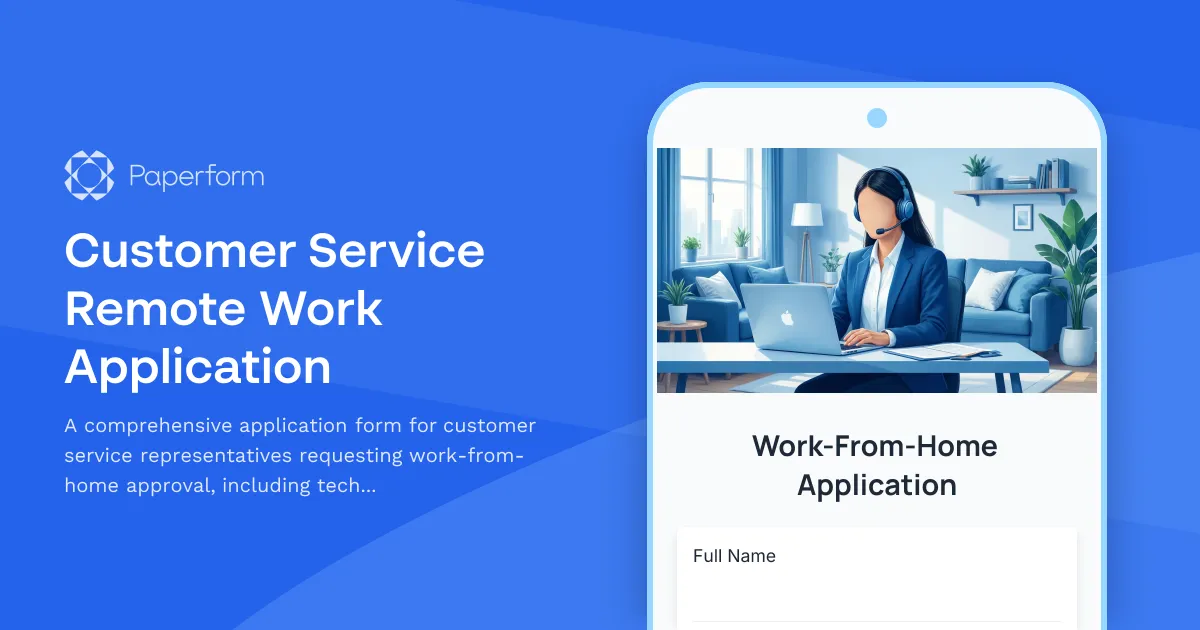
Customer Service Remote Work Application
A comprehensive application form for customer service representatives requesting work-from-home approval, including technical requirements, workspace verification, and performance metrics.
Call Center Facility Visitor Registration Form
A comprehensive visitor registration form for call center facilities that includes customer data privacy training, call recording notifications, headset hygiene protocols, and quiet zone compliance agreements.
Call Center Workplace Safety & Ergonomics Training Acknowledgment
Comprehensive safety training acknowledgment for call center employees covering ergonomics, workstation setup, break schedules, emergency procedures, and workplace violence prevention protocols.

Home Office Battery Backup & UPS Request Form
Request battery backup and UPS equipment for your home office to ensure business continuity during power outages. Assess your power needs, prioritize critical devices, and plan for uninterrupted remote work.
Home Office Storage & Filing Equipment Request Form
Request storage and filing equipment for your home office, including filing cabinets, shelving units, and organizational systems with security and fireproofing options.
Hybrid Work Office Space Reservation Form
A comprehensive office space reservation form for hybrid employees to book desks, select parking, and submit their weekly in-office schedule preferences.
Office Hoteling Amenity Customization Form
Customize your workspace preferences including standing desks, dual monitors, and ergonomic seating for a productive office experience.
Office Relocation Communication Preferences Form
Capture employee communication preferences, update frequency, and concerns during office moves to ensure everyone stays informed and supported throughout the relocation process.
Standing Desk & Ergonomic Furniture Request Form
Request ergonomic furniture and standing desks with health assessment, budget justification, workspace measurements, and installation scheduling for workplace comfort and productivity.
Vendor & Contractor Misconduct Report Form
Report misconduct, code of conduct violations, or contract compliance issues involving external vendors and contractors who interact with your organization.