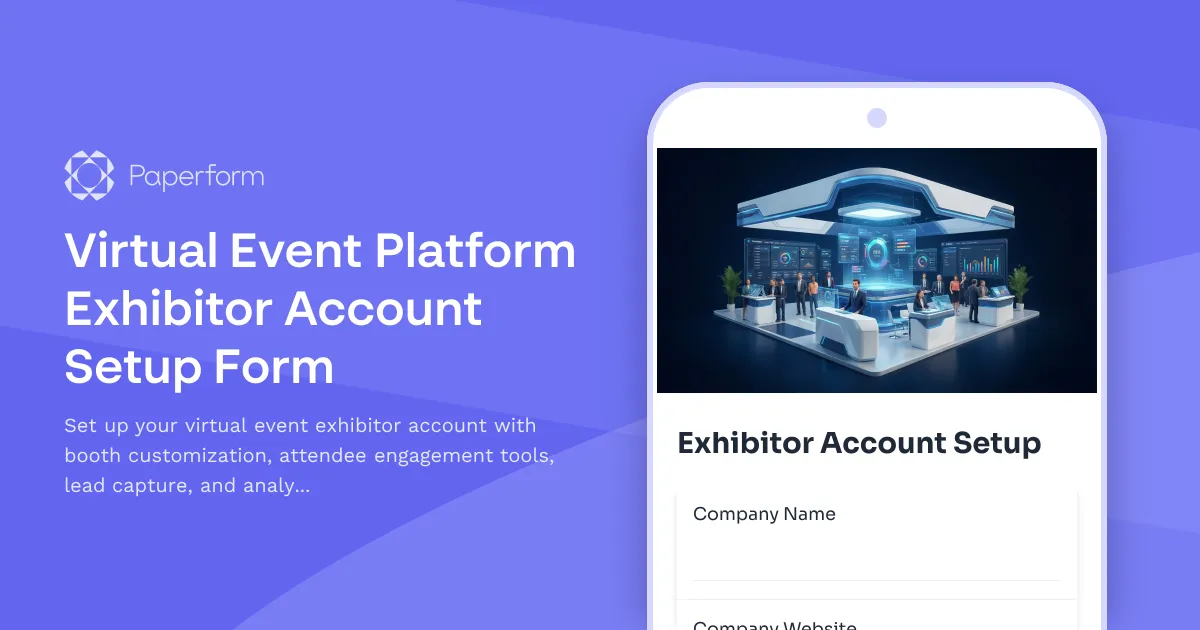
Virtual Event Platform Exhibitor Account Setup Form
Setting up exhibitor accounts for virtual events shouldn't involve endless back-and-forth emails, confusing spreadsheets, or manual permission assignments. Whether you're managing a large-scale trade show, industry conference, or product launch event, you need a streamlined way to onboard exhibitors and get them set up with the right tools to succeed.
This Virtual Event Platform Exhibitor Account Setup Form template gives event organizers and virtual event platform administrators a professional, efficient solution for collecting exhibitor information, configuring booth access, and provisioning the right permissions—all in one clean, conversion-focused form built with Paperform.
Why event organizers and IT teams choose this template
For event management companies, conference organizers, and trade show coordinators, this template eliminates the manual work of account provisioning. Instead of juggling emails, phone calls, and manual account creation, you can collect everything you need upfront: company details, booth preferences, team member access, engagement tool selections, and technical requirements.
For virtual event platform administrators and IT professionals, this form creates a standardized onboarding workflow that ensures every exhibitor account is set up consistently and securely. Use conditional logic to show relevant options based on booth tier or package level, and integrate with your user provisioning systems via Stepper to automatically create accounts, assign permissions, and trigger welcome sequences.
For SaaS platforms offering virtual event solutions, this template helps your customer success and onboarding teams scale exhibitor setup without adding headcount. Exhibitors get a clear, professional experience that reflects well on your platform, while your team saves hours of manual data entry and configuration.
What makes this form template work
This isn't just a basic signup form—it's purpose-built for the complex requirements of virtual event exhibitor provisioning:
- Company and representative information collection with fields for organization details, primary contacts, and billing information
- Booth tier and package selection with conditional fields that show relevant customization options based on chosen level
- Team access management with the ability to add multiple team members and assign role-based permissions
- Engagement tool preferences for selecting chat features, video capabilities, meeting schedulers, and presentation tools
- Lead capture and CRM integration settings to configure how attendee data flows to exhibitor systems
- Analytics and reporting access levels with clear permission options for different dashboard features
- Technical requirements assessment to ensure exhibitors have proper equipment and bandwidth
- Brand asset upload for logos, booth graphics, and promotional materials
- Custom success page confirming account details and next steps for getting started
The form uses Paperform's conditional logic to create a smart, personalized experience—exhibitors only see the options and fields relevant to their package tier, making the setup process feel simple rather than overwhelming.
How this template integrates with your workflow
One of the biggest advantages of building this form in Paperform is how easily it connects to your existing event platform and provisioning systems:
Use Stepper workflows to automatically create user accounts in your virtual event platform when the form is submitted, assign appropriate permissions based on booth tier, add exhibitors to communication sequences, create project tasks for your customer success team, and update your event database—all without writing code or manual intervention.
Connect to CRMs like HubSpot, Salesforce, or Pipedrive to track exhibitor onboarding status, trigger follow-up sequences, and keep sales and account management teams informed.
Push data to Google Sheets or Airtable to maintain a master exhibitor directory that your entire team can reference, or use Slack notifications to alert specific team members when high-tier exhibitors complete their setup.
For virtual event platforms that need enterprise-grade security, Paperform offers SOC 2 Type II compliance, SSO integration, and role-based access controls—ensuring exhibitor data is protected throughout the provisioning process.
Who benefits most from this template
This template is designed for:
- Virtual event platform providers offering exhibitor management as part of their SaaS solution
- Event management agencies coordinating multiple exhibitors across conferences and trade shows
- IT administrators and account provisioning teams managing user access for virtual event systems
- Conference organizers running hybrid or fully virtual events with exhibitor components
- Trade show coordinators transitioning from physical to virtual or hybrid event formats
- Customer success teams responsible for exhibitor onboarding and experience
- Association managers organizing member-based virtual events with exhibitor sponsors
Customization and scaling
Because this template is built in Paperform's document-style editor, customization is straightforward. Adjust the questions to match your platform's specific features, add conditional paths for different exhibitor tiers or industry verticals, incorporate your brand colors and logo, or embed the form directly on your event platform's exhibitor portal.
As your virtual event platform grows, Paperform scales with you. The Agency+ plan lets you manage forms for multiple events or clients under one account, while Enterprise features support high-volume exhibitor onboarding with advanced security and dedicated support.
Speed up exhibitor onboarding with AI
Paperform's AI form builder can help you quickly adapt this template to your specific platform or event requirements. Describe the unique features of your virtual event solution or the specific exhibitor tiers you offer, and let AI suggest additional fields, modify logic paths, or adjust the flow—then refine everything in the same intuitive editor.
Use AI Insights after your event to analyze exhibitor feedback, identify common setup challenges, and continuously improve your onboarding process for future events.
Get exhibitors up and running faster
The best virtual events happen when exhibitors can focus on engaging attendees rather than wrestling with account setup. This template gives your exhibitors a smooth, professional onboarding experience while giving your team the structured data and automated workflows you need to provision accounts quickly and accurately.
Whether you're managing a single conference or running a virtual event platform serving hundreds of organizers, Paperform provides the flexibility, integrations, and automation capabilities to make exhibitor account provisioning effortless.
Start with this template, customize it to match your platform's features and branding, and connect it to your provisioning workflow—turning what used to take hours of manual work into a streamlined, automated process that scales with your business.



More templates like this
Digital Twin Platform Engineer Account Creation Form
Streamline onboarding for digital twin platform engineers with automated account provisioning, access permissions, and tool configuration for modeling, simulation, and predictive analytics.
Enterprise SaaS Account Creation Form
Streamline enterprise account setup with multi-user provisioning, department allocation, role assignments, and SSO configuration in one comprehensive onboarding form.
Event Platform Attendee Data Access Request Form
Request access to attendee data from event management platforms, including registration details, check-in records, and networking activity logs for reporting and analysis.
SaaS Service Disruption & Impact Assessment Form
Track service disruptions, assess customer impact, manage incident communications, and monitor SLA breaches with this comprehensive business continuity form for SaaS platforms.
Sharing Economy Host VPN Access Request
A comprehensive VPN access form for sharing economy hosts requiring secure remote network access, with built-in verification, payment processing, and dispute resolution workflows.
Software Bug Critical Escalation Form
A professional escalation form for critical software bugs that captures reproduction steps, customer impact, severity levels, and routes issues to development teams with executive notification.
API Access Request Form
Request API access credentials for your SaaS platform integration. Select rate limits, configure endpoint permissions, and generate secure authentication tokens in minutes.
Augmented Reality Experience Designer Account Creation Form
Streamline onboarding for AR/XR designers with comprehensive account provisioning including scene building access, asset library permissions, spatial tools, and analytics dashboard setup.
B2B SaaS Conference Exhibitor Application
A comprehensive application form for B2B SaaS companies applying to exhibit at technology conferences, featuring software category selection, API demo requirements, and tech stack showcase capabilities.
Beta Feature Access Request Form
Request access to beta features and early product functionality. Participate in testing new features before general release and help shape product development.
Business Intelligence Tool Access Request Form
Request access to business intelligence tools and configure dashboard permissions, report creation rights, and data refresh scheduling preferences.
Chat Operations Platform Admin Access Request
Request administrative access to chat operations platforms with bot configuration permissions, workflow automation capabilities, and integration management rights for your team.