Why You Need a Professional Tutoring Service Parental Consent Form
If you run a tutoring service—whether you're a solo tutor, run a learning center, or manage an educational agency—having a clear, professional parental consent form is essential for building trust with families and protecting your business. This Tutoring Service Parental Consent Form Template is purpose-built for tutors and education professionals who need to gather parent permission, understand student needs, coordinate scheduling, and set clear payment expectations—all in one streamlined form.
What This Tutoring Consent Form Covers
This template goes beyond a simple signature form. It's designed to capture everything you need to start a productive tutoring relationship:
- Student and parent information – Full contact details, emergency contacts, and school information
- Academic goals and focus areas – Understand what subjects need support and what families hope to achieve
- Session scheduling preferences – Coordinate availability, preferred times, and session frequency
- Progress report authorization – Get permission to communicate with teachers and schools about student progress
- Payment terms and policies – Set clear expectations around rates, payment methods, cancellation policies, and billing cycles
- Media release and consent – Optional permission for using student work or photos in marketing materials
- Health and safety information – Capture any learning differences, allergies, or special accommodations
This form replaces scattered email chains, unclear verbal agreements, and incomplete intake processes with one professional document that sets both families and tutors up for success.
Who This Form Is For
This tutoring parental consent template is ideal for:
- Private tutors and independent educators offering one-on-one or small group sessions
- Tutoring centers and learning franchises managing multiple students and tutors
- Educational consultants and academic coaches working with families on learning plans
- Test prep companies helping students prepare for SAT, ACT, and other standardized exams
- Online tutoring platforms that need clear consent before beginning virtual sessions
- Special education tutors supporting students with learning differences or IEPs
- Language tutors and ESL instructors working with families on literacy and language development
Why Paperform Is Perfect for Tutoring Services
As a tutor or tutoring business owner, you need tools that work as hard as you do—without requiring a tech team or complicated software. Paperform is trusted by educators and service providers worldwide because it makes creating professional, on-brand forms simple and fast, while including all the features tutors actually need:
Payments Built Right In
Stop chasing down checks or sending separate invoices. This template integrates with Stripe, PayPal, Square and other payment processors so parents can pay registration fees, deposits, or full session packages directly in the form. You can set up:
- One-time registration or assessment fees
- Package pricing for blocks of sessions (e.g., 10 sessions for $500)
- Recurring subscription billing for ongoing weekly tutoring
- Deposits or first-session payments to secure the booking
Prices can be calculated based on subject, grade level, or session length, and parents see the total update in real time as they fill out the form.
Scheduling and Availability
Add a scheduling field to let parents book their first session or select preferred time slots directly in the form. Connect your calendar so availability updates automatically, and avoid the back-and-forth of scheduling emails. For ongoing sessions, you can collect scheduling preferences and follow up with a calendar invite—or use Paperform's integration with tools like Calendly or Acuity.
Automated Workflows with Stepper
Once a parent submits this form, what happens next? With Stepper (stepper.io), Paperform's AI-native workflow builder, you can automate your entire tutoring onboarding process:
- Send a personalized welcome email to the family with next steps
- Create a new student record in your CRM, Google Sheets, or Airtable
- Notify the assigned tutor with student details, goals, and scheduling preferences
- Add the family to your email list for progress updates and newsletters
- Trigger a reminder email the day before the first session
- Create tasks in your project management tool to prepare lesson plans
All of this happens automatically, with no code required, so you can focus on teaching instead of admin work.
eSignatures with Papersign
Need a legally binding signature from parents? Use Papersign (papersign.com) to turn this consent form into an eSignature document. Once a parent completes the form, they can review and sign the terms digitally, and you'll have a secure, timestamped record of consent. This is especially useful for tutoring agreements that include liability waivers, photo release terms, or cancellation policies that need a formal signature.
Conditional Logic for Personalized Questions
Not every family needs the same questions. Use Paperform's conditional logic to show or hide fields based on earlier answers:
- Show additional questions about IEP accommodations only if a parent indicates their child has a learning difference
- Display online session tech requirements only if parents select virtual tutoring
- Ask about sibling discounts if multiple students are enrolling
- Show advanced payment options only if parents select package or subscription pricing
This keeps the form short and relevant for each family, improving completion rates and the overall experience.
On-Brand Design That Builds Trust
Parents are trusting you with their child's education—your forms should reflect that professionalism. Paperform's doc-style editor lets you create a consent form that looks like part of your website, not a generic survey. Add your logo, choose your brand fonts and colors, include photos of your tutoring space or team, and write in your own voice. You can embed the form on your website or send it as a standalone link that feels like a mini landing page.
Best Practices for Tutoring Consent Forms
When creating your parental consent form, keep these best practices in mind:
- Be transparent about costs – Clearly outline hourly rates, package pricing, and any additional fees (materials, assessments, travel)
- Set clear cancellation policies – Specify how much notice is required and whether missed sessions can be rescheduled or refunded
- Get specific about goals – Ask parents what success looks like—better grades, test scores, confidence, homework completion?
- Respect privacy – Explain how student information will be used and stored, and give parents control over photo/media permissions
- Make scheduling easy – Provide clear options for session frequency, duration, and preferred times
- Collect emergency contacts – Always have a backup contact in case you can't reach the primary parent during a session
- Ask about learning needs – Understanding learning styles, challenges, and accommodations helps you tailor your approach from day one
Compliance and Security
For tutoring businesses handling sensitive student information, trust is everything. Paperform is SOC 2 Type II compliant and GDPR compliant, meaning your student and family data is stored securely and handled according to international privacy standards. You can control data residency, set up SSO for team access, and manage permissions so only authorized staff can view submissions.
Integrations That Connect Your Tutoring Business
Paperform connects with the tools tutors and education businesses already use:
- CRMs like HubSpot or Pipedrive to track leads and client relationships
- Spreadsheets and databases like Google Sheets, Airtable, or Notion to manage student rosters and session logs
- Communication tools like Slack or email for instant notifications when new students enroll
- Scheduling tools like Calendly, Acuity, or Google Calendar to coordinate sessions
- Accounting software like QuickBooks or Xero to sync payments and invoicing
You can set up these connections with a few clicks—no developer needed.
Get Started with This Template
This Tutoring Service Parental Consent Form Template gives you everything you need to onboard new students professionally and efficiently. Whether you're a solo tutor just starting out or an established learning center scaling up, Paperform provides the flexibility to customize this form to your specific services, policies, and brand.
Start with this template, tweak the questions to match your tutoring style, connect your payment processor and calendar, and you'll have a professional onboarding system that saves you time and builds trust with families from the very first interaction.
Trusted by over 500,000 teams worldwide, SOC2 Type II & GDPR compliant, Paperform is the smart choice for tutoring services that want to grow without getting bogged down in paperwork.



More templates like this
Candle Making Class Parental Consent Form
A parental consent form for minors attending candle making classes, covering hot wax safety, wick placement, scent combinations, and cooling time requirements.
Parkour Academy Youth Athlete Video Release Form
A comprehensive video release form for parkour academies to obtain guardian consent for filming youth athletes during training sessions, skill progression documentation, and urban sports marketing content.
Polymer Clay Sculpting Class Parental Consent Form
A comprehensive parental consent form for minors enrolling in polymer clay sculpting classes, covering modeling techniques, safety protocols, and creative activities.
Pressed Flower Art Class Parental Consent Form
A parental consent form for minors attending pressed flower art classes, covering class activities, safety guidelines, flower selection preferences, and permission for participation in pressing techniques and frame assembly.
Slime Making Party Parental Consent Form
A fun and safe parental consent form for children's slime-making parties, covering ingredient safety, allergy information, texture preferences, and take-home arrangements.
Student Success Story & Media Release Form
A comprehensive media release form for tutoring centers to collect student achievement testimonials, success stories, and consent to feature students in marketing materials, social media, and press releases.
Swimming Lessons Parental Consent Form
A comprehensive parental consent form for swimming lessons with skill level assessment, pool rules acknowledgment, locker room supervision agreement, and safety waivers.
Academic Peer Tutoring Recording Consent Form
A comprehensive consent form for recording peer tutoring sessions at learning centers. Covers video/audio permissions, tutor training use, student outcomes tracking, and session assessment purposes.
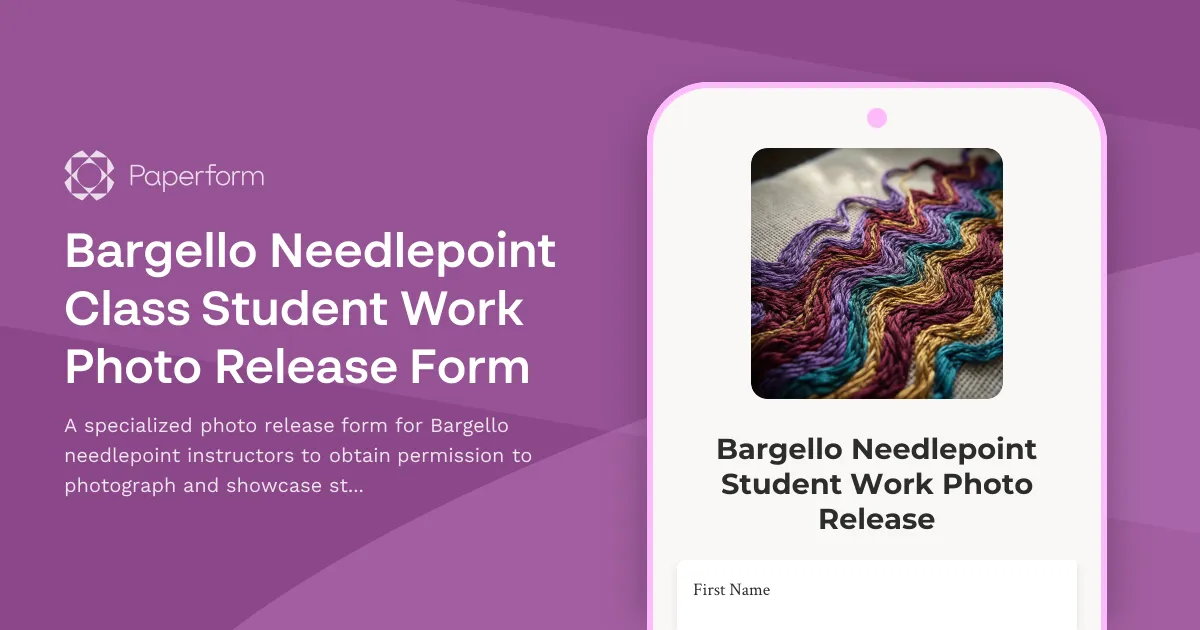
Bargello Needlepoint Class Student Work Photo Release Form
A specialized photo release form for Bargello needlepoint instructors to obtain permission to photograph and showcase student flame stitch work, document Italian needlework heritage, and build counted canvas portfolios.
Bath Bomb Making Party Parental Consent Form
A comprehensive parental consent form for children's bath bomb making parties, covering ingredient mixing, allergen disclosure, skin sensitivities, and activity supervision with essential safety and liability information.
Blacksmithing Workshop Student Project Photo Release Form
A comprehensive photo and video release form for blacksmithing workshops to document student forging processes, showcase traditional metalwork crafts, and obtain consent for portfolio and promotional usage.
Canning and Preserving Class Photo Consent Form
A comprehensive photo and video release form for canning and preserving class participants, covering food preservation documentation, seasonal harvest content, and sustainable kitchen marketing materials.