Streamline Your Training Room & Education Space Setup
Setting up a new training room or education space requires careful coordination across facilities, IT, and operations teams. Whether you're relocating offices, expanding your learning facilities, or reconfiguring existing spaces, this Training Room & Education Space Setup Form helps you capture every detail needed to create an effective learning environment.
Why use Paperform for training room setup?
This template is designed for facilities managers, office administrators, learning & development teams, and workplace operations professionals who need to gather comprehensive requirements for educational spaces. Instead of chasing details through endless email threads or incomplete spreadsheets, Paperform centralizes all your requirements in one professional, easy-to-complete form.
The conditional logic ensures respondents only see relevant questions based on their specific needs—keeping the form streamlined while capturing the full picture. Once submitted, you can integrate responses with your project management tools, facilities software, or calendar systems to kick off the setup process immediately.
Key features for education space planning
- Capacity & Layout Planning: Capture seating requirements, room dimensions, and preferred layouts (classroom, U-shape, theatre, collaborative pods)
- AV & Technology Requirements: Specify projectors, screens, microphones, video conferencing equipment, whiteboards, and control systems
- Teaching Material Storage: Plan for lockable cabinets, mobile carts, shelving, and secure storage for valuable equipment
- Accessibility Features: Ensure compliance with hearing loops, adjustable furniture, wheelchair access, and assistive technology
- Scheduling Integration: Connect the space to your booking systems with calendar sync preferences and usage priority settings
Automate your setup workflow with Stepper
Once your training room requirements are captured, use Stepper to automatically route requests to the right teams—facilities for furniture, IT for AV installation, procurement for equipment orders, and scheduling systems for calendar integration. Set up approval workflows for budget sign-off, track progress through each setup stage, and notify stakeholders when the space is ready to use.
Built for facilities and operations teams
This form template is ideal for:
- Facilities managers coordinating office moves and space reconfigurations
- Office administrators setting up new training facilities
- Learning & development teams specifying requirements for education spaces
- Workplace operations professionals managing space allocation and setup
- IT managers planning technology installations for training rooms
The form is fully customizable to match your organization's branding and specific requirements. Add your logo, adjust color schemes, include custom fields for your procurement systems, or integrate with your existing facilities management software—all without writing a single line of code.
Get started today and transform how you plan and configure training and education spaces across your organization.



More templates like this
Conference Room Technology Setup Request Form
Request and configure video conferencing equipment, presentation systems, and audio-visual technology for your new office's conference rooms and meeting spaces.
Departmental Office Move Champion Assignment Form
A comprehensive form for recruiting and onboarding office move champions who will support their departments through relocations, including volunteer selection, training requirements, and communication responsibilities.
Office Move Disaster Recovery & Backup Site Designation Form
Designate alternate workspaces and establish disaster recovery protocols for office moves and relocations. Identify backup sites, define recovery objectives, and plan failover procedures to ensure business continuity.
Office Relocation Business Continuity Plan Testing Form
A comprehensive form for testing business continuity plans during office relocations, verifying failover procedures, backup systems, alternative workspaces, and ensuring critical functions remain operational throughout the move.
Office Relocation Communication Preferences Form
Capture employee communication preferences, update frequency, and concerns during office moves to ensure everyone stays informed and supported throughout the relocation process.
Office Relocation Telecommunications Cutover Plan Form
Plan and coordinate telecommunications infrastructure during office relocations, including phone number porting, voicemail migration, call forwarding, and system testing schedules.
Collaborative Workspace & Huddle Room Equipment Relocation Form
A comprehensive form for managing the relocation of collaborative workspaces and huddle rooms, including AV systems, video conferencing equipment, whiteboards, displays, and post-move technology testing.
Office Library and Resource Center Setup Form
A comprehensive form for setting up a new office library and resource center, including book collection organization, digital resources, study room bookings, and staffing requirements.
Office Move Network Infrastructure Planning Form
Plan your office relocation's network infrastructure with detailed specifications for bandwidth, WiFi coverage, VoIP systems, printer placement, and redundancy requirements.
Office Move Records Management & File Organization Form
Streamline your office relocation with a comprehensive records management form. Track filing system redesigns, color coding, archive labeling, document scanning priorities, and retrieval procedures for a seamless move.
Office Relocation Employee Suggestions & Ideas Form
Capture employee feedback, innovation ideas, and feature requests for your upcoming office move. Enable crowd-sourced problem solving and gather votes on proposed improvements.
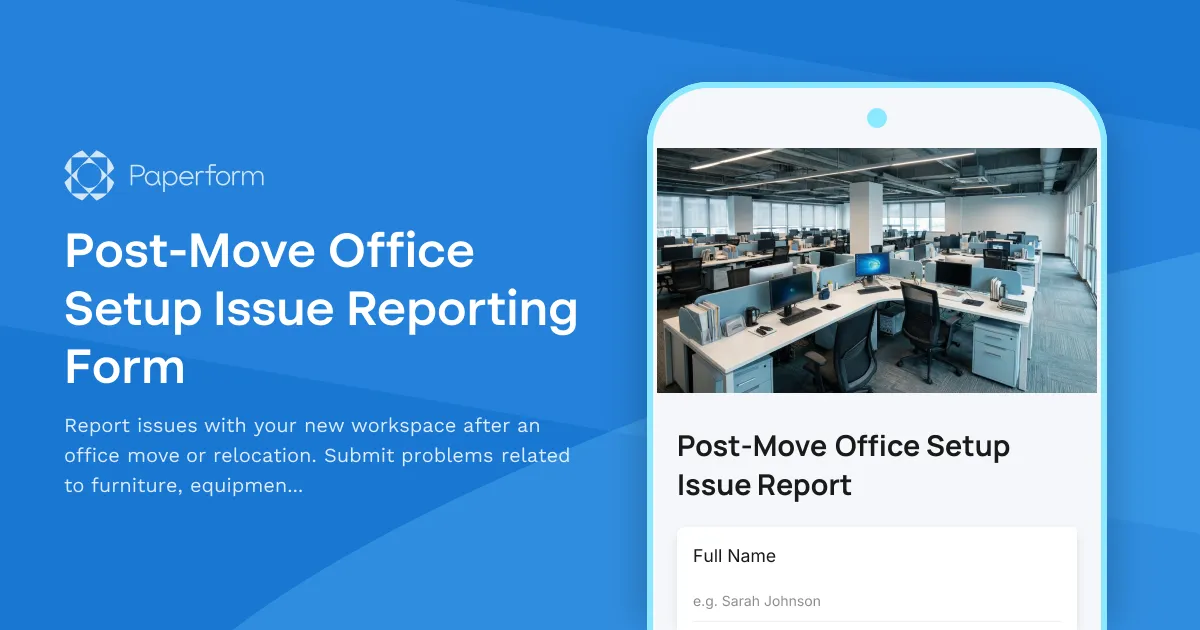
Post-Move Office Setup Issue Reporting Form
Report issues with your new workspace after an office move or relocation. Submit problems related to furniture, equipment, IT setup, or facilities with photos and urgency tracking for quick resolution.