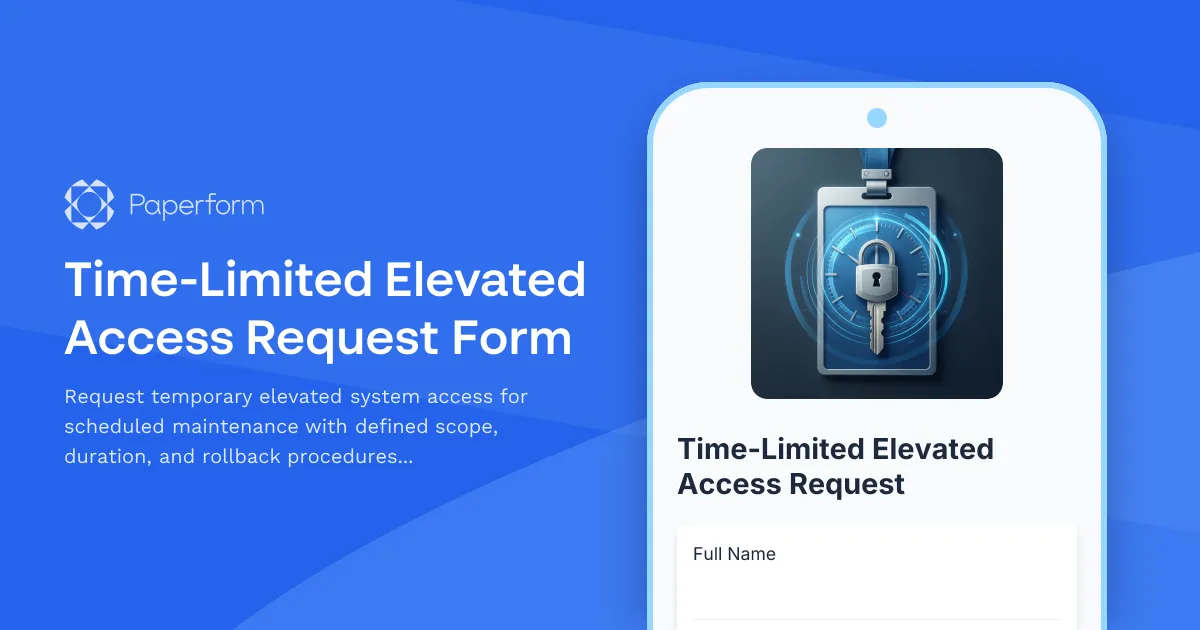
Time-Limited Elevated Access Request Form Template
Managing elevated access privileges is a critical security function for IT teams. This Time-Limited Elevated Access Request Form provides a structured, audit-ready way to request, approve, and track temporary administrative permissions for scheduled maintenance, system updates, and emergency interventions.
Why Use This Elevated Access Form Template?
Security best practices require that elevated privileges are granted only when necessary and revoked immediately after use. This form template helps IT departments, system administrators, and security teams enforce the principle of least privilege while maintaining operational flexibility for essential maintenance work.
Key benefits include:
- Clear audit trail: Every elevated access request is documented with requester details, system scope, and business justification
- Time-bound permissions: Enforce automatic access expiration to reduce security exposure
- Structured approvals: Built-in approval workflows ensure proper authorization before granting elevated access
- Risk management: Require rollback procedures and backup plans before maintenance begins
- Compliance support: Meet SOC 2, ISO 27001, and other security framework requirements for privileged access management
Who Should Use This Form?
This template is designed for organizations that need to balance security with operational efficiency:
- IT Managers & Directors managing access control policies and compliance
- System Administrators requesting temporary elevated privileges for maintenance
- Security Teams reviewing and approving privileged access requests
- DevOps Engineers needing production access for deployments and troubleshooting
- Database Administrators requiring elevated permissions for updates and migrations
- Network Engineers managing infrastructure changes and configurations
- Compliance Officers auditing privileged access management processes
What's Included in This Template
This comprehensive form captures all critical information for time-limited elevated access requests:
Requester Information
- Employee details and contact information
- Department and role verification
- Manager approval routing
Access Request Details
- Specific systems and environments requiring access
- Exact privilege level needed (root, admin, sudo, domain admin, etc.)
- Start and end date/time for access window
- Detailed business justification for elevated access
Risk Assessment
- Impact analysis of the proposed maintenance
- Systems and users affected
- Required rollback and recovery procedures
- Backup verification before proceeding
Approval Workflow
- Manager authorization
- Security team review
- Final approval chain before access is granted
Post-Access Documentation
- Verification that access was revoked
- Summary of work completed
- Any issues or deviations from the plan
How This Form Improves Your IT Security
Elevated access poses significant security risks when not properly managed. This template helps you:
- Prevent privilege creep: Time-limited access automatically expires, preventing indefinite elevated permissions
- Meet compliance requirements: Demonstrate proper access controls for audits and certifications
- Reduce insider threat risk: Every elevated access event is logged with clear justification
- Improve incident response: Clear documentation helps investigate any security events during the access window
- Enable accountability: Named approvers and detailed access logs create accountability at every level
Integrate With Your Existing IT Stack
Paperform's powerful integrations mean this elevated access form can connect directly to your existing tools:
- Sync to your ITSM platform: Send approved requests to ServiceNow, Jira Service Management, or Freshservice to create tickets automatically
- Alert security teams: Trigger Slack or Microsoft Teams notifications when high-risk access is requested
- Update access management systems: Connect to Active Directory, Okta, or other IAM platforms via Stepper workflows
- Log to compliance systems: Push all access requests to your SIEM, GRC platform, or audit log repository
- Create calendar events: Automatically schedule access windows in team calendars to track when elevated permissions are active
Automate Your Access Management Workflow With Stepper
Take this form further by connecting it to Stepper, Paperform's AI-native workflow builder. You can:
- Route approvals intelligently: Send requests to different approvers based on system criticality or access level
- Automate access provisioning: Trigger scripts to grant permissions when approved and revoke them automatically when the time window expires
- Send reminder notifications: Alert requesters and security teams before access expiration
- Update documentation: Automatically log completed maintenance in Confluence, Notion, or your knowledge base
- Generate compliance reports: Compile monthly or quarterly privileged access summaries for audits
Best Practices for Elevated Access Management
When implementing this form template in your organization:
- Define clear access levels: Standardize what "admin," "root," and other privilege levels mean in your environment
- Set maximum time limits: Establish policies for the longest acceptable access duration (e.g., 24 hours for most maintenance)
- Require rollback plans: Never approve elevated access without a documented recovery procedure
- Verify access revocation: Include a post-access step to confirm privileges were removed
- Review access patterns: Regularly audit who requests elevated access and why to identify process improvements
- Train your team: Ensure all technical staff understand when elevated access is required and how to request it properly
Security and Compliance
This template is built on Paperform, which is SOC 2 Type II compliant and offers enterprise-grade security features including encryption in transit and at rest, role-based access controls, and detailed audit logs. Your sensitive access request data is protected to the highest standards, giving you confidence for your security and compliance programs.
Getting Started
This template works out of the box for most IT teams, but you can easily customize it to match your organization's specific requirements:
- Add custom fields for your environment (AWS account IDs, VPN zones, application names)
- Adjust approval workflows to match your organizational hierarchy
- Integrate with your existing access management and ticketing systems
- Modify access level options to reflect your infrastructure
- Add conditional logic to require additional approvals for production systems
Whether you're a startup building your first access control process or an enterprise IT team managing thousands of users, this Time-Limited Elevated Access Request Form provides a professional, secure foundation for managing privileged access in your organization.
Start using this template today and bring structure, security, and accountability to your elevated access management process.



More templates like this
Disaster Recovery Platform Access Request
Request access to disaster recovery orchestration platforms with failover testing permissions, recovery plan execution rights, and RTO/RPO monitoring capabilities.
IT Security Architecture Review Board Submission Form
Submit security architecture proposals to the review board for evaluation, approval, and decision documentation with comprehensive risk assessments and compliance considerations.
Privileged Access Management Change Request Form
Streamline privileged access requests with automated approval workflows, audit trails, and time-based access controls for enhanced security compliance.
Data Center Server Room Access Request Form
Request secure access to data center server rooms with two-factor authentication setup, equipment authorization, and compliance acknowledgment for IT professionals and technicians.
Data Privacy Vault Access Request Form
Request secure access to data privacy vaults with tokenization permissions, configure de-identification rules, and enable privacy-preserving analytics for compliant data handling.
IT Security Architecture Exception Approval Form
Request and approve security architecture exceptions with technical justifications, alternative approaches, risk assessments, and time-bound permissions for IT change management.
Quantum-Safe Cryptography Readiness Assessment
Evaluate your organization's preparedness for post-quantum cryptography threats with a comprehensive assessment of current cryptographic algorithms, migration planning, and implementation roadmap.
Server Confidential Computing Enablement Request Form
Request and configure confidential computing environments with trusted execution environment (TEE) setup, enclave configuration, remote attestation, and secure key management for sensitive workloads.
Third-Party Vendor Data Sharing Access Request Form
A comprehensive form for managing third-party vendor data access requests, including data processing agreement requirements, security assessments, and purpose limitation controls for IT and compliance teams.
AI Model Deployment Approval Form
A comprehensive approval form for AI model deployments that evaluates training data, bias assessment, performance metrics, security controls, and ethical considerations before production release.
Customer Data Access Request Form
A GDPR and CCPA compliant form for managing customer data access requests with verification, justification, and consent tracking.
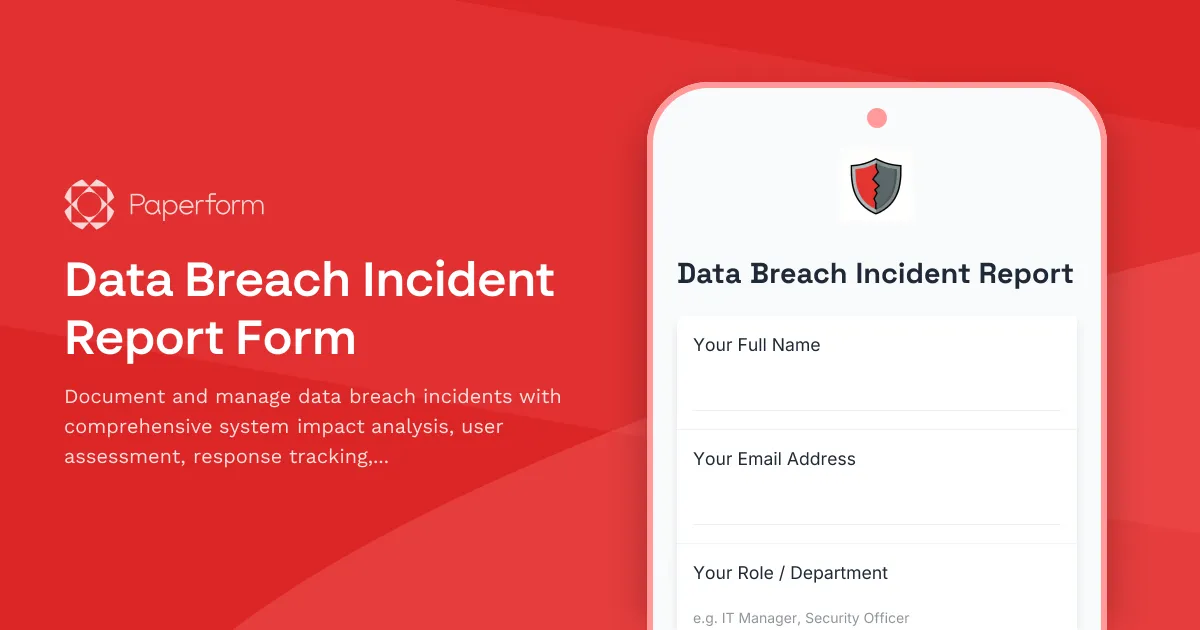
Data Breach Incident Report Form
Document and manage data breach incidents with comprehensive system impact analysis, user assessment, response tracking, and regulatory notification timelines.