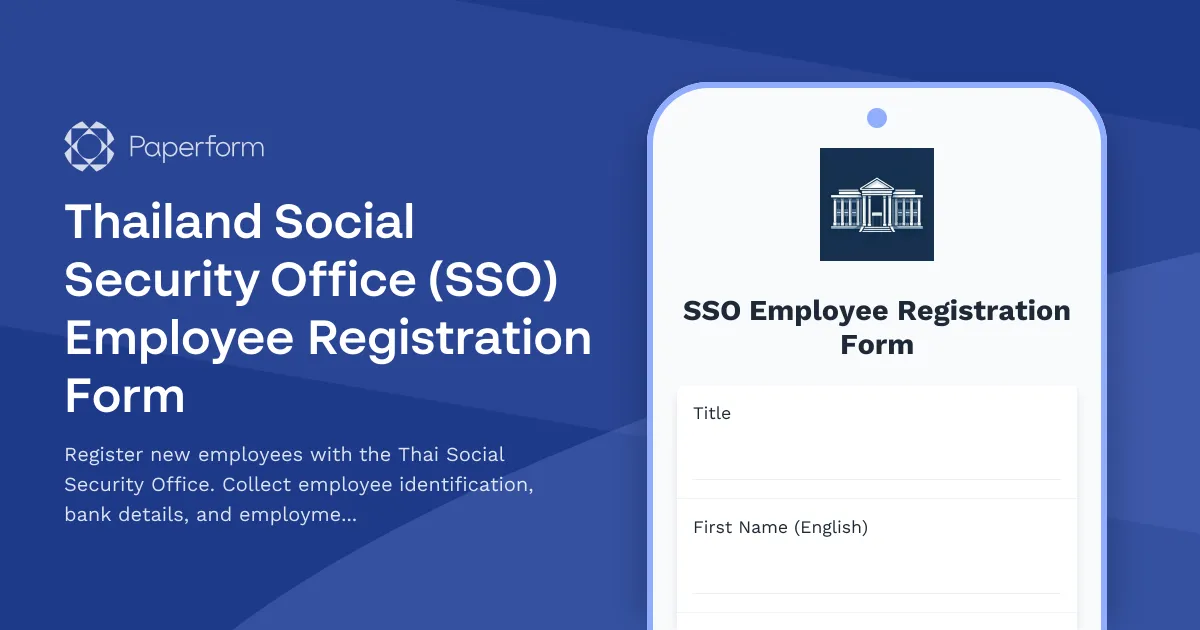
Streamline Your Thai Social Security Registration with Paperform
Registering new employees with Thailand's Social Security Office (SSO) is a legal requirement for all Thai employers, but the process doesn't have to be complicated. This Thailand SSO Employee Registration Form template helps HR teams and business owners collect all the necessary information from new hires in one organized, digital form—no more chasing paper documents or incomplete spreadsheets.
Built for Thai employment compliance
This form template captures everything you need to register employees with the SSO under Section 33 of the Social Security Act, including Thai national ID or passport details, bank account information for contribution payments, employment start dates, salary details, and employer information. The structured format ensures you don't miss any required fields when submitting to your local Social Security Office.
Save time with automation
Once an employee submits their information, Paperform can automatically route the data to your HR system, create a record in your database, or trigger a workflow in Stepper to notify your accounting team, generate an SSO registration checklist, or update your payroll software. This means less manual data entry and faster compliance processing for growing teams.
Designed for Thai businesses and multinationals
Whether you're a local SME, a regional office, or a multinational setting up operations in Thailand, this template gives you a professional, easy-to-use form that works in English or can be customized for Thai language. It's ideal for HR managers, recruitment teams, accounting departments, and business owners who need to maintain compliance with Thai labor and social security regulations.
Secure, organized, and scalable
All submissions are stored securely within Paperform's SOC 2 Type II compliant platform, giving you a clear audit trail for regulatory purposes. You can export data to Excel or Google Sheets for SSO submission, integrate directly with your HRIS, or keep everything centralized in Paperform's built-in submissions dashboard with role-based access for your team.
Get your new employees registered quickly and correctly—start with this template and customize it to match your company's specific workflow and branding.



More templates like this
ESI Registration Form for Establishments
Register your establishment with the Employee State Insurance Corporation (ESIC) and submit employee medical coverage and contribution details for compliance with India's ESI Act.
ZUS Parental Leave Application Form
A comprehensive ZUS parental leave application form for Polish employees with automatic benefit calculations, employer notifications, and regulatory compliance documentation.
Argentina Employee Relocation Assistance Package Form
A comprehensive relocation assistance form for employees moving to or within Argentina, including AFIP moving expense reimbursement tracking and tax treatment documentation for CUIT-registered employees.
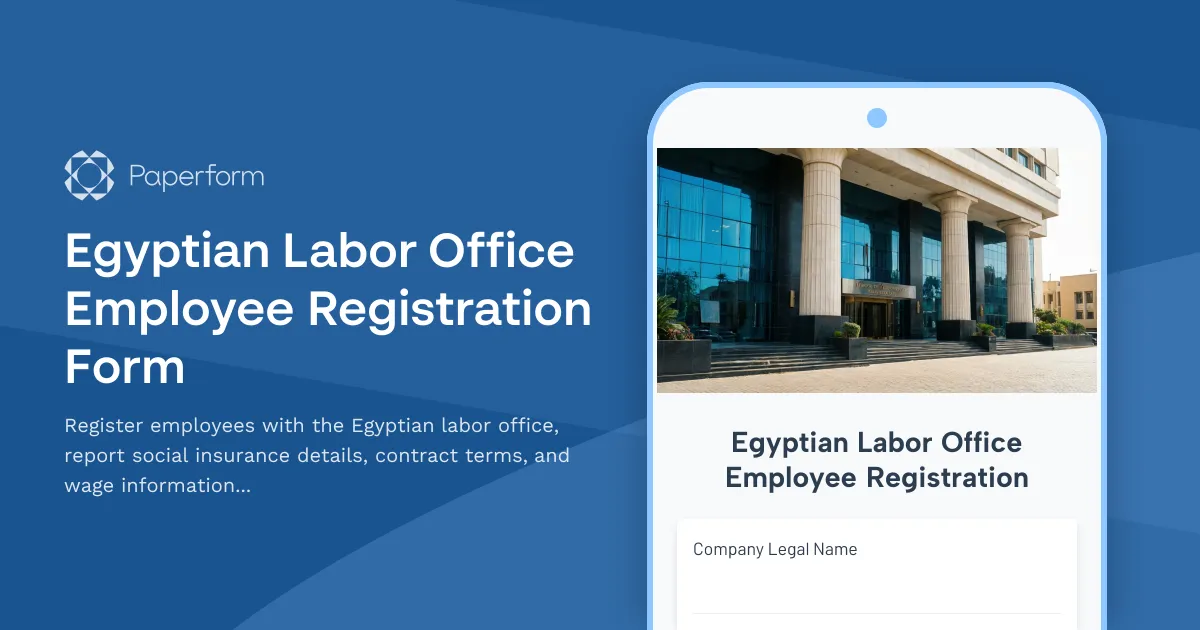
Egyptian Labor Office Employee Registration Form
Register employees with the Egyptian labor office, report social insurance details, contract terms, and wage information in compliance with Egyptian labor law requirements.
Fair Work Modern Award Classification Assessment Form
A comprehensive Australian workplace classification assessment form to determine employee award levels, duties, skill requirements and appropriate pay rates under Fair Work modern awards.
Finnish Personal Identity Code Collection Form
Secure form for collecting henkilötunnus (Finnish personal identity code) for HR purposes with full GDPR compliance, consent management, and data protection protocols.
German Mini-Job Registration Form (450-Euro-Job)
A comprehensive mini-job registration form for German employers and employees entering 450-Euro employment arrangements, with built-in earnings calculator and social security exemption tracking.
Hong Kong Employment Ordinance Continuous Contract Verification Form
Verify continuous contract status under Hong Kong Employment Ordinance with 4-week-in-18-week test, track hours worked, and assess eligibility for statutory employment benefits including MPF, leave entitlements, and severance payments.
Hong Kong Tax File Number Application Form
A comprehensive form to collect employee information for Hong Kong Tax File Number (TFN) applications, including HKID verification, address proof upload, and IRD submission tracking for HR departments.
Saskatchewan Workers Compensation Employer Registration Form
Register your business with the Saskatchewan Workers' Compensation Board (WCB). Provide employer details, industry classification, and payroll information to establish your coverage account.
ADA Remote Work Accommodation Request Form
A comprehensive form for employees to request remote work accommodations under the ADA, including disability documentation, assistive technology needs, and reasonable accommodation details for employer review.
Argentina Employee Termination AFIP Notification Form
A comprehensive AFIP-compliant form for documenting employee terminations in Argentina, including severance calculations, final payment documentation, and regulatory notifications required by Argentine labor law.