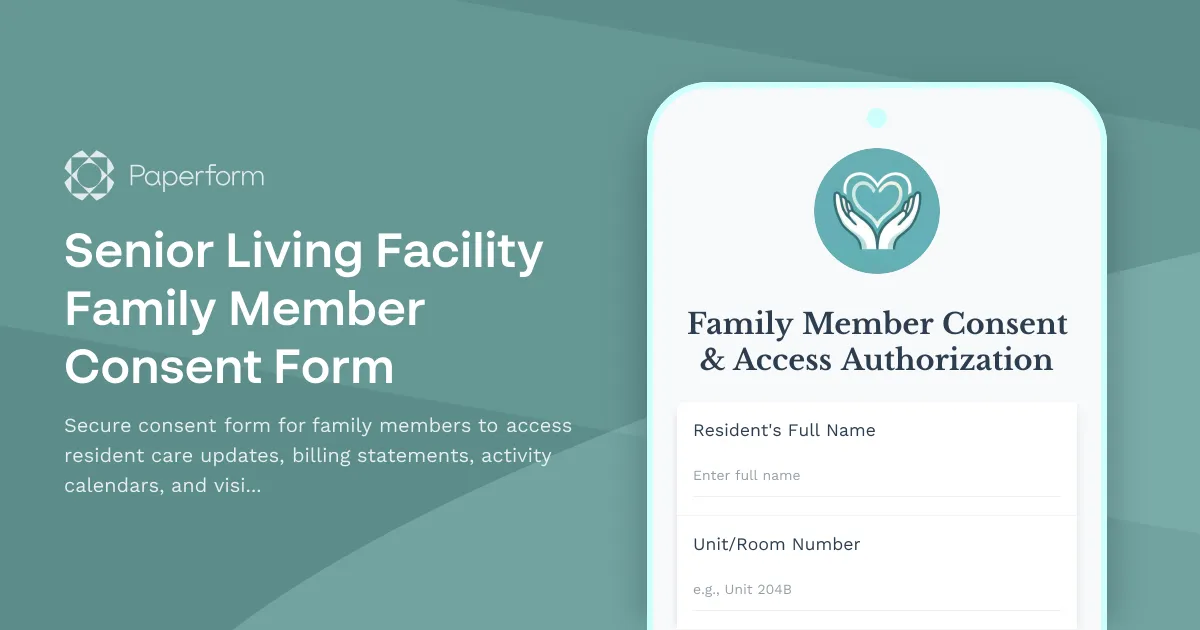
Senior Living Facility Family Member Consent & Access Authorization Form
Keeping families connected to their loved ones in senior care is essential for peace of mind and quality of life. This Senior Living Facility Family Member Consent Form helps senior living communities, assisted living facilities, and nursing homes streamline family engagement while maintaining strict privacy and data protection standards.
Why family consent forms matter in senior care
When a loved one moves into a senior living facility, families want to stay involved—but that involvement needs to be managed carefully. Care teams must balance resident privacy with family communication, comply with HIPAA and state regulations, and ensure only authorized individuals receive sensitive information about health status, billing, and daily activities.
This template provides a clear, compliant way to collect family member authorization for:
- Care updates and health communications – Daily wellness reports, medication changes, care plan updates, and incident notifications
- Billing and financial statements – Monthly invoices, payment reminders, and account statements
- Activity calendar access – Event schedules, outings, therapy sessions, and social programming
- Dining and meal preferences – Menu feedback, dietary restrictions, and meal satisfaction surveys
- Visitor management integration – Pre-registration for visits, access permissions, and emergency contact designation
By digitizing this consent process with Paperform, facilities can replace outdated paper forms with a secure, auditable system that updates in real time and integrates seamlessly with existing care management software.
How senior living facilities use this form
Healthcare administrators use this form during the admission process or as an annual renewal to ensure only authorized family members receive communications. The form captures detailed contact preferences, specifies which types of information each family member should receive, and documents legal authorization for data sharing under privacy regulations.
Family services coordinators rely on this form to maintain an up-to-date family contact database, reducing confusion about who to notify during care updates or emergencies. Conditional logic ensures each family member only consents to the specific communications they want, reducing inbox fatigue and improving engagement.
Billing and finance teams use the form to authorize family members to receive account statements and make payment arrangements, streamlining collections and reducing late payments from miscommunication.
Paperform makes family consent simple and secure
This form template works like a document you can edit inline—add your facility's branding, adjust consent categories to match your services, and customize success messages with next steps for families. The doc-style editor means no technical skills required, just type and format like you would in Word.
Conditional logic shows or hides fields based on family member responses. If someone declines billing statement access, they won't see payment-related questions. If they opt into activity calendar notifications, you can capture their preferred communication channel—email, SMS, or phone call.
eSignature integration via Papersign (papersign.com) turns each submission into a legally binding consent document, complete with timestamp and audit trail. Facilities can attach the signed consent form to the resident's file, ensuring compliance during inspections and audits.
Workflow automation with Stepper (stepper.io) takes this further. When a family member submits consent, Stepper can automatically:
- Add them to the facility's family portal with the correct permissions
- Subscribe them to relevant email lists for care updates or activity calendars
- Update the visitor management system with their authorization level
- Notify the care team that a new authorized contact has been added
- Send a welcome email with login credentials and next steps
This means facilities can onboard family members in minutes, not days, while ensuring every access permission is properly documented and synced across systems.
Built for senior care professionals
This template is designed specifically for:
- Senior living facilities managing family engagement across independent living, assisted living, and memory care units
- Nursing homes and skilled nursing facilities coordinating with families on care plans and billing
- Continuing care retirement communities (CCRCs) offering tiered access based on residency level
- Healthcare administrators ensuring HIPAA compliance and resident privacy protections
- Family services coordinators maintaining accurate emergency contact and communication preference records
Paperform is SOC 2 Type II compliant and GDPR-ready, giving facilities the security and compliance foundation needed to handle sensitive family and resident data. Role-based permissions let administrators control who can view submissions, and data residency controls ensure information stays in the right region.
Integrate with the tools senior care teams use
Paperform connects seamlessly with the platforms senior living facilities rely on every day:
- CRMs and care management software like HubSpot, Salesforce, or PointClickCare to sync family contact records
- Email marketing tools like Mailchimp or Constant Contact to segment families into communication lists
- Google Sheets or Airtable for custom family contact databases
- Slack or Microsoft Teams to notify staff when new consent forms are submitted
- Visitor management systems via webhook or Stepper workflows
Whether you're a single-facility operator or a regional senior care network managing multiple locations, this template scales with your needs—use custom domains for branded forms, duplicate and customize for each facility, or set up Agency+ features to manage multiple properties under one account.
Get started in minutes
Start with this template, customize the consent categories and communication preferences to match your facility's services, apply your branding with fonts, colors, and your logo, and publish your form as an embed on your family portal or as a standalone link shared during admissions.
Paperform's free plan lets you test the form and workflows risk-free, then upgrade to Essentials, Pro, or Agency+ as your submission volume and automation needs grow. No IT team required, no lengthy implementation—just a faster, friendlier way to keep families connected and compliant.
Trusted by healthcare providers and senior care communities worldwide, this consent form template brings transparency, security, and peace of mind to the most important relationships in resident care.



More templates like this
Home Healthcare Visit Recording Consent Form
A comprehensive consent form for recording home healthcare visits, documenting care plans, training family caregivers, and ensuring Medicare/Medicaid compliance with HIPAA-aligned permissions.

Nursing Home Activity Recording Consent Form
A compassionate consent form for recording nursing home activities and memory care documentation. Ensures dignity preservation while allowing families to share in resident experiences with proper authorization controls.
Corporate Wellness Program Consent Form
Employee consent form for participating in workplace wellness initiatives, including health risk assessments, fitness challenges, biometric screenings, mental health resources, and incentive programs.
Medical Oxygen Therapy Consent Form
A comprehensive consent form for patients receiving home oxygen therapy, covering equipment setup, fire safety protocols, and monitoring requirements.
Medical Wound Care Consent Form
A comprehensive consent form for wound care treatment authorization, including debridement procedures, dressing protocols, and infection monitoring agreements.
Veterinary Medical Records & Data Consent Form
Comprehensive consent form for veterinary clinics to obtain pet owner authorization for medical records, treatment photos, insurance claims, appointment reminders, and sharing information with specialists or new veterinary providers.
Animal-Assisted Therapy Consent Form
A comprehensive consent form for animal-assisted therapy programs that includes pet allergy screening, animal behavior protocols, safety guidelines, and treatment goal documentation for therapeutic sessions.

Art Therapy Session Recording Consent Form
Professional consent form for recording art therapy sessions, documenting creative processes, and establishing clear copyright and usage rights for therapeutic artwork and session materials.

Autism Therapy Session Recording Consent Form
A comprehensive consent form for recording autism therapy sessions, documenting behavioral analysis, supporting insurance authorization, and managing parent access to progress reviews.
Chiropractic Adjustment Consent Form
A comprehensive consent form for chiropractic patients to acknowledge treatment risks, provide health history, and authorize manual adjustment and manipulation procedures.
Chiropractic Patient Testimonial Video Release Form
A professional video testimonial release form for chiropractic clinics to capture patient success stories, treatment outcomes, and marketing consent for social media and promotional materials.

Clinical Laboratory Patient Consent Form
Comprehensive patient consent form for clinical laboratory specimen handling, test result storage, physician communication, insurance billing, and anonymized research participation.