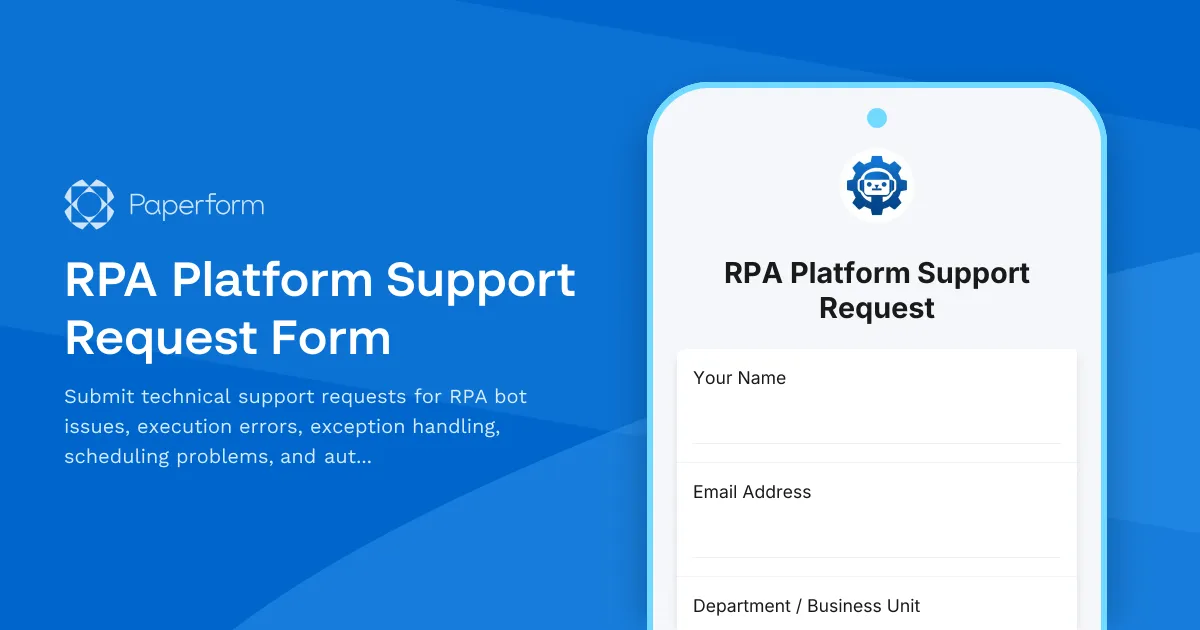
Streamline Your RPA Support with Paperform's Technical Request Template
When your robotic process automation platform encounters issues—whether it's a bot execution error at 3 AM or a scheduling conflict disrupting business operations—you need a fast, organized way to capture the problem and route it to the right technical experts. This RPA Platform Support Request Form is purpose-built for IT teams, automation centers of excellence (COE), and digital transformation professionals managing enterprise RPA deployments.
Why RPA Teams Need Structured Support Intake
Robotic process automation has become mission-critical infrastructure for organizations automating repetitive tasks across finance, HR, customer service, and operations. But when bots fail, the impact cascades quickly. Exception handling issues can cause compliance problems, schedule failures can delay month-end close, and unresolved errors can undermine stakeholder confidence in automation initiatives.
Traditional support channels—email threads, Slack messages, or generic IT ticketing systems—weren't designed for the nuances of RPA troubleshooting. They don't capture bot names, process IDs, error codes, orchestrator details, or the specific context automation engineers need to diagnose and resolve issues quickly.
This template solves that problem by creating a standardized intake form that collects all critical information upfront, routes requests intelligently based on severity and issue type, and integrates seamlessly with your existing support workflows.
What Makes This RPA Support Form Template Different
Automation-specific fields: Unlike generic IT support forms, this template captures RPA-specific context including bot names, process environments (Dev/Test/Prod), orchestrator details, error codes from execution logs, and whether the issue impacts attended or unattended automations.
Intelligent severity routing: The form uses conditional logic to adjust follow-up questions based on business impact. Critical production issues that affect multiple users trigger different escalation paths than development environment bugs, ensuring your automation COE focuses resources appropriately.
Exception handling workflow: A dedicated section helps users describe exception scenarios, including whether bots are failing at specific steps, encountering application errors, or experiencing timeout issues—giving your RPA developers the context they need without multiple back-and-forth clarifications.
Schedule and orchestrator integration: Fields for schedule names, trigger types (time-based, queue-triggered, or event-driven), and orchestrator details help your team quickly identify whether issues stem from scheduling conflicts, resource contention, or infrastructure problems.
COE escalation path: Built-in escalation workflow ensures high-priority issues reach your automation center of excellence leadership with full context, supporting governance and continuous improvement initiatives.
How IT Teams Use This Template
RPA developers and citizens developers use this form to report bot failures they can't resolve independently, providing execution logs and screenshots that speed diagnosis.
Business process owners submit requests when automated processes don't complete as expected, even if they don't have technical RPA knowledge—the form guides them through describing symptoms in business terms.
IT operations teams integrate the form into monitoring dashboards and alerting tools, creating support tickets automatically when orchestrator health checks detect anomalies.
Automation COE managers use submission data to identify patterns—recurring errors, problematic bots, or infrastructure bottlenecks—that inform platform improvements and training needs.
Extend Your RPA Support with Paperform's Automation Platform
This template becomes even more powerful when you connect it to your broader RPA and IT ecosystem:
Stepper workflow automation: Use Stepper (stepper.io) to automatically route support tickets to the right team based on bot name, severity, and issue category. Create approval workflows for production deployments, send Slack notifications when critical issues are submitted, and update your CMDB when bots are taken offline for maintenance.
Integration with your tech stack: Connect submissions directly to ServiceNow, Jira Service Management, Azure DevOps, or your RPA orchestrator's API. Log issues in your knowledge base, update capacity planning spreadsheets, and trigger automated diagnostics without manual data entry.
Conditional success pages: Show different next steps based on issue severity—critical issues display your on-call engineer's contact details and estimated response time, while low-priority requests confirm they've joined the queue with self-service troubleshooting links.
Built for Professional IT Environments
RPA platforms are enterprise tools, and your support intake should reflect that professionalism. This template uses clear, technical language appropriate for IT and automation professionals while remaining accessible enough for business users who interact with bots daily.
The form design is clean and efficient—no unnecessary fields, but comprehensive enough to avoid the "missing information" loop that delays resolution. Conditional logic shows advanced diagnostic fields only when relevant, keeping the experience focused for each issue type.
For teams managing multiple RPA platforms (UiPath, Automation Anywhere, Blue Prism, Power Automate), the form easily adapts to capture platform-specific details while maintaining a consistent support experience.
Security and Compliance for Enterprise Automation
When your support requests contain sensitive process details, execution logs, or business data, security matters. Paperform is SOC 2 Type II compliant with role-based access controls, SSO integration, and data residency options that meet enterprise IT security standards.
Submissions are encrypted in transit and at rest, and you can configure data retention policies that align with your information governance requirements—critical when support tickets reference financial automations, HR processes, or customer data handling.
Getting Started with Professional RPA Support
This template is ready to deploy immediately, whether you're a lean automation team supporting a dozen bots or an enterprise COE managing hundreds of processes across multiple business units. Customize field labels to match your RPA platform's terminology, add your logo and brand colors, and embed the form in your employee portal, SharePoint site, or internal wiki.
As your automation program matures, the form grows with you—add fields for new bot types, adjust severity definitions as SLAs evolve, and refine routing rules based on your team's capacity and specialization.
Over 500,000 teams worldwide trust Paperform for professional forms and workflows. With SOC 2 Type II compliance, GDPR alignment, and enterprise-grade security, Paperform provides the reliable foundation your RPA support operations deserve—without requiring developers to build and maintain custom intake forms.
Start resolving RPA issues faster with structured support requests that give your automation team exactly what they need, exactly when they need it.



More templates like this

Business Intelligence & Analytics Software Request
Request business intelligence and analytics software with data connectors, user seats, dashboard requirements, and visualization needs. Streamline your BI software procurement process.
Business Intelligence Tool Access Request Form
Request access to business intelligence tools and configure dashboard permissions, report creation rights, and data refresh scheduling preferences.
Business Intelligence Tool Support Request
Streamline BI support requests with this comprehensive form for data connection errors, dashboard issues, report scheduling problems, and analytics escalations.
Project Management Software Technical Support Request
Submit technical support requests for project management software issues including task assignment errors, Gantt chart problems, resource allocation bugs, time tracking integration issues, and escalation to the PMO team.
Remote Support Software Request Form
Request access to screen sharing and remote support software with configurable session limits, file transfer capabilities, and recording options for IT support teams.
Systems Analyst Skills Evaluation Form
Assess technical and analytical competencies of systems analysts, identify skill gaps in requirements gathering, process mapping, and solution design, and create targeted development plans.
Workplace Collaboration Tool Support Request
Submit technical support requests for workplace collaboration tools, including access issues, file sharing errors, integration problems, and bot configuration assistance.
Application Version Upgrade Change Request Form
A comprehensive IT change management form for requesting application version upgrades with dependency analysis, rollback planning, and user communication strategy.
Cloud Backup Service Vendor Assessment
Evaluate cloud backup service providers on reliability, recovery speed, encryption standards, and retention policies to select the right vendor for your business continuity needs.
Cloud Cost Management Tool Access Request
Request access to cloud cost management tools with customizable budget allocation permissions, usage reporting capabilities, and cost optimization recommendations for effective cloud spend control.
Cloud Storage File Metadata & Access Request Form
Request file metadata, access logs, sharing permissions, and version history from your cloud storage service. Comprehensive data access request form for IT administrators and users.

Collaboration Workspace Admin Access Request
Request administrative access to collaboration workspaces including member management, content moderation, and archive permissions for project teams.