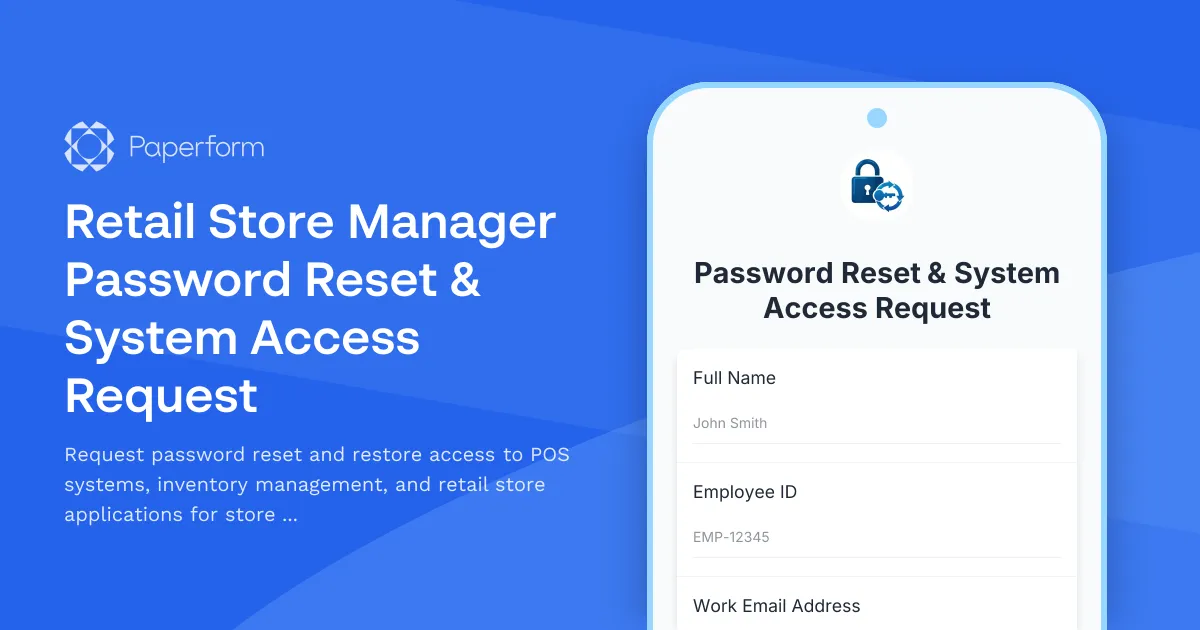
Retail Store Manager Password Reset & System Access Request Form
Managing a retail store means juggling multiple systems throughout the day—from POS terminals to inventory management software, employee scheduling tools, and reporting dashboards. When a manager or team member gets locked out, every minute counts. This Retail Store Manager Password Reset & System Access Request Form streamlines the process of restoring access to critical retail systems, ensuring your team can get back to serving customers and running operations smoothly.
Why retail stores need a dedicated password reset form
In busy retail environments, password issues aren't just an inconvenience—they directly impact sales, customer service, and daily operations. A store manager locked out of the POS system can't process returns or override transactions. Staff without inventory access can't receive shipments or conduct stock counts. And without proper documentation, IT teams struggle to track which permissions were granted and when.
This form template brings structure to what's often a chaotic process: phone calls to helpdesk, emails to multiple people, and unclear ticket status. Instead, managers and staff submit a single request that captures all the necessary information—employee details, affected systems, urgency level, and verification information—giving your IT or support team everything they need to restore access quickly and securely.
Built for retail operations and multi-location teams
Whether you're running a single boutique or managing dozens of locations across regions, this template adapts to your structure. The form includes fields for store location, employee role, and specific system access needs (POS, inventory, scheduling, reporting), making it easy for IT teams to route requests appropriately and grant the right permissions for each role.
Conditional logic shows different options based on the type of request—password reset, account unlock, or new permission requests—so users only see what's relevant. And because retail teams work varied shifts and weekends, the form captures urgency level and preferred contact method, ensuring critical requests get prioritized.
The clean, professional design works perfectly as an embedded form on your internal employee portal, shared via Slack or Teams, or bookmarked on store devices for quick access when issues arise.
Perfect for retail managers, IT teams, and operations staff
This form is designed for:
- Store managers and assistant managers who need quick password resets to keep operations running during peak hours
- Retail IT support teams who manage access across multiple locations and systems
- Operations and regional managers who oversee store technology and need visibility into access requests
- HR teams coordinating onboarding and offboarding for retail staff
- Loss prevention teams ensuring proper access controls and audit trails
The template is equally valuable for fashion retail, grocery stores, electronics retailers, pharmacies, sporting goods shops, and any business with physical locations and POS systems.
Streamline requests with Paperform's smart features
Paperform makes it easy for retail teams to submit access requests and for IT teams to process them efficiently. Conditional logic adapts the form based on request type and urgency, while calculation fields can route high-priority requests differently. Integration with tools like Slack, Microsoft Teams, or ticketing systems ensures your support team gets notified instantly when a manager needs urgent access.
For teams managing multiple stores or franchises, Paperform Agency+ lets you create separate branded forms for different store brands or regions while managing everything centrally. And if your access restoration process involves multiple steps—verification, approval, provisioning—you can use Stepper (stepper.io) to automate the workflow: send verification emails, route to the right IT team member based on location, update internal spreadsheets or databases, and notify the requestor when access is restored.
Security and compliance built in
Access management in retail isn't just about convenience—it's about protecting sensitive data, payment information, and inventory systems. This form captures verification details like employee ID, manager approval, and reason for access, creating a clear audit trail for compliance and loss prevention reviews.
Paperform is SOC 2 Type II compliant, ensuring that the sensitive information submitted through your password reset form is handled securely. For larger retail operations, you can enable SSO, set up role-based permissions so only IT staff see submissions, and configure data residency options to meet your compliance requirements.
Integrate with your retail tech stack
This form template works seamlessly with the tools retail teams already use. Send password reset requests to:
- Helpdesk systems like Zendesk, Freshdesk, or ServiceNow to create support tickets automatically
- Slack or Microsoft Teams to notify on-call IT staff immediately
- Google Sheets or Airtable to log all access requests for audit and reporting
- Email to route requests to regional IT coordinators based on store location
Using Stepper (stepper.io), you can build sophisticated workflows that verify employee information against your HR database, check if the request requires manager approval, provision access in your identity management system, and send confirmation instructions—all without writing code.
Get your team back to work faster
Password and access issues shouldn't bring your store operations to a halt. With this Retail Store Manager Password Reset & System Access Request Form, you give your team a fast, professional way to request help and give your IT team the structure they need to restore access securely and efficiently.
Start with this template and customize it to match your specific systems, store structure, and approval workflows. With Paperform's doc-style editor, you can adjust fields, add your retail brand's colors and logo, and set up the integrations that keep your operations running smoothly—no coding required.



More templates like this
Retail POS System Password Reset Form
A secure password reset request form for retail POS systems that includes store manager approval and register assignment verification.
Cannabis Dispensary Budtender Account Provisioning Form
Streamline new budtender onboarding with POS access, inventory permissions, patient verification tools, and compliance tracking for cannabis dispensaries.
E-commerce Admin Panel Password Reset Request
Secure password reset form for e-commerce admin accounts with two-factor authentication verification and comprehensive security logging for authorized personnel.
Point of Sale System Request Form
Request a new POS system for your business with terminals, payment processing, inventory integration, and loyalty program features.
E-commerce Platform Technical Support Request
Submit technical support tickets for e-commerce platform issues including shopping cart errors, payment gateway problems, inventory sync failures, and shipping integration issues with priority escalation options.
Inventory Management System Support Request
A comprehensive technical support form for inventory management system issues including stock sync errors, reorder calculations, barcode scanning, and warehouse integrations.
POS Integration Support Request Form
Get fast technical support for POS integration issues including order sync failures, inventory discrepancies, payment gateway errors, and merchant services coordination.
Utility Field Technician Password Reset Form
A secure password reset form for utility company field technicians requiring verification of work order system access and current safety training certification.
Aerospace Engineer Password Reset & Account Recovery Request
Secure password reset form for aerospace engineers requiring CAD system access and flight test data permissions. Streamline account recovery with verification and approval workflows.
Agricultural VPN Access Request for Farm Managers
A comprehensive VPN access request form designed for agricultural companies to securely grant farm managers remote access to crop monitoring systems, equipment telemetry, and supply chain portals.
Agriculture Cooperative Password Reset Request Form
A secure password reset and account recovery form designed for agriculture cooperative members to regain access to crop data, equipment sharing portals, and member resources.
Airport Security Staff Password Reset Form
Secure password reset request form for airport security personnel with TSA clearance verification and restricted area access review to ensure proper authentication and authorization.