Streamline Password Resets for Your Remote Workforce
When your team works remotely, a forgotten password or locked account can bring productivity to a halt. This Remote Employee Password Reset Request template gives IT teams a professional, secure way to handle password reset requests while maintaining proper verification and approval protocols.
Built specifically for distributed teams, this form captures essential identity verification details, confirms VPN access status, and routes requests through the appropriate approval chain—all in one streamlined workflow. Instead of juggling email threads and manual verification steps, your IT helpdesk can process requests faster while maintaining security best practices.
Why Paperform Works for IT Teams
This template demonstrates how Paperform can replace clunky internal ticketing systems with a clean, branded form that employees actually want to use. The conditional logic automatically shows or hides questions based on the type of access needed, and you can embed this form directly into your intranet, Slack, or employee portal.
Connect this form to your existing IT tools using Stepper (stepper.io) to automatically create helpdesk tickets, notify managers for approval via email or Slack, update your asset management system, and trigger follow-up workflows once the reset is complete. This means less manual work for IT staff and faster resolution times for employees who need help.
Perfect for IT departments, MSPs, system administrators, and any organization managing remote access for distributed teams. With SOC 2 Type II compliance and enterprise-grade security, Paperform ensures sensitive employee information stays protected while keeping your IT operations running smoothly.
Get your remote team back to work faster with a password reset process that's secure, efficient, and easy for everyone involved.



More templates like this
IT Password Reset Request Form
Streamline password reset requests with employee verification, department tracking, and priority-based ticket routing for IT helpdesks.
Active Directory Access Modification Request Form
Request changes to Active Directory access, group memberships, and permission levels with built-in approval workflows and audit trail logging.
Aerospace Engineer Password Reset & Account Recovery Request
Secure password reset form for aerospace engineers requiring CAD system access and flight test data permissions. Streamline account recovery with verification and approval workflows.
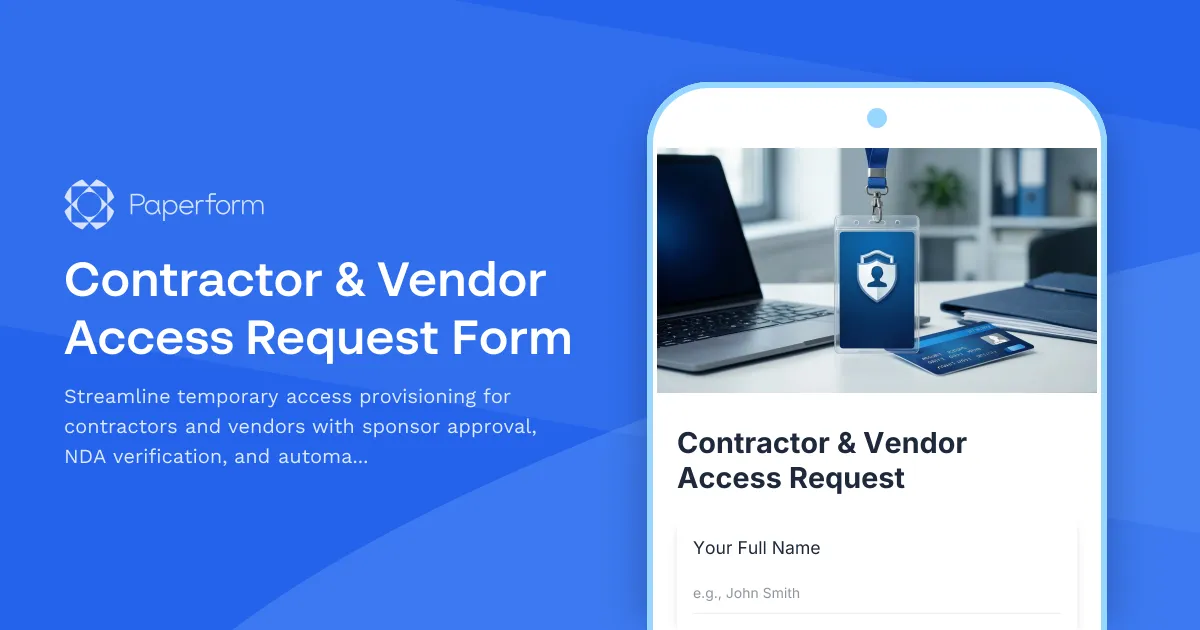
Contractor & Vendor Access Request Form
Streamline temporary access provisioning for contractors and vendors with sponsor approval, NDA verification, and automated badge printing integration.

Corporate VPN Access Request Form
Streamline remote access requests with this corporate VPN access form. Collect employee details, device information, security clearance levels, and route for manager approval—all in one secure workflow.
Cybersecurity Analyst Exit Interview & Handover Form
A comprehensive exit form for cybersecurity analysts covering threat intelligence handover, incident documentation, security tool access removal, and vulnerability assessment reports.
Cybersecurity Awareness Training Quiz
Test employee knowledge on phishing detection, password security, and data protection with this comprehensive cybersecurity awareness quiz designed for workplace training programs.
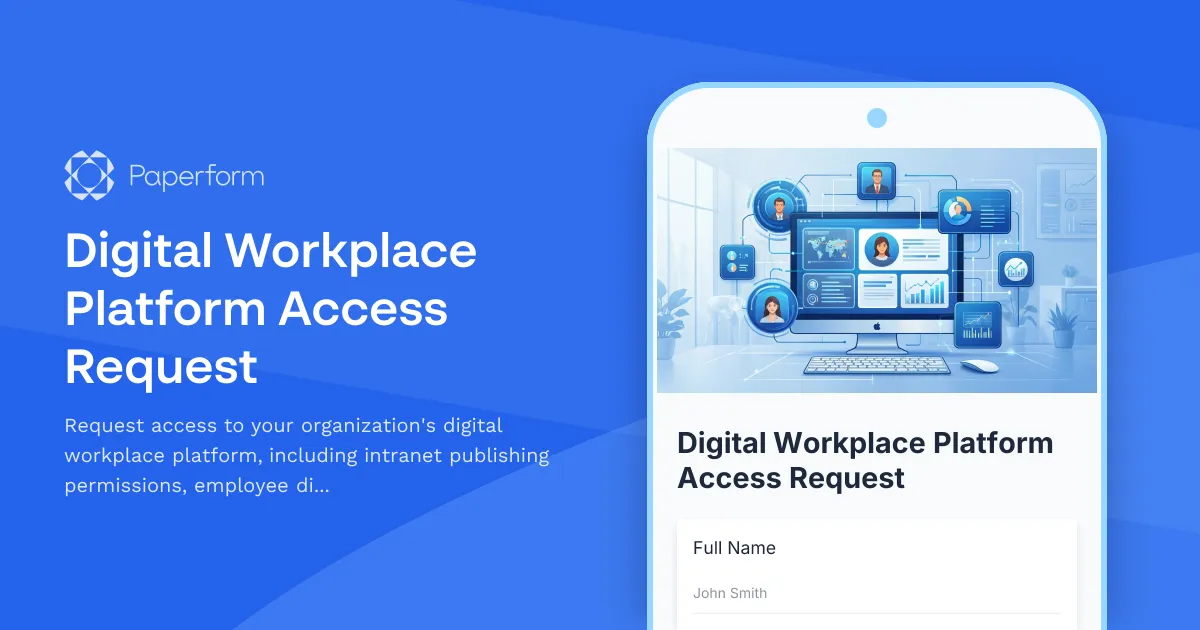
Digital Workplace Platform Access Request
Request access to your organization's digital workplace platform, including intranet publishing permissions, employee directory management, and engagement analytics viewing capabilities.
Distributed Engineering Team Onboarding Form
A comprehensive remote onboarding form for distributed engineering teams covering cloud access, repository permissions, sprint preferences, documentation standards, and on-call rotation availability.

Employee Offboarding IT Access Revocation Checklist
Comprehensive IT offboarding checklist to systematically revoke employee system access, track equipment returns, and ensure secure account closure across all platforms.

Home Office Battery Backup & UPS Request Form
Request battery backup and UPS equipment for your home office to ensure business continuity during power outages. Assess your power needs, prioritize critical devices, and plan for uninterrupted remote work.
IT Contractor Employment Verification Form
Verify IT contractor employment history, security clearances, project portfolios, and technical certifications for compliance and client onboarding.