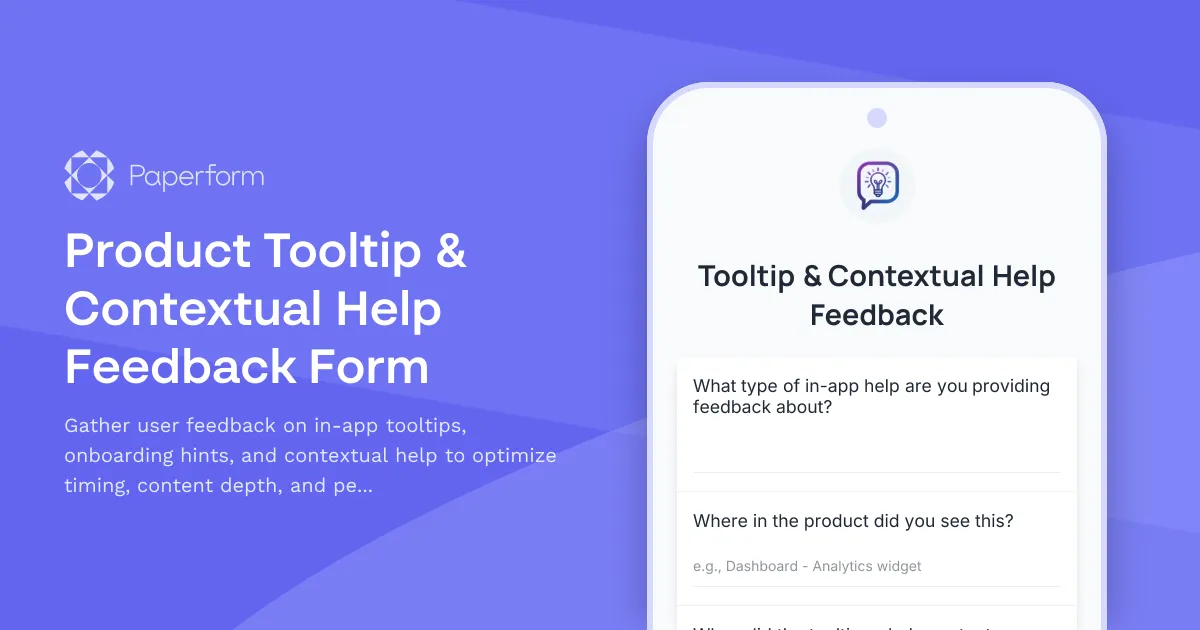
Optimize Your Product's In-App Guidance with Smart Feedback
Tooltips, contextual help, and in-app guidance are crucial for user onboarding and feature adoption—but only when they're helpful, not annoying. This Product Tooltip & Contextual Help Feedback Form helps SaaS teams and product managers understand exactly how users experience your in-app guidance system, from trigger timing to content usefulness to dismissal behavior.
Built for Product Teams Who Care About User Experience
Whether you're running a B2B SaaS platform, mobile app, or web application, collecting structured feedback about your tooltips and help content helps you:
- Improve onboarding conversion by understanding which hints actually help new users get started
- Reduce support tickets by making contextual help more discoverable and actionable
- Optimize trigger timing so tooltips appear when users need them, not when they're interrupting flow
- Balance content depth between too much information and not enough context
- Respect user preferences around dismissal persistence and "don't show again" behavior
This template captures detailed feedback about specific tooltip experiences, including where users encountered them, whether the timing felt right, if the content was helpful, and whether dismissal settings matched their expectations.
Automate Follow-Up and Analysis with Stepper
Once you've collected tooltip feedback, you can use Stepper to automatically route high-priority feedback to your product team, create Jira tickets for reported issues, update your product roadmap in Notion or Airtable, and trigger follow-up emails to users who reported problems. This keeps your feedback loop tight and ensures nothing falls through the cracks.
Made for Modern Product Teams
Paperform gives you the flexibility to embed this feedback form directly in your product (via embed or popup), send it as a post-interaction survey, or include it as part of your regular user research cadence. With conditional logic, you can show different follow-up questions based on whether the feedback was positive or negative, and use AI Insights to quickly identify patterns across hundreds of responses.
Trusted by product teams at fast-growing SaaS companies, this template helps you build in-app experiences that genuinely help users succeed—not just check a box on your onboarding checklist.



More templates like this
Product Collaboration Features Feedback Form
Gather detailed feedback on collaboration features including real-time sync, conflict resolution, and team workflow integration to improve your product experience.
Product Copy & Sharing Feedback Form
Collect detailed feedback on copy-to-clipboard functionality, deep linking accuracy, format options, and social preview generation for your SaaS product.
Product Feature Prioritization Survey
A comprehensive B2B SaaS survey to gather customer feedback on feature requests, assess business impact, and understand implementation preferences to guide product roadmap decisions.
Product Undo/Redo Functionality Feedback Form
Gather user feedback on undo/redo features, including history depth preferences, granularity requirements, and cross-session persistence needs for your SaaS product.
Beta Feedback & Bug Report Form
Gather actionable feedback from beta testers with structured bug reporting, feature requests, and UX ratings to improve your product before launch.
Beta Feedback Prioritization Matrix
A structured form for collecting and prioritizing beta user feedback with importance-urgency scoring, feature ranking, and development impact assessment to guide your product roadmap.
Browser Extension Feedback Form
Gather detailed feedback on your browser extension including performance impact, feature completeness, and compatibility issues. Perfect for SaaS teams building browser-based tools.
CSV Import Mapping Feedback Form
Help us improve our CSV import tool by sharing your experience with column mapping, data type detection, and data preview features.
Data Visualization Feature Request Form
Capture detailed feature requests for data visualization capabilities, including chart types, interactivity requirements, and embedding options to prioritize your product roadmap.
In-App Feedback & Feature Request Form
Capture user feedback, feature requests, and bug reports directly from your app with sentiment rating and automatic context capture.
Industry Compliance & Certification Feature Request Form
A comprehensive form for SaaS users to request compliance features, regulatory capabilities, audit trail enhancements, and certification support to meet industry-specific requirements.
Keyboard Shortcut Feedback & Discovery Form
Gather user feedback on keyboard shortcuts, discover customization needs, and identify shortcut conflicts to improve your product's accessibility and user experience.