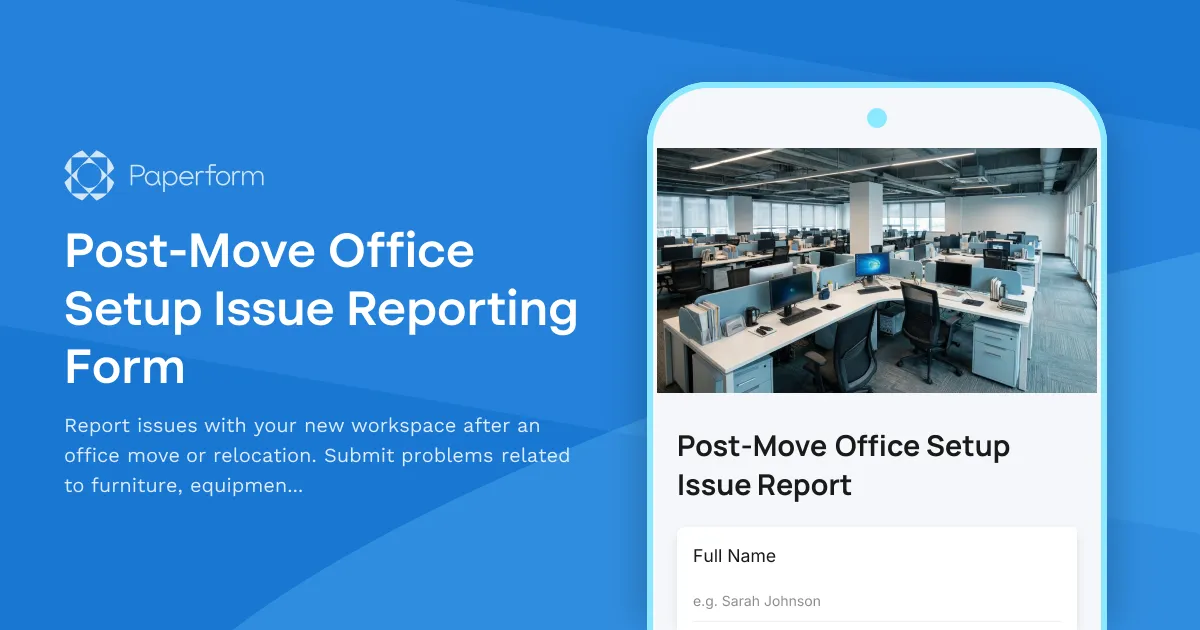
Moving offices or relocating to a new desk can be exciting—but it's rarely seamless. Missing equipment, faulty connections, damaged furniture, or incorrect room assignments can slow teams down and create friction right when everyone's trying to settle in. Without a clear way to report post-move issues, problems pile up, emails get lost, and facilities teams struggle to prioritize what needs fixing first.
Why you need a dedicated post-move issue reporting form
After any office move, relocation, or workspace change, you need a centralized, structured way for employees to flag what's not working. A dedicated post-move issue reporting form ensures:
- Nothing falls through the cracks: Every issue is logged, tracked, and assigned to the right team—facilities, IT, or admin.
- Faster resolution: With urgency levels, photo evidence, and clear descriptions, your team can prioritize critical fixes (like missing monitors or broken chairs) over minor cosmetic issues.
- Better accountability: Each submission creates a trackable record, so employees know their issue has been received and facilities can report on resolution times.
- Smooth handoffs: Integrate with IT ticketing systems, Slack, project management tools, or your CMMS so issues automatically route to the right queue without manual forwarding.
Whether you're managing a small office relocation or coordinating a multi-floor headquarters move, this form template helps you stay organized, responsive, and transparent.
Who is this form for?
This post-move office setup issue reporting form is designed for:
- Facilities managers coordinating post-move punch lists and ensuring every workspace is move-in ready.
- Office managers and workplace coordinators handling employee requests and tracking outstanding issues.
- IT teams managing technology setup, network connectivity, and equipment allocation after a move.
- HR and operations teams ensuring a smooth transition for employees relocating to new desks, floors, or buildings.
- Real estate and corporate services teams overseeing large-scale office relocations and tenant improvements.
What makes this Paperform template powerful
This isn't just a generic "report a problem" form. It's purpose-built for post-move scenarios with fields that capture everything facilities and IT teams need to act quickly:
- Location details: New desk number, floor, building, and department so issues can be routed to the right zone or technician.
- Issue category: Pre-defined options like furniture damage, IT equipment, network/connectivity, HVAC, lighting, access issues, or missing items—so you can sort and prioritize at a glance.
- Urgency level: Let employees flag whether an issue is blocking work (critical), inconvenient (high), or cosmetic (low), so your team can triage effectively.
- Photo upload: Capture visual evidence of damaged furniture, incorrect setup, or missing items to speed up diagnosis and resolution.
- Detailed description: Free-text field for additional context, serial numbers, or specific requests.
- Contact info: Employee name, email, and phone for follow-up and status updates.
The form's clean, professional design makes it easy to embed on your intranet, link from move-day emails, or share via QR code posted around the new office.
Automate issue tracking with Stepper
Once an issue is submitted, you don't want it sitting in a spreadsheet waiting for someone to manually copy-paste into a ticket. With Stepper, Paperform's AI-native workflow builder, you can automate the entire post-move issue lifecycle:
- Create IT tickets automatically: Route connectivity, equipment, or software issues directly into ServiceNow, Jira Service Management, Zendesk, or Freshdesk—no manual data entry.
- Assign to facilities teams: Send furniture, HVAC, or physical workspace issues to your CMMS, Asana, Monday, or ClickUp with all the details and photos attached.
- Notify the right people: Ping Slack channels, email facilities managers, or alert building supervisors based on issue category, location, or urgency.
- Update the employee: Send automatic confirmation emails, status updates, and resolution notifications so employees know their issue is being handled.
- Track SLAs and metrics: Log every submission in Airtable, Google Sheets, or your analytics dashboard to measure response times, identify recurring issues, and report on move success.
Stepper makes it possible to turn each submission into a smart, routed workflow that keeps issues moving through your system without bottlenecks or manual handoffs.
Built for professional environments
This template is designed with the tone and structure that corporate services, facilities, and workplace teams expect:
- SOC 2 Type II compliant: Secure submission handling and data storage for enterprise-grade peace of mind.
- Roles and permissions: Control who can view, export, or manage submissions across your facilities and IT teams.
- Custom branding: Match your company's intranet, employee portal, or workplace app so the form feels like part of your internal tools.
- Conditional logic: Show or hide fields based on issue type—so IT issues prompt for device serial numbers, and furniture issues prompt for photos.
- Mobile-friendly: Employees can report issues from their phone while standing at their new desk, with easy photo capture and submission.
Get the form working in minutes
You don't need a developer or IT approval to launch this form. With Paperform, you can:
- Customize the template: Add your logo, adjust field labels, tweak categories, or add conditional routing based on location or department.
- Embed or share: Drop the form into your intranet page, link it in a "Welcome to your new space" email, or print QR codes to post around the office.
- Connect your tools: Integrate with Slack, ServiceNow, Airtable, Google Workspace, Microsoft 365, or thousands of other apps via Stepper, Zapier, or webhooks.
- Go live: Start collecting issues immediately, with all submissions organized in one dashboard.
No spreadsheets, no email chains, no lost sticky notes. Just a clean, trackable system for managing the chaos of post-move setup.
Make every move smoother
Office moves and desk relocations are stressful enough without scrambling to track down who's missing a chair or whose network port isn't working. A purpose-built post-move issue reporting form gives your team visibility, accountability, and speed—so you can close out the move faster, keep employees happy, and get back to business as usual.
Start with this Paperform template, connect it to your facilities and IT workflows with Stepper, and turn post-move issue reporting from a headache into a smooth, automated process.



More templates like this
Executive Office & VIP Workspace Relocation Request Form
A comprehensive relocation request form for executive and VIP workspace moves, including privacy requirements, custom furniture specifications, secure storage, and priority scheduling.
Smart Building Technology Integration Request Form
Streamline your smart office setup with this IoT sensor deployment, occupancy tracking, energy management, and automation preferences form. Perfect for facilities managers implementing modern workplace technology.
Co-working Space Visitor Desk Booking Form
A professional desk booking form for co-working space visitors that includes host information, workspace preferences, duration selection, and building access badge requests.
Facilities Management Desk Booking & Workspace Reservation Form
Streamline desk reservations, hot desk bookings, and assigned seating while integrating building systems monitoring, vendor coordination, and emergency response protocols into your workspace management.
Office Move Building Access and Security Coordination Form
Coordinate building access, badge transfers, and security system updates for office moves and relocations. Streamline employee access permissions, visitor management, and security integrations in one form.
Office Move Timeline & Milestone Tracking Form
Track office relocation progress with phase completion status, vendor coordination, employee notifications, IT cutover windows, and go-live readiness checklist for seamless transitions.
Office Move Utility Setup and Transfer Coordination Form
Streamline your office relocation with this comprehensive utility setup and transfer form. Coordinate electricity, internet, water, gas, HVAC, and vendor services in one place.
Office Relocation Access Control & Key Inventory Form
Track and manage physical keys, keycards, and access control assignments during office moves and relocations with comprehensive security audit trails.
Office Relocation Business Continuity Plan Testing Form
A comprehensive form for testing business continuity plans during office relocations, verifying failover procedures, backup systems, alternative workspaces, and ensuring critical functions remain operational throughout the move.
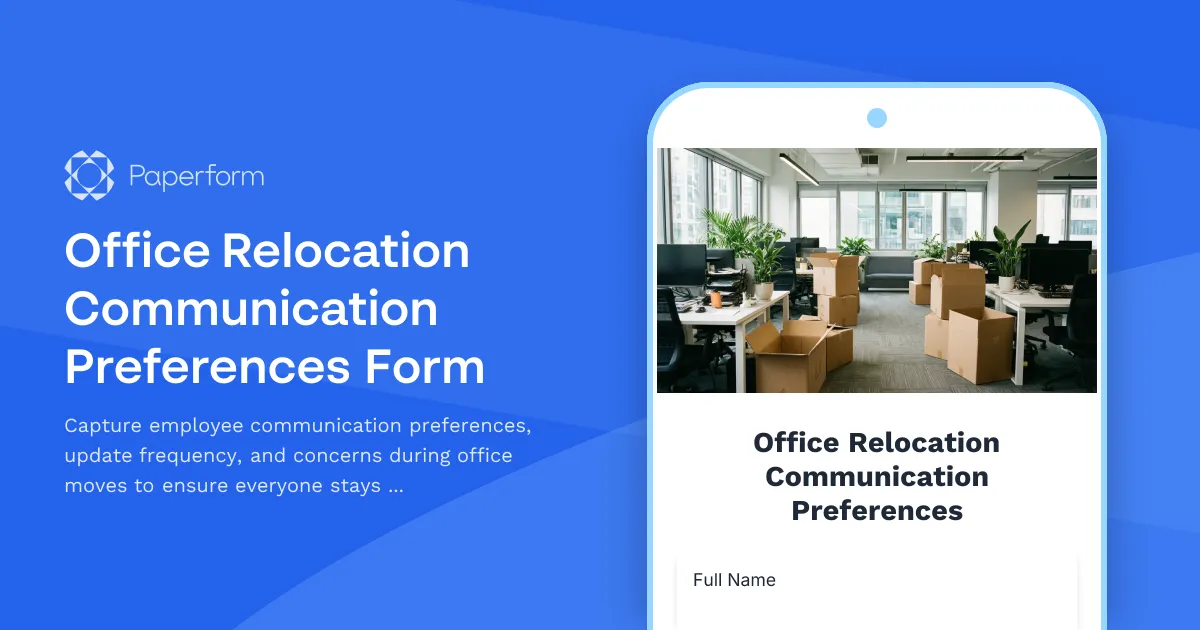
Office Relocation Communication Preferences Form
Capture employee communication preferences, update frequency, and concerns during office moves to ensure everyone stays informed and supported throughout the relocation process.

Office Relocation Culture & Branding Planning Form
Plan your office relocation with culture preservation in mind. Coordinate the migration of company values displays, achievement walls, employee recognition boards, and historical artifacts to maintain your workplace identity.

Office Relocation IT Asset Tagging & Tracking Form
Track IT equipment during office moves with asset tagging, serial numbers, condition assessment, backup verification, and deployment planning to ensure a smooth relocation.