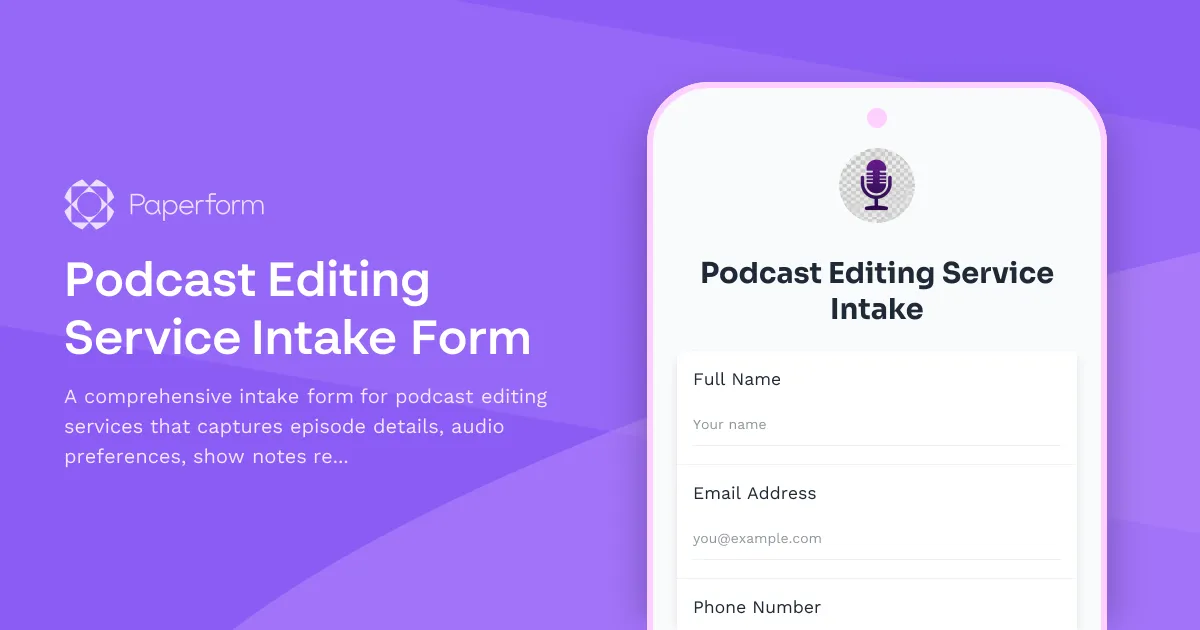
Streamline Your Podcast Editing with a Professional Intake Form
Whether you're a podcast editing agency, a solo audio engineer, or a media production company, clear communication with clients is the foundation of every great episode. This Podcast Editing Service Intake Form helps you gather all the essential details upfront—episode length, intro and outro music preferences, show notes requirements, distribution platforms, and more—so you can deliver polished episodes faster and with fewer revisions.
Why Podcast Editors Need a Dedicated Intake Form
Podcast editing involves dozens of decisions: from noise reduction levels and music cues to timestamps and sponsor mentions. Without a structured intake process, you're stuck in email chains trying to clarify brand voice, episode deadlines, and file formats. This template replaces that back-and-forth with a single, comprehensive form that captures everything you need to know before you open your DAW.
For creative agencies and media production studios, this form becomes your project brief—feeding directly into your workflow so your team knows exactly what each client expects. For freelance podcast editors and audio engineers, it sets professional boundaries and ensures you're working from a complete creative brief every time.
How Paperform Enhances Your Podcast Workflow
Built with Paperform's doc-style editor, this intake form is fully customizable to match your brand and service offering. Conditional logic reveals follow-up questions based on client answers—like showing distribution platform fields only when needed, or capturing sponsor read details when the client selects that option.
Once a client submits their episode details, you can use Stepper (stepper.io) to automate what happens next: create a project in your task manager, send a confirmation email with turnaround times, add the episode to your production calendar, or trigger a Slack notification to your editing team. You can also use Papersign (papersign.com) to send a service agreement or terms of service for eSignature immediately after intake, keeping your contracts and project details connected in one place.
With native integrations to tools like Airtable, Notion, Google Sheets, and your CRM, every submission becomes a trackable project—no manual data entry required. And because Paperform is SOC 2 Type II compliant, you can trust it to handle client files and project details securely as you scale your podcast editing business.
Whether you're editing interview shows, narrative series, or branded podcasts, this intake form template gives you the structure and automation you need to deliver exceptional audio without the admin chaos.



More templates like this
Podcast Production Service Estimate
Get a detailed quote for professional podcast production services including editing, show notes, distribution, and music. Perfect for podcasters looking for transparent pricing.
Animation Studio Client Discovery Form
A comprehensive discovery form for animation studios to gather project requirements including animation style, character design needs, voice acting, delivery formats, and usage rights.
Motion Graphics Project Brief
A comprehensive intake form for motion graphics projects that captures animation style preferences, duration requirements, audio needs, and technical export specifications.
Podcast Guest Release Form
A professional podcast guest release form that secures recording, distribution, and promotional rights while establishing content editing parameters and protecting both parties.
Podcast Launch Service Request
A comprehensive request form for podcast launch services, capturing show concept, episode details, hosting preferences, artwork needs, RSS setup, and distribution requirements.
Podcast Production Project Brief
A comprehensive project brief template for podcast production teams to capture show concept, episode format, guest criteria, recording schedules, editing preferences, and distribution goals.
Whiteboard Animation Project Brief
A comprehensive intake form for whiteboard animation projects, capturing script details, voiceover requirements, brand specifications, and video length to ensure smooth project delivery.
Email Marketing Template Design Intake Form
A comprehensive intake form for email marketing template design projects, capturing ESP platform details, responsive requirements, CTA preferences, and A/B testing specifications.
Landing Page Design Brief
A comprehensive intake form for landing page design projects that captures conversion goals, visual requirements, and optimization priorities to ensure your designer delivers a high-converting page.
Music Licensing Agreement for Content Creators
A professional music licensing agreement form for content creators, musicians, and production companies. Streamline licensing with clear usage rights, territory restrictions, attribution requirements, and flexible payment options.
Podcast Editing Service Client Consent & Preferences Form
A professional consent form for podcast editing services covering audio file uploads, editing preferences, hosting, RSS feed management, and promotional content creation permissions.
Video Production Client Discovery Form
A comprehensive client discovery form for video production projects that captures project scope, target audience, distribution channels, creative requirements, and production preferences to ensure successful project delivery.