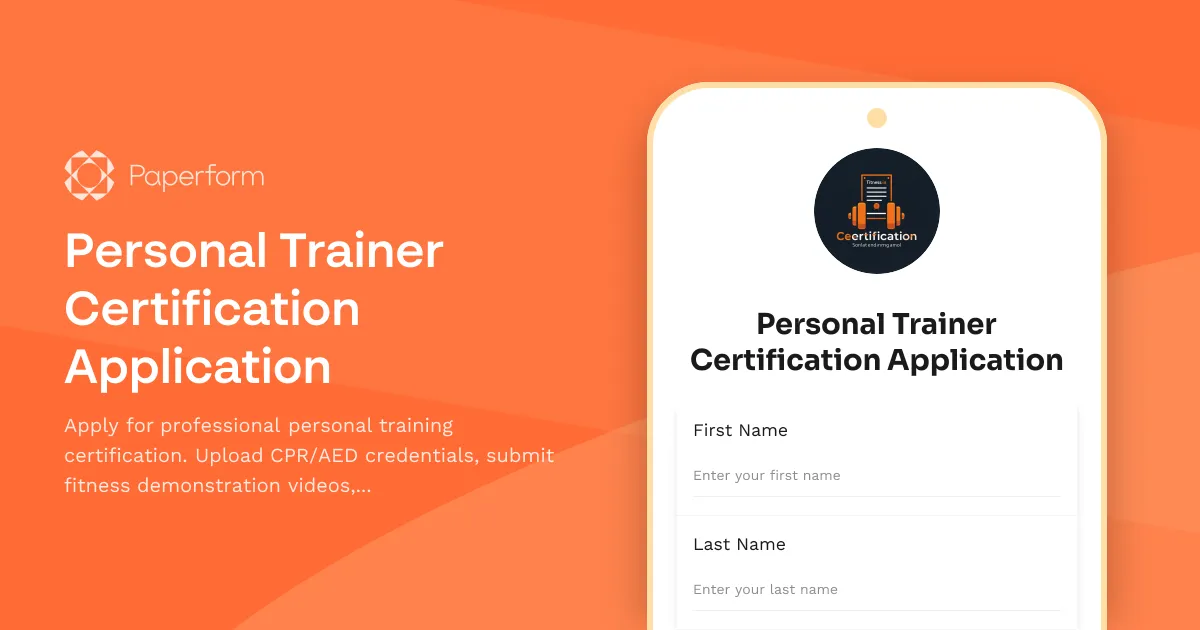
Professional Personal Trainer Certification Application Form
Getting certified as a personal trainer is a crucial step in launching or advancing your fitness career. Whether you're passionate about helping clients achieve their health goals, transitioning from another field, or looking to add credentials to your existing fitness expertise, this Personal Trainer Certification Application template makes the entire process straightforward and professional.
Why use Paperform for personal trainer certification applications?
Managing certification applications traditionally involves juggling email attachments, physical document submissions, paper forms, and manual scheduling. This personal trainer certification form template brings everything into one clean, professional experience that works seamlessly for both applicants and certification bodies.
For certification organizations and fitness academies, Paperform lets you collect all the information you need in a structured, organized way. Applicants upload their CPR/AED certificates, submit fitness demonstration videos, provide their education and experience details, and schedule their practical exam—all in a single submission. No more chasing missing documents or coordinating exam times through back-and-forth emails.
For fitness professionals applying for certification, the form provides a clear, step-by-step process that guides you through exactly what's required. You can complete sections at your own pace, upload files directly from your device, and book your practical exam slot without waiting on administrative staff.
What makes this form template essential for fitness certification?
This template is specifically designed around the real requirements of professional personal training certifications. It captures:
- Personal and contact information to establish your identity and create your candidate profile
- Educational background and fitness credentials to verify your foundational knowledge
- Professional experience in fitness, training, or related fields
- CPR/AED certification upload (a mandatory requirement for virtually all personal trainer certifications)
- Fitness assessment demonstration video where you showcase proper form, cueing, and technique
- Practical exam scheduling to book your hands-on assessment at a time that works for you
- Professional references who can speak to your character and capabilities
- Agreement to certification standards and code of conduct
Every field is purposefully included to streamline the application review process while ensuring applicants provide complete, compliant information from the start.
Built for fitness academies, certification bodies, and training organizations
Whether you run a national certification organization, a fitness academy, a gym or studio with in-house trainer certification programs, or a continuing education provider for fitness professionals, this form adapts to your workflow.
Certification directors and program coordinators can easily review applications, verify uploaded credentials, watch demonstration videos, and manage practical exam schedules—all from Paperform's intuitive dashboard. You can filter by exam date, certification level, or application status to keep track of your candidate pipeline.
Fitness studios and gyms that require staff to hold specific certifications can use this form as part of their hiring or internal training process, ensuring every trainer on your floor meets your standards before working with members.
Automate your certification workflow with Stepper
Once an application is submitted, the real work begins—reviewing credentials, verifying CPR certifications, scheduling examiners, sending confirmation emails, and updating candidate records. With Stepper (stepper.io), Paperform's AI-native workflow builder, you can automate the entire post-submission process.
For example, when someone submits their personal trainer application:
- Automatically send a confirmation email with next steps and what to expect
- Notify your certification review team via Slack or email with a link to the candidate's file
- Create a candidate record in your CRM, Airtable, or Notion database
- Route applications to different reviewers based on certification level or location
- Trigger reminders one week before scheduled practical exams
- Update exam calendars automatically when slots are booked
Stepper keeps your certification program running smoothly without manual intervention, so your team can focus on evaluating candidates rather than pushing paperwork.
Collect payments for certification fees
Most certification programs charge application fees, exam fees, or both. With Paperform's built-in payment integrations (Stripe, PayPal, Square), you can collect these fees at the time of application. Set up simple flat rates or use conditional logic to adjust pricing based on certification level, membership status, or whether the applicant is booking a retest.
All payment data is securely processed and recorded alongside the application, giving you a complete financial and candidate record in one place.
eSignatures for certifications and agreements with Papersign
Certification programs often require applicants to sign code of conduct agreements, liability waivers, or certification pledges. With Papersign (papersign.com), you can turn any application submission into a legally binding signed document.
After reviewing an application, generate a certification agreement or candidate contract, send it for eSignature, and keep the signed document linked to the original application. This creates a seamless audit trail and ensures every certified trainer has formally agreed to your professional standards.
Who benefits from this personal trainer certification form?
This template is designed for:
- Fitness certification organizations like ACE, NASM, ISSA, ACSM, or independent certification bodies
- Fitness academies and training schools offering in-person or online trainer certification courses
- Gyms, health clubs, and studios that certify or credential their own instructors and trainers
- Continuing education providers offering specialty certifications (corrective exercise, senior fitness, sports performance, etc.)
- Corporate wellness programs that certify internal fitness staff
- Colleges and universities with fitness education and kinesiology programs that include certification tracks
Trusted by fitness professionals worldwide
Paperform is trusted by over 500,000 teams globally, including fitness businesses, health and wellness providers, and certification organizations. With SOC 2 Type II compliance, secure file uploads, encrypted data storage, and GDPR compliance, you can confidently collect sensitive applicant information and credentials.
This template features professional design, mobile-friendly layouts, and a smooth user experience that reflects well on your certification brand. Applicants can complete the form on any device, upload videos and documents from their phone, and schedule their exam without friction.
Get started in minutes
With this ready-to-use Personal Trainer Certification Application template, you can launch your certification program or modernize your existing process in minutes. Customize the questions, add your branding, connect your calendar for exam scheduling, and start accepting applications immediately—no coding or technical setup required.
Whether you're certifying your first cohort or processing thousands of applicants annually, Paperform scales with your program and keeps everything organized, automated, and professional from application to certification.



More templates like this
Certified Strength and Conditioning Specialist (CSCS) Application
Professional certification application for aspiring Certified Strength and Conditioning Specialists, including degree verification, CPR certification, and CSCS exam registration.
Adaptive Sports Instructor Certification Application
Apply for adaptive sports instructor certification with comprehensive assessment of disability awareness, activity specialization, safety management skills, equipment modifications knowledge, and teaching practicum requirements.
Martial Arts Studio Franchise Application
Apply to open a martial arts studio franchise location. Share your martial arts credentials, facility details, youth program experience, and business plan.
Personal Training Certification Application
Professional application form for personal training certification programs. Assess candidate fitness background, anatomy knowledge, client motivation skills, and wellness career goals.
Personal Training Certification Program Application
Apply for personal training certification with options for specialty populations, corrective exercise, and senior fitness specialization. Schedule your practical exam and start your fitness career.
Pilates Instructor Certification Application
Apply for professional Pilates instructor certification. Submit your training hours, exam results, and teaching demonstration for review and credentialing.
Scuba Diving Instructor Certification Application
Apply for professional scuba diving instructor certification with dive log verification, rescue credentials, and insurance documentation.
Sports Medicine & Athletic Training Scholarship Application
A comprehensive scholarship application for students pursuing sports medicine and athletic training, evaluating clinical experience, injury prevention knowledge, and commitment to athlete care.
Sports Training Academy Application Form
A comprehensive application form for sports training academies to evaluate athletes based on their background, skills, physical abilities, and scholarship eligibility.
Strength and Conditioning Coaching Scholarship Application
Apply for a strength and conditioning coaching scholarship designed for aspiring performance coaches. Submit your athletic background, exercise science knowledge, coaching philosophy, and CSCS mentor reference.
Tabata & Interval Training Certification Application
A comprehensive certification application form for fitness professionals seeking Tabata and high-intensity interval training credentials, including prerequisite verification, equipment requirements, and practical exam scheduling.
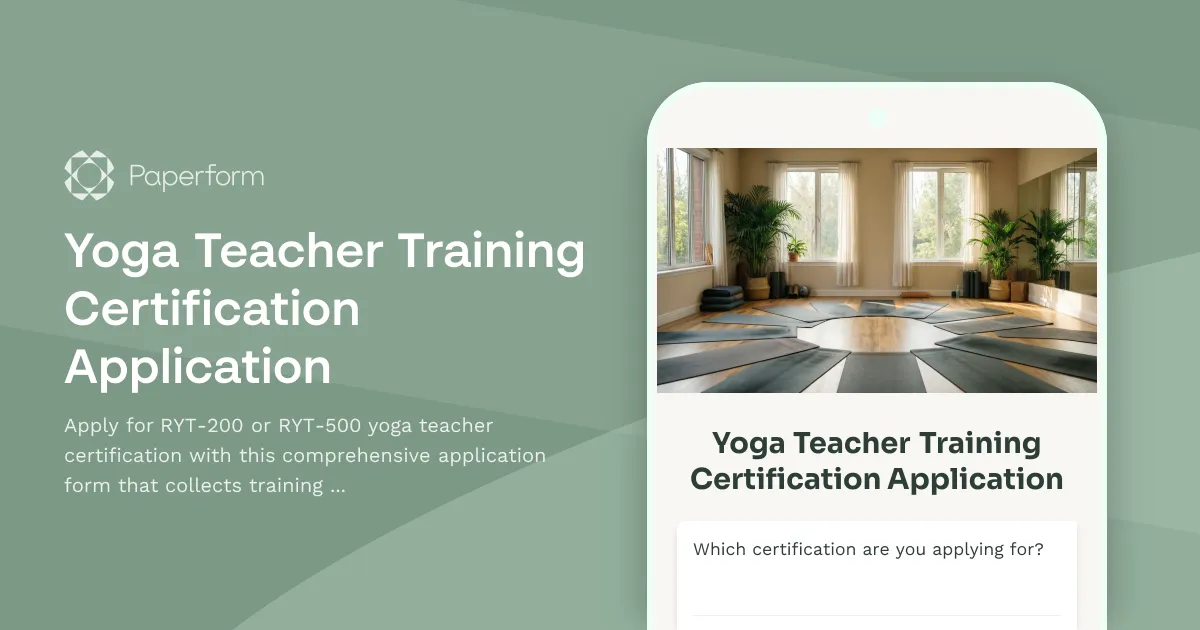
Yoga Teacher Training Certification Application
Apply for RYT-200 or RYT-500 yoga teacher certification with this comprehensive application form that collects training details, teaching experience, and required liability waivers.