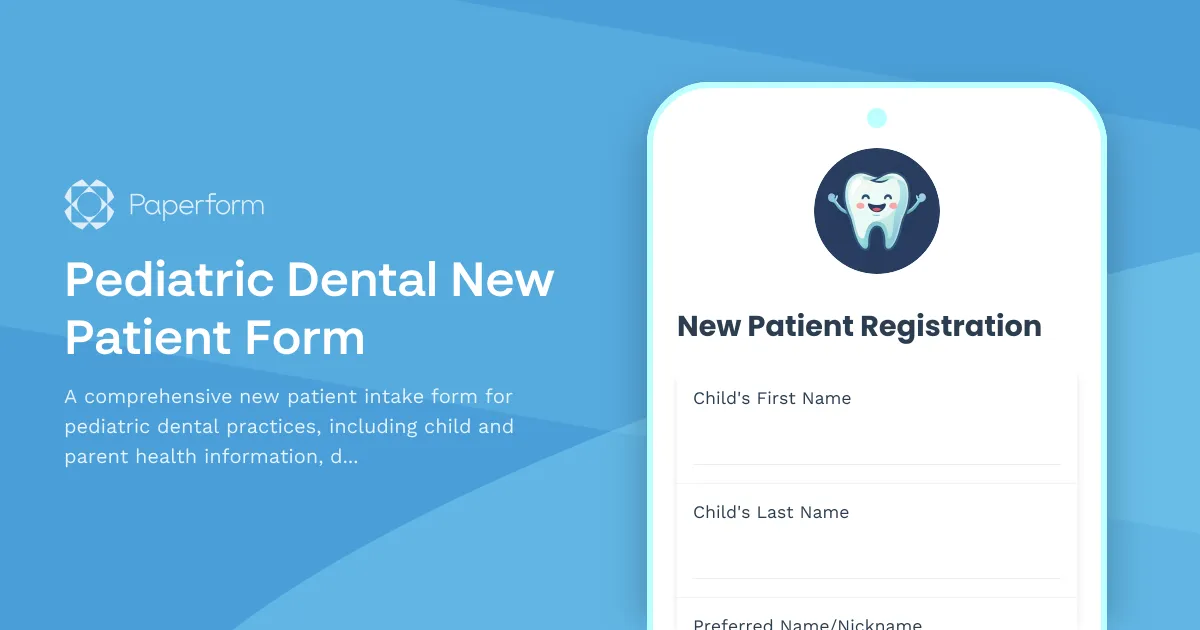
Streamline Pediatric Dental Intake with Paperform
Getting accurate health information from parents while keeping young patients comfortable is one of the biggest challenges in pediatric dentistry. This Pediatric Dental New Patient Form helps dental practices collect everything they need before the first appointment—from medical history and insurance details to tooth eruption tracking and treatment consent—all in one friendly, professional digital form.
Built for pediatric dental workflows
This template is designed specifically for children's dentists, orthodontists, and family dental practices that treat young patients. It gathers essential information including the child's dental and medical history, emergency contacts, insurance coverage, and parent/guardian health questionnaire. The form also includes a tooth eruption chart section to track development and a dedicated fluoride treatment consent area to ensure compliance and informed care.
Instead of juggling paper clipboards, illegible handwriting, and missing pages, your front desk team can send this form to parents before the appointment via email or embed it directly on your website. Submissions automatically flow into your practice management software through Paperform's integrations with tools like Airtable, Google Sheets, or via webhook to your dental EHR system.
Why Paperform for pediatric dental practices
Paperform's document-style editor makes it easy to create forms that feel professional and reassuring—important when working with anxious parents and young children. You can add your practice logo, choose calming colors, include images or videos explaining procedures, and use conditional logic to show or hide questions based on previous answers (for example, only asking about previous dental trauma if a parent indicates their child has had an injury).
With Papersign (papersign.com), you can turn form submissions into legally binding consent documents that parents can sign electronically, keeping everything organized and audit-ready. And if you want to automate what happens after a family submits—like sending a welcome email, adding the patient to your scheduling system, or alerting your dental hygienist to review special needs—Stepper (stepper.io) can handle those workflows without any coding.
Paperform is SOC 2 Type II compliant and built with security in mind, so you can trust that sensitive patient information is protected. Whether you're a solo pediatric dentist or part of a multi-location practice, this template helps you deliver a smoother, more modern intake experience that parents appreciate and your team will love.



More templates like this
Dental CE Course Registration Form
A professional registration form for dental continuing education courses with AGD credit tracking, license verification, workshop preferences, and equipment kit purchase options.
Pediatric Dentistry New Patient Registration Form
A comprehensive registration form for pediatric dental practices to collect patient information, medical history, dental history, baby tooth chart, fluoride consent, and behavioral management preferences.
All-on-4 Dental Implant Consultation Form
Comprehensive consultation form for All-on-4 dental implant procedures, including full arch assessment, medical history evaluation, and surgical planning for full mouth restoration.
Autoclave Warranty Registration Form
Register your autoclave sterilizer with comprehensive equipment details, cycle validation records, maintenance schedules, and compliance documentation for medical facilities.

Cleft Lip and Palate Team Evaluation Form
A comprehensive telehealth evaluation form for cleft lip and palate patients, enabling multidisciplinary team assessment with speech recordings, orthodontic photos, feeding evaluations, and surgical revision planning.
Dental Amalgam Waste Recycling Compliance Form
Comprehensive dental amalgam waste recycling form for compliance tracking, separator maintenance logs, container management, and regulatory documentation to meet EPA and state environmental requirements.
Dental Athletic Mouthguard Fabrication Form
A comprehensive form for dental professionals to create custom-fitted athletic mouthguards with sport-specific protection requirements, precise fit specifications, and maintenance guidelines.
Dental Bone Graft Consultation Form
A comprehensive consultation form for dental bone graft procedures, including augmentation needs assessment, healing timeline expectations, and graft material preferences.
Dental Bridge Consultation Form
A comprehensive dental bridge consultation form to assess missing teeth, evaluate abutment tooth preparation, and capture patient preferences for pontic design and restoration options.
Dental Clinical Staff Credentialing Form
A comprehensive credentialing form for dental practices to verify licenses, malpractice insurance, continuing education certificates, and professional references for clinical staff during hiring and onboarding.
Dental Composite Filling Consent Form
A comprehensive consent form for composite (tooth-colored) filling procedures, including amalgam-free restoration options, shade matching, longevity expectations, and patient acknowledgment of treatment risks and benefits.

Dental Continuing Education Course Instructor Application
A comprehensive application form for dental professionals seeking to teach continuing education courses, including clinical expertise verification, workshop planning, and CE documentation.