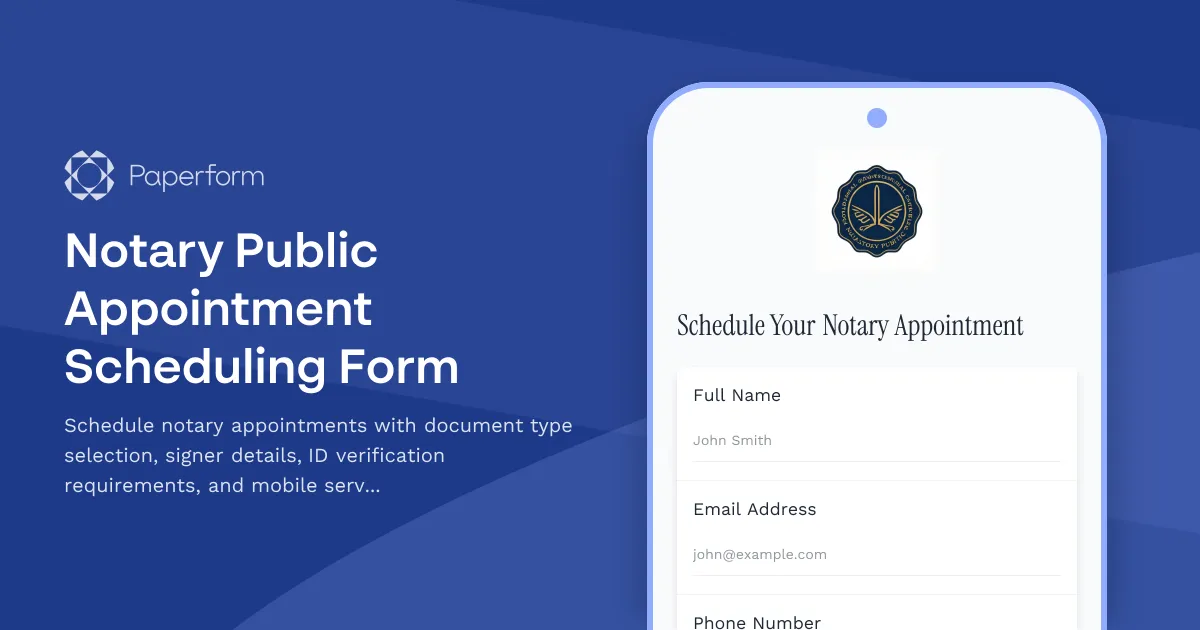
Professional Notary Appointment Scheduling Made Simple
Whether you're a solo notary public, part of a legal services firm, or managing a mobile notary business, this Notary Public Appointment Scheduling Form helps you capture all the essential details before every appointment. No more back-and-forth emails or missed information—clients can book their notarization appointments, specify document types, confirm signer details, and request mobile services all in one streamlined form.
Built for Notaries Who Value Efficiency
This template is designed specifically for notaries public, notary signing agents, legal document preparers, and law offices that provide notarization services. It covers the critical information you need upfront: what documents require notarization, how many signers will be present, what type of ID verification is needed, and whether clients need you to travel to their location.
By collecting this information before the appointment, you can arrive prepared with the right knowledge, proper setup time, and accurate service quotes. The form includes appointment scheduling functionality that syncs with your calendar, preventing double-bookings and making it easy for clients to find a time that works.
How This Form Supports Your Notary Business
The appointment scheduler lets clients see your real availability and book directly, while you maintain full control over your working hours, buffer times between appointments, and advance notice requirements. Conditional logic shows mobile service pricing only when requested, and you can easily adjust for evening or weekend appointments.
For notaries who need to manage documents, verify identities, and coordinate multiple signers, this form acts as your intake system and appointment book in one. Connect it to your CRM, send automatic confirmation emails with preparation instructions, and use Papersign to follow up with any additional signature requirements after the notarization is complete.
If you're running a mobile notary service across multiple jurisdictions or managing a team of notaries, you can use Stepper workflows to automatically route appointments to the right notary based on location, document type, or availability—keeping your operation running smoothly without manual coordination.
Trusted by Legal and Notary Professionals
Paperform is trusted by over 500,000 teams worldwide and is SOC 2 Type II and GDPR compliant, giving you and your clients peace of mind when handling sensitive appointment and document information. This template is ready to customize with your branding, pricing, and specific service offerings, helping you present a professional image from the first point of contact.



More templates like this

Acupuncture Consent Form
Use this online form to collect consent from your acupuncture customers.
Business Valuation Consultation Booking Form
Schedule a professional business valuation consultation with financial document upload, confidentiality agreement, and detailed company information to ensure accurate assessment.
Divorce Mediation Session Scheduler
Schedule your divorce mediation appointment and provide essential case information including separation details, children, assets, and contested issues to help prepare for a productive session.
Healthcare Compliance Audit Consultation Booking Form
Schedule a comprehensive healthcare compliance audit consultation to address HIPAA vulnerabilities, billing practices, medical necessity documentation, Stark Law concerns, and develop a tailored remediation plan.
Lawyer Appointment Request Form
Use this form to schedule appointments with your clients.
Legal Consultation Scheduling Form
Schedule legal consultations with case type selection, conflict checks, and retainer agreements. Streamline client intake for law firms and legal practices.
Notary Service Complaint Form
A professional complaint form for notary service clients to report issues with completed notarizations, dispute fees, and request re-notarization appointments.
Notary Service Network Resource Planning Form
Manage mobile notary territory assignments, specialist availability, after-hours coverage, and language interpreter coordination for your notary service network.
Paralegal Interview Scheduling Form
A comprehensive interview scheduling form for paralegal candidates that matches practice areas, discusses billable hour expectations, and verifies court filing experience.
Family Mediation Scheduling Form
Schedule family mediation sessions with dispute details, party information, attorney representation status, and court deadlines. Streamline your mediation intake and booking process.
German Notary Appointment Booking Form (Notartermin)
Schedule your notary appointment in Germany with document preparation checklist, ID verification, and automated fee estimates for property transactions, business formations, and legal certifications.
Law Firm Associate Interview Scheduler
A professional interview scheduling form designed for law firms to coordinate associate candidate interviews, capture practice area preferences, verify bar admission status, and match candidates with partner availability.