Multiple-Choice Quiz Template
Test your students' skills with this engaging and simple Multiple-Choice Quiz Template. Simply copy this template, change the pre-built questions and answers, embed the quiz on your website or share it with your students via email, and let the template calculations do all the heavy work for you! This quiz template is divided into three rounds, each consisting of various multiple-choice questions. At the end of each round, Paperform's Calculations feature calculates the correct answers and adds the scores together to give a total score at the end of the quiz. Whether you're teaching math, history, or languages, or simply want to make an engaging quiz for your friends, you can set up your quiz in a matter of minutes with this Multiple-Choice Quiz Template. You can customize every part of this template, from background images to adding automatic follow-up emails that send the score results to your students by email. You can even connect this template with other third-party tools such as Google Sheets or Dropbox to keep track of your students' scores and analyze how their skills are improving over time.
[FAQ]
How many attempts can students make on this quiz template?
This template doesn't have any limitations as to how many times students can take this test. If you want to add any limits, you can set a custom submission starting and closing date and time to keep your quiz open only for a certain period of time.
Can students change their answers after submitting the quiz?
No, there is no way to change answers. However, your students can start from scratch and retake the test.
How is this quiz scored?
This form uses two separate hidden calculation fields to add up the correct answers. Then, under Configure > Form Behaviour > Scoring, we set up a score to add the results of these calculations to the total score of the form.
Can students skip a question and come back to it later?
Students need to answer each question before moving forward to the next question, even if they don't know the answer. Skipping questions is not possible because the test needs an answer for all the questions to calculate the total score.
Will students receive feedback on their answers after completing the quiz?
Absolutely! After every round, the template shows students their total score so they are aware of how their score is progressing. At the end of the test, they're shown a total score. You can also email them the scores, and even add a list of correct answers for them to see after completing the quiz.
How can I edit this template?
This template is very flexible and lets you change almost every part of it. For example: You can add, remove, or modify all the questions in the template. Simply click on the question in the Editor and start typing.
- You can delete existing sections in the template, add new pages, or reorganize the order of questions
- You can also adjust colors, fonts, and layouts to better match your company under the 'Design' tab of the Editor.
- You can also show correct answers at the end of each round or at the end of the quiz. To do this, simply add a text block to the final screen and paste your correct answers there.
Can I integrate this form with other tools?
Absolutely! This Multiple-Choice Quiz Template integrates directly with 30+ tools and connects with thousands of third-party apps via Zapier and Make, so you can automate tasks like sending follow-up emails to your students via MailChimp or keeping track of your student's progress on Google Sheets. That means less work for you and more time to focus on what really matters.
Key Features
This template is designed to help you collect information efficiently and professionally. It includes carefully crafted questions and fields that gather all the essential details you need.
Why Use This Template
- Save time: Start with a pre-built structure instead of creating from scratch
- Professional design: Looks polished and trustworthy to respondents
- Easy customization: Modify fields, colors, and branding to match your needs
- Mobile-friendly: Works seamlessly on all devices
How to Use This Template
- Click "Use this template" to import it into your Paperform account
- Customize the questions and fields to match your specific requirements
- Adjust the design and branding to reflect your organization
- Share the form link or embed it on your website
- Start collecting responses and managing submissions
Customization Options
Paperform's visual editor makes it easy to:
- Add or remove questions
- Change colors, fonts, and images
- Set up conditional logic to show/hide fields
- Configure email notifications and integrations
- Accept payments if needed
Get started today and create a professional form in minutes.



More templates like this
Project Request Form
With this request form, customers can easily provide you with all the necessary project information.
Sales Agreement Form
Use this template to create your own online sales agreement form.
Design Consultation Form
Use this online form template to collect design consultation requests from prospective customers.
Renovation Quote Form
Use this online form to generate leads for your renovation business.
Scope Of Services Form
Use this form template to collect the project information from your customers.

Social Media Content Request Form
Enable your customers to quickly commission social media posts via this online form.
Tax Preparation Client Intake Form
Use this template to create a beautifully branded tax preparation form to collect data from clients.
Art Commission Form
Need an art commission form template as beautiful and powerful as the art you’re creating? Add products, take payments and tailor it to your unique brand.
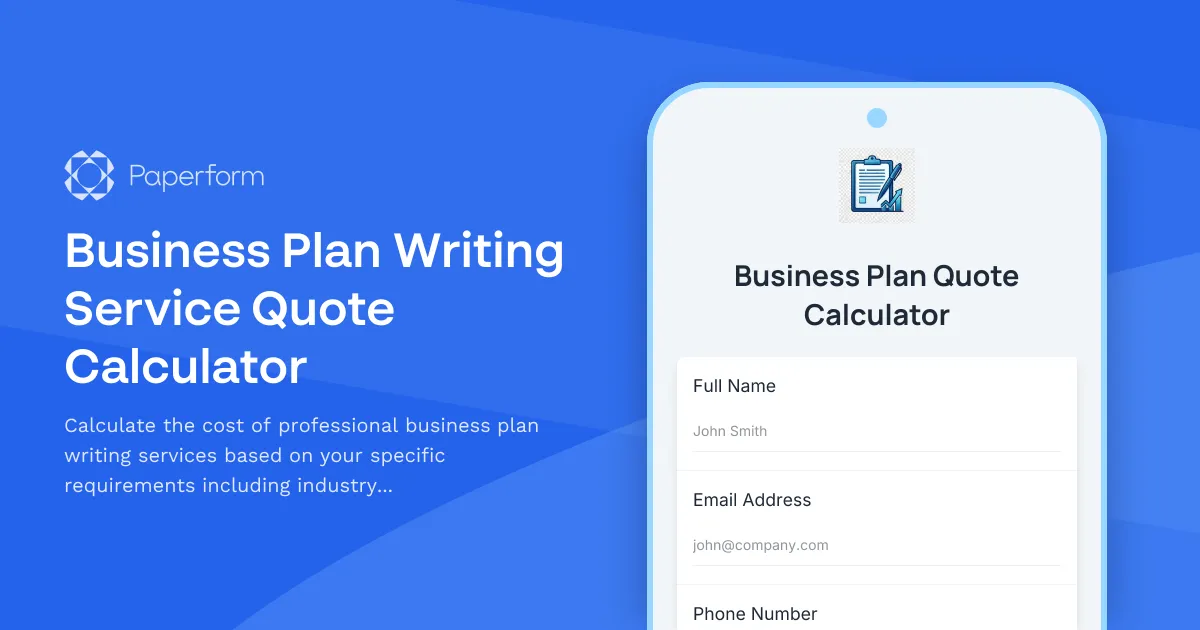
Business Plan Writing Service Quote Calculator
Calculate the cost of professional business plan writing services based on your specific requirements including industry type, plan length, financial projections, market research depth, and revision rounds.
Business Services Agreement Form
Use this template to sign service agreements online.
Carpenter Consultation Form
Use this consultation form template to receive customer requests for your carpentry business.
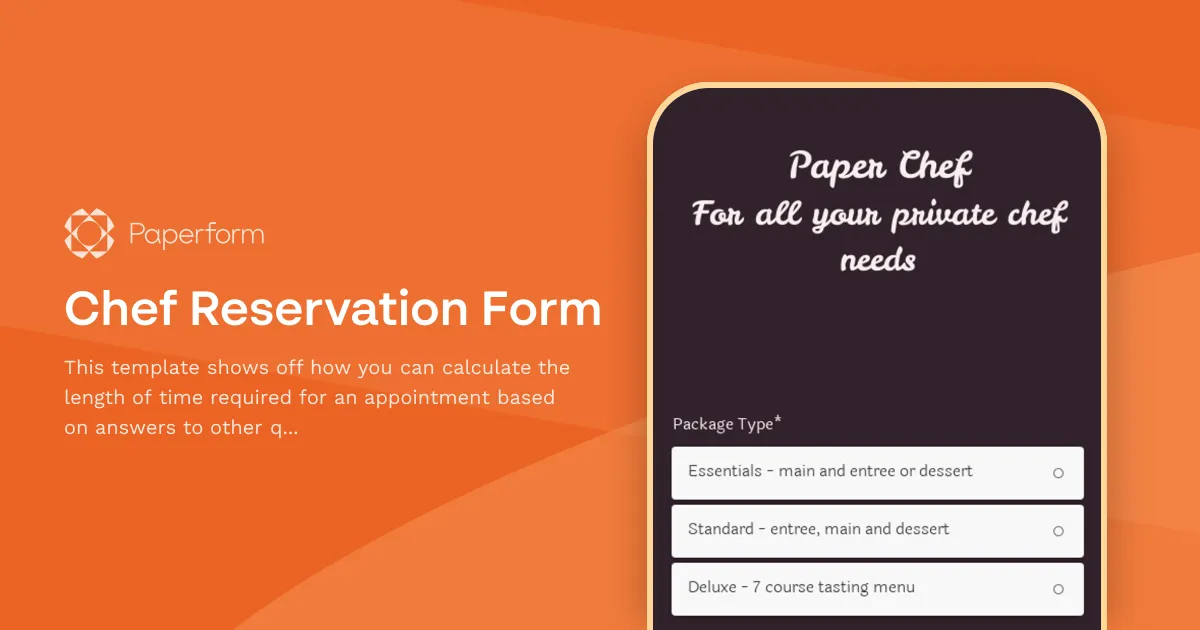
Chef Reservation Form
This template shows off how you can calculate the length of time required for an appointment based on answers to other questions.