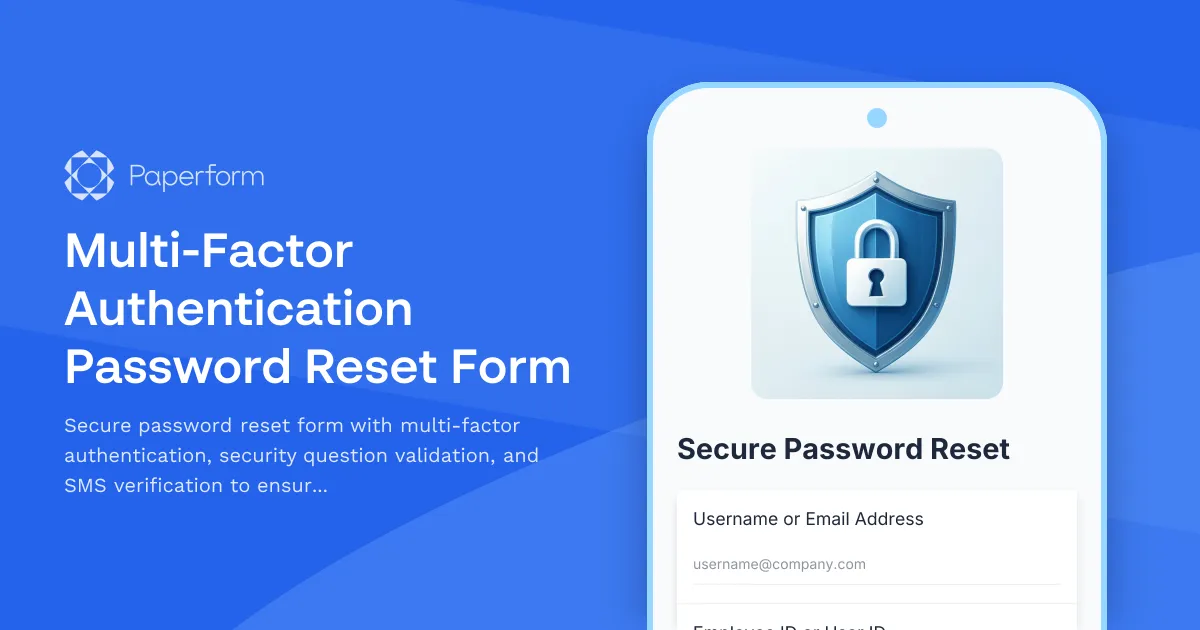
Secure Password Reset with Multi-Factor Authentication
In today's digital workplace, password security is paramount. When employees, customers, or users need to reset their passwords, organizations must balance convenience with robust security measures. This Multi-Factor Authentication Password Reset Form provides a comprehensive solution that validates user identity through multiple verification methods before allowing password changes.
Why Your Organization Needs a Secure Password Reset Process
Password reset requests are one of the most common IT support tickets, but they're also a prime target for security breaches. Without proper verification, unauthorized users can gain access to sensitive systems and data. This form template implements industry-standard security practices including:
- Identity verification through multiple factors – combining something the user knows (security questions) with something they have (SMS verification code)
- Structured data collection – capturing all necessary information for audit trails and compliance
- Immediate processing – reducing helpdesk burden and getting users back to work faster
- Security compliance – meeting organizational and regulatory requirements for account recovery
Who This Form Is For
This password reset form is ideal for:
- IT departments and IT professionals managing internal user accounts and access control
- SaaS companies and software teams providing self-service account recovery to customers
- Healthcare organizations requiring secure access to patient systems while maintaining HIPAA-adjacent security practices
- Financial services firms protecting sensitive financial data and client accounts
- Educational institutions managing student and staff account security
- Any organization prioritizing security while reducing IT support overhead
How This Form Works
The form guides users through a secure, step-by-step password reset process:
- User Identification – Collects username/email and employee ID to identify the account
- Security Question Validation – Verifies the user's identity through pre-set security questions
- SMS Verification – Sends a one-time code to the registered phone number for additional authentication
- Password Reset – Allows the user to create a new, secure password meeting organizational requirements
- Confirmation – Provides immediate feedback and next steps
Key Features
- Multi-factor authentication combining knowledge-based and possession-based verification
- Security question validation to confirm user identity
- SMS verification code for additional security layer
- Password strength requirements to ensure new passwords meet security standards
- Audit trail capturing all relevant information for security logs
- Mobile-friendly design allowing password resets from any device
- Clear instructions reducing user confusion and support calls
Streamline Your IT Operations with Paperform
Password reset requests can overwhelm IT helpdesks, especially in larger organizations. With Paperform, you can automate the entire account recovery process while maintaining rigorous security standards. The form can be embedded directly into your IT support portal or shared via a dedicated link.
Extend functionality with Stepper: Once a password reset is submitted, use Stepper to automate the complete workflow. Stepper can trigger notifications to IT admins for approval, update user management systems, send confirmation emails, create audit logs in your documentation system, and even schedule follow-up security reminders. This turns a simple form into a complete account security workflow that operates 24/7.
Add compliance documentation with Papersign: For organizations requiring formal acknowledgment of password changes or security policy acceptance, connect Papersign to automatically generate and send password policy acknowledgment documents for eSignature after successful password resets.
Customization & Integration
This template is fully customizable to match your organization's specific security requirements:
- Adjust security questions to align with your account creation process
- Modify password requirements based on your security policies
- Add conditional logic for different user types (employees, contractors, administrators)
- Connect to your identity management system via webhooks or integrations
- Integrate with Slack for real-time IT team notifications
- Route high-risk reset requests for manual review
Security-First, User-Friendly Design
The form uses a guided, one-question-at-a-time format that reduces cognitive load while maintaining focus on security. Each verification step is clearly explained, helping users understand why each piece of information is needed while building confidence in your security processes.
Trusted by IT Teams Worldwide
IT professionals, system administrators, and security teams rely on Paperform to create secure, compliant forms that protect organizational assets while providing excellent user experience. With SOC 2 Type II compliance, SSO support, and enterprise-grade security features, Paperform meets the rigorous standards required by IT departments.
Start using this password reset form today to reduce IT support tickets, improve security compliance, and provide users with fast, secure account recovery.



More templates like this
Cybersecurity Awareness Training Quiz
Test employee knowledge on phishing detection, password security, and data protection with this comprehensive cybersecurity awareness quiz designed for workplace training programs.
Data Center Server Room Access Request Form
Request secure access to data center server rooms with two-factor authentication setup, equipment authorization, and compliance acknowledgment for IT professionals and technicians.
Disaster Recovery Platform Access Request
Request access to disaster recovery orchestration platforms with failover testing permissions, recovery plan execution rights, and RTO/RPO monitoring capabilities.
IT Asset Disposal Request Form
Streamline the secure disposal of IT equipment with automated tracking, data sanitization compliance, environmental standards verification, and certificate of destruction generation.
IT Helpdesk Problem Report Form
A comprehensive IT problem reporting form with asset tracking, priority assessment, and automatic SLA routing to streamline technical support workflows.
IT Security Architecture Exception Approval Form
Request and approve security architecture exceptions with technical justifications, alternative approaches, risk assessments, and time-bound permissions for IT change management.
IT Security Architecture Review Board Submission Form
Submit security architecture proposals to the review board for evaluation, approval, and decision documentation with comprehensive risk assessments and compliance considerations.
Privileged Access Management Change Request Form
Streamline privileged access requests with automated approval workflows, audit trails, and time-based access controls for enhanced security compliance.
Quantum-Safe Cryptography Readiness Assessment
Evaluate your organization's preparedness for post-quantum cryptography threats with a comprehensive assessment of current cryptographic algorithms, migration planning, and implementation roadmap.
Server Confidential Computing Enablement Request Form
Request and configure confidential computing environments with trusted execution environment (TEE) setup, enclave configuration, remote attestation, and secure key management for sensitive workloads.
Time-Limited Elevated Access Request Form
Request temporary elevated system access for scheduled maintenance with defined scope, duration, and rollback procedures. Streamline your IT security and access management workflow.
AI Model Deployment Approval Form
A comprehensive approval form for AI model deployments that evaluates training data, bias assessment, performance metrics, security controls, and ethical considerations before production release.