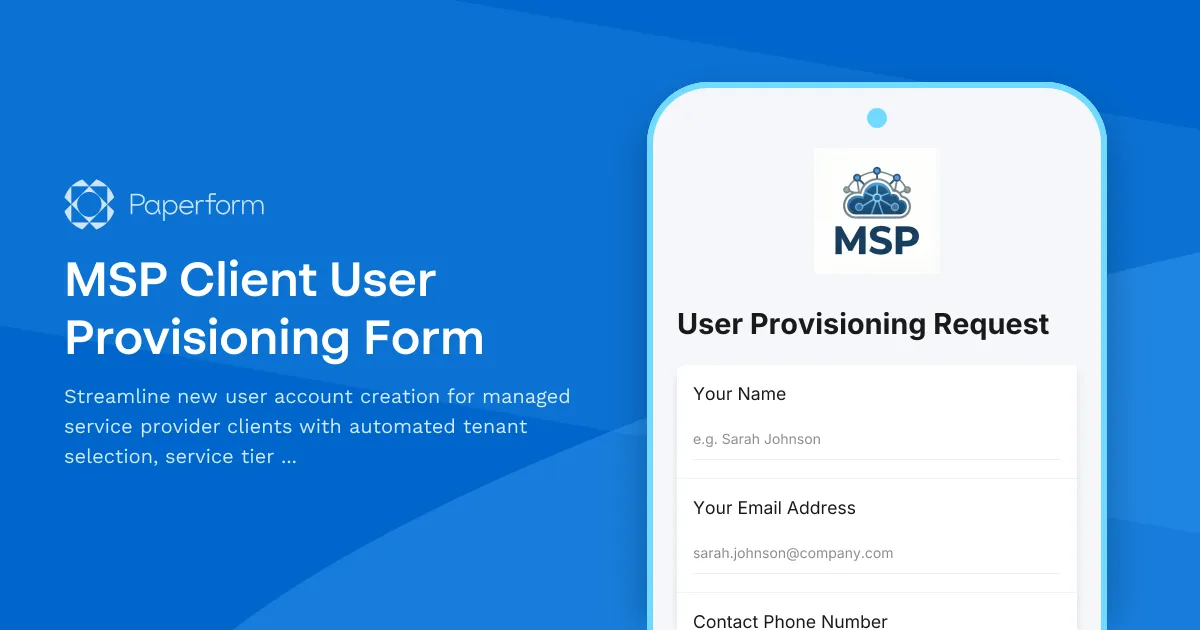
Simplify MSP User Provisioning with Paperform
Managing user accounts across multiple client tenants is one of the most time-consuming tasks for managed service providers. This MSP Client User Provisioning Form helps IT service providers automate the entire user onboarding workflow—from initial request to credential delivery—in one streamlined process.
Built for MSPs managing multiple client environments
Whether you're provisioning Microsoft 365 accounts, Google Workspace users, or custom application access, this template captures all the critical information needed to set up new users correctly the first time. Select the client tenant, assign the appropriate service tier, configure application access, and trigger your provisioning workflow—all from a single, professional form.
Key features include:
- Client/tenant selection with conditional fields for multi-tenant environments
- Service tier and license assignment based on role and department
- Application and resource access requests with approval routing
- Equipment and hardware provisioning integration
- Billing code capture for accurate client invoicing
- Automated credential delivery and welcome email triggers
Connect to your existing MSP stack
Use Stepper to build powerful automation workflows that connect this form to your PSA (Professional Services Automation) platform, ticketing system, Active Directory, cloud identity providers, and billing systems. Automatically create user accounts, assign licenses, provision email, send welcome packets, and log billable time—all triggered by a single form submission.
This template integrates seamlessly with tools like ConnectWise, Autotask, HaloPSA, Microsoft 365 Admin Center, Google Workspace, and hundreds of other platforms MSPs rely on daily.
Designed for IT professionals and MSP teams
Perfect for IT service providers, managed service providers, system administrators, and IT operations teams who need to standardize and accelerate user provisioning across multiple client organizations. Reduce manual data entry, eliminate provisioning errors, and deliver a consistent onboarding experience that reflects well on your managed services brand.
With Paperform's conditional logic and calculation fields, you can even display service costs in real-time, route high-priority requests differently, and ensure compliance with client-specific security policies.
Trusted by IT professionals worldwide, this SOC 2 Type II compliant template helps MSPs deliver faster, more reliable user provisioning while maintaining the security and documentation standards your clients expect.



More templates like this
Remote Support Software Request Form
Request access to screen sharing and remote support software with configurable session limits, file transfer capabilities, and recording options for IT support teams.
Server Downtime Incident Report
Professional incident report form for documenting server downtime events, analyzing root causes, tracking resolution steps, and scheduling post-incident reviews.
Call Center Agent Account Setup Form
Streamline call center agent onboarding with this comprehensive account setup form. Configure phone extensions, CRM access, call recording consent, and schedule assignments in one simple workflow.
Enterprise Active Directory Password Reset Form
Streamline IT support with a secure Active Directory password reset request form featuring domain selection, account verification, and lockout prevention.
Field Service Management System Support Request
Report and resolve technical issues with your field service management platform including scheduling, work orders, mobile apps, inventory sync, and more.
IT Access & Onboarding Request Form
Streamline new employee IT setup with this comprehensive access request form. Capture hardware needs, system permissions, and security acknowledgments in one centralized workflow.
IT Help Desk Ticket Submission Form
A professional IT support ticket form for streamlined technical issue reporting. Includes issue categorization, priority levels, device details, and file attachments to help your IT team resolve problems faster.
IT Security Awareness Gamification Implementation Change Request
Submit change requests for implementing gamified security awareness training programs with game mechanics, reward systems, and engagement tracking features.
IT Security Vendor Contract Renewal Evaluation Form
A comprehensive change request form for evaluating IT security vendor contract renewals, analyzing service performance, conducting cost comparisons, and assessing alternative solutions.
IT Service Desk Change Request Form
A comprehensive IT change management form for service desk workflow modifications, ticket routing updates, SLA changes, and escalation procedure adjustments with built-in approval routing.
Network BGP Peering Request Form
A comprehensive form for IT teams to submit and manage BGP peering requests, including AS numbers, prefix filtering, route policies, communities configuration, and authentication details.
SaaS New User Onboarding & Provisioning Form
Streamline new hire IT setup with automated account provisioning, role-based access control, license assignment, and manager approval workflows—all in one professional form.