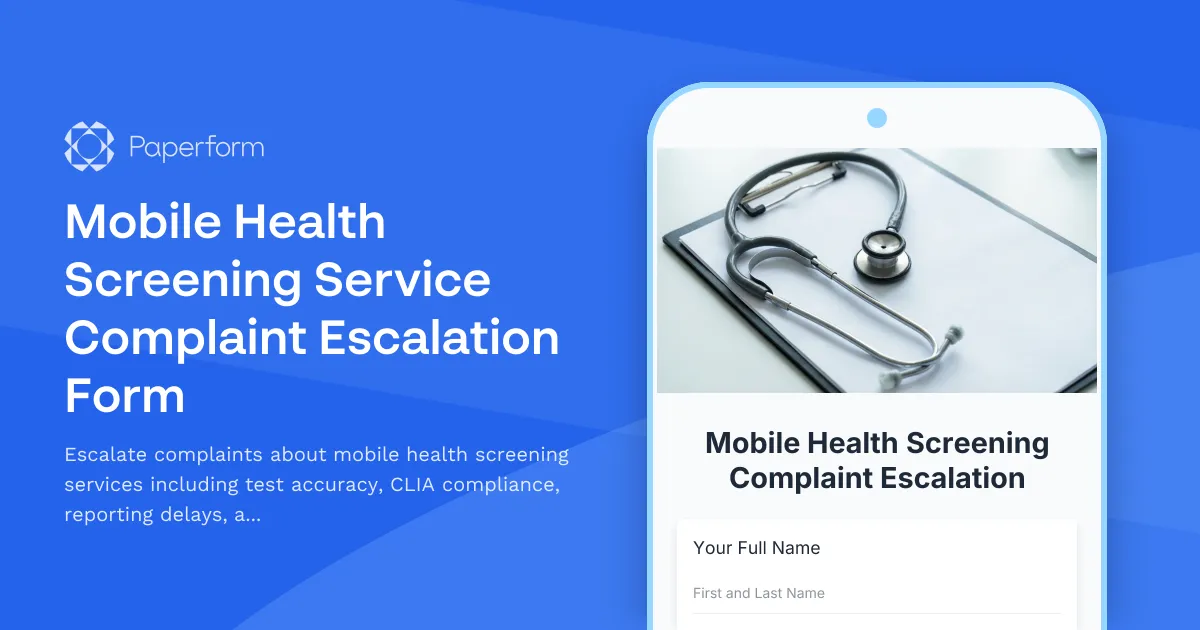
Professional Mobile Health Screening Complaint Escalation Form
When mobile health screening services don't meet expected standards, having a clear escalation pathway is essential for patient safety and regulatory compliance. This Mobile Health Screening Service Complaint Escalation Form helps healthcare organizations, mobile clinic operators, and wellness program coordinators document and escalate serious concerns about testing accuracy, CLIA waiver compliance, results reporting delays, and physician oversight gaps.
Why Mobile Health Screening Complaint Escalation Matters
Mobile health screening services bring vital diagnostic testing directly to patients in workplaces, community centers, pharmacies, and remote locations. However, the mobile nature of these services introduces unique compliance and quality challenges. Issues with test accuracy can lead to misdiagnosis or delayed treatment. CLIA (Clinical Laboratory Improvement Amendments) waiver compliance gaps can result in regulatory violations and patient harm. Results reporting delays leave patients in limbo, unable to make informed health decisions. And inadequate physician oversight compromises the quality of care and interpretation of results.
A structured escalation form ensures these serious issues receive immediate management review and appropriate corrective action, protecting both patients and your organization's reputation.
What This Mobile Health Screening Escalation Form Includes
This comprehensive template captures all the critical information needed for management review:
- Complainant information including their role and contact details for follow-up
- Incident details with date, location, and specific mobile screening event identification
- Complaint category selection covering test accuracy concerns, CLIA waiver compliance issues, results reporting delays, and physician oversight gaps
- Detailed incident description allowing thorough documentation of the issue
- Patient impact assessment to prioritize response based on severity
- Test-specific information including test type, lot numbers, and device details when relevant
- Supporting documentation upload for test results, photos, or correspondence
- Previous escalation attempts to track the full complaint history
- Desired resolution to guide the management response
Who Benefits from This Template
This escalation form is designed for professionals in the mobile health screening industry:
Healthcare administrators can use this form to establish a formal escalation pathway for quality and compliance concerns, ensuring serious issues receive appropriate executive attention.
Mobile clinic operators benefit from a standardized process that helps identify systemic problems with equipment, training, or procedures before they affect more patients.
Occupational health coordinators at corporations can escalate concerns about vendor performance to ensure employee wellness programs meet quality standards.
Quality assurance managers use these escalations to identify trends, implement corrective actions, and maintain compliance with CLIA regulations and accreditation standards.
Nursing supervisors and point-of-care testing coordinators can quickly escalate technical issues that may compromise patient safety or regulatory compliance.
Streamline Your Complaint Management Workflow with Paperform
Beyond just capturing escalation details, Paperform transforms this form into a complete complaint management solution. With conditional logic, you can route different types of complaints to the appropriate department heads—CLIA compliance issues to your quality team, physician oversight concerns to your medical director, and test accuracy problems to your laboratory services manager.
Use Paperform's calculation fields to automatically assess complaint severity based on patient impact and compliance risk. Set up email notifications to alert management immediately when critical issues are submitted. The platform's submission inbox makes it easy to track escalation status and ensure timely follow-up.
Take automation further with Stepper (stepper.io), Paperform's AI-native workflow builder. When a complaint escalation is submitted, Stepper can automatically create a case in your ticketing system, notify the appropriate manager based on complaint category, schedule a management review meeting, and send follow-up reminders until the issue is resolved. This ensures no critical complaint falls through the cracks.
CLIA Compliance and Quality Assurance
For mobile health screening services operating under CLIA waivers, maintaining compliance is non-negotiable. This form helps you document and address compliance concerns before they become regulatory violations. When test accuracy issues arise, your escalation process demonstrates due diligence in quality management—critical documentation for inspections and audits.
The template's structured approach ensures you capture all relevant details about lot numbers, quality control failures, and equipment malfunctions that may require reporting to manufacturers or regulatory agencies under adverse event requirements.
Build Trust Through Responsive Complaint Resolution
Mobile health screening services depend on trust—from corporate clients, community partners, and the patients you serve. A professional complaint escalation process shows you take quality concerns seriously and have robust systems in place to address them.
This form provides transparency for complainants, clear documentation for your quality improvement program, and actionable intelligence for management to make informed decisions about corrective actions, vendor relationships, and process improvements.
Whether you're managing mobile diabetes screenings, corporate wellness programs, community health fairs, or mobile laboratory services, this Mobile Health Screening Service Complaint Escalation Form built with Paperform gives you the structure needed to address serious quality concerns professionally and efficiently.
Get started with this template today and strengthen your commitment to quality care and regulatory compliance in mobile health screening services.



More templates like this
Occupational Health Clinic Complaint Form
Submit complaints about occupational health services, workers' compensation billing, return-to-work clearances, or medical test accuracy. Professional complaint tracking for workplace health concerns.
Diabetes Education Program Complaint Escalation Form
Escalate concerns about diabetes education programs including insurance coverage barriers, educator qualifications, outcomes measurement, and AADE accreditation compliance for management review.
Genetic Counseling Service Complaint Escalation Form
Escalate concerns about genetic counseling services, including informed consent issues, privacy breaches, insurance discrimination risks, and professional certification matters for management review.
Gynecology Practice Patient Complaint Form
A professional form for patients to submit complaints and concerns about gynecological care, including diagnosis delays, surgical complications, and hormone therapy issues.
Healthcare Facility Complaint Form
A comprehensive form for documenting patient and visitor complaints at healthcare facilities, capturing incident details, staff involved, and determining if regulatory reporting is required.
Medical Supply Delivery Failure Escalation Form
Report critical medical equipment delays, insurance authorization issues, and vendor performance problems that impact patient safety and care delivery.
Medical Transcription Service Quality Escalation Form
Report urgent quality issues with medical transcription services including accuracy errors, turnaround delays, HIPAA violations, and documentation concerns requiring management review.
Medical Translation Service Dispute Escalation Form
A professional escalation form for healthcare organizations to report and document medical translation service disputes, including clinical accuracy concerns, cultural competency gaps, and patient safety impacts.
Occupational Medicine Complaint Form
A professional form for submitting complaints and disputes related to occupational medicine services, including pre-employment exams, fitness-for-duty evaluations, and workplace injury management.
Remote Monitoring Service Failure Escalation Form
Professional escalation form for reporting remote patient monitoring service failures, alert response delays, technical malfunctions, and patient safety incidents requiring clinical oversight review.
Telehealth Service Complaint Form
Submit complaints about telehealth services including connection issues, prescription fulfillment problems, and provider availability concerns. Get your concerns addressed promptly and professionally.
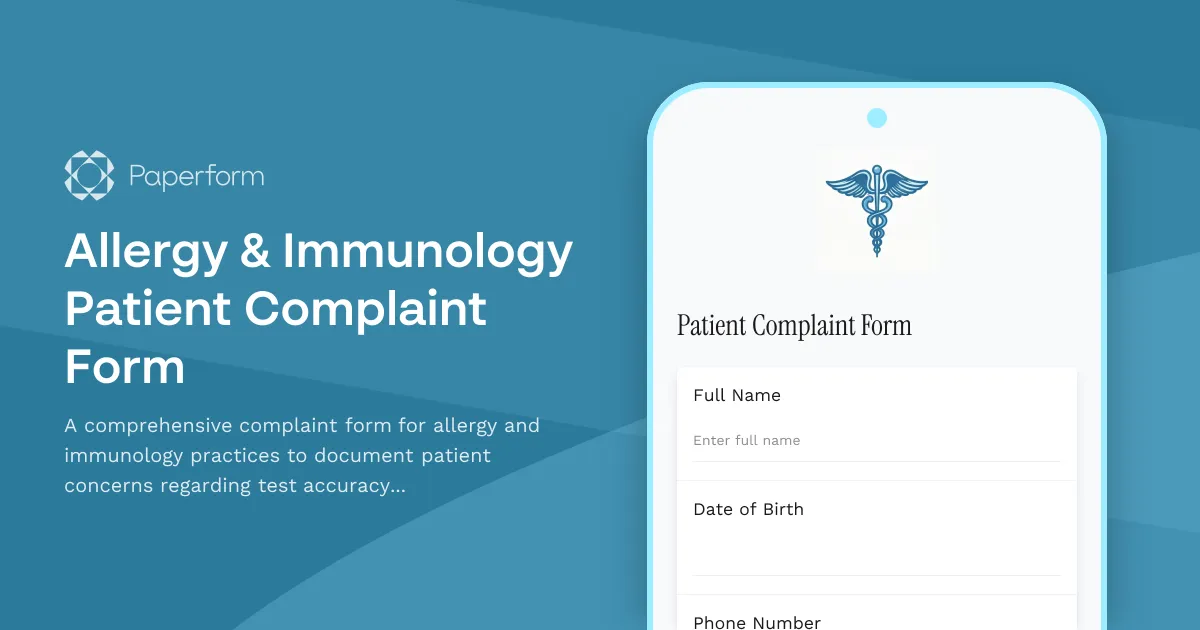
Allergy & Immunology Patient Complaint Form
A comprehensive complaint form for allergy and immunology practices to document patient concerns regarding test accuracy, immunotherapy effectiveness, emergency medication access, and overall care quality.