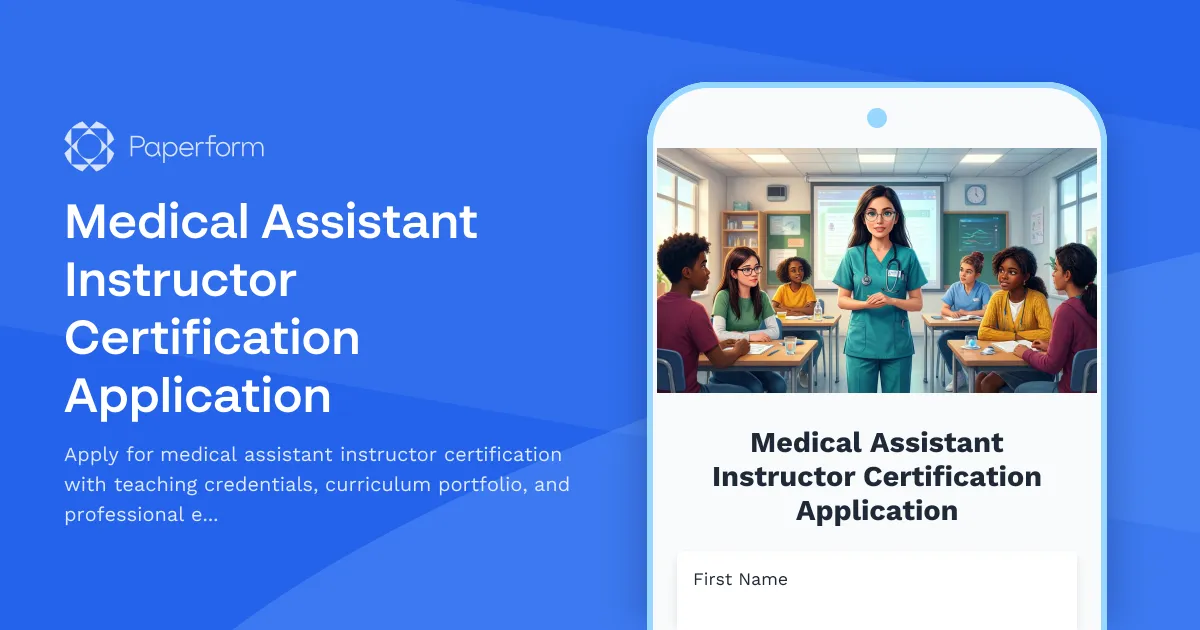
Medical Assistant Instructor Certification Application Template
If you're ready to take the next step in your healthcare education career and become a certified medical assistant instructor, you'll need a clear, professional application process that captures your teaching experience, curriculum development skills, and meets state board requirements. This Medical Assistant Instructor Certification Application template from Paperform streamlines the entire certification submission process into one comprehensive, easy-to-complete form.
Why Medical Assistant Programs Need Professional Certification Applications
Medical assistant instructor certification is a critical credentialing process that ensures educators meet professional standards for teaching the next generation of healthcare professionals. State boards, accrediting bodies, and educational institutions require thorough documentation of teaching experience, clinical expertise, educational background, and curriculum development capabilities.
Traditional paper-based certification applications create unnecessary administrative burden—incomplete submissions, missing documentation, manual data entry, and lengthy approval timelines. This template transforms your certification process into a streamlined digital workflow that benefits both applicants and reviewing bodies.
What's Included in This Template
This comprehensive certification application template captures everything state boards and certification bodies need to evaluate instructor qualifications:
- Personal and professional information with contact details and current employment status
- Educational background documenting degrees, certifications, and continuing education
- Medical assistant credentials including current certification status and clinical experience
- Teaching experience with detailed work history and hours documentation
- Curriculum development portfolio showcasing instructional design capabilities
- Professional references from supervisors, colleagues, and educational administrators
- State board requirements including background checks and compliance documentation
- File uploads for transcripts, certificates, portfolios, and supporting documents
- Declaration and signature confirming accuracy and completeness
Built for Healthcare Education Administrators and Certification Bodies
This template is designed specifically for:
- State medical assistant boards processing instructor certification applications
- Healthcare education programs seeking qualified instructors
- Professional certification organizations managing credentialing workflows
- Community colleges and vocational schools maintaining instructor standards
- Continuing education providers vetting teaching professionals
The form uses conditional logic to adapt based on applicant credentials—for example, showing additional fields for those with previous teaching experience or requesting supplementary documentation for out-of-state certifications. This ensures you collect exactly what you need without overwhelming applicants with irrelevant questions.
Streamline Certification Review with Paperform
Paperform makes the entire certification application process more efficient for administrators and more user-friendly for applicants. The doc-style editor lets you customize every section to match your specific state board requirements, accreditation standards, or institutional policies. Add your organization's branding, update field labels, include helpful instruction text, and embed policy documents directly in the form.
File upload fields make it simple for applicants to submit transcripts, certification copies, curriculum samples, and professional portfolios—all organized in one submission rather than scattered across emails. Set file type restrictions and size limits to ensure you receive properly formatted documentation.
Conditional logic shows or hides entire sections based on previous answers. If an applicant indicates they hold an out-of-state certification, automatically display additional fields requesting reciprocity documentation. If they're a first-time instructor applicant, show fields for clinical experience instead of teaching history.
Automate Your Certification Workflow
Once an application is submitted, Paperform keeps your review process moving efficiently:
Instant notifications alert your certification review team the moment a new application arrives, so no submission sits waiting in a queue. Send customized confirmation emails to applicants acknowledging receipt and outlining next steps in the review process.
Integration with your existing systems means application data flows automatically where it needs to go. Connect to Google Sheets or Airtable for application tracking dashboards, send to your CRM for applicant management, or push to your document management system for secure storage.
For more complex workflows, use Stepper to create multi-stage review processes. Automatically route applications to different reviewers based on certification type, trigger background check requests, send follow-up emails for missing documentation, and update applicant status as they move through evaluation stages—all without manual intervention.
Professional, Accessible, and Compliant
Healthcare certification applications need to meet professional standards while remaining accessible to diverse applicants. This template uses clear language, logical question flow, and helpful field descriptions to guide applicants through the process. The form is fully responsive, so instructors can complete applications from any device—desktop, tablet, or smartphone.
Paperform is SOC 2 Type II compliant and offers robust security features to protect sensitive applicant information including Social Security numbers, background check data, and personal health information. Set up custom success pages that outline what happens next, expected review timelines, and how applicants can check their status.
For certification bodies managing high volumes, Agency+ and Enterprise plans offer team collaboration features, custom domains, advanced analytics, and dedicated support to scale your certification program efficiently.
Get Started in Minutes
Whether you're a state medical assistant board modernizing your certification process or an educational institution streamlining instructor credentialing, this template gives you a professional starting point. Customize the questions to match your specific requirements, add your branding, and start accepting applications immediately—no coding or IT support required.
Transform your medical assistant instructor certification process from paperwork headache to streamlined digital workflow with Paperform.



More templates like this
Certified Cardiac Device Specialist Application
Apply for cardiac device specialist certification with device interrogation experience, pacemaker/ICD competency assessment, and IBHRE exam registration in one streamlined application.
Certified Cardiovascular Technologist Application
Apply for cardiovascular technologist certification with specialization in cardiac catheterization lab experience, echocardiography training, and CCI exam registration.
Certified Clinical Research Coordinator Application
Apply for Clinical Research Coordinator certification. Submit your GCP training credentials, research experience, and ACRP exam registration details for professional certification review.
Certified Gerontological Nurse (RN-BC) Application
Apply for your Gerontological Nursing Board Certification (RN-BC) with this comprehensive application covering elderly care experience, age-related conditions competency, and exam registration.
Certified Healthcare Simulation Educator (CHSE) Application
Apply for CHSE certification with this comprehensive application form. Submit your simulation program details, debriefing competency evidence, and register for the certification exam.
Certified Nurse Assistant (CNA) Certification Application
Apply for CNA certification with skills competency assessment, clinical training documentation, and state registry exam scheduling in one streamlined application.
Certified Nurse Educator (CNE) Application
Apply for Certified Nurse Educator certification with this comprehensive application form covering nursing education experience, curriculum development, and CNE exam registration.
Certified Respiratory Therapist Application
Apply for CRT certification with clinical rotation tracking, competency assessments, and NBRC exam registration all in one streamlined application.
Doula Certification Training Application
Professional doula certification program application form collecting experience, care philosophy, certifications, and cultural competency assessment with integrated payment processing.
EMT Certification Application Form
Professional application form for Emergency Medical Technician (EMT) certification programs. Assess candidate qualifications, emergency response interest, physical fitness, and commitment to pre-hospital care.
Lactation Consultant Training Program Application
Apply for professional lactation consultant certification training with this comprehensive application form covering healthcare background, breastfeeding support experience, and IBCLC exam preparation.
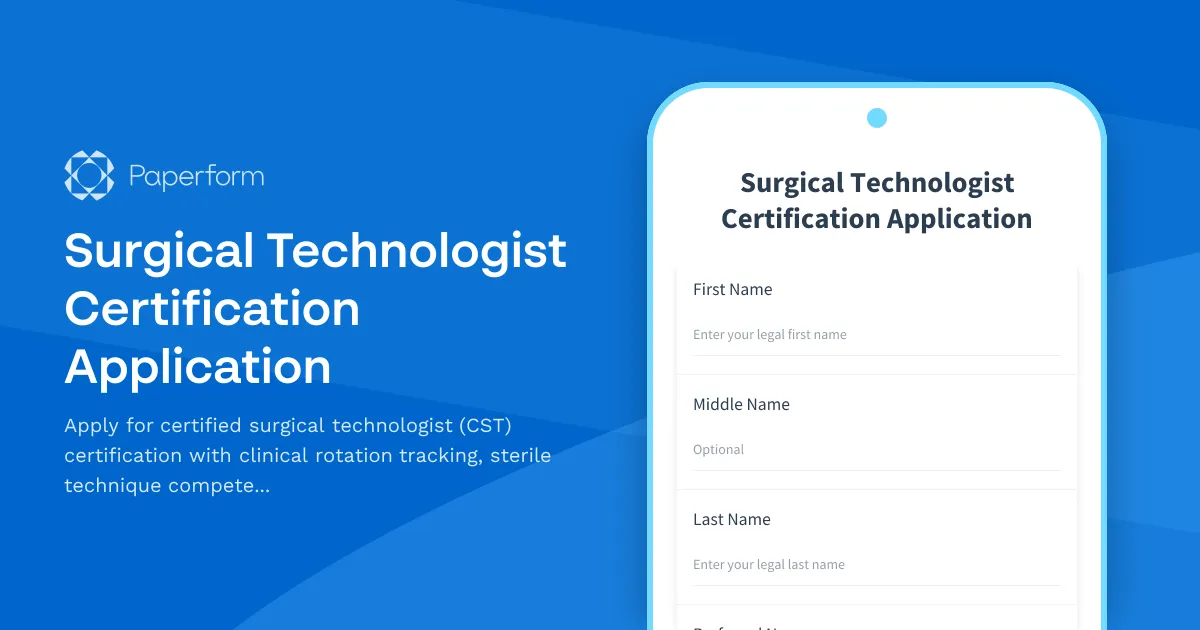
Surgical Technologist Certification Application
Apply for certified surgical technologist (CST) certification with clinical rotation tracking, sterile technique competency verification, and exam registration.