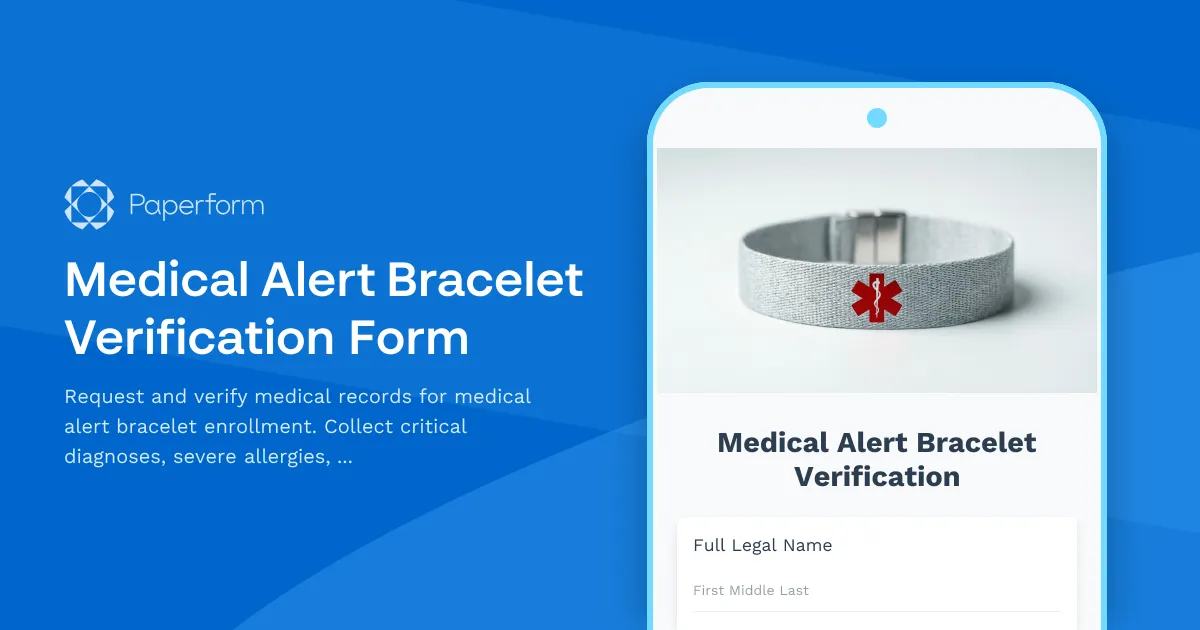
Medical Alert Bracelet Verification Form Template
A medical alert bracelet can be a lifesaver in emergency situations, but it's only as effective as the information it contains. This Medical Alert Bracelet Verification Form template is designed to help healthcare providers, medical alert companies, and patient advocacy organizations collect accurate, comprehensive medical information that can be verified and engraved onto life-saving medical identification jewelry.
Why Medical Alert Bracelet Verification Matters
When a medical emergency strikes, first responders and emergency room staff need instant access to critical health information. Medical alert bracelets provide that instant visibility—alerting paramedics and doctors to severe allergies, chronic conditions, implanted devices, and emergency contacts that could mean the difference between life and death.
This form template streamlines the process of gathering verified medical information from patients and their healthcare providers, ensuring that the information engraved on a medical alert bracelet is accurate, current, and potentially life-saving.
Who Should Use This Template
This medical alert bracelet verification form is ideal for:
- Medical alert bracelet companies processing new enrollments and bracelet orders
- Healthcare providers and clinics helping patients obtain medical alert identification
- Hospitals and patient safety coordinators supporting discharge planning
- Home healthcare agencies ensuring patient safety in community settings
- Senior care facilities coordinating medical alert jewelry for residents
- Patient advocacy groups facilitating access to medical identification
- Specialty practices (cardiology, endocrinology, allergy/immunology) recommending medical alert bracelets for high-risk patients
What This Form Collects
This comprehensive template captures all the essential information needed for medical alert bracelet verification:
Patient Identification
- Full legal name and date of birth
- Contact information and address
- Emergency contact details with relationship
Critical Medical Information
- Confirmed diagnoses that require emergency awareness (diabetes, epilepsy, heart conditions, etc.)
- Severe allergies and specific allergens (medications, foods, latex, environmental)
- Blood type and Rh factor
- Implanted medical devices (pacemakers, defibrillators, insulin pumps, etc.)
Medication Information
- Current medications that first responders should know about
- Medications to avoid in emergency situations
Healthcare Provider Verification
- Physician name and contact information
- Medical record authorization
- Consent for records release
Bracelet Preferences
- Engraving priorities (what information matters most)
- Style and material preferences
- Special requirements or accessibility needs
How Paperform Elevates Medical Alert Enrollment
Using Paperform for your medical alert bracelet verification process provides significant advantages over paper forms or basic digital surveys:
Professional, Trustworthy Design Healthcare forms need to inspire confidence. With Paperform's document-style editor, you can create an on-brand form that looks professional and reassuring, incorporating your organization's colors, fonts, and logos. Add trust signals like security badges, compliance statements, and provider credentials directly into the form layout.
Conditional Logic for Relevant Questions Not every patient needs to answer every question. Use Paperform's conditional logic to show or hide follow-up questions based on initial responses. For example, if a patient indicates they have an implanted device, additional device-specific questions appear automatically. This keeps the form streamlined while still capturing comprehensive information when needed.
Secure File Upload for Supporting Documentation Patients can upload supporting medical records, physician letters, or insurance cards directly through the form. All files are securely stored and linked to the submission, creating a complete digital packet that can be reviewed and verified.
eSignature Integration with Papersign Medical records release requires proper authorization. By connecting your form to Papersign, you can automatically generate medical records release agreements and consent forms that patients can review and sign electronically. This creates a legally compliant audit trail while eliminating delays associated with mailing or faxing signed documents.
Automated Workflows with Stepper After a patient submits their medical alert bracelet verification form, several steps need to happen: records must be requested from physicians, information must be verified, bracelet engraving must be prepared, and the patient needs updates throughout the process.
With Stepper, Paperform's AI-native workflow builder, you can automate this entire process:
- Automatically email the patient's physician to request record verification
- Route submissions to clinical staff for review and approval
- Trigger engraving preparation once verification is complete
- Send status updates to patients at each stage
- Update your CRM or patient management system with enrollment status
This automation saves your team hours of manual follow-up while ensuring no verification request falls through the cracks.
Integration with Healthcare Systems Paperform integrates with the tools healthcare organizations already use. Push patient data into your EMR or patient management system, log submissions in Airtable or Google Sheets, notify staff via Slack, or trigger complex workflows through Stepper, Zapier, Make, or webhooks.
Compliance and Security for Healthcare Information
While Paperform is not HIPAA compliant, this template can still be used effectively for initial information gathering and bracelet enrollment coordination in non-covered-entity contexts, such as:
- Direct-to-consumer medical alert services
- Patient-initiated medical identification requests
- Community health education programs
- Medical alert bracelet retailers
For organizations that are HIPAA covered entities, this form can collect initial contact information and patient consent, then direct patients to HIPAA-compliant portals for detailed medical record transfer.
Paperform maintains SOC 2 Type II compliance and offers robust security features including data encryption, secure file uploads, and data residency controls—providing enterprise-grade security in an SMB-friendly platform.
The Impact of Accurate Medical Alert Information
For patients with chronic conditions, severe allergies, or implanted devices, a medical alert bracelet isn't just an accessory—it's a critical safety tool. By streamlining the verification process with a professional, easy-to-complete form, you're helping ensure that patients get accurate, verified medical identification faster and more reliably.
Whether you're a medical alert company processing hundreds of enrollments monthly, a specialty clinic recommending medical alert jewelry to high-risk patients, or a patient advocacy organization helping individuals access life-saving identification, this Paperform template gives you a professional, efficient, and patient-friendly solution.
Get started with this Medical Alert Bracelet Verification Form template today and help protect your patients when every second counts.



More templates like this
Medical Records Release for Long-Term Care Insurance Claim
A comprehensive medical records release form for long-term care insurance claims, including activities of daily living assessments, cognitive function evaluations, and detailed nursing care requirements documentation.
Nephrology Medical Records Release Form
Request and authorize the release of nephrology treatment records including dialysis logs, kidney function tests, transplant evaluations, and vascular access documentation for patient care coordination.
Sleep Study Records Release Form
A comprehensive medical records release form for requesting sleep study documentation, polysomnography results, CPAP therapy data, and sleep specialist recommendations for transfer to healthcare providers.
Allergy & Immunology New Patient Intake Form
Comprehensive new patient intake form for allergy and immunology practices, including symptom tracking, environmental triggers, allergy history, and medication documentation.

Allergy & Immunology Records Transfer Form
Request and transfer comprehensive allergy and immunology medical records, including skin test results, immunotherapy protocols, anaphylaxis history, and emergency action plans between healthcare providers.
Chronic Venous Insufficiency Screening Form
A comprehensive screening form for chronic venous insufficiency (CVI) that assesses leg swelling, varicose veins, symptoms, and determines whether compression therapy or vascular surgery consultation is needed.
Cognitive Impairment Screening for Seniors
A professional cognitive screening form for healthcare providers to assess seniors for memory concerns and cognitive decline using the Mini-Cog test and functional assessments.
Community Paramedicine Home Monitoring Referral Form
A comprehensive referral form for community paramedicine programs to connect patients with chronic disease home monitoring, medication management, telehealth setup, and mobile integrated healthcare services.
Diabetic Supply Delivery Consent & Authorization Form
Streamline diabetic testing supply delivery with insurance verification, automatic refill consent, usage tracking, and secure copay collection in one HIPAA-compliant form.
Endocrinology New Patient Registration Form
A comprehensive new patient registration form for endocrinology practices, capturing diabetes management history, thyroid symptoms, hormone replacement therapy tracking, and essential patient information.

Gastroenterology Medical Records Transfer Request
Request transfer of gastroenterology records including endoscopy reports, colonoscopy findings, biopsy results, and IBD management documentation for continuity of care.
Genetic Testing Results Release Form
Request release and transfer of genetic testing results, hereditary condition reports, family history, and counseling notes with comprehensive privacy consent options.