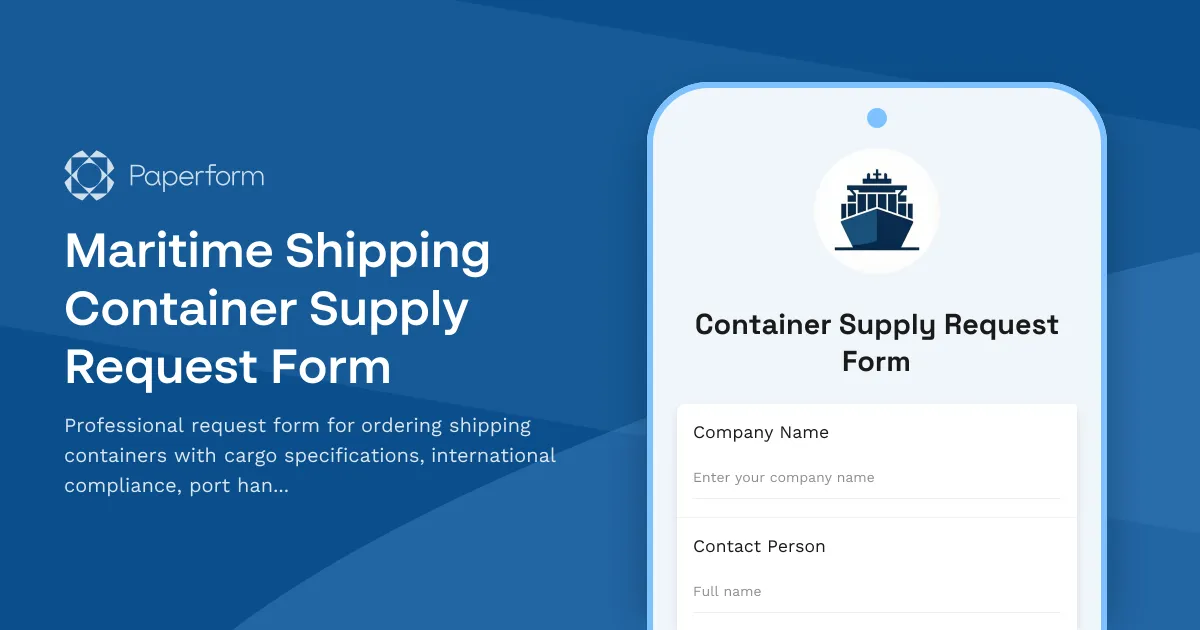
Streamline Your Container Supply Requests with Paperform
Managing maritime shipping container requests doesn't have to involve endless email chains and disconnected spreadsheets. This Maritime Shipping Container Supply Request Form gives shipping companies, freight forwarders, logistics coordinators, and port operators a centralized, professional way to request containers with full cargo specifications, regulatory compliance details, and port handling requirements—all in one branded form.
Whether you're coordinating international shipments, managing container fleets, or facilitating port operations, this template captures everything from container type and size to IMDG classifications, fumigation certificates, and customs documentation. The structured format ensures every stakeholder—from procurement teams to port handlers—has the information they need to fulfill requests accurately and on time.
Built for Maritime and Logistics Workflows
This form is designed specifically for the maritime shipping industry. It includes fields for container specifications (20ft, 40ft, high cube, reefer), cargo type and weight distribution, international compliance (ISO standards, CSC plate verification, IMO requirements), and port-specific handling instructions. You can capture VGM (Verified Gross Mass) declarations, hazmat classifications, temperature requirements for refrigerated cargo, and special equipment needs like gensets or securing gear.
With Paperform's conditional logic, the form adapts based on cargo type—showing additional fields for dangerous goods, perishables, or oversized cargo only when relevant. This keeps the form clean and efficient while ensuring regulatory compliance every time.
Automate Container Request Workflows with Stepper
Once a container request is submitted, you can use Stepper to automate the entire fulfillment workflow. Route requests to your procurement team, notify warehouse coordinators, update your container management system, sync with port scheduling tools, and send confirmation emails with tracking references—all without manual data entry. Stepper can even create records in your ERP, TMS (Transportation Management System), or CRM, keeping all your logistics platforms in sync.
Payments, Documentation, and Real-Time Updates
Need to collect deposits, leasing fees, or handling charges? Connect Paperform's native Stripe, PayPal, or Square integrations to accept payments directly in the form. Use calculation fields to automatically compute costs based on container type, quantity, lease duration, or port fees—with totals updating in real time as the form is completed.
For container leasing agreements or service terms, you can follow up with Papersign to send digital contracts for eSignature, creating a seamless handoff from request to executed agreement with full audit trails.
Secure, Compliant, and Ready to Scale
Paperform is SOC 2 Type II certified and GDPR compliant, so you can trust it with sensitive cargo details, client information, and operational data. With roles and permissions, you can control who sees and edits container requests across your organization. Plus, Paperform integrates with your existing tools—push data to Google Sheets, Airtable, Slack, or your TMS via native integrations, Stepper, Zapier, or webhooks.
Whether you're a freight forwarder managing hundreds of shipments, a shipping line coordinating container supply chains, or a port operator streamlining equipment requests, this template gives you a professional, no-code solution that fits right into your maritime logistics stack.



More templates like this
Courier Service Vehicle Supply Request Form
A comprehensive vehicle supply request form for courier services to request fleet vehicles, supplies, and equipment based on delivery volumes, geographic coverage needs, and package handling requirements.
Shipping Container Routing Change Request Form
Submit routing change requests for shipping containers with customs documentation updates, port facility notifications, cargo insurance verification, and logistics coordinator approval.
Cold Chain Supply Request Form
Professional form for requesting temperature-controlled shipping logistics, pharmaceutical-grade materials, monitoring equipment, and contingency planning for cold chain supply operations.
Marine Cargo Shipping Client Data Consent Form
Secure client consent for container tracking, customs documentation, cargo insurance, port facility access, and international shipping regulation compliance for marine cargo operations.
Marine Shipping Password Reset & Account Recovery Form
Secure password reset form for maritime shipping professionals to regain access to vessel tracking, cargo manifest systems, and port management platforms.
Marine Shipping VPN Access Request Form
Secure VPN access request form for maritime personnel requiring remote access to vessel tracking systems, cargo management platforms, and port operations coordination tools.
Marine Vessel Operational Expense Log
A comprehensive expense tracking form for marine shipping operations, capturing voyage-specific costs including fuel, port fees, crew wages, maintenance, insurance, and charter revenue allocation.
Moving Company Supplies Request Form
Streamline your moving supply requests with job size estimation, truck inventory allocation, seasonal planning, and damage prevention tracking for efficient operations.
Nigerian Ports Authority (NPA) Vessel Registration Form
Official vessel registration form for the Nigerian Ports Authority (NPA) including ship particulars, ownership details, tonnage certificate information, and compliance documentation for maritime operations in Nigerian waters.
Agricultural Farm Supply Request Form
Streamline your farm supply ordering process with automated acreage calculations, seasonal planning, organic certification tracking, and bulk pricing requests for seeds, fertilizers, and equipment.
Airport Flight Schedule Change Request Form
A professional flight schedule change request form for airport operations teams to coordinate ATC notifications, gate reassignments, passenger rebooking, and crew scheduling updates in one streamlined workflow.
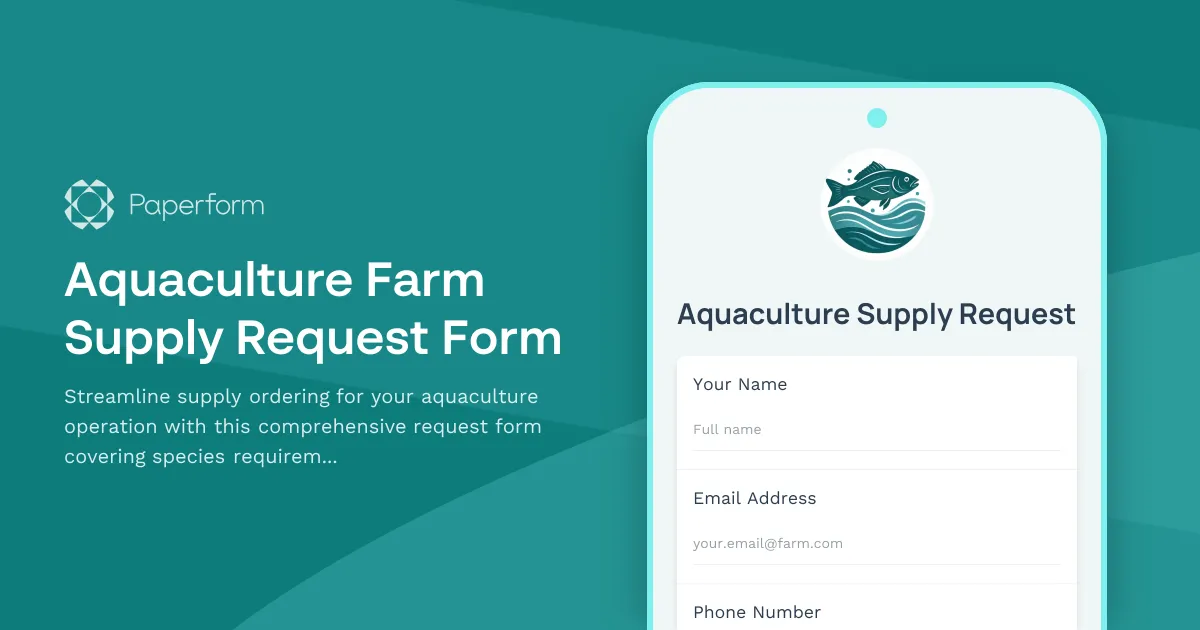
Aquaculture Farm Supply Request Form
Streamline supply ordering for your aquaculture operation with this comprehensive request form covering species requirements, water quality management, feed specifications, and harvest processing needs.