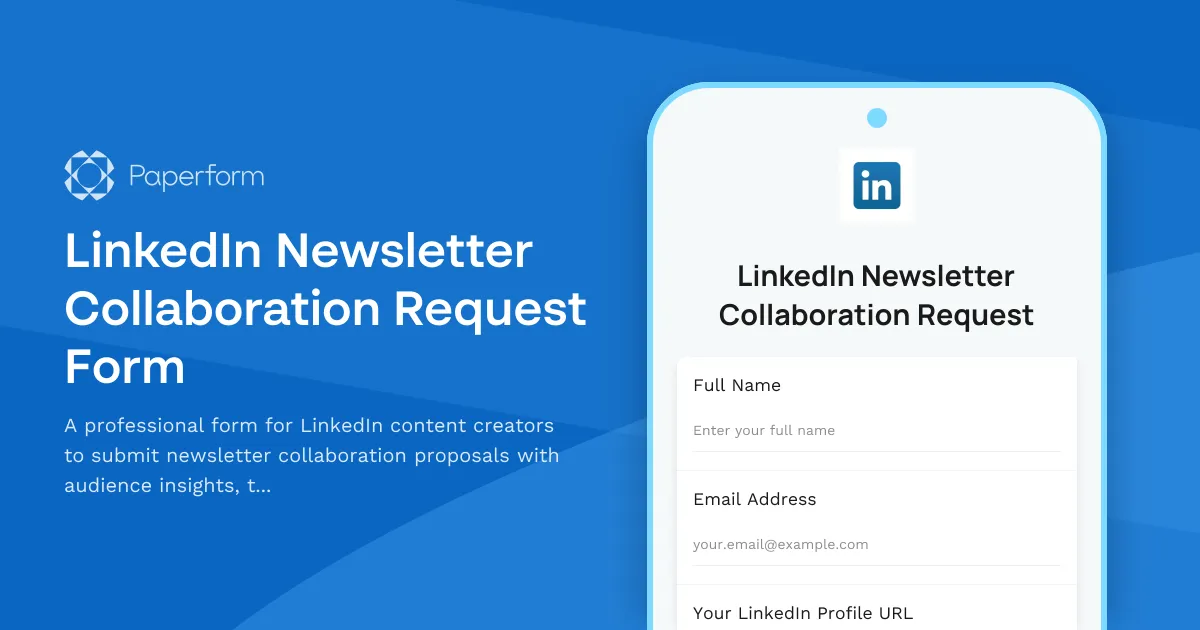
Streamline LinkedIn Newsletter Collaborations with Paperform
If you're a LinkedIn creator building an engaged newsletter audience, collaboration requests can be both exciting and overwhelming. This LinkedIn Newsletter Collaboration Request Form helps you efficiently evaluate partnership opportunities while gathering the insights you need to make smart co-creation decisions.
Why LinkedIn Creators Need This Form
LinkedIn newsletters have become powerful audience-building tools for thought leaders, consultants, coaches, and content creators. But managing inbound collaboration requests via DMs and emails can quickly become chaotic. This template standardizes your intake process, capturing essential information about potential collaborators' audiences, content expertise, and alignment with your editorial vision.
What This Template Includes
This form walks potential collaborators through a structured request process covering audience demographics, content topic alignment, collaboration format preferences, and availability. It includes fields for LinkedIn profile details, newsletter statistics, target audience insights, proposed topics, and scheduling preferences. The built-in co-author agreement section ensures both parties are clear on content ownership, promotion expectations, and attribution before work begins.
Perfect for Content Creators and Newsletter Publishers
Whether you're a solo creator, agency managing multiple LinkedIn voices, or a professional services firm building thought leadership, this form helps you:
- Qualify collaboration opportunities based on audience fit and topic relevance
- Gather key metrics like follower counts, engagement rates, and subscriber demographics
- Assess topic alignment to ensure mutually beneficial content
- Coordinate production schedules with integrated availability fields
- Establish clear agreements on content rights and promotion
Automate Your Collaboration Workflow
Once you receive a collaboration request, use Stepper to automate your review process. Create workflows that notify your team in Slack, add high-potential collaborators to a CRM, schedule review meetings, or trigger follow-up email sequences. You can also use Papersign to send a more detailed collaboration agreement for eSignature once both parties are ready to move forward.
Built for LinkedIn's Creator Economy
This template is designed specifically for the LinkedIn creator ecosystem, with fields tailored to newsletter metrics, B2B audience demographics, and professional content collaboration. The friendly, professional tone matches LinkedIn's platform culture while maintaining the structure needed for serious business partnerships.
Get started with this template and transform scattered DMs into an organized, professional collaboration pipeline that helps you say yes to the right partnerships.



More templates like this
Personal Brand Style Guide Template
Build a comprehensive personal brand style guide with color palette recommendations, typography selections, voice and tone framework, and content pillars to create a consistent brand identity.
Brand Refresh Input Collaboration Form
A comprehensive collaboration form for long-term creator partners to provide strategic feedback, share audience insights, and plan content evolution during brand refresh initiatives.
Influencer Futurism Collaboration Form
A forward-thinking collaboration form for influencers exploring future trends, innovation, and technology adoption through strategic partnerships and co-creation opportunities.
LinkedIn Content Templates for B2B Professionals
A digital product order form for LinkedIn content templates featuring engagement hook formulas, carousel post designer, and hashtag research tools designed for B2B marketers and professionals.
Multi-Creator Campaign Collaboration Form
Coordinate multi-creator campaigns with role assignments, content planning, cross-promotion schedules, and unified messaging for successful collaborative projects.
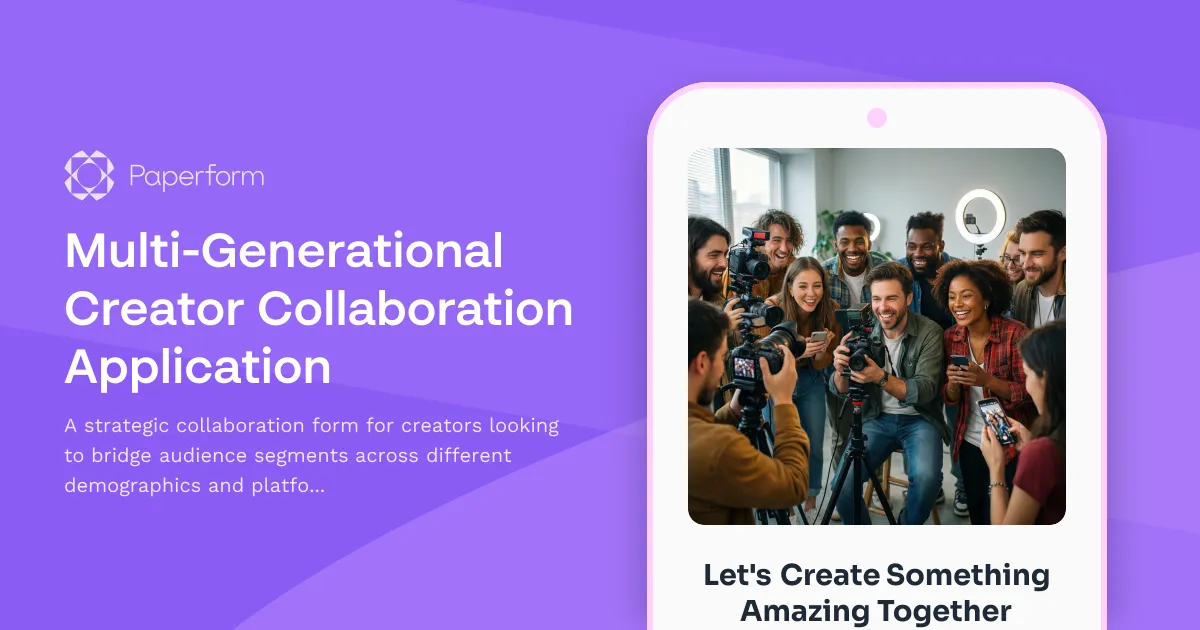
Multi-Generational Creator Collaboration Application
A strategic collaboration form for creators looking to bridge audience segments across different demographics and platforms, with clear goals for mutual growth and cross-generational appeal.
Multi-Sensory Brand Experience Collaboration Form
A comprehensive form for brands and creators to collaborate on immersive, multi-sensory experiences including AR/VR, soundscapes, haptic design, and experiential storytelling projects.

YouTube Shorts Collaboration Pitch Form
A comprehensive form for creators to pitch YouTube Shorts collaborations with audience overlap analysis, trending topic suggestions, and cross-promotion planning.
Brand Purpose Alignment Collaboration Form
A comprehensive collaboration request form for values-driven creators and brands to align on purpose, measure impact, and build long-term partnerships for meaningful change.
Brand Storytelling Collaboration Form
A comprehensive collaboration form for creators and brands to plan storytelling projects, from narrative development to distribution timelines.
Community Platform Giveaway Entry
Enter to win a community building platform consultation and setup package. Perfect for creators, brands, and businesses ready to launch or grow their online community.
Content Creation Partnership Form
A professional partnership inquiry form for brands and content creators to discuss collaborations, deliverables, audience fit, and negotiate rates.