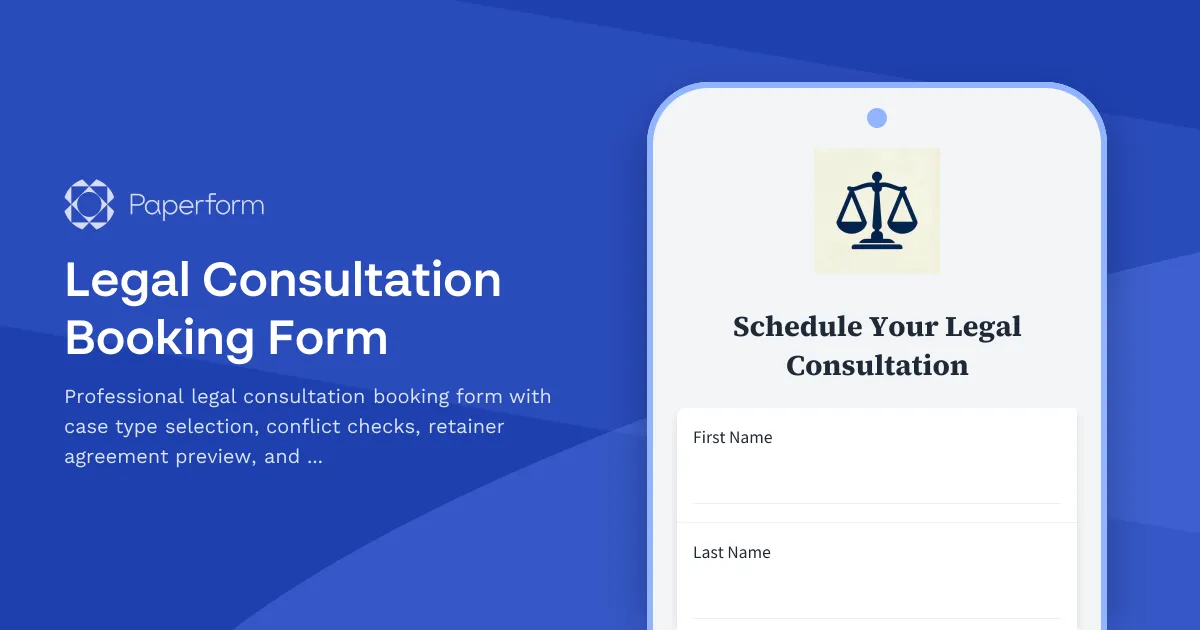
Streamline Your Legal Client Intake with a Professional Consultation Booking Form
For law firms, solo practitioners, and legal professionals, the initial consultation is the foundation of every client relationship. This Legal Consultation Booking Form template helps you capture essential case information, conduct preliminary conflict checks, schedule appointments, and collect retainer deposits—all in one seamless, professional experience.
Built for Legal Professionals Who Value Time and Compliance
Managing new client inquiries shouldn't mean juggling phone calls, email chains, and paper forms. This template brings your entire intake process online, allowing potential clients to book consultations 24/7 while ensuring you collect all the information needed for effective case evaluation and conflict screening.
The form guides prospects through case type selection (family law, criminal defense, estate planning, business law, and more), captures relevant case details, conducts basic conflict checks, and presents your retainer agreement for review before collecting a secure payment deposit through integrated payment processing.
Smart Conditional Logic for Different Practice Areas
Using Paperform's powerful conditional logic, the form adapts based on the type of legal matter. When a potential client selects "Family Law," they'll see questions about divorce, custody, or support matters. Choose "Criminal Defense," and the form presents questions about charges and court dates. This ensures you gather the specific information needed for each practice area without overwhelming every visitor with irrelevant questions.
The built-in conflict check section captures information about opposing parties, related entities, and previous legal representation—helping you identify potential conflicts of interest before the consultation even begins.
Integrated Scheduling and Secure Payment Processing
Connect your calendar to the appointment scheduling field, and let clients choose from your available consultation slots. No more back-and-forth emails trying to find a time that works. Once they select their preferred time, they can review your standard retainer agreement (or consultation terms) right within the form, then submit a secure deposit payment through Stripe, PayPal, or Square.
This combination of scheduling and payment collection ensures you're only spending time on consultations with qualified, committed prospects who've already reviewed your terms and made their deposit.
Automate Follow-Up with Stepper Workflows
After a consultation is booked, use Stepper to automate your entire follow-up process. Send confirmation emails with calendar invites, create matter records in your practice management software (Clio, MyCase, PracticePanther), add clients to your CRM, trigger conflict check reviews in your system, and schedule reminder emails before the consultation. You can even route different case types to different attorneys or departments automatically.
For firms that require signed engagement letters, connect this form to Papersign to automatically generate and send engagement agreements for eSignature after the consultation booking is confirmed. This creates a complete, professional client onboarding experience from first contact to signed agreement.
Professional, Trustworthy Design That Converts
First impressions matter in legal services. This form uses a clean, professional design with a white card layout that establishes trust and credibility. The step-by-step flow guides potential clients through the process without overwhelming them, and customizable branding options let you match your firm's visual identity.
The form is fully SOC 2 Type II compliant and GDPR-ready, giving you and your clients confidence that sensitive legal information is handled securely throughout the intake process.
Perfect for Law Firms, Solo Practitioners, and Legal Professionals
Whether you're a solo practitioner, small law firm, or growing practice with multiple attorneys, this template adapts to your needs. It's ideal for:
- Solo practitioners and small firms looking to professionalize their client intake and reduce administrative time
- Family law attorneys screening custody, divorce, and support cases
- Criminal defense lawyers evaluating new cases and collecting retainers
- Estate planning attorneys booking consultations and capturing beneficiary information
- Business lawyers screening corporate matters and conflicts
- Personal injury firms qualifying cases and scheduling case evaluations
With Paperform's flexible pricing and generous usage limits, you can process hundreds of consultation bookings without worrying about per-form fees or submission caps. As your practice grows, roles and permissions let you give different team members appropriate access to manage bookings, review submissions, and process payments.
Stop losing potential clients to cumbersome intake processes. Start with this template and create a professional consultation booking experience that works as hard as you do.



More templates like this
Patent Attorney Meeting Scheduler
Schedule a consultation with a patent attorney to discuss your invention, prior art research, prototype status, and filing timeline requirements.
Canadian Patent Application Form
A comprehensive patent application form for filing with the Canadian Intellectual Property Office (CIPO), including inventor details, claims, abstract, and declarations.
Healthcare Whistleblower Attorney Intake Form
Professional intake form for law firms representing healthcare whistleblowers in Medicare/Medicaid fraud, False Claims Act qui tam cases, and retaliation protection matters.
Immigration Lawyer Consultation Booking Form
A professional consultation booking form for immigration lawyers to capture client visa needs, timeline urgency, required documents, and country-specific requirements before scheduling appointments.
Immigration Legal Consultation Request Form
A comprehensive immigration consultation form for law firms to assess client needs, visa types, timelines, and documentation requirements while establishing clear fee agreements.
Immigration T Visa Application Identity Verification Form
Comprehensive T visa application form for victims of human trafficking, including identity verification, trafficking victim statement, law enforcement cooperation documentation, physical presence proof, and hardship evidence.
Intellectual Property Strategy Consultation Request Form
A comprehensive form for businesses seeking IP strategy consultation, covering patent portfolios, trademark holdings, licensing opportunities, infringement concerns, and budget planning.

Legal Consultation Waitlist Form
A professional waitlist form for law firms to capture prospective clients' information, practice area needs, case urgency, budget expectations, and perform initial conflict checks before scheduling consultations.
National Interest Waiver (NIW) Application for Advanced Degree Professionals
A comprehensive application form for advanced degree professionals seeking a National Interest Waiver (NIW) for U.S. immigration, documenting proposed endeavors, qualifications, and national importance.
Spring Intellectual Property Consultation Appointment Form
Schedule a consultation with an IP attorney to discuss patents, trademarks, copyrights, and other intellectual property matters. Perfect for inventors, entrepreneurs, and businesses seeking legal protection for their innovations.
Student Loan Defense Attorney Intake Form
A comprehensive intake form for student loan defense attorneys to gather essential client information, loan details, default status, rehabilitation options, discharge eligibility, and wage garnishment challenges.
Trademark Attorney Client Discovery Form
A comprehensive discovery form for trademark attorneys to assess client needs, evaluate brand protection requirements, and develop trademark registration and enforcement strategies.