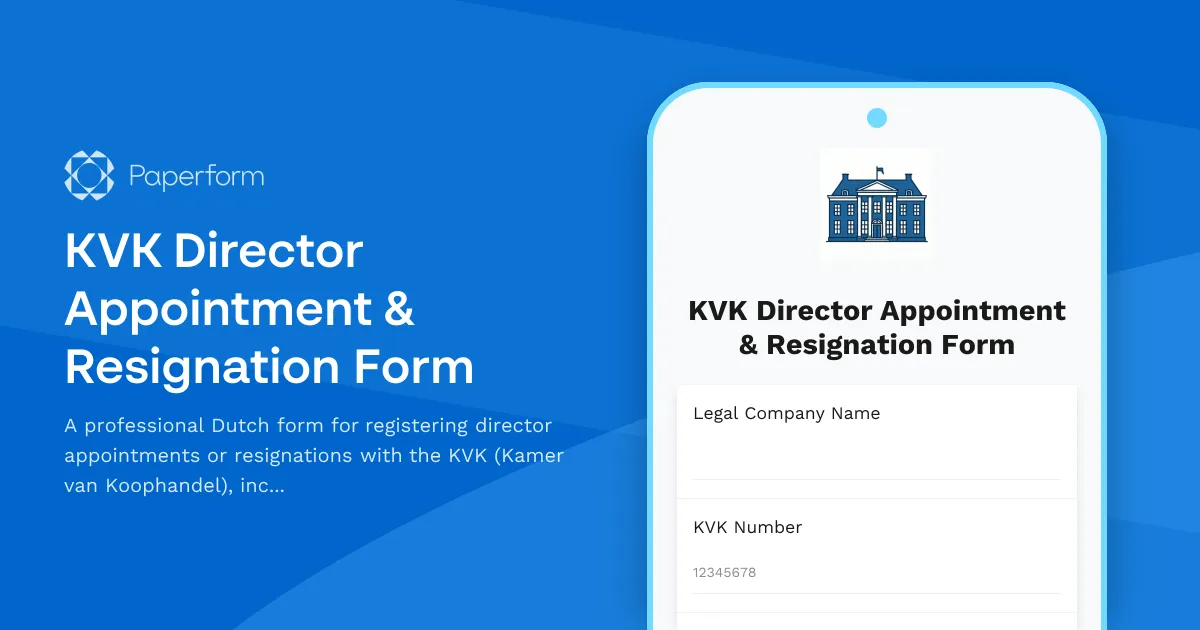
Changing directors is a significant event for any Dutch business, and it needs to be properly registered with the KVK (Kamer van Koophandel). This KVK Director Appointment & Resignation Form streamlines the entire process, helping you collect all the required information in one organized, compliant submission.
Whether you're appointing a new managing director, registering a resignation, or updating signature authorities, this template is designed specifically for Dutch businesses and legal professionals who need to maintain accurate company records with the Chamber of Commerce. It captures essential details including identity verification (BSN or passport information), effective dates, and comprehensive signature authority configurations.
Built for Dutch regulatory workflows
This form template handles the complexity of KVK director changes with conditional logic that adapts based on whether you're processing an appointment, resignation, or both. It collects all the information required by the Chamber of Commerce, including company details, director personal information, identity documents, and the specific powers being granted or revoked.
For law firms, notaries, business service providers, and in-house legal teams, this form eliminates back-and-forth emails and ensures nothing is missed. All submissions are stored securely, and you can integrate with your document management system or CRM to keep everything synchronized.
Automate your KVK compliance workflow
Once a submission comes through, you can use Stepper to automate the next steps: generate the required KVK forms, prepare UBO declarations if needed, send documents to notaries for review, and even trigger Papersign to collect eSignatures on resolutions or appointment letters before final filing.
Paperform's calculation fields and conditional visibility ensure that the form shows only relevant questions based on the type of change being made, creating a smooth experience for whoever is filling it out—whether that's an HR manager, company secretary, or external advisor.
Secure, compliant, and ready to deploy
Paperform is SOC 2 Type II and GDPR compliant, which matters when you're handling identity documents, BSN numbers, and sensitive corporate information. You can embed this form on your website, share it via link, or customize it with your firm's branding and house style. All submissions are encrypted and can be exported or integrated into your existing case management system.



More templates like this
KVK Cross-Border Merger Documentation Form
A comprehensive form for documenting cross-border mergers under Dutch law, ensuring compliance with EU regulations and capturing shareholder approval for KVK registration.
Aviso de Privacidad (Privacy Notice) Acceptance Form
A professional privacy notice acceptance form for Mexican businesses to ensure INAI compliance, obtain explicit data processing consent, and inform users of their ARCO rights under Mexican data protection law.
Certificate of No Criminal Record Application Form (Japan Visa)
Streamlined application form for requesting a Certificate of No Criminal Record (犯罪経歴証明書) for Japanese visa purposes, including authorization and apostille service requests.
Dutch BV Incorporation Form (KVK Registration)
Professional incorporation form for registering a private limited company (BV) in the Netherlands, including founder details, share capital structure, and notary appointment scheduling.
French Whistleblower Protection Form
Anonymous reporting channel for whistleblowers in France with full legal protection, investigation process tracking, and retaliation safeguards compliant with Sapin II Law.
German Residence Permit Application Form (Aufenthaltstitel)
Complete online application form for German residence permits with visa category selection, income documentation, and housing verification for foreign nationals.
Hong Kong Companies Registry Change of Company Secretary (ND2A) Form
Official form for notifying the Hong Kong Companies Registry of changes to a company secretary, including resignation dates, new secretary details, and required consent acknowledgments.
Korean Permanent Residency Application Form
A comprehensive application form for Korean F-5 permanent residency, covering investment requirements, employment history, integration proof, and eligibility verification for foreign nationals seeking permanent residence in South Korea.
KVK Company Secretary Appointment Form
Officially appoint a company secretary for your Dutch business with this KVK-compliant form. Define responsibilities, authority levels, and corporate records management duties in line with Dutch regulatory requirements.
KVK Merger or Acquisition Notification Form
Official notification form for mergers and acquisitions with the Dutch Chamber of Commerce (KVK), including surviving entity details and registration transfer information.
Long-Term Resident Visa Renewal Application Form for Japan
A comprehensive application form for long-term residents seeking visa renewal in Japan, including continuous residence verification, tax compliance documentation, and regulatory information required by Japanese immigration authorities.
Netherlands Collective Dismissal Notification Form
Comprehensive UWV notification form for collective dismissal (collectief ontslag) in the Netherlands, including employee details, social plan information and regulatory compliance documentation.