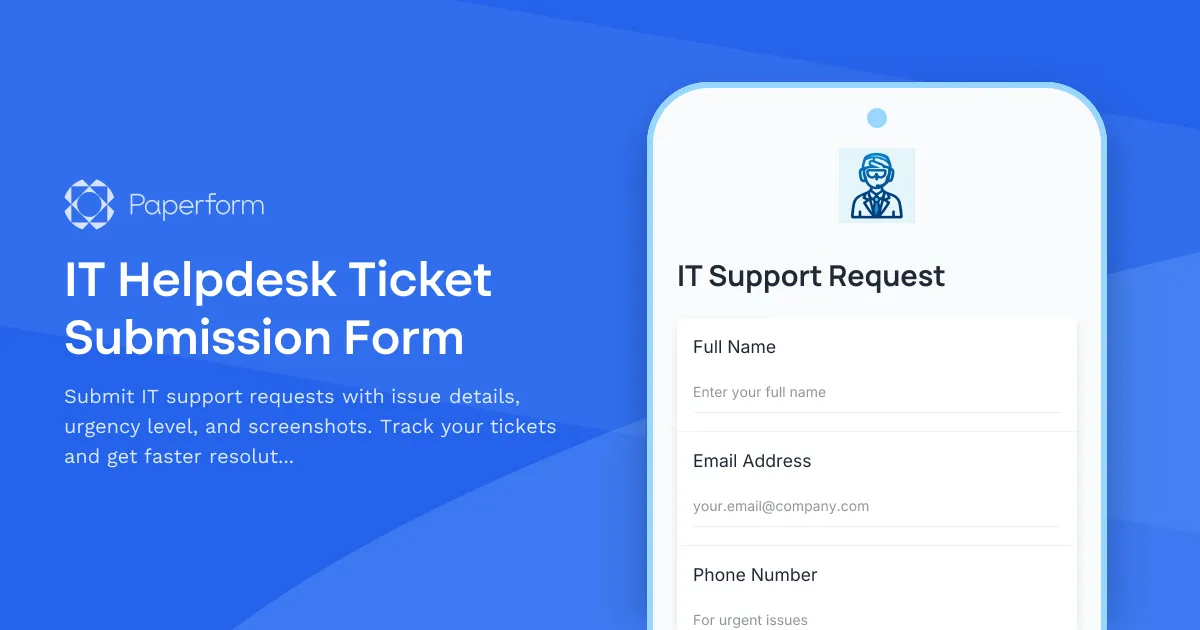
Streamline Your IT Support with a Professional Helpdesk Ticket Form
Managing IT support requests efficiently is crucial for keeping your business running smoothly. Our IT Helpdesk Ticket Submission Form is designed specifically for small and medium businesses that need a reliable way to capture, categorize, and prioritize technical issues.
This template helps your IT team work smarter by collecting all the essential information upfront—issue category, urgency level, detailed descriptions, screenshots, and asset identification. By standardizing your ticket intake process, you'll reduce back-and-forth emails, speed up resolution times, and maintain a clear audit trail of all support requests.
Perfect for IT departments, managed service providers, and technical support teams across industries including technology companies, professional services, education, healthcare, and any business with internal IT infrastructure.
Key Features That Make a Difference
Our form includes conditional logic to capture relevant details based on the type of issue reported. Hardware problems? The form asks for asset tags and location details. Software issues? It captures application names and error messages. Network problems? It requests connection details and affected systems.
The urgency classification system helps your team prioritize effectively—from critical system outages that need immediate attention to routine requests that can be scheduled. Attach screenshots, error logs, or any supporting documentation directly in the form, eliminating the need for follow-up emails.
Automate Your IT Workflow with Stepper
Take your IT support to the next level by connecting this form to Stepper. Automatically route urgent tickets to senior technicians, create tasks in your project management system, send acknowledgment emails with ticket numbers, and update your IT asset management database—all without writing a single line of code.
With Paperform's payment integration, you can even offer premium support tiers or charge for after-hours assistance directly through the form. The flexibility to embed this form in your intranet, help center, or send it via direct link means your team can submit tickets from anywhere.
Trusted by IT teams worldwide, this template provides the professional, organized approach to helpdesk management that growing businesses need.



More templates like this
IT Helpdesk Problem Report Form
A comprehensive IT problem reporting form with asset tracking, priority assessment, and automatic SLA routing to streamline technical support workflows.
Backup Server Configuration Request Form
Request backup server configuration with custom retention policies, backup windows, backup types, and restoration testing plans for your infrastructure.
IT Demand Management Portal Access Request
Request access to the IT Demand Management Portal with customizable intake form permissions, project review capabilities, and prioritization scoring tools for IT teams.
IT Hardware and Software Request Form
Request IT hardware, software, and equipment with technical specifications, compatibility requirements, security clearance, and asset tracking.

Remote Work Monitor & Display Upgrade Request
Request approval for new monitors and display equipment for your home office setup. Submit screen specifications, multiple monitor needs, and mounting requirements for budget approval.
Workplace Collaboration Tool Support Request
Submit technical support requests for workplace collaboration tools, including access issues, file sharing errors, integration problems, and bot configuration assistance.
Workstation Imaging Request Form
Request a new workstation image with standard builds, custom software, data migration, and flexible scheduling. Streamline IT provisioning for your team.
Backup and Recovery Request Form
Submit backup and data recovery requests with detailed specifications including data location, retention requirements, recovery objectives, and priority levels for IT support teams.
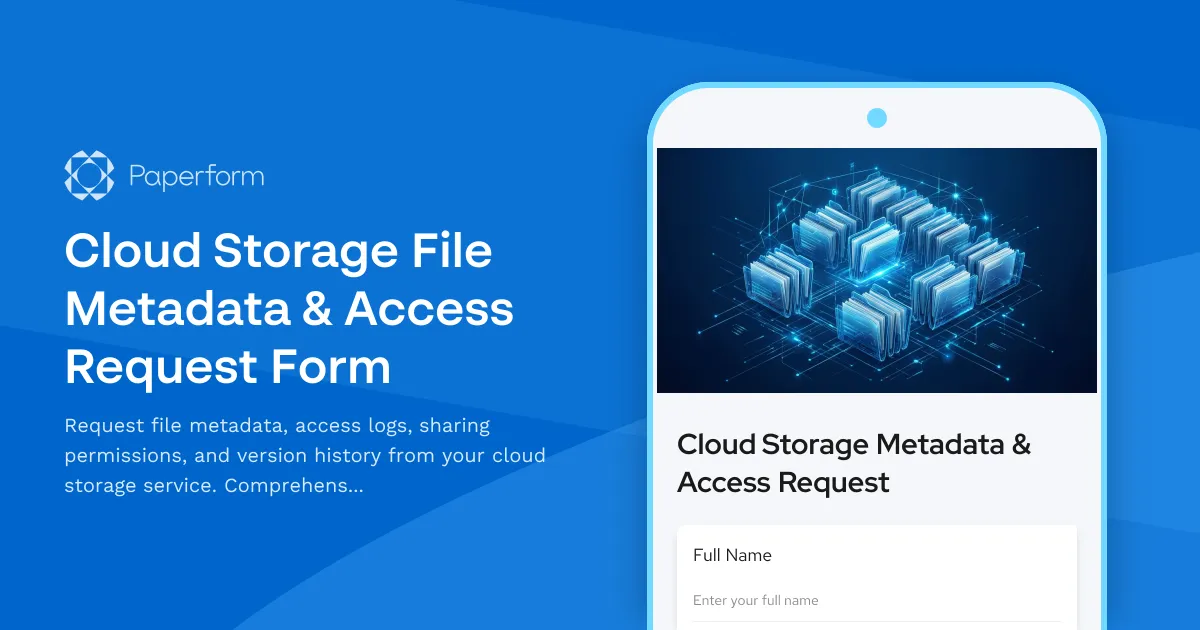
Cloud Storage File Metadata & Access Request Form
Request file metadata, access logs, sharing permissions, and version history from your cloud storage service. Comprehensive data access request form for IT administrators and users.

Collaboration Workspace Admin Access Request
Request administrative access to collaboration workspaces including member management, content moderation, and archive permissions for project teams.
Database Optimization Service Request
Request professional database optimization services to improve performance, resolve bottlenecks, and enhance query efficiency for your database systems.
Email Security Gateway Support Request
Report and resolve email security issues including spam detection errors, phishing simulation problems, encryption failures, and messaging security concerns with streamlined IT support escalation.