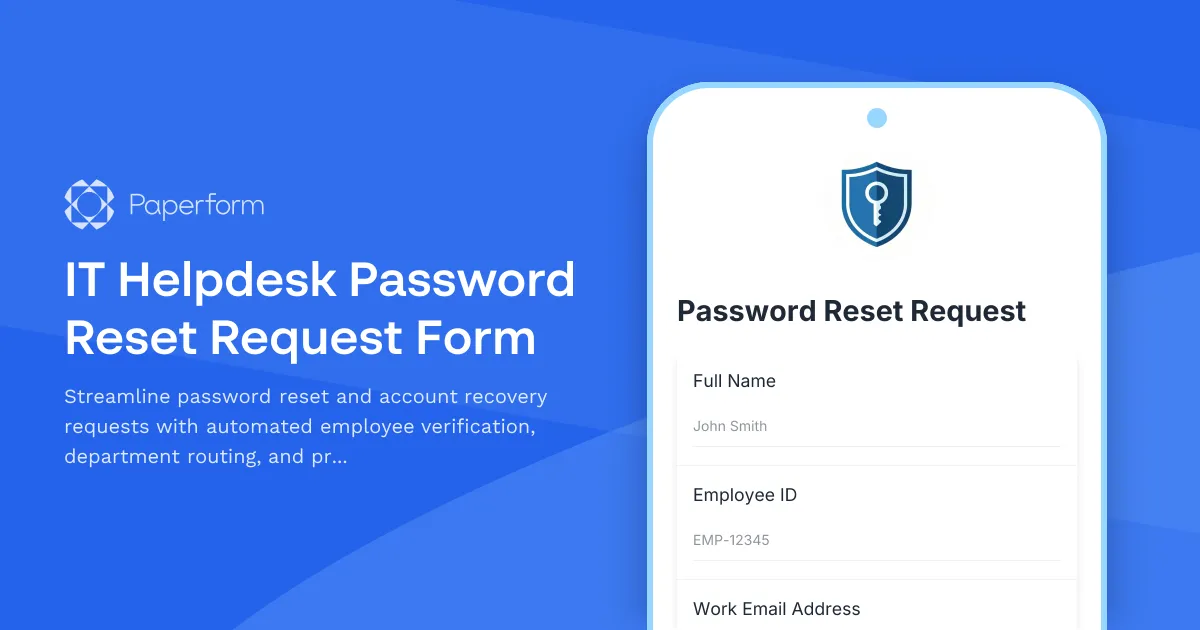
Simplify Password Resets with a Professional IT Helpdesk Form
Password lockouts and account access issues are among the most common IT support requests in any organization. This IT Helpdesk Password Reset Request Form helps IT teams handle these requests efficiently while maintaining security protocols and proper verification procedures.
Built for IT Support Teams Who Need Speed and Security
Whether you're managing a small business helpdesk or supporting a larger enterprise team, this form template captures all the essential information your IT staff needs to verify identity, assess urgency, and reset credentials quickly. Employees can submit requests 24/7, reducing helpdesk call volume and creating a clear audit trail for every password reset.
The form includes employee ID verification, department selection, contact information, and urgency classification—ensuring high-priority requests get attention first while routine resets are handled systematically. IT teams can use conditional logic to route urgent requests differently or request additional verification for sensitive account types.
Automate Your IT Workflow with Stepper
Take your password reset process further by connecting this form to Stepper, Paperform's AI-native workflow automation platform. When a reset request is submitted, Stepper can automatically create tickets in your IT service management system, send confirmation emails with estimated response times, notify the appropriate IT staff based on department or urgency, and even trigger follow-up surveys once the issue is resolved.
For organizations using ticketing systems like Jira Service Management, Zendesk, or Freshdesk, Stepper makes it simple to keep everything in sync without manual data entry. You can also set up escalation workflows that alert senior IT staff if urgent requests aren't acknowledged within a specific timeframe.
Why IT Teams Choose Paperform
This template is SOC 2 Type II compliant and can be embedded directly into your intranet or internal portal for seamless access. With Paperform's calculation and conditional logic features, you can customize the form to match your organization's specific security requirements—adding extra verification steps for admin accounts, requiring manager approval for certain request types, or automatically categorizing requests based on the information provided.
IT professionals trust Paperform because it's simple enough for non-technical staff to use, yet powerful enough to handle complex internal workflows. Start with this template and customize it to match your security policies, branding, and support processes in minutes.



More templates like this
Contractor & Vendor Access Request Form
Streamline temporary access provisioning for contractors and vendors with sponsor approval, NDA verification, and automated badge printing integration.
Email Distribution List Access Request Form
Request access to email distribution lists with configurable ownership and member management permissions. Includes usage policy acknowledgment and access justification.
Enterprise Active Directory Password Reset Form
Streamline IT support with a secure Active Directory password reset request form featuring domain selection, account verification, and lockout prevention.
IT Asset Disposal Request Form
Streamline the secure disposal of IT equipment with automated tracking, data sanitization compliance, environmental standards verification, and certificate of destruction generation.
IT Hardware and Software Request Form
Request IT hardware, software, and equipment with technical specifications, compatibility requirements, security clearance, and asset tracking.
IT Help Desk Ticket Submission Form
A professional IT support ticket form for streamlined technical issue reporting. Includes issue categorization, priority levels, device details, and file attachments to help your IT team resolve problems faster.
IT Helpdesk Problem Report Form
A comprehensive IT problem reporting form with asset tracking, priority assessment, and automatic SLA routing to streamline technical support workflows.
IT Helpdesk Ticket Submission Form
Submit IT support requests with issue details, urgency level, and screenshots. Track your tickets and get faster resolutions with our streamlined helpdesk form.
IT Password Reset Request Form
Streamline password reset requests with employee verification, department tracking, and priority-based ticket routing for IT helpdesks.
Multi-Factor Authentication Password Reset Form
Secure password reset form with multi-factor authentication, security question validation, and SMS verification to ensure safe account recovery for IT systems and applications.
Password Reset Request Form
Secure password reset request form with identity verification, department routing, and automated IT ticket generation for streamlined support workflows.
Phone System and Conference Room Access Request Form
Request phone system access, extension assignment, voicemail setup, and conference room calling privileges. Perfect for IT teams managing internal communication systems and user permissions.