
All Solutions
Explore all the solutions you can create with Paperform: surveys, quizzes, tests, payment forms, scheduling forms, and a whole lot more.
See all solutions




Connect with over 2,000 popular apps and software to improve productivity and automate workflows
See all integrationsProducts
Solutions
All Solutions
Explore all the solutions you can create with Paperform: surveys, quizzes, tests, payment forms, scheduling forms, and a whole lot more.
See all solutionsIntegrations
Connect with over 2,000 popular apps and software to improve productivity and automate workflows
See all integrationsResources
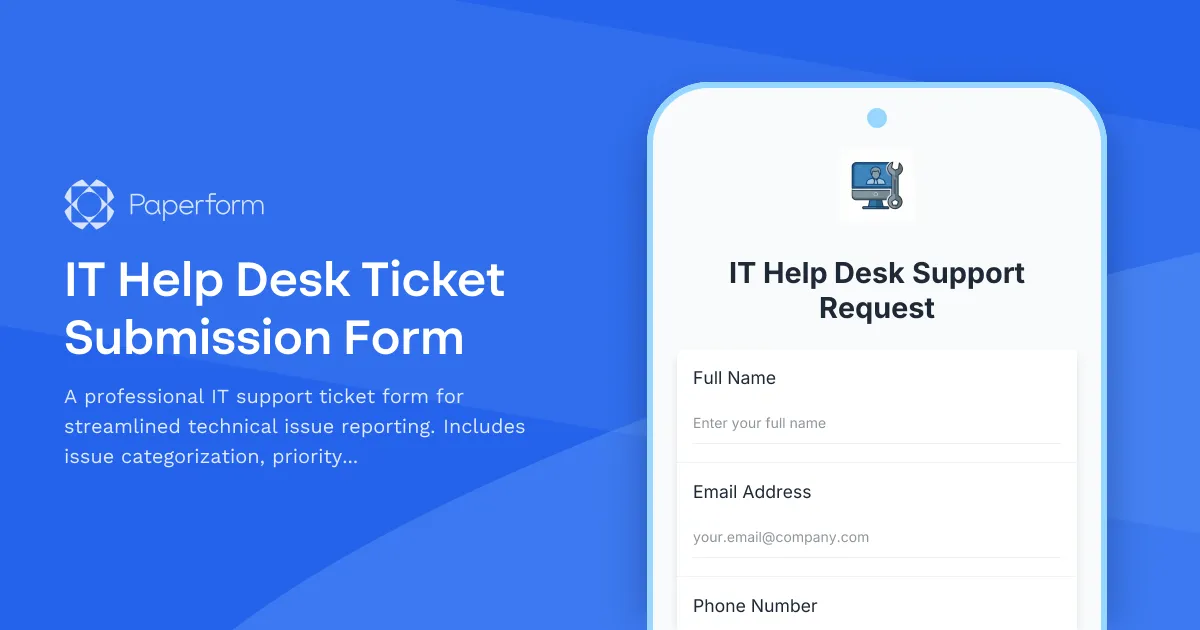
Professional IT Help Desk Ticket Submission Form
Managing technical support requests efficiently is critical for any business that relies on technology to keep operations running smoothly. This IT Help Desk Ticket Submission Form is designed specifically for IT departments, managed service providers, and internal support teams who need a structured way to capture, categorize, and prioritize technical issues.
Built for IT Support Teams and Service Desks
Whether you're running an internal IT department for a growing company, managing support tickets for multiple clients as an MSP, or operating a small business help desk, this form template gives your team the information they need to resolve issues quickly. Instead of chasing down details through email chains or vague Slack messages, users submit complete, structured tickets that include issue category, priority level, device information, and even screenshots—all in one place.
The form works for a wide range of IT support scenarios: software bugs, hardware failures, network connectivity issues, password resets, access requests, and general technical troubleshooting. By standardizing how issues are reported, you reduce back-and-forth communication, speed up response times, and create a clear audit trail for every support request.
Automate Your IT Workflows with Stepper
Paperform makes it easy to collect support tickets, but when you connect this form to Stepper, you can automate what happens next. Route high-priority tickets straight to senior technicians, create tasks in your project management tool, send auto-replies with estimated resolution times, or update your IT service management system—all triggered by form submissions. Stepper's AI-native workflows let you build sophisticated ticket routing and escalation processes without writing code, so your support team can focus on solving problems instead of managing spreadsheets.
Who This Form Is For
This template is ideal for:
- IT managers and support teams looking to standardize ticket intake and improve SLA compliance
- Managed service providers supporting multiple clients who need clear, consistent issue reporting
- Office managers and operations teams coordinating technical support across departments
- Small to medium businesses setting up their first formal IT help desk process
With Paperform's flexible design, you can embed this form on your intranet, share it via a branded URL, or integrate it directly into Slack or Microsoft Teams so employees can submit tickets without leaving their workflow.



More templates like this
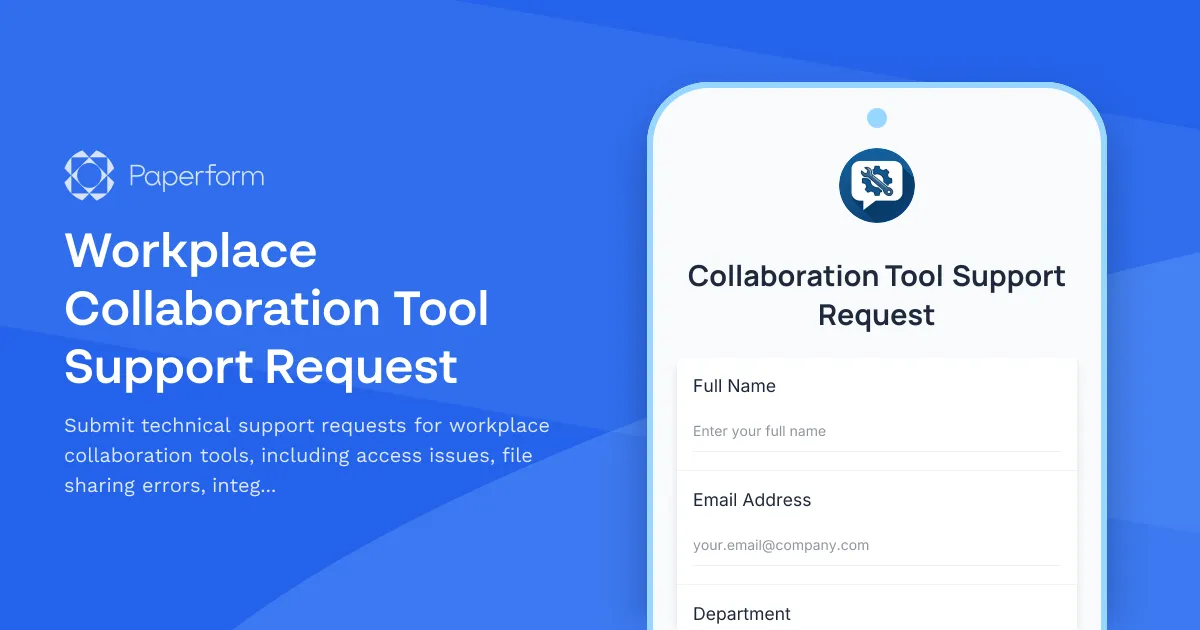
Workplace Collaboration Tool Support Request
Submit technical support requests for workplace collaboration tools, including access issues, file sharing errors, integration problems, and bot configuration assistance.
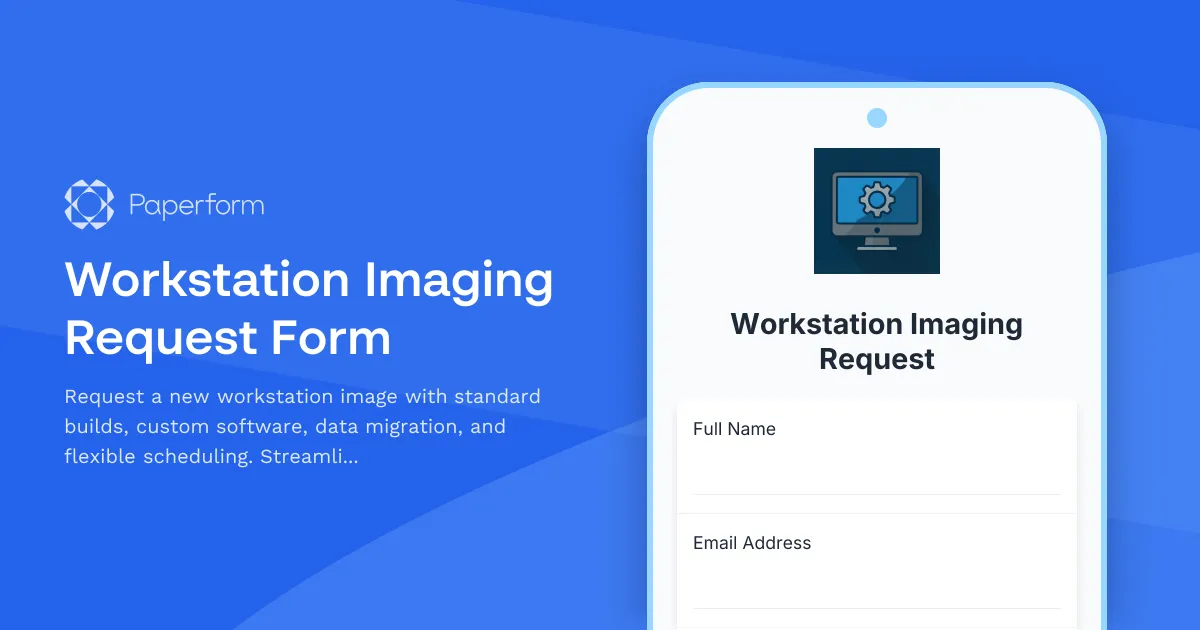
Workstation Imaging Request Form
Request a new workstation image with standard builds, custom software, data migration, and flexible scheduling. Streamline IT provisioning for your team.
Backup and Recovery Request Form
Submit backup and data recovery requests with detailed specifications including data location, retention requirements, recovery objectives, and priority levels for IT support teams.

Collaboration Workspace Admin Access Request
Request administrative access to collaboration workspaces including member management, content moderation, and archive permissions for project teams.

Corporate VPN Access Request Form
Streamline remote access requests with this corporate VPN access form. Collect employee details, device information, security clearance levels, and route for manager approval—all in one secure workflow.

Employee Offboarding IT Access Revocation Checklist
Comprehensive IT offboarding checklist to systematically revoke employee system access, track equipment returns, and ensure secure account closure across all platforms.

Home Office Battery Backup & UPS Request Form
Request battery backup and UPS equipment for your home office to ensure business continuity during power outages. Assess your power needs, prioritize critical devices, and plan for uninterrupted remote work.
IT Asset Disposal Request Form
Streamline the secure disposal of IT equipment with automated tracking, data sanitization compliance, environmental standards verification, and certificate of destruction generation.
IT Governance Platform Support Request Form
Submit technical support requests for IT governance platform issues including policy compliance tracking, exception management, audit trails, and escalations to the IT Governance Director.
IT Hardware and Software Request Form
Request IT hardware, software, and equipment with technical specifications, compatibility requirements, security clearance, and asset tracking.
IT Helpdesk Ticket Submission Form
Submit IT support requests with issue details, urgency level, and screenshots. Track your tickets and get faster resolutions with our streamlined helpdesk form.
IT Infrastructure Change Request Form
Submit and manage IT infrastructure changes with comprehensive risk assessment, rollback planning, and structured approval workflow for enterprise environments.