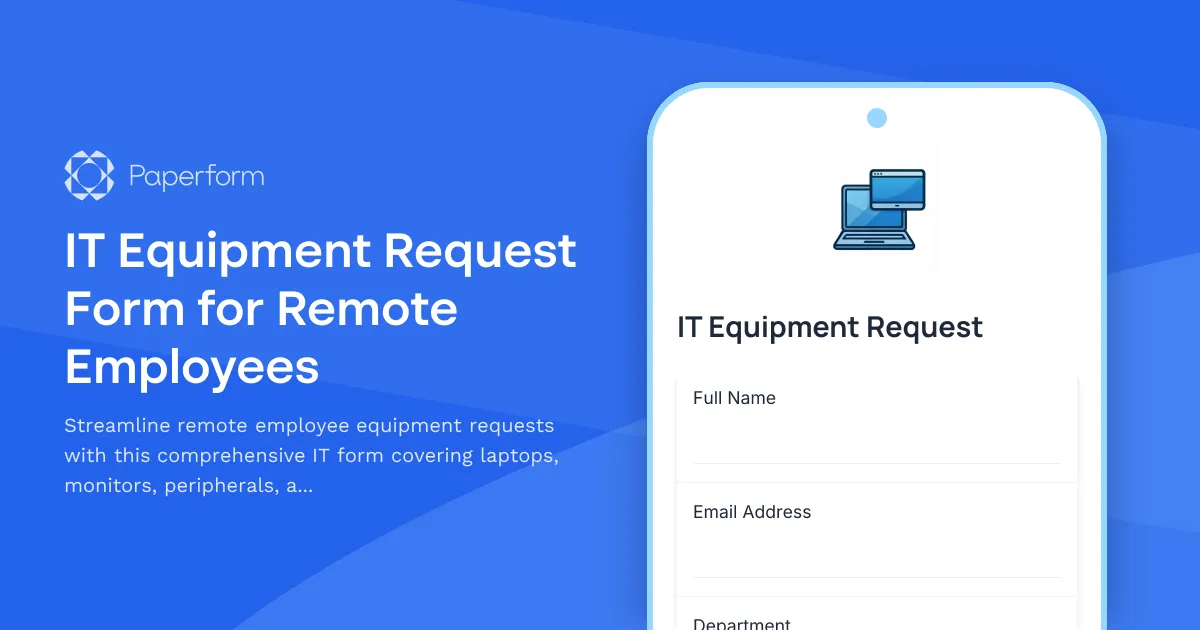
Managing IT equipment for remote teams doesn't have to be complicated. This IT Equipment Request Form for Remote Employees helps IT departments and operations teams efficiently handle hardware and software requests from distributed workforces.
Whether you're onboarding new remote hires, upgrading existing equipment, or supporting home office setups, this template captures everything you need—from detailed laptop specifications and monitor preferences to essential peripherals and ergonomic accessories. The structured format ensures IT teams receive complete information upfront, reducing back-and-forth emails and speeding up fulfillment.
Perfect for IT professionals, operations managers, and HR teams supporting remote and hybrid workforces across technology companies, startups, agencies, and any business with distributed teams. The form includes conditional logic to show relevant follow-up questions based on equipment type, making the experience smooth for requesters while giving IT the details they need.
Built with Paperform, you can customize fields to match your company's approved equipment list, integrate submissions directly into your IT ticketing system or asset management tools, and even trigger automated approval workflows using Stepper to route high-value requests through the right channels. Embed it in your employee portal or share it via Slack to make equipment requests faster and more transparent for everyone involved.



More templates like this

Remote Work Monitor & Display Upgrade Request
Request approval for new monitors and display equipment for your home office setup. Submit screen specifications, multiple monitor needs, and mounting requirements for budget approval.

Work From Home Technology Upgrade Program Application
Apply for technology upgrades and equipment refreshes for your home office setup. Request emerging tech, scalability improvements, and innovation budget for long-term remote work success.

Corporate VPN Access Request Form
Streamline remote access requests with this corporate VPN access form. Collect employee details, device information, security clearance levels, and route for manager approval—all in one secure workflow.
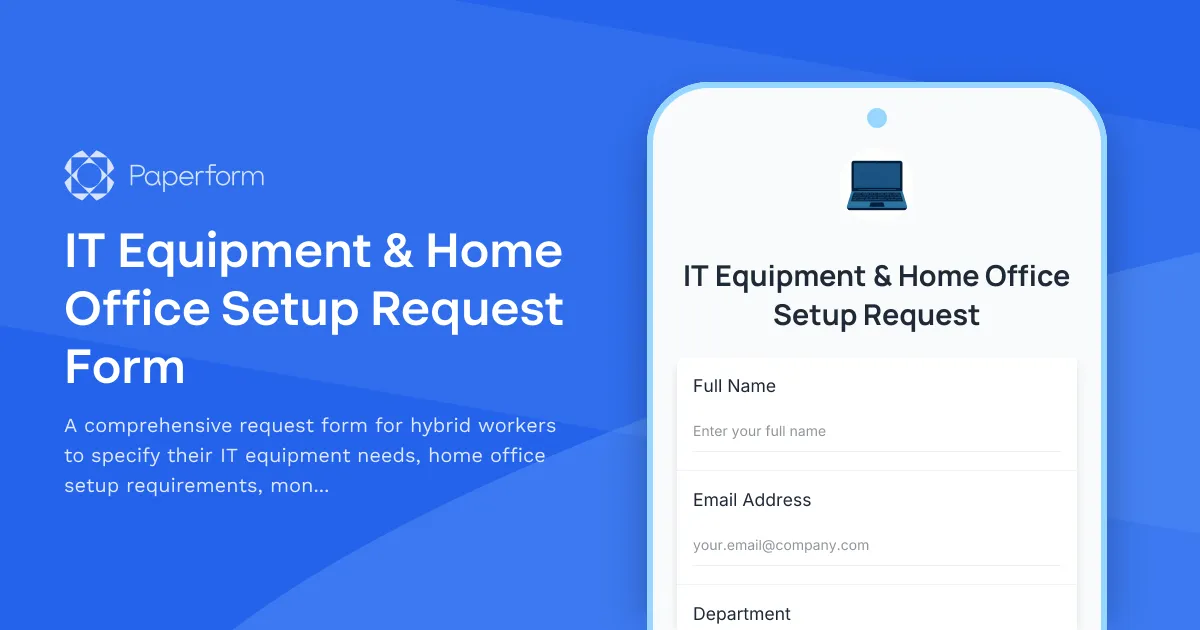
IT Equipment & Home Office Setup Request Form
A comprehensive request form for hybrid workers to specify their IT equipment needs, home office setup requirements, monitor preferences, keyboard specifications, and VPN access.

Home Office Battery Backup & UPS Request Form
Request battery backup and UPS equipment for your home office to ensure business continuity during power outages. Assess your power needs, prioritize critical devices, and plan for uninterrupted remote work.
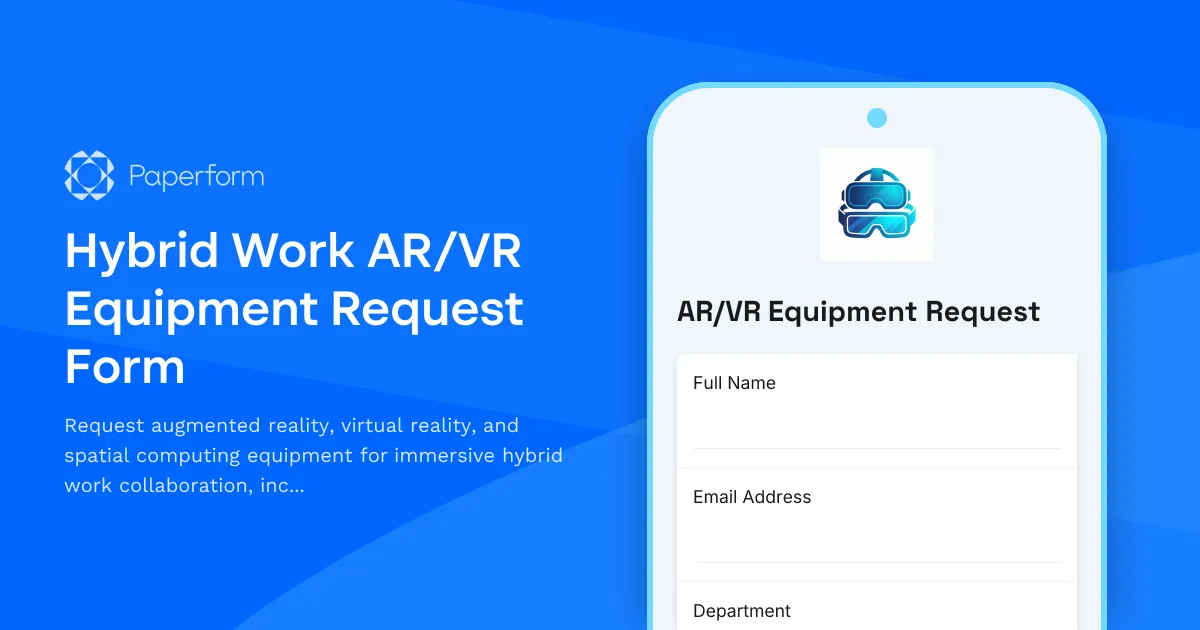
Hybrid Work AR/VR Equipment Request Form
Request augmented reality, virtual reality, and spatial computing equipment for immersive hybrid work collaboration, including VR headsets, AR glasses, and next-generation remote work technology.

Hybrid Work Equipment Check-Out Form
A comprehensive form for hybrid and remote employees to request, check out, and track company equipment including laptops, monitors, peripherals, and accessories with return scheduling and liability acknowledgment.

Hybrid Work Equipment Insurance & Damage Assistance Form
Submit claims for accidental damage, theft, or loss of home office equipment with deductible assistance, repair cost sharing, and replacement support for hybrid workers.
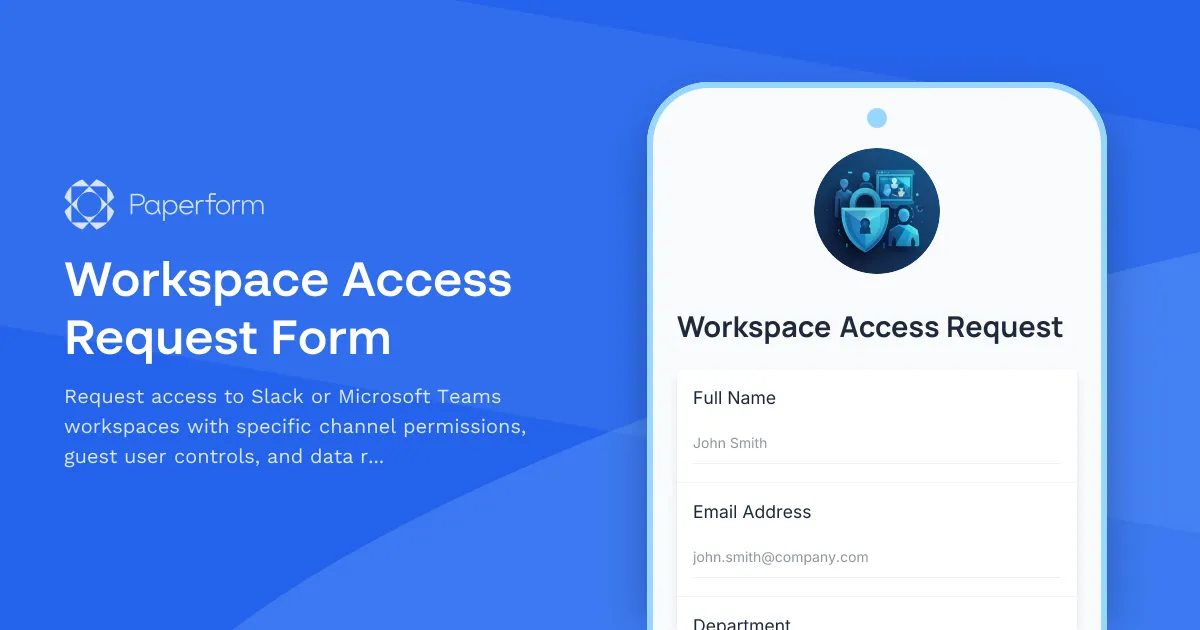
Workspace Access Request Form
Request access to Slack or Microsoft Teams workspaces with specific channel permissions, guest user controls, and data retention policy acknowledgment for secure collaboration.

Collaboration Workspace Admin Access Request
Request administrative access to collaboration workspaces including member management, content moderation, and archive permissions for project teams.
Coworking Credits Allocation Request Form
A streamlined form for distributed teams to request and allocate coworking space credits, track monthly allowances, and acknowledge usage policies.
Employee Hybrid Work Preference Survey
A comprehensive survey to understand employee preferences for hybrid work schedules, including focus time needs, social interaction requirements, and work style assessment to optimize flexible work arrangements.