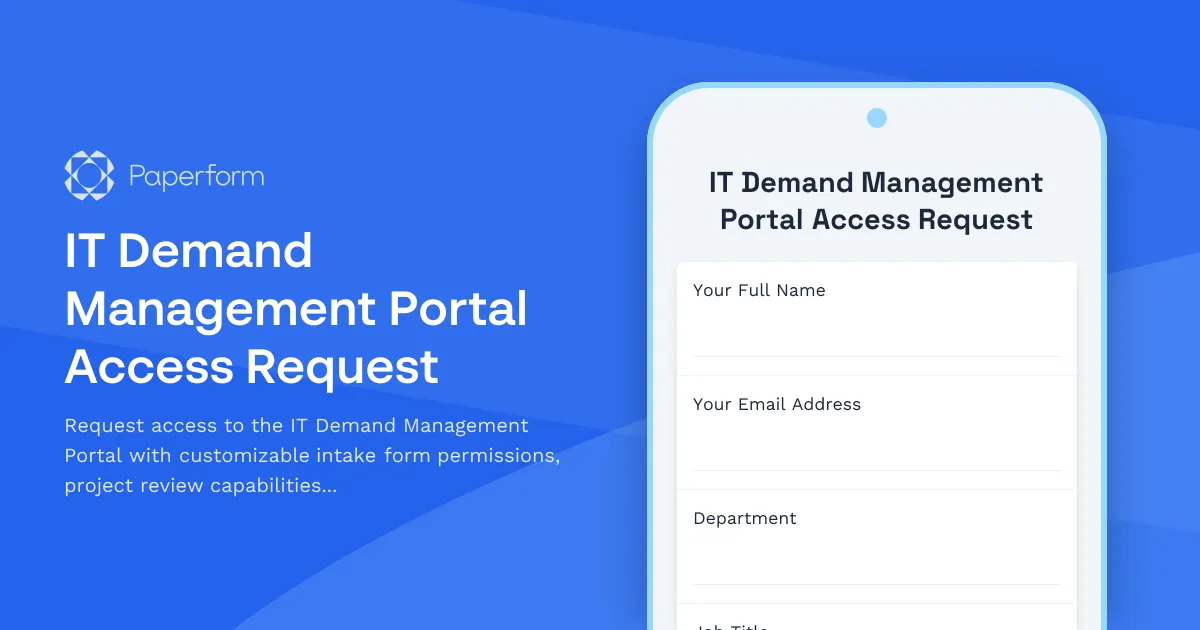
Streamline IT Demand Management with Paperform
Managing IT demand effectively requires the right tools and the right access. This IT Demand Management Portal Access Request template helps IT departments, PMOs, and service delivery teams control who can access their demand management systems while gathering all the necessary information to configure permissions appropriately.
Whether you're onboarding new IT managers, granting project stakeholders review access, or enabling business analysts to submit and score project requests, this template ensures every access request is properly documented, justified, and configured with the appropriate permission levels.
Why IT Teams Need Structured Access Request Forms
IT demand management portals are mission-critical systems that house sensitive project data, resource allocation information, and strategic priorities. Without a structured access request process, organizations face:
- Security risks from over-permissioned users or unauthorized access
- Operational inefficiencies when users can't access the tools they need
- Compliance issues without proper audit trails for access provisioning
- Configuration errors from manually setting up complex permission matrices
This Paperform template creates a single point of entry for all portal access requests, ensuring IT teams can provision access quickly while maintaining security and governance standards.
What This Template Includes
This comprehensive access request form captures:
- Requestor and user information including department, role, and manager approval
- Access type selection (new access, permission modification, or access removal)
- Portal module permissions with granular control over intake forms, project requests, review queues, prioritization scoring, and reporting
- Business justification to ensure access is appropriate and necessary
- Duration and urgency for time-sensitive requests
- Conditional logic that shows relevant permission options based on the access type selected
The form uses Paperform's conditional visibility rules to create a dynamic experience—users only see the permission configuration options relevant to their request type, reducing confusion and speeding up the intake process.
Perfect for IT Service Management Teams
This template is ideal for:
- IT Service Desk teams managing access provisioning requests
- PMO Directors controlling who can submit and review project demands
- IT Security teams maintaining least-privilege access principles
- Business Relationship Managers enabling stakeholder access to demand pipelines
- Enterprise Architects standardizing access governance across IT tools
Automate Access Workflows with Stepper
Once someone submits an access request, you can use Stepper to automate the entire approval and provisioning workflow:
- Route for approval to the user's manager and IT security based on permission level
- Create tickets in ServiceNow, Jira Service Management, or your ITSM tool
- Provision access by updating your identity management system via API
- Send notifications to the requestor with their new access credentials and portal orientation
- Update documentation in Confluence or SharePoint with current access registers
This means your IT team can move from manual, email-based access provisioning to a streamlined, auditable process that reduces time-to-access while improving security posture.
Customizable for Your Demand Management Platform
Every organization's demand management portal is different—whether you're using ServiceNow ITBM, Planview, Clarity PPM, Monday.com, or a custom-built solution. This template is fully customizable to match your specific:
- Module names and permission levels
- Approval workflows and governance requirements
- Intake form types and project taxonomies
- Scoring methodologies and prioritization criteria
- Compliance requirements including SOX, GDPR, or industry-specific regulations
Simply edit the dropdown options and checkbox lists to reflect your portal's actual structure and permission model.
Built for Professional IT Organizations
This template follows IT service management best practices with a clean, professional design that works seamlessly on desktop and mobile devices. The multi-page layout organizes the request into logical sections, making it easy for requestors to provide complete information while IT teams can quickly review and process each submission.
Paperform's SOC 2 Type II compliance and enterprise-grade security features mean you can confidently use this form for access provisioning requests, even in regulated industries with strict governance requirements.
Get Started in Minutes
With Paperform's intuitive editor, you can customize this template to match your organization's specific needs in minutes—no coding required. Add your branding, adjust permission options, connect to your existing tools via Stepper or direct integrations, and start processing access requests through a professional, efficient workflow.
Whether you're supporting a team of 50 or an enterprise of 5,000, this IT Demand Management Portal Access Request template gives you the foundation for secure, scalable access governance that IT teams can actually manage.



More templates like this

Collaboration Workspace Admin Access Request
Request administrative access to collaboration workspaces including member management, content moderation, and archive permissions for project teams.
IT Helpdesk Ticket Submission Form
Submit IT support requests with issue details, urgency level, and screenshots. Track your tickets and get faster resolutions with our streamlined helpdesk form.

Remote Work Monitor & Display Upgrade Request
Request approval for new monitors and display equipment for your home office setup. Submit screen specifications, multiple monitor needs, and mounting requirements for budget approval.
Backup Server Configuration Request Form
Request backup server configuration with custom retention policies, backup windows, backup types, and restoration testing plans for your infrastructure.
Cloud Platform Access Request Form
Request access to AWS, Azure, or GCP with role-based permissions, cost center allocation, and security group assignment for your cloud infrastructure needs.
Cloud Storage File Metadata & Access Request Form
Request file metadata, access logs, sharing permissions, and version history from your cloud storage service. Comprehensive data access request form for IT administrators and users.

Corporate VPN Access Request Form
Streamline remote access requests with this corporate VPN access form. Collect employee details, device information, security clearance levels, and route for manager approval—all in one secure workflow.
CRM System User Access Request Form
Request user access to your CRM system with role-based permissions, data visibility controls, and sales territory assignments for efficient team management.
Data Warehouse Access Request Form
Request access to data warehouse systems with specific query permissions, dataset access levels, and data retention policy acknowledgment for business intelligence and analytics teams.
Digital Rights Management System Access Request
Request access to DRM systems with customizable content protection permissions, usage policies, and granular access control for digital asset management.

Employee Offboarding IT Access Revocation Checklist
Comprehensive IT offboarding checklist to systematically revoke employee system access, track equipment returns, and ensure secure account closure across all platforms.

Home Office Battery Backup & UPS Request Form
Request battery backup and UPS equipment for your home office to ensure business continuity during power outages. Assess your power needs, prioritize critical devices, and plan for uninterrupted remote work.