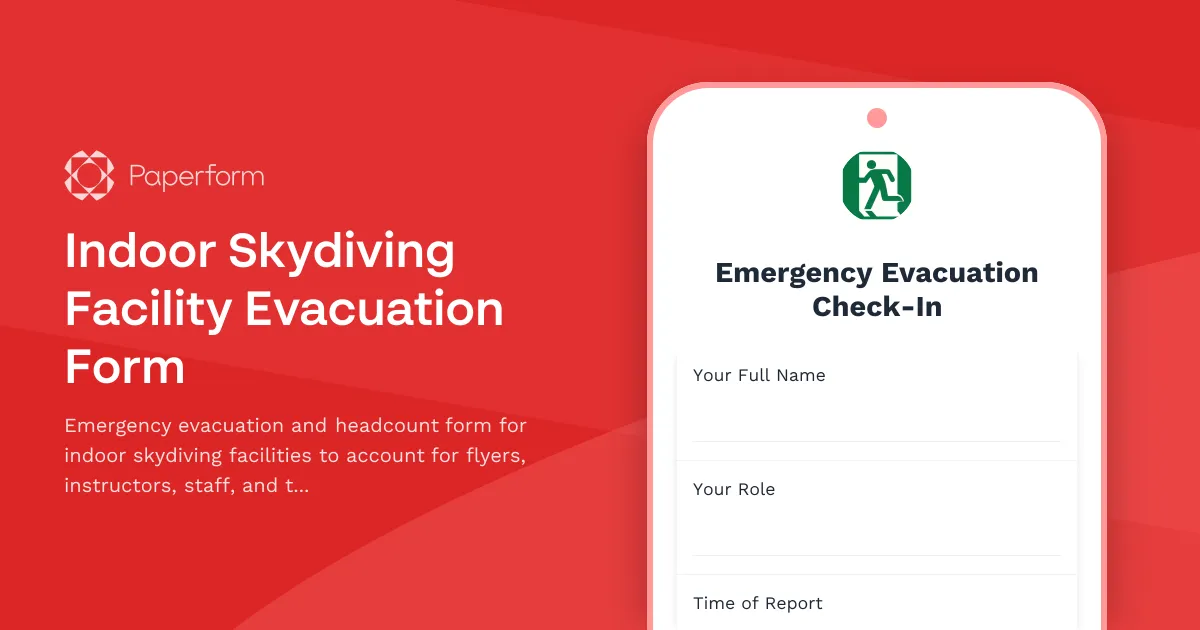
Indoor Skydiving Facility Evacuation Form Template
When an emergency strikes at your indoor skydiving facility, every second counts. Whether you're managing a wind tunnel malfunction, fire alarm, or any other crisis requiring immediate evacuation, you need a fast, reliable way to account for everyone in the building—from first-time flyers in the tunnel to instructors, observers, and staff.
This Indoor Skydiving Facility Evacuation Form template helps you conduct rapid headcounts, confirm wind tunnel shutdown protocols, assess equipment status, and coordinate flight booking adjustments, all from a single mobile-friendly form that works even when your facility is in emergency mode.
Built for the unique risks of indoor skydiving operations
Indoor skydiving facilities face distinct evacuation challenges: flyers may be mid-flight in the wind tunnel, wearing flight suits and helmets that limit communication; instructors need to execute shutdown procedures while guiding participants to safety; and families waiting in viewing areas must be accounted for alongside technical staff operating complex wind systems.
This template addresses those specifics with dedicated sections for:
- Wind tunnel status and shutdown confirmation—ensuring the fan system is safely powered down before evacuation
- Flyer and instructor headcount—tracking everyone who was in or around the tunnel at the time of the emergency
- Equipment and gear checks—confirming helmets, flight suits, and safety equipment are accounted for or left in safe locations
- Session and booking adjustments—capturing which flights were interrupted so you can quickly reschedule or refund affected customers
The form uses conditional logic to reveal relevant follow-up questions based on the type of emergency and evacuation zone, keeping the process streamlined when speed matters most.
Fast data capture for first responders and management
Built on Paperform, this evacuation form can be completed on any mobile device, tablet, or computer—no special apps required. Staff can fill it out from the assembly point, send real-time updates to facility management, and ensure no one is left behind.
Once submitted, responses can automatically sync to Google Sheets for live dashboards, trigger Slack or SMS alerts via Stepper to notify emergency coordinators, or integrate with your existing safety management system to create a timestamped audit trail for post-incident reviews and compliance reporting.
Designed for sports, recreation, and adventure facilities
While tailored for indoor skydiving operations, this template is ideal for any high-energy recreational facility that combines complex equipment, public participation, and strict safety protocols—trampoline parks, rock climbing gyms, ninja warrior courses, zip line facilities, and adventure tourism operators can all adapt this template to their specific evacuation needs.
With Paperform's SOC 2 Type II compliance and secure data handling, you can trust that sensitive incident information and customer details are protected, even in the chaos of an emergency.
Get back to safe operations faster
After the all-clear is given, use the data captured in this form to reconcile attendance records, communicate with affected customers, and generate incident reports for your safety team and insurers. The structured format ensures nothing falls through the cracks, and the ability to export responses means you can share findings with local authorities or corporate safety teams as needed.
Start with this template, customize the fields to match your facility's specific zones, equipment, and procedures, and ensure your team is ready to respond with confidence when every moment matters.



More templates like this
Axe Throwing Venue Emergency Evacuation Form
An emergency evacuation and headcount form for axe throwing venues to account for participants, staff, and secure equipment during crisis situations.
Batting Cage Facility Evacuation Check-In Form
A comprehensive evacuation form for batting cage facilities to track customer headcount, equipment shutdown procedures, and safety protocol completion during emergency situations.
Community Swimming Pool Evacuation Form
A comprehensive emergency evacuation checklist for community swimming pools to verify all swimmers, staff, and areas are accounted for and secured during an emergency evacuation.
Movie Theater Evacuation Check-In Form
A comprehensive evacuation check-in form for movie theaters to track staff, screening room status, and audience headcount during emergency situations.
Amusement Park Ride Evacuation Form
A comprehensive emergency evacuation form for amusement park rides to ensure guest safety, track headcount, coordinate with first aid stations, and document mechanical shutdown procedures during emergency situations.
Aquarium Emergency Evacuation & Safety Checklist
A comprehensive evacuation form for aquariums to track staff locations, visitor headcount, critical life support systems, backup power status, and marine biologist verification during emergency situations.
Axe Throwing Venue Wall Damage Claim Form
Report and assess wall damage incidents at axe throwing venues with safety barrier evaluation, insurance documentation, waiver verification, and liability coverage assessment.
Bowling Alley Lane and Equipment Damage Claim Form
A comprehensive damage claim form for bowling alley operators to document lane damage, equipment failures, and safety incidents while tracking league schedule impacts and insurance requirements.
Bowling Alley Safety and Maintenance Audit Checklist
Complete safety and maintenance audit checklist for bowling alleys covering lane equipment, shoe sanitization, food service compliance, fire safety, and pinspotter maintenance.
Brewery Emergency Evacuation & Headcount Form
A comprehensive emergency evacuation form designed for brewery production facilities to account for all personnel, monitor equipment shutdown procedures, and track hazardous area clearances during emergency situations.
Convention Center Event Evacuation Form
Track evacuation status, headcount, and safety information for convention center events with exhibitor booths, attendee estimates, and emergency exit usage.
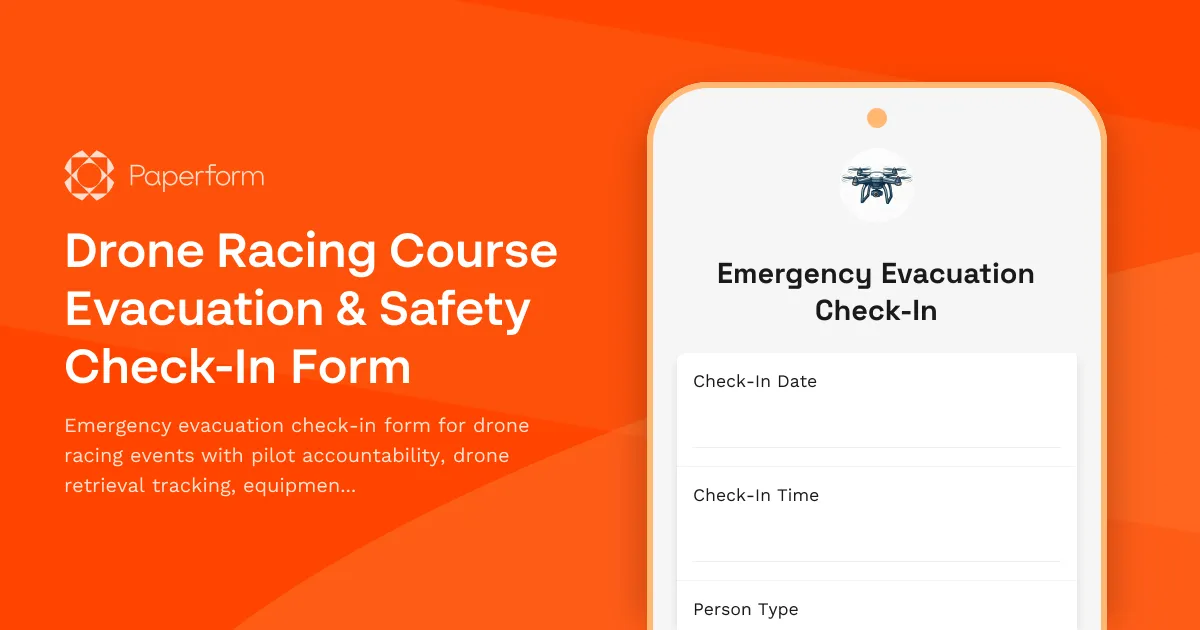
Drone Racing Course Evacuation & Safety Check-In Form
Emergency evacuation check-in form for drone racing events with pilot accountability, drone retrieval tracking, equipment shutdown procedures, and safety system verification.