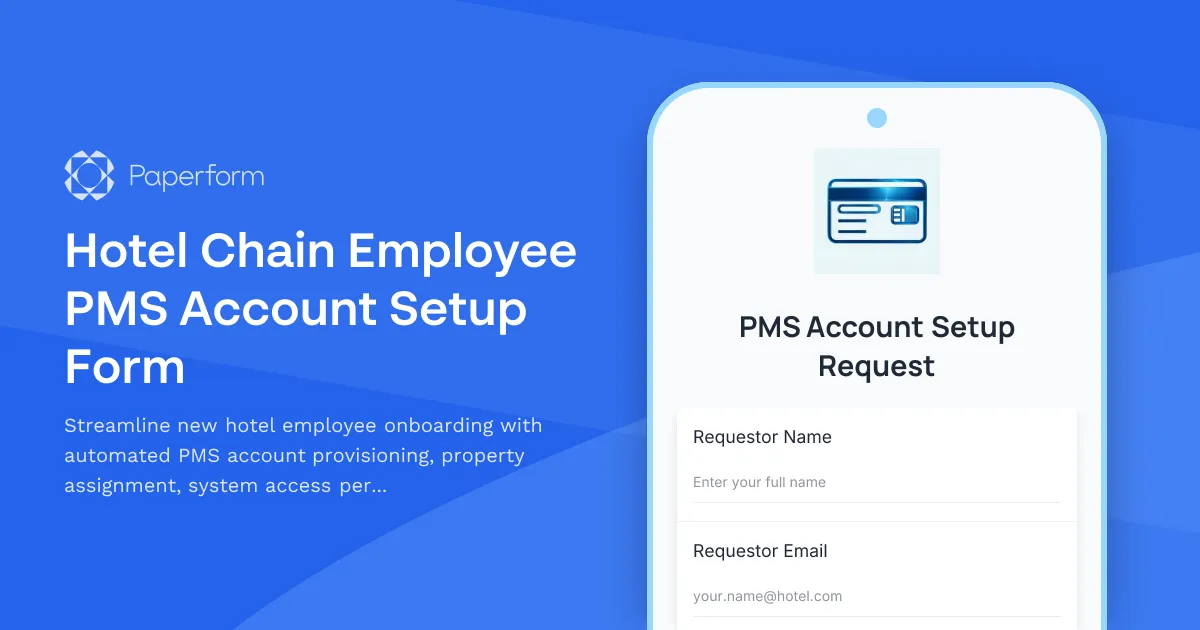
Hotel Employee PMS Account Setup Made Simple
Managing property management system (PMS) access for hotel employees across multiple locations can be complex and time-consuming. This Hotel Chain Employee PMS Account Setup Form streamlines the entire process, ensuring new team members get the right system access, permissions, and training from day one.
Perfect for Multi-Property Hotel Operations
Whether you're running a boutique hotel group or managing a large chain, this template helps you standardize employee onboarding across all properties. IT administrators, property managers, and HR teams can quickly provision new accounts while maintaining security and compliance standards.
Key features of this template:
- Property-specific access control – Assign employees to specific hotel locations with appropriate PMS access levels
- Role-based permission settings – Control who can modify rates, access reservation systems, and view sensitive guest data
- Built-in privacy training acknowledgment – Ensure GDPR and data protection compliance before granting access
- Department-based workflows – Different access requirements for front desk, housekeeping, management, and revenue teams
Automate Your Account Provisioning Workflow
This form doesn't just collect information—it can trigger your entire onboarding process. Using Stepper, Paperform's AI-native workflow builder, you can automatically:
- Create user accounts in your PMS based on submitted details
- Send welcome emails with login credentials and training materials
- Notify IT and property managers when new accounts are created
- Update your HR system and employee directory
- Schedule follow-up training sessions or system walkthroughs
The conditional logic built into this form ensures employees only see relevant questions for their role, making the experience smooth while capturing all necessary information for secure account setup.
Enterprise-Grade Security for Hospitality
With Paperform's SOC 2 Type II compliance and data residency controls, you can trust that sensitive employee information is handled securely. Role-based permissions mean only authorized personnel can access submitted account requests, and all data is encrypted in transit and at rest.
This template is ideal for hotel chains, resort groups, hospitality management companies, and independent hotels looking to professionalize their IT onboarding process while reducing manual work and improving security compliance.



More templates like this
Cruise Line Crew Member Account Creation Form
Streamline new crew member onboarding with account setup, ship system access, passenger service permissions, safety compliance tracking, and port schedule visibility all in one place.
Event Venue Staff Account Provisioning Form
Request new staff accounts for event venue booking system with calendar management, contract generation, payment processing, and vendor coordination access.
Streaming Platform Content Moderator Account Provisioning Form
Streamline your content moderation team onboarding with this comprehensive account provisioning form. Set up moderator access levels, permissions, and tools for live stream monitoring and user report review.
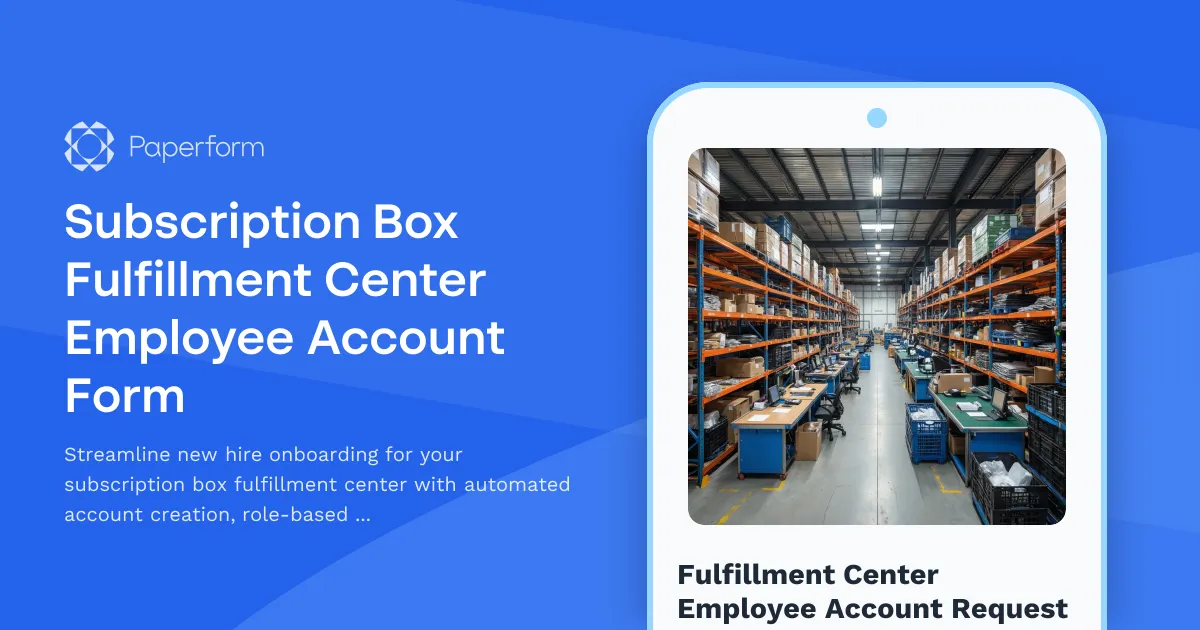
Subscription Box Fulfillment Center Employee Account Form
Streamline new hire onboarding for your subscription box fulfillment center with automated account creation, role-based access assignment, and workstation provisioning.
Applicant Tracking System Request Form
Request an applicant tracking system (ATS) for your team. Specify your hiring volume, candidate management needs, interview scheduling requirements, and onboarding workflow preferences to find the right solution.
Cleaning Service Staff Account Provisioning Form
Streamline your cleaning service onboarding with this comprehensive staff account provisioning form. Set up employee access to client locations, assign inventory permissions, configure inspection tools, and manage schedules—all in one place.
Distributed Engineering Team Onboarding Form
A comprehensive remote onboarding form for distributed engineering teams covering cloud access, repository permissions, sprint preferences, documentation standards, and on-call rotation availability.
Hotel Chain Hospitality Staff Onboarding Form
A comprehensive onboarding form for hotel hospitality staff that assesses language proficiency, collects shift preferences, evaluates previous experience, and tests guest service skills through scenario-based questions.
Remote DevOps Engineer Onboarding Form
A comprehensive onboarding form for remote DevOps engineers covering personal details, technical setup, CI/CD pipeline access, infrastructure monitoring tools, incident response procedures, and on-call scheduling.
Remote Penetration Tester Onboarding Form
Comprehensive onboarding form for remote penetration testers including environment access, tool provisioning, certification verification, and rules of engagement acknowledgment.
SaaS New User Onboarding & Provisioning Form
Streamline new hire IT setup with automated account provisioning, role-based access control, license assignment, and manager approval workflows—all in one professional form.
Solar Field Technician Account Setup Form
Streamline new solar field technician onboarding with automated account provisioning for job scheduling, equipment inventory, site documentation, and safety compliance.