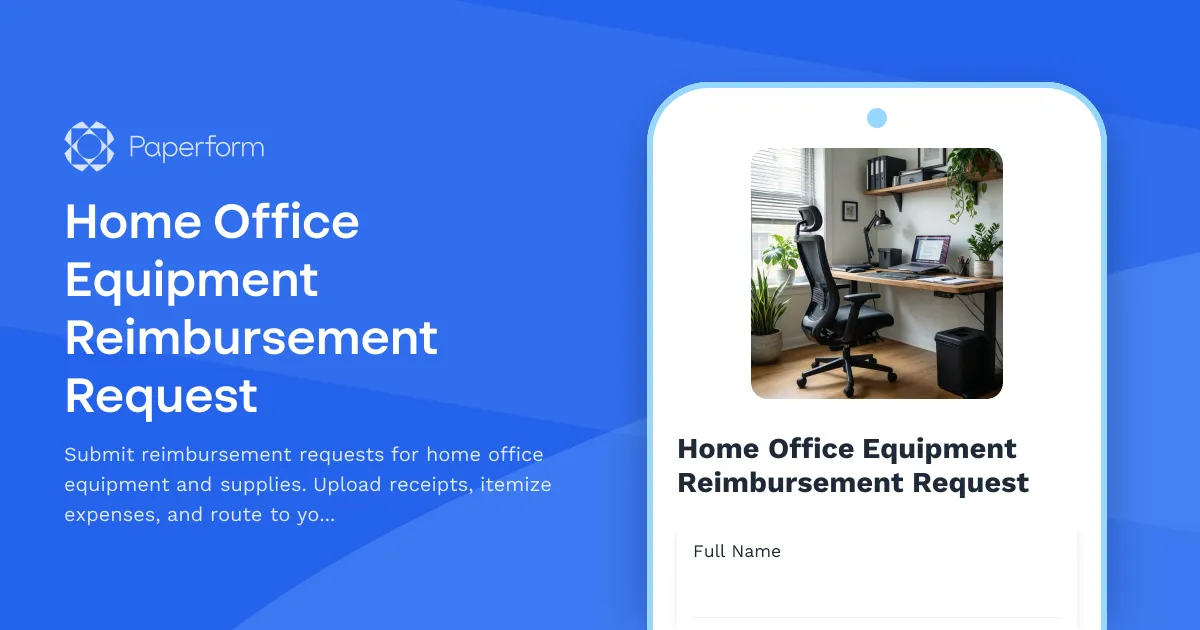
Streamline Your Remote Work Reimbursements with Paperform
Managing home office equipment reimbursements shouldn't be a headache. Whether you're an HR manager processing dozens of requests each month or a remote employee submitting your first desk setup claim, this Home Office Equipment Reimbursement Request form turns what used to be a chaotic mix of emails, spreadsheets, and lost receipts into a smooth, organized workflow.
Built for Distributed Teams That Work Remotely
As remote and hybrid work becomes the standard, companies need clear processes for handling home office equipment requests. This template is designed specifically for:
- HR teams managing reimbursement policies across distributed workforces
- Finance departments tracking equipment spend by cost center and department
- Office managers coordinating equipment orders and budget allocation
- Remote employees requesting ergonomic furniture, monitors, keyboards, and essential office supplies
- IT administrators ensuring remote workers have the right tech setup
The form captures all the essential details—from itemized expense breakdowns to receipt uploads to manager approval routing—so nothing falls through the cracks.
Why This Template Works for Your Business
Clear expense categorization: Employees can select from common home office categories (furniture, technology, accessories, supplies) and provide detailed descriptions for each item. This makes it easy for finance teams to code expenses correctly and spot any policy violations before approval.
Receipt upload built in: No more chasing people for documentation. The form includes a file upload field specifically for receipts, invoices, and proof of purchase, keeping all supporting materials attached to the original request.
Cost center tracking: Built-in fields for department, cost center, and budget codes ensure every reimbursement is allocated correctly from day one, saving hours of back-and-forth between finance and requesters.
Manager approval workflow: When integrated with Stepper (stepper.io), Paperform's AI-native workflow builder, each submission can automatically route to the appropriate manager based on department or cost center, send reminder emails if approvals are pending, update your expense tracking system, and trigger reimbursement processing once approved.
From Submission to Reimbursement in One Connected Flow
Here's how the workflow typically plays out:
- Employee submits the form with itemized expenses, receipts, and justification
- Manager receives notification via email or Slack with all details and a link to review
- Finance verifies receipts and policy compliance
- Reimbursement is processed through your payroll or expense system
- Employee receives confirmation and payment timeline
With Stepper, you can automate every step after submission—routing requests based on amount thresholds, updating Google Sheets or Airtable trackers, creating tickets in your project management tool, and even sending status updates to employees automatically.
Designed for Compliance and Auditability
Remote work reimbursements often need to comply with company policies, tax regulations, and budget controls. This template includes:
- Policy acknowledgment to ensure employees understand reimbursement limits
- Detailed expense itemization for clear audit trails
- Receipt documentation attached to every request
- Approval tracking showing who approved what and when
- Cost center allocation for accurate financial reporting
All submissions are stored securely in Paperform with SOC 2 Type II compliance, giving your finance and HR teams peace of mind that sensitive employee and financial data is protected.
Flexible Enough for Your Policies
Every company handles remote work reimbursements differently. Maybe you have a flat allowance, per-category budgets, or one-time setup stipends. This template is built to adapt:
- Add conditional logic to show different fields based on expense type
- Set calculation rules to auto-total expenses and flag requests over policy limits
- Customize categories to match your specific reimbursement policy
- Add signature fields using Papersign (papersign.com) for formal acknowledgment of reimbursement terms
Perfect for HR, Finance, and Operations Teams
If you're in human resources, this template helps you enforce consistent reimbursement policies, reduce administrative burden, and improve the employee experience for your distributed workforce.
If you're in finance or accounting, you'll appreciate the structured data capture, receipt documentation, and cost center tracking that make reconciliation and reporting straightforward.
If you're an operations or office manager, you can finally retire those messy email threads and have one central place to track who requested what, when it was approved, and what's still pending.
Integrates with Your Existing Tools
Paperform plays nicely with the systems you already use. Connect this form to:
- Google Sheets or Airtable to maintain a live reimbursement tracker
- Slack to notify managers when new requests arrive
- HubSpot, Salesforce, or your HRIS to keep employee records updated
- Accounting software like QuickBooks or Xero via Stepper workflows
- Payment platforms if you're processing reimbursements through Stripe or PayPal
With over 3,000 integrations available through Stepper, Zapier, and Make, plus native connections and webhooks, you can build the exact workflow your team needs.
Get Started in Minutes
You don't need to be a developer or form design expert. Just customize the template with your company's reimbursement categories, policy language, and cost center codes, apply your brand colors and logo, and share the link with your team. Embed it in your intranet, share it in Slack, or send it in your remote work welcome packet.
Paperform's document-style editor makes it easy to add or remove fields, adjust the layout, and create a professional experience that reflects your company culture—whether that's buttoned-up corporate or relaxed startup vibes.
Trusted by Distributed Teams Worldwide
Over 500,000 teams use Paperform to run smoother operations, and this template brings that same reliability to your remote work reimbursement process. It's the difference between manually tracking expenses in spreadsheets and having an automated system that just works.
Ready to simplify your home office reimbursements? Start with this template and customize it to fit your team's unique needs.



More templates like this
Remote Work Software & Subscription Reimbursement Form
Streamline remote work software subscriptions and tool reimbursement requests for distributed teams with automated approval workflows and consolidated expense tracking.
Remote Work Expense Policy Clarification Request Form
Request clarification on remote work expenses with scenario-specific questions, receipt requirements, and approval process guidance to ensure policy compliance.
Digital Nomad Coworking & Community Integration Expense Claim Form
Submit expense claims for coworking spaces, expatriate community integration fees, professional networking, and global citizen support programs as a digital nomad or remote worker.
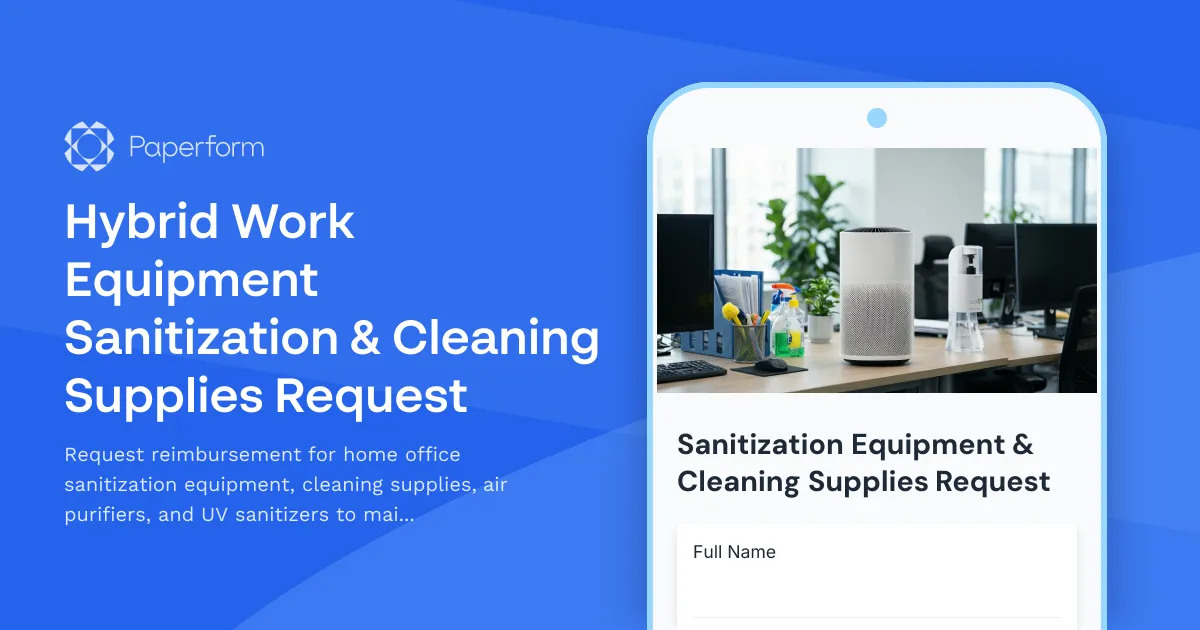
Hybrid Work Equipment Sanitization & Cleaning Supplies Request
Request reimbursement for home office sanitization equipment, cleaning supplies, air purifiers, and UV sanitizers to maintain health and safety standards in hybrid work environments.
Remote Employee Flexible Workspace Stipend Request Form
A streamlined form for remote employees to request flexible workspace stipends, track monthly budgets, and submit coworking space expenses for manager approval.
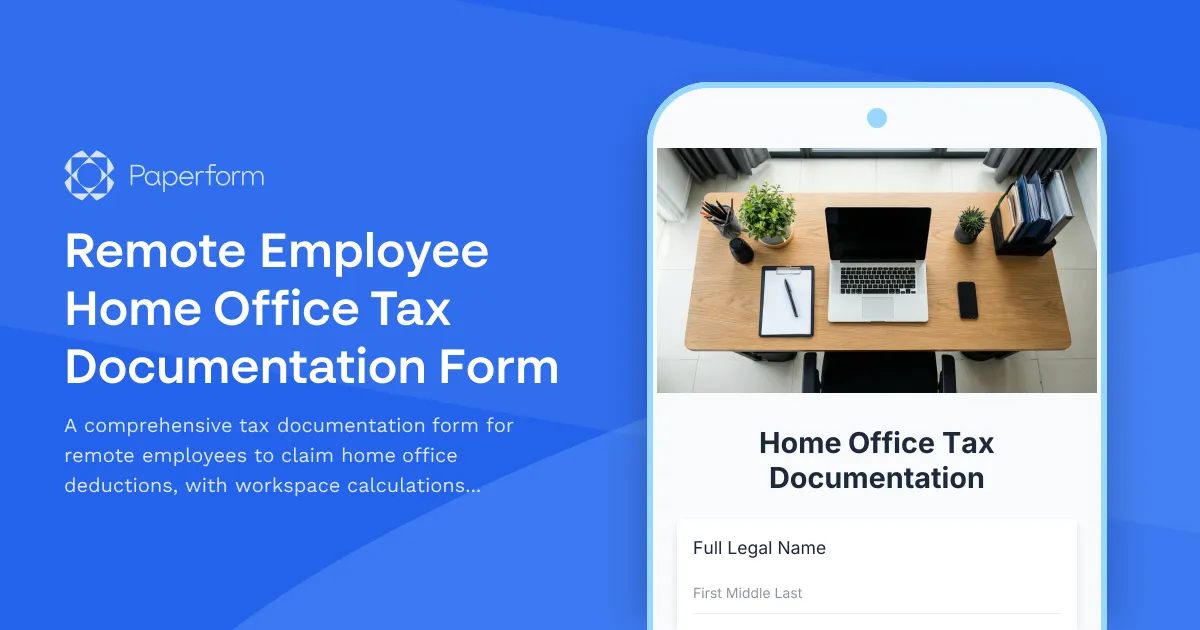
Remote Employee Home Office Tax Documentation Form
A comprehensive tax documentation form for remote employees to claim home office deductions, with workspace calculations, utility tracking, and international compliance support for dual citizenship situations.

Remote Work Desk Accessories & Organizers Allowance Form
Submit requests for remote work desk accessories, organizers, and workspace optimization items with budget tracking and approval workflow.

Remote Work Monitor & Display Upgrade Request
Request approval for new monitors and display equipment for your home office setup. Submit screen specifications, multiple monitor needs, and mounting requirements for budget approval.

Work From Home Technology Upgrade Program Application
Apply for technology upgrades and equipment refreshes for your home office setup. Request emerging tech, scalability improvements, and innovation budget for long-term remote work success.
Coworking Amenity Expense Claim Form
Submit itemized coworking space amenity expenses including printing, coffee, phone booth usage, and other workspace services for reimbursement processing.

Coworking Credits Allocation Request Form
A streamlined form for distributed teams to request and allocate coworking space credits, track monthly allowances, and acknowledge usage policies.
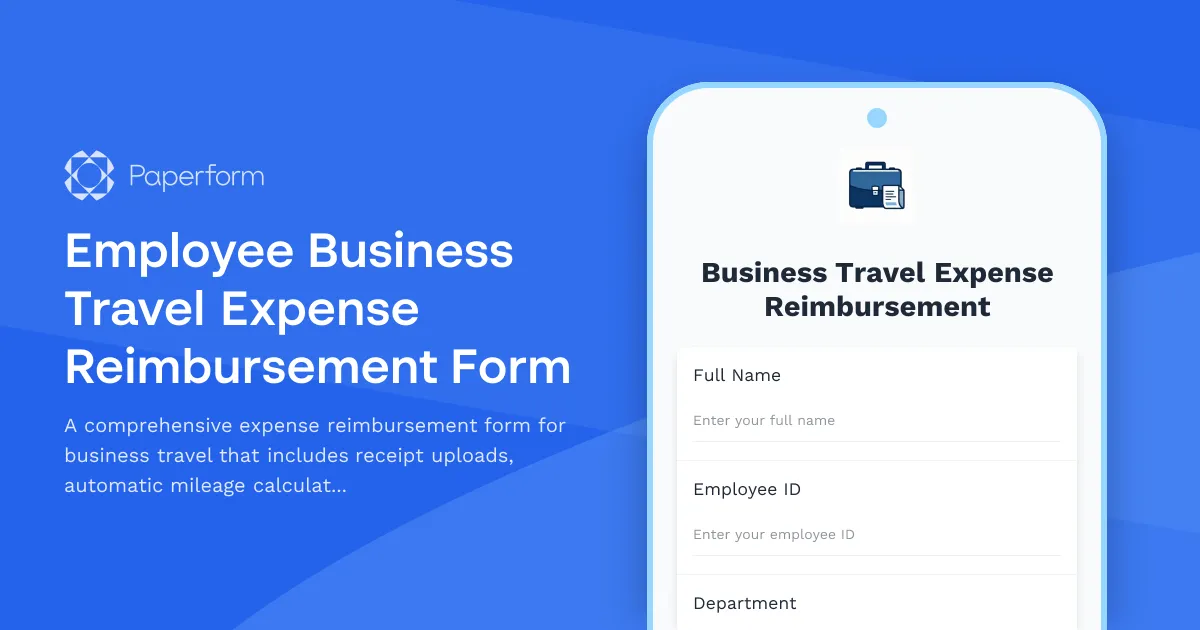
Employee Business Travel Expense Reimbursement Form
A comprehensive expense reimbursement form for business travel that includes receipt uploads, automatic mileage calculations, per diem tracking, and manager approval workflow integration.