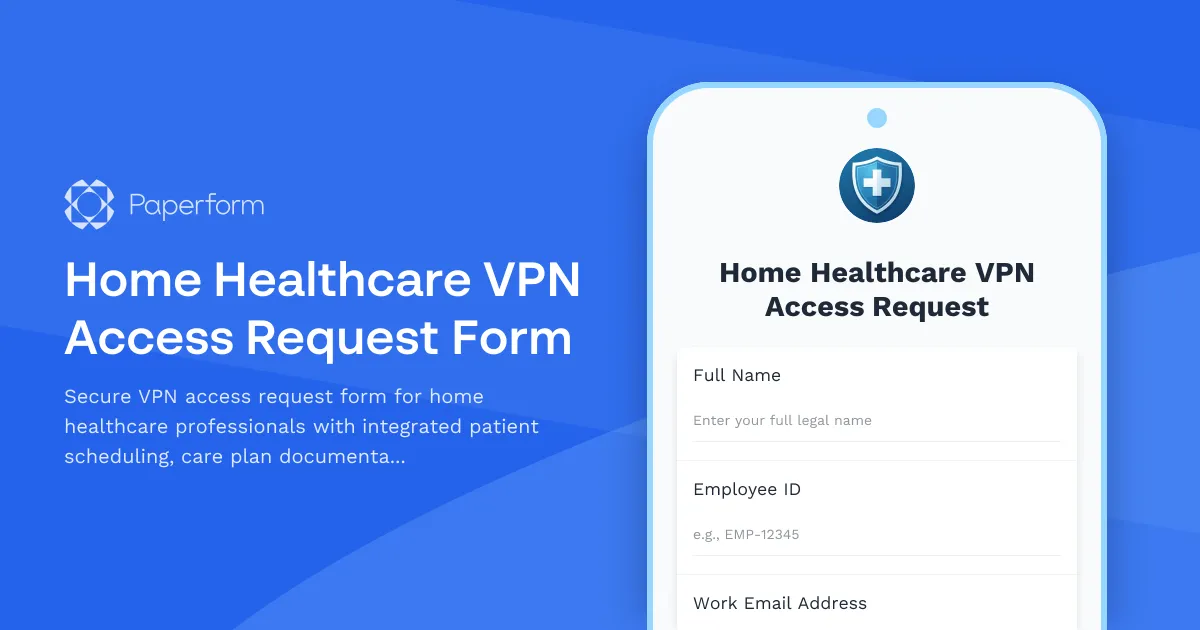
Streamline Home Healthcare VPN Access with Paperform
Home healthcare organizations need secure, efficient ways to grant VPN access to field staff while ensuring compliance with patient data protection requirements. This Home Healthcare VPN Access Request Form is designed specifically for healthcare IT teams managing remote access for nurses, therapists, aides, and administrative staff who need to access patient scheduling systems, care plan documentation, and Medicare billing platforms from the field.
Why Home Healthcare Needs Specialized VPN Access Management
Home healthcare professionals work across multiple patient locations throughout the day, requiring secure remote access to electronic health records (EHR), scheduling systems, medication administration records, and billing platforms. Unlike traditional office-based healthcare, your field staff need reliable VPN connections to document care in real-time, verify patient insurance information, and coordinate with care teams—all while maintaining HIPAA compliance and data security.
This template helps your IT department process VPN access requests efficiently while capturing the specific system access requirements unique to home healthcare operations. By collecting detailed information about job roles, required applications, and device types upfront, you can provision appropriate access levels and ensure staff have exactly what they need before their first patient visit.
How Paperform Makes VPN Request Management Easier
With Paperform's conditional logic, this form automatically adjusts required fields based on the employee's role—clinical staff see options for EHR and care planning systems, while billing coordinators see Medicare and insurance portal access options. The doc-style editor makes it easy to embed your organization's security policies, training requirements, and acceptable use guidelines directly into the form, ensuring staff review critical information as part of the request process.
Once submitted, you can use Stepper (stepper.io) to automate your approval workflow—routing requests to IT managers, triggering background checks for new employees, sending device configuration instructions, and notifying requesters once their VPN credentials are ready. Integration with your help desk system, Active Directory, or IT asset management tools means less manual data entry and faster provisioning for your remote workforce.
For organizations that need audit trails and compliance documentation, this form automatically timestamps all requests and captures acknowledgment of security policies—critical for HIPAA compliance audits and security assessments. You can even require Papersign (papersign.com) electronic signatures on acceptable use policies before processing VPN access requests, keeping everything documented and legally binding.
This template is ideal for home healthcare agencies, hospice providers, home infusion companies, and private duty nursing organizations that need professional VPN access management without complex IT service management platforms.



More templates like this
Palliative Care Patient Data Access Request Form
A comprehensive form for healthcare professionals to request access to patient data in palliative care coordination platforms, including advance directives, symptom assessments, and caregiver support documentation.
Home Healthcare Patient Progress Data Request Form
Request access to patient outcome data, OASIS assessments, quality indicators, and value-based payment metrics from your home healthcare outcome measurement system.
Home Healthcare Patient Visit Data Request Form
Request access to patient visit records, caregiver notes, vital signs tracking, and service authorization documentation from your home healthcare agency's database.
Home Healthcare Scheduler Account Provisioning Form
Streamline new user account creation for your home healthcare scheduling system with this comprehensive provisioning form. Set up caregiver assignments, patient matching preferences, route optimization access, and family portal permissions all in one place.
Telemedicine Platform Technical Support Request
Report and resolve technical issues with your telemedicine platform including video quality, patient portal access, HIPAA compliance concerns, and other urgent technical support needs.
Addiction Treatment Center VPN Access Request
Secure VPN access request form for addiction treatment center staff to access patient intake, treatment planning, and insurance verification systems remotely.
Clinical Research VPN Access Request Form
A comprehensive VPN access request form for clinical research organizations to manage EDC system access, monitoring tools, and regulatory document repositories with full compliance tracking.
Clinical Research VPN Access Request
A secure VPN access request form designed for clinical research teams to request remote access to patient data and research systems with IRB protocol verification.
Durable Medical Equipment Data Access Request Form
Streamline DME ordering and data access permissions for home healthcare providers with integrated prescription verification, insurance authorization, and delivery tracking.
Hospital Medical Staff Privileging & Credentialing Form
Streamline medical staff onboarding with this comprehensive privileging form that verifies credentials, sets EHR access levels, defines prescription authority, and routes approvals through department heads.
Hospital Staff Emergency Password Reset Request
Streamline urgent password reset requests for hospital staff with supervisor approval workflows and patient data access review for secure account recovery.
Laboratory Information System Support Request
A comprehensive IT support form for healthcare laboratories to report LIS technical issues including test order errors, result reporting problems, interface failures, HL7 message troubleshooting, and lab manager escalations.