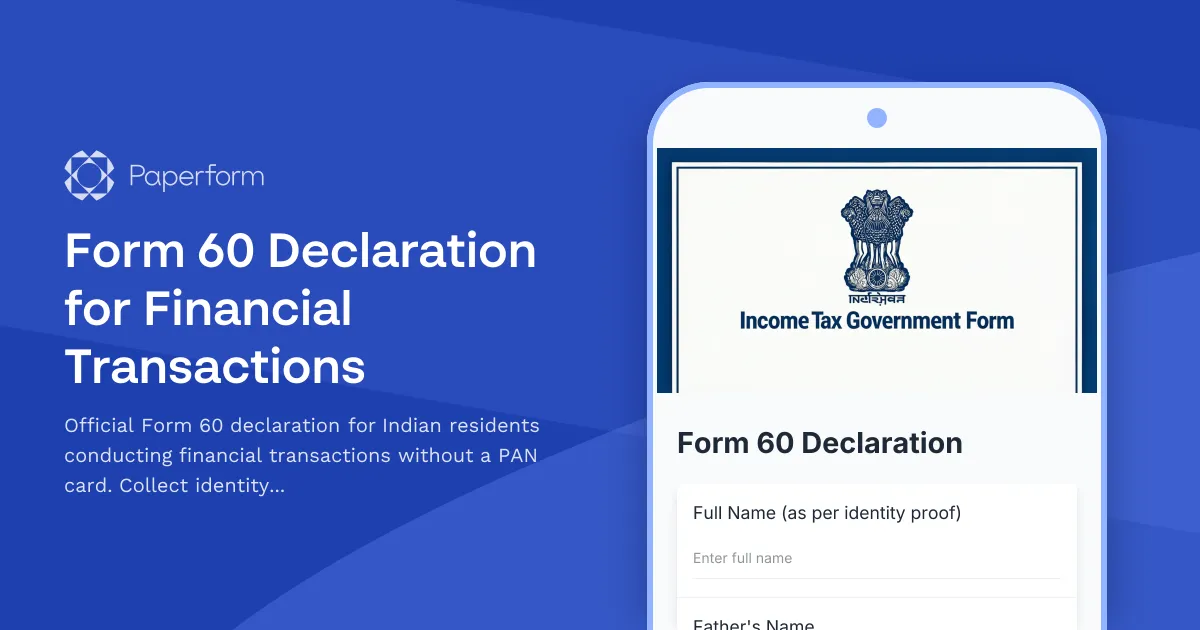
Form 60 Declaration for Financial Transactions Without PAN
When conducting certain financial transactions in India without a Permanent Account Number (PAN), individuals are required to submit Form 60 as mandated by the Income Tax Department. This Form 60 Declaration template helps banks, financial institutions, and businesses collect the necessary information from customers who don't possess a PAN card.
What is Form 60?
Form 60 is a declaration form prescribed under Rule 114B of the Income Tax Rules. It must be submitted by individuals who do not have a PAN and wish to enter into specified financial transactions such as opening a bank account, purchasing securities, making cash deposits exceeding prescribed limits, or purchasing immovable property.
Who needs to submit Form 60?
Form 60 is applicable to Indian citizens and persons resident in India who:
- Do not have a PAN card
- Have not applied for a PAN
- Are conducting transactions that require PAN as per Income Tax regulations
- Have total income below the taxable limit
This form cannot be used by individuals who are required to have a PAN under the Income Tax Act or by non-resident Indians (NRIs) and foreign nationals.
Why Paperform is ideal for Form 60 declarations
Managing Form 60 submissions manually creates compliance risks, document management challenges, and delays in processing customer transactions. Paperform transforms this regulatory requirement into a streamlined digital workflow that protects your business while serving customers efficiently.
With Paperform's document-style editor, you can create an official-looking Form 60 declaration that matches government formatting standards while adding your institutional branding. The form can collect all mandatory fields—personal details, address information, transaction specifics, identity proof uploads, and the reason for non-possession of PAN—in a single, mobile-friendly interface.
Conditional logic ensures that only relevant fields appear based on transaction type and customer responses, reducing confusion and form abandonment. For example, if a customer selects "Opening a bank account" as their transaction type, additional bank-specific fields can appear automatically.
File upload fields allow customers to submit scanned copies of Aadhaar, Voter ID, Driving License, or other acceptable identity proofs directly through the form, eliminating the need for physical document submission and follow-up emails. You can restrict file types to PDF and image formats and set file size limits to maintain document quality standards.
Compliance and audit trail
Form 60 declarations must be retained for prescribed periods under Income Tax regulations. Paperform automatically stores all submissions with timestamps, creating a complete audit trail for regulatory compliance. You can export submissions to Excel or Google Sheets for recordkeeping, or integrate with your document management system using webhooks.
Papersign integration (papersign.com) elevates compliance by converting form submissions into legally binding signed declarations. After a customer submits Form 60 through Paperform, automatically send the completed declaration for electronic signature, creating a tamper-proof record with signature timestamps and IP address logging—essential for financial institution audits.
Automate post-submission workflows with Stepper
Manual processing of Form 60 declarations—verifying information, checking identity documents, updating customer records, and notifying relevant departments—creates bottlenecks that delay account opening and transactions.
Stepper (stepper.io), Paperform's AI-native workflow automation platform, can handle these workflows automatically:
- Verification routing: Automatically send submissions to compliance teams for identity verification, with different routing rules based on transaction value or type
- CRM updates: Push customer information directly into your banking or financial services CRM, creating new customer records or updating existing profiles
- Document generation: Auto-populate internal compliance templates with Form 60 data for audit files
- Notification sequences: Alert account managers, compliance officers, and customers at each stage of processing
- Conditional approvals: Route high-value transactions through additional approval steps automatically
This automation reduces Form 60 processing time from days to hours, improving customer experience while maintaining strict compliance standards.
Who benefits from this template
This Form 60 Declaration template is essential for:
- Banks and financial institutions processing account openings, deposits, and investment transactions
- NBFCs and fintech companies handling digital lending, investment platforms, and payment services
- Real estate developers and brokers documenting property transactions
- Jewelry stores and bullion dealers managing high-value cash transactions
- Insurance companies processing policy purchases
- Chartered accountants and tax consultants assisting clients with compliance
- Mutual fund houses and depository participants onboarding investors without PAN
Integration with Indian financial services ecosystem
Paperform integrates seamlessly with tools commonly used by Indian financial institutions. Connect Form 60 submissions to:
- Zoho CRM for customer relationship management
- Google Sheets or Airtable for centralized compliance tracking
- Slack or Microsoft Teams for instant compliance team notifications
- Document management systems via webhooks and Stepper workflows
- Aadhaar verification APIs through Stepper for instant identity validation
Security and data protection
Financial data requires the highest level of security. Paperform is SOC 2 Type II compliant and offers data residency controls, allowing Indian financial institutions to meet Reserve Bank of India (RBI) data localization requirements. All form submissions are encrypted in transit and at rest, with role-based access controls ensuring only authorized personnel can view sensitive customer information.
Get started with Form 60 declarations
Whether you're a bank branch manager, fintech compliance officer, or financial services professional, this Form 60 Declaration template provides a regulatory-compliant, customer-friendly solution for collecting declarations without PAN. Customize field labels to match your institution's requirements, add your logo and brand colors, and start accepting submissions in minutes.
With Paperform handling Form 60 collection, verification workflows through Stepper, and signatures through Papersign, you create a complete digital compliance ecosystem that reduces processing time, eliminates paper-based errors, and provides instant access to declaration records for audits—all while delivering a professional experience that builds customer trust.
Start with this template today and transform regulatory compliance from a paperwork burden into a seamless digital process.



More templates like this
Business Anti-Money Laundering (LCB-FT) Compliance Form
Comprehensive French LCB-FT compliance form for customer due diligence, suspicious transaction reporting, and TRACFIN coordination to meet regulatory obligations.
Australian Privacy Policy Consent Form
OAIC-compliant privacy consent form for Australian businesses to collect customer consent for data collection, processing, and storage with clear opt-out options and data handling explanations.
CRO Mortgage or Charge Registration Form
Register a mortgage or charge with the Companies Registration Office (CRO) in Ireland. Secure filing for company security documents and charge particulars.
Danish Business Credit Report Authorization Form
A professional authorization form for Danish businesses to request credit reports using CVR numbers. Streamlines B2B credit checks while ensuring GDPR compliance and proper consent documentation.
FCRA Nationwide Consumer Reporting Agency Disclosure Form
A comprehensive FCRA-compliant disclosure form that informs consumers about their rights under the Fair Credit Reporting Act, including annual free credit report access, dispute procedures, and fraud alert placement options.
New Zealand Anti-Money Laundering Suspicious Activity Report
Comprehensive AML/CFT suspicious activity report form for New Zealand reporting entities to submit Suspicious Transaction Reports (STRs) to the Financial Intelligence Unit, including transaction details, suspicious indicators, and customer information.
Taiwan Foreign Exchange Control Declaration Form
A comprehensive declaration form for Taiwan foreign exchange control compliance for large transactions, including source of funds verification and transaction purpose documentation.
Taiwan Foreign Exchange Transaction Report
A comprehensive form for reporting foreign exchange transactions exceeding regulatory thresholds in Taiwan, including purpose documentation and UBN verification for compliance with Central Bank of the Republic of China (Taiwan) regulations.
AMLC Suspicious Transaction Report
A comprehensive suspicious transaction report form for Anti-Money Laundering Council (AMLC) compliance in the Philippines, including red flag indicators and customer due diligence documentation.
Annual AML Compliance Certification Form
Comprehensive annual anti-money laundering compliance certification for financial advisors, covering client risk assessments, suspicious activity reporting, and mandatory training verification.

Anti-Money Laundering Specialist Certification Verification Form
Verify AML specialist credentials including CAMS certification, continuing education credits, transaction monitoring experience, and regulatory knowledge for compliance and employment purposes.
Argentina Foreign Currency Purchase Authorization Form
A comprehensive form for Argentine residents to request authorization for foreign currency purchases, ensuring compliance with AFIP regulations and Central Bank (BCRA) requirements.