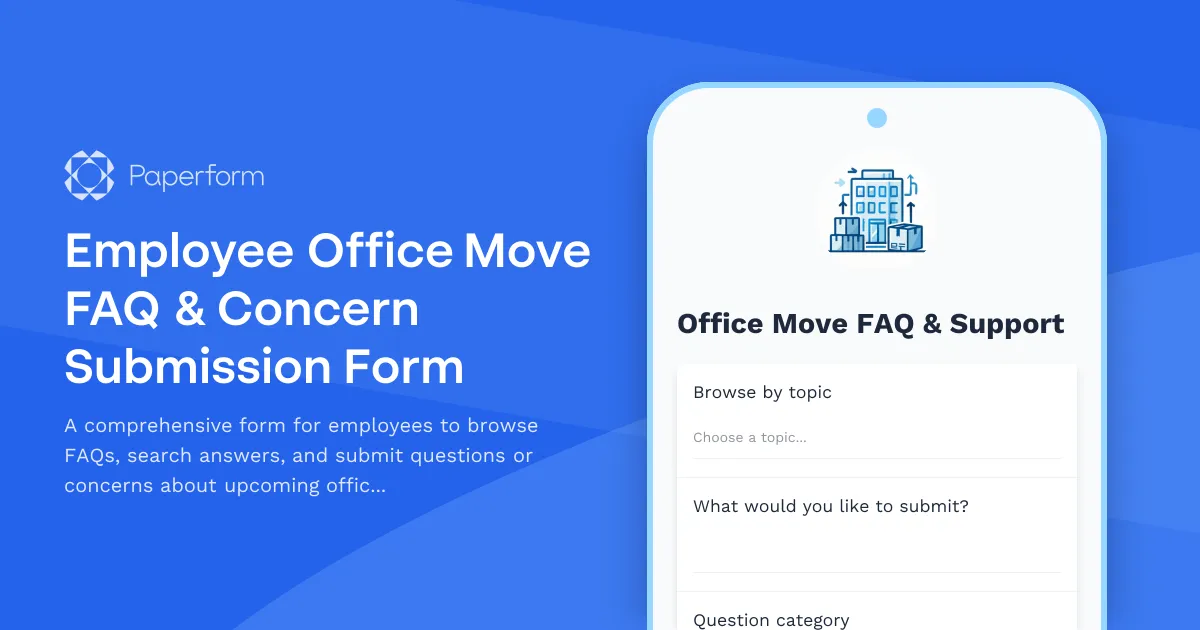
Managing an office move or relocation can feel overwhelming for employees facing workspace changes, desk reassignments, or entirely new office environments. This Employee Office Move FAQ & Concern Submission Form gives your team a single, accessible place to find answers, voice concerns, and get clarity during transitions—all while keeping facilities and HR teams organized and responsive.
Whether you're moving a handful of desks across floors or relocating an entire office to a new building, this template helps you communicate proactively, reduce anxiety, and capture every question that might otherwise clog email inboxes or Slack channels. Employees can browse categorized FAQs, search for specific topics, and submit their own questions or concerns with confidence that they'll receive a timely response.
Built for facilities managers, office managers, operations teams, HR professionals, and workplace coordinators, this form is ideal for companies of all sizes navigating office moves, hybrid workspace reconfigurations, hot-desking rollouts, or post-pandemic return-to-office transitions. It's especially valuable for larger organizations where clear communication and documentation are critical to keeping moves on track and employees informed.
The form includes an anonymity option, so employees can raise sensitive concerns without fear of judgment, plus response timeline expectations to set clear communication standards. You can integrate submission data with your knowledge base, project management tools, or internal comms platforms using Stepper workflows—automatically routing questions to the right department, updating your FAQ database, and triggering follow-up emails when answers are ready.
Paperform makes it easy to embed this form directly into your intranet, company portal, or move announcement emails, ensuring employees always know where to go for help. With conditional logic, you can tailor the experience based on question category, show relevant resources on the fly, and keep the process feeling personal even at scale.
From packing timelines and new seating charts to IT setup and parking assignments, this template helps you stay ahead of the curve, document institutional knowledge, and turn a potentially stressful move into a smooth, well-supported experience for everyone involved.



More templates like this
Cubicle and Workstation Configuration Form
Streamline office setup with a professional workstation configuration form. Collect employee preferences for cubicle partitions, storage units, monitor arms, cable management, and workspace personalization for your new office space.
Department Office Move Coordination Form
Streamline your office relocation with this comprehensive department move coordination form. Capture team size, equipment needs, critical timelines, and communication preferences to ensure a smooth transition.
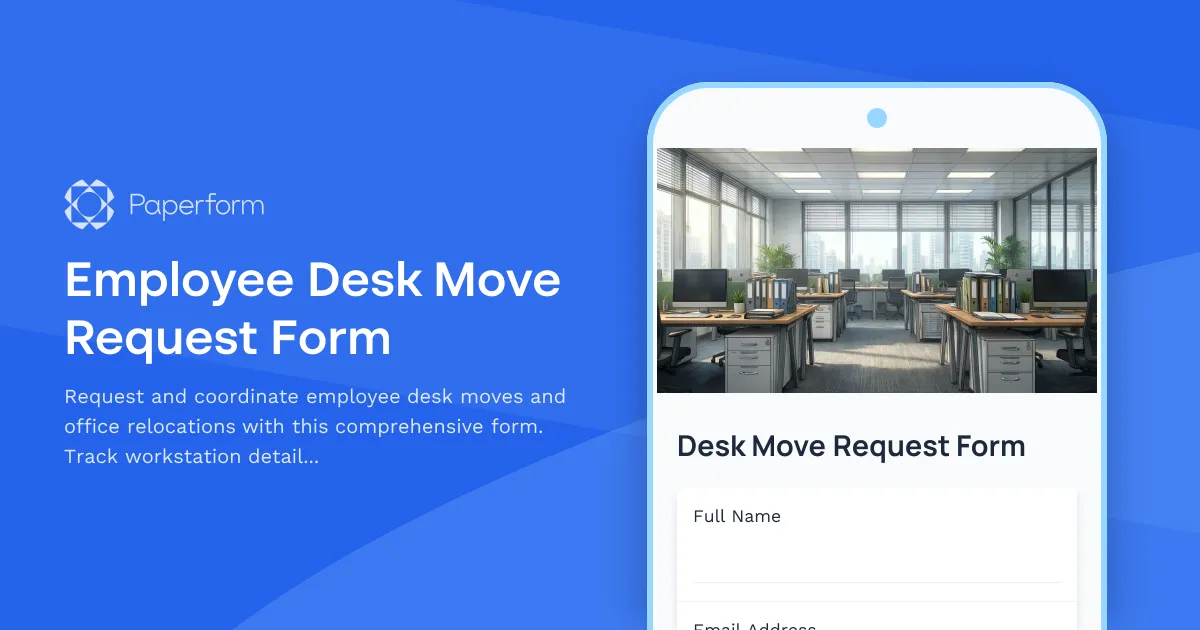
Employee Desk Move Request Form
Request and coordinate employee desk moves and office relocations with this comprehensive form. Track workstation details, IT equipment, personal items, and preferred move dates to ensure smooth space transitions.
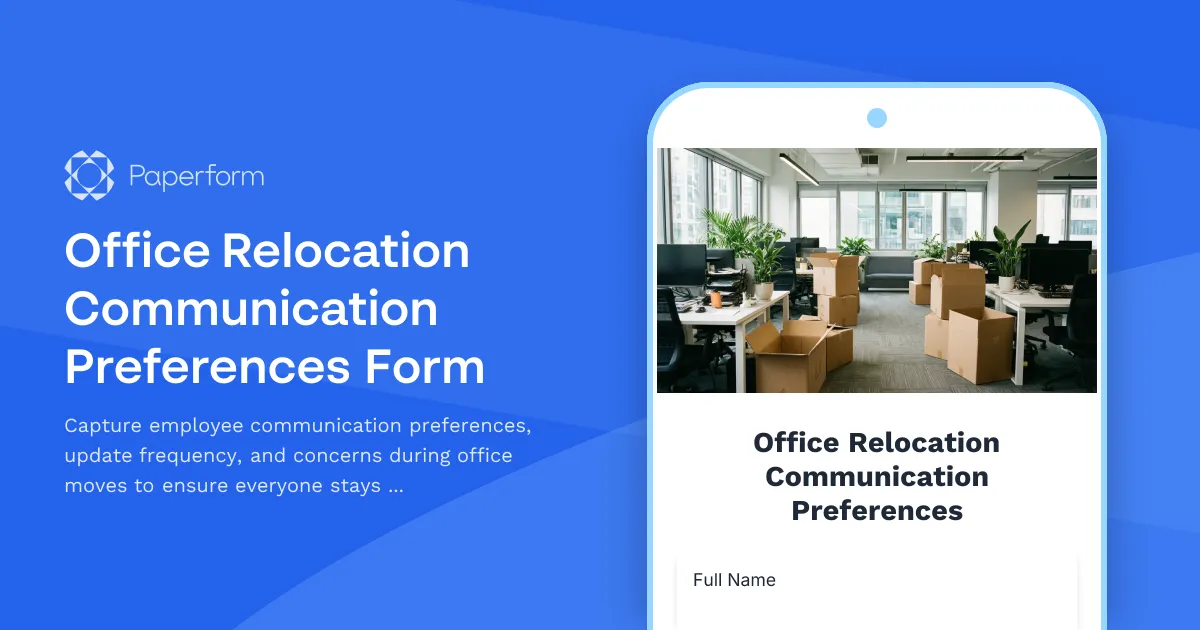
Office Relocation Communication Preferences Form
Capture employee communication preferences, update frequency, and concerns during office moves to ensure everyone stays informed and supported throughout the relocation process.
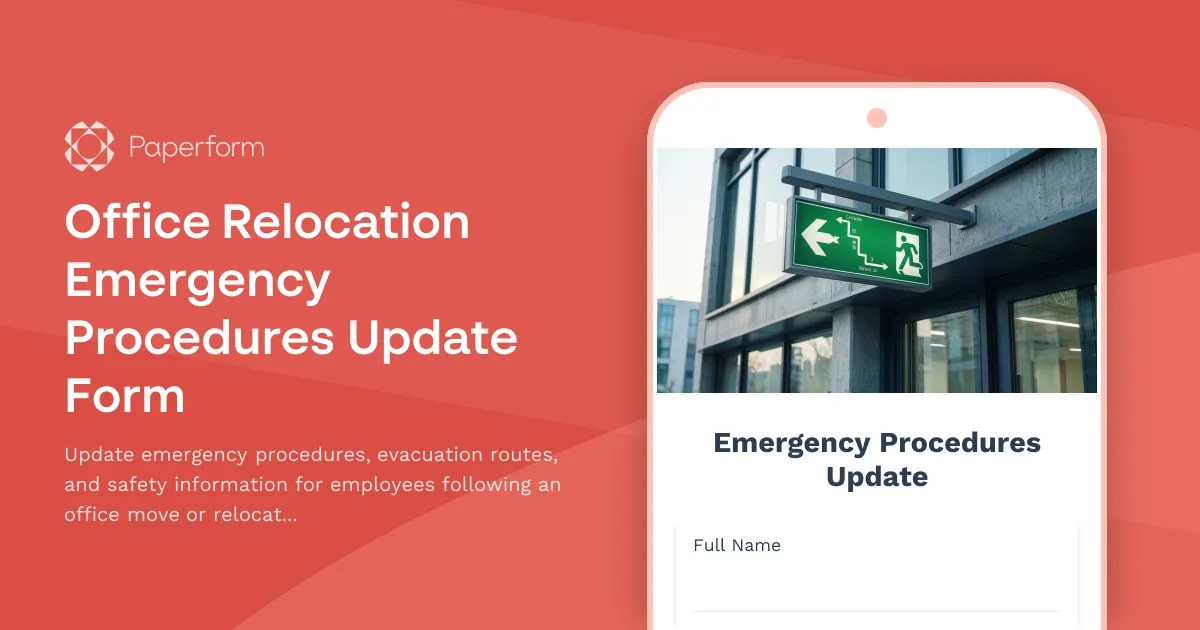
Office Relocation Emergency Procedures Update Form
Update emergency procedures, evacuation routes, and safety information for employees following an office move or relocation. Ensure everyone knows new exit routes, muster points, and emergency contacts.
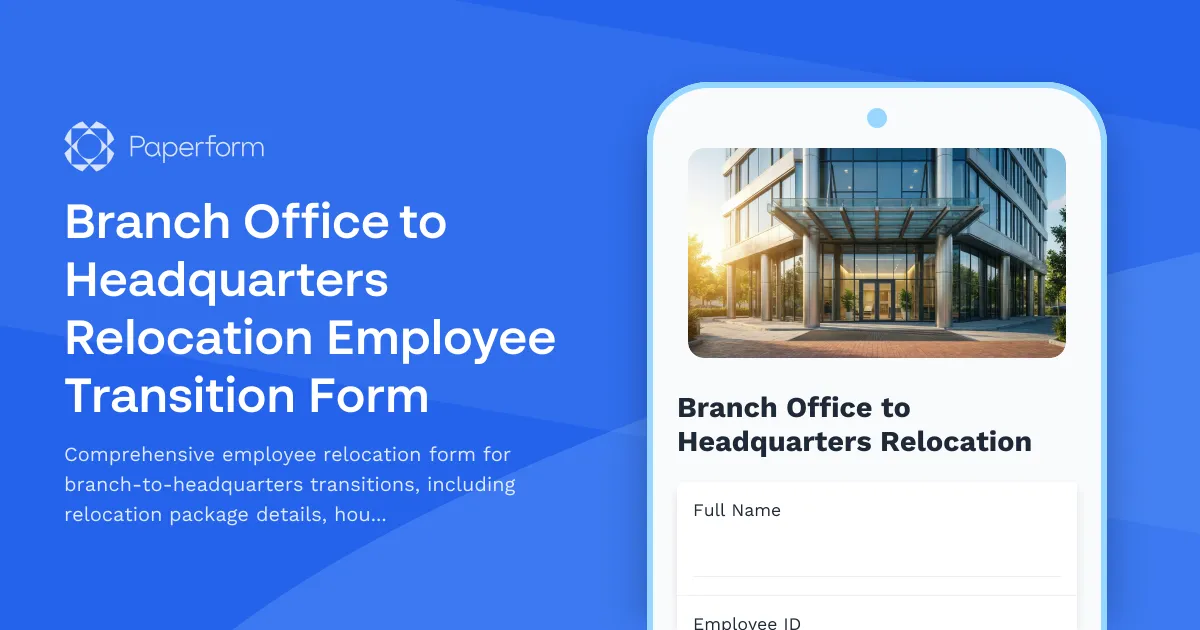
Branch Office to Headquarters Relocation Employee Transition Form
Comprehensive employee relocation form for branch-to-headquarters transitions, including relocation package details, housing assistance, temporary accommodation needs, family support services, and retention incentives.
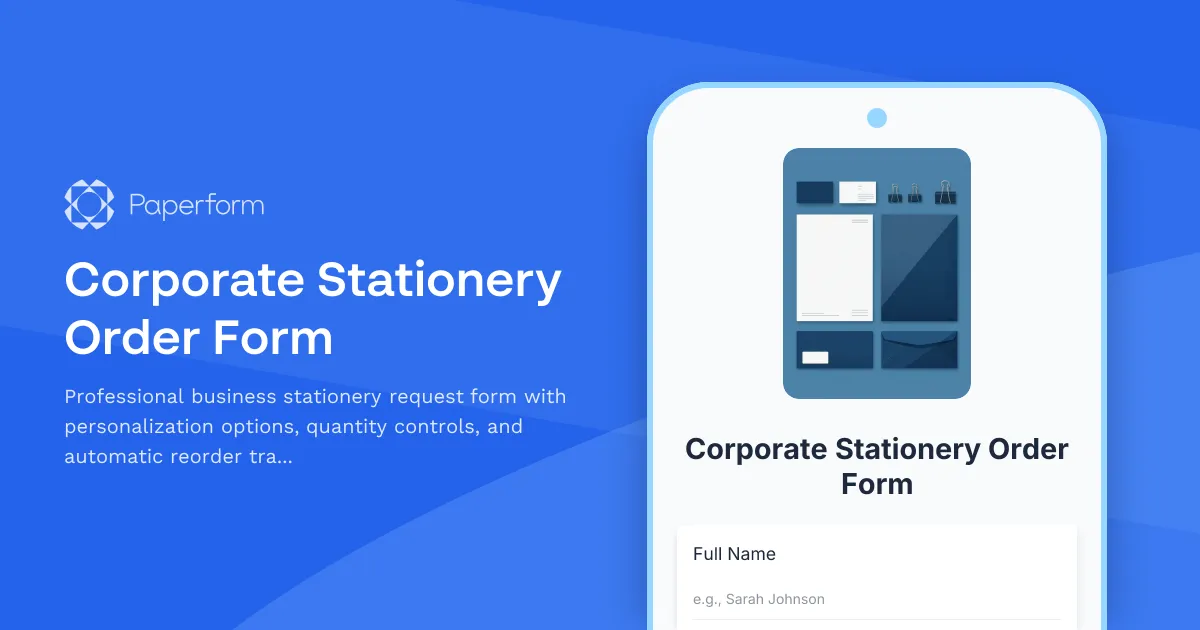
Corporate Stationery Order Form
Professional business stationery request form with personalization options, quantity controls, and automatic reorder tracking for employee business cards, letterheads, and branded materials.
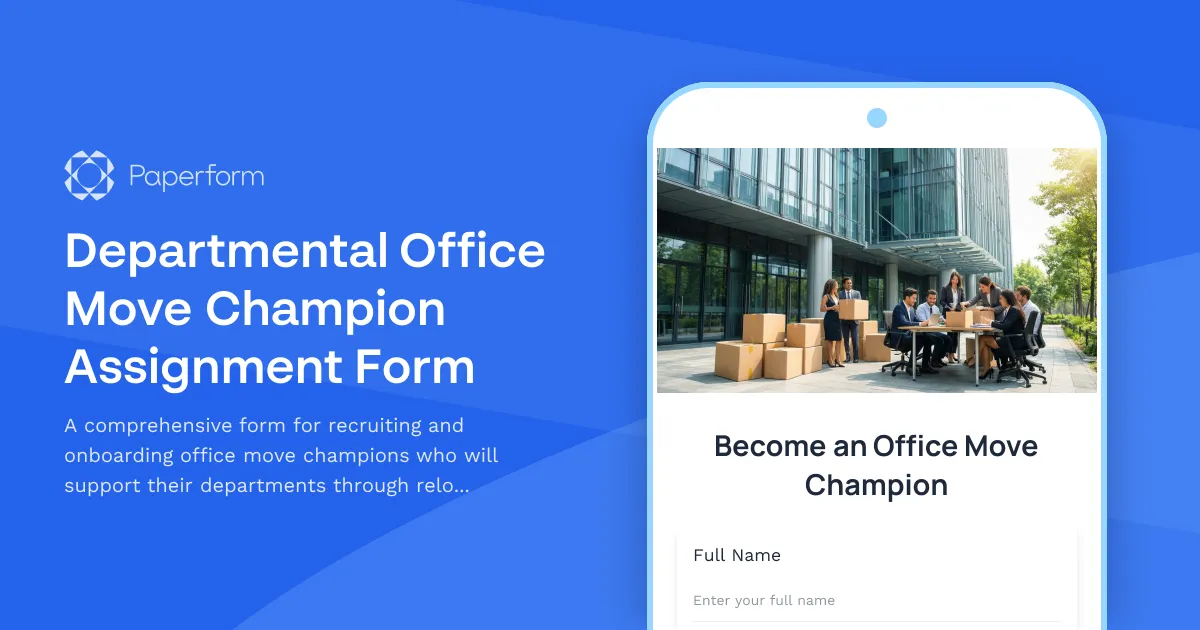
Departmental Office Move Champion Assignment Form
A comprehensive form for recruiting and onboarding office move champions who will support their departments through relocations, including volunteer selection, training requirements, and communication responsibilities.
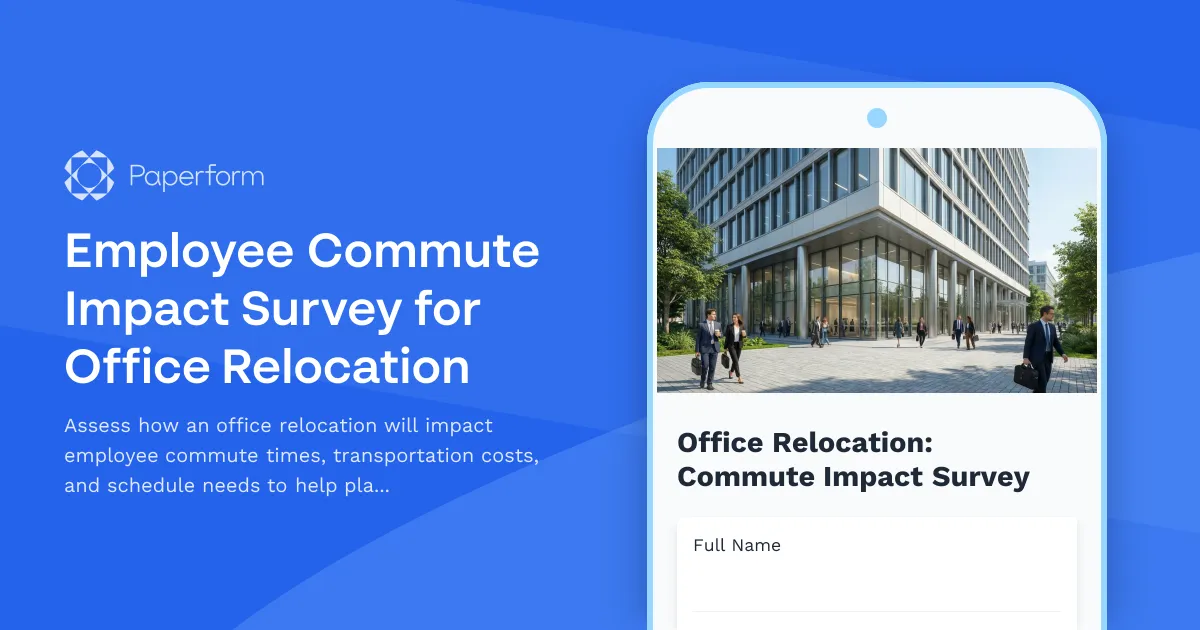
Employee Commute Impact Survey for Office Relocation
Assess how an office relocation will impact employee commute times, transportation costs, and schedule needs to help plan a smooth transition.
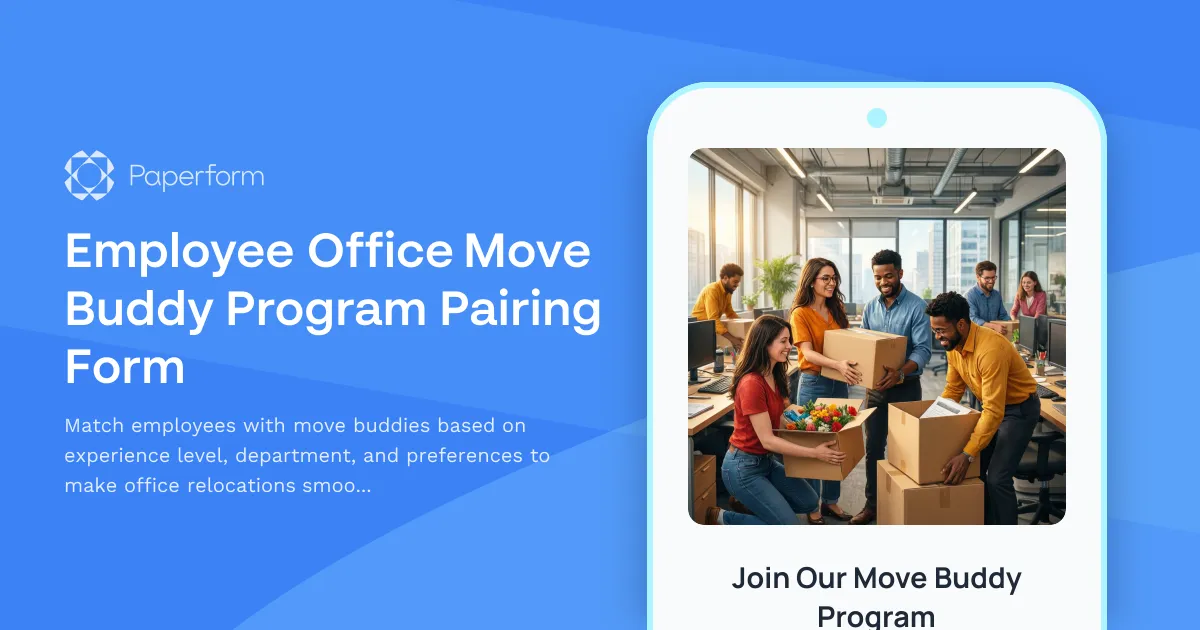
Employee Office Move Buddy Program Pairing Form
Match employees with move buddies based on experience level, department, and preferences to make office relocations smoother and build connections across teams.
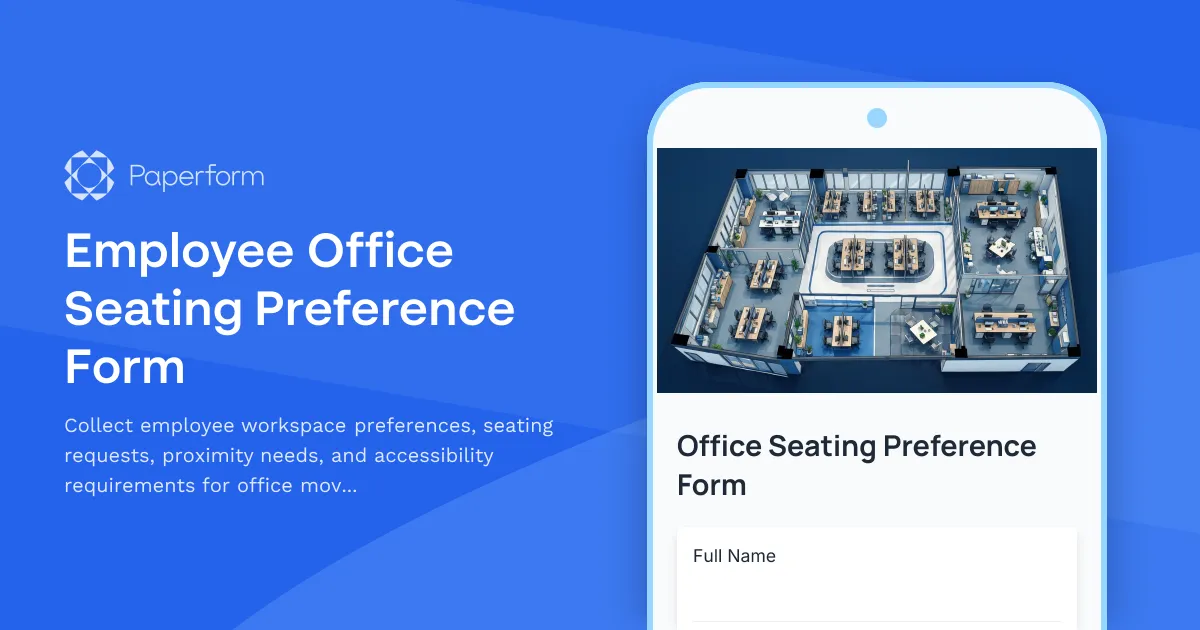
Employee Office Seating Preference Form
Collect employee workspace preferences, seating requests, proximity needs, and accessibility requirements for office moves, relocations, or desk assignments with this comprehensive seating preference form.
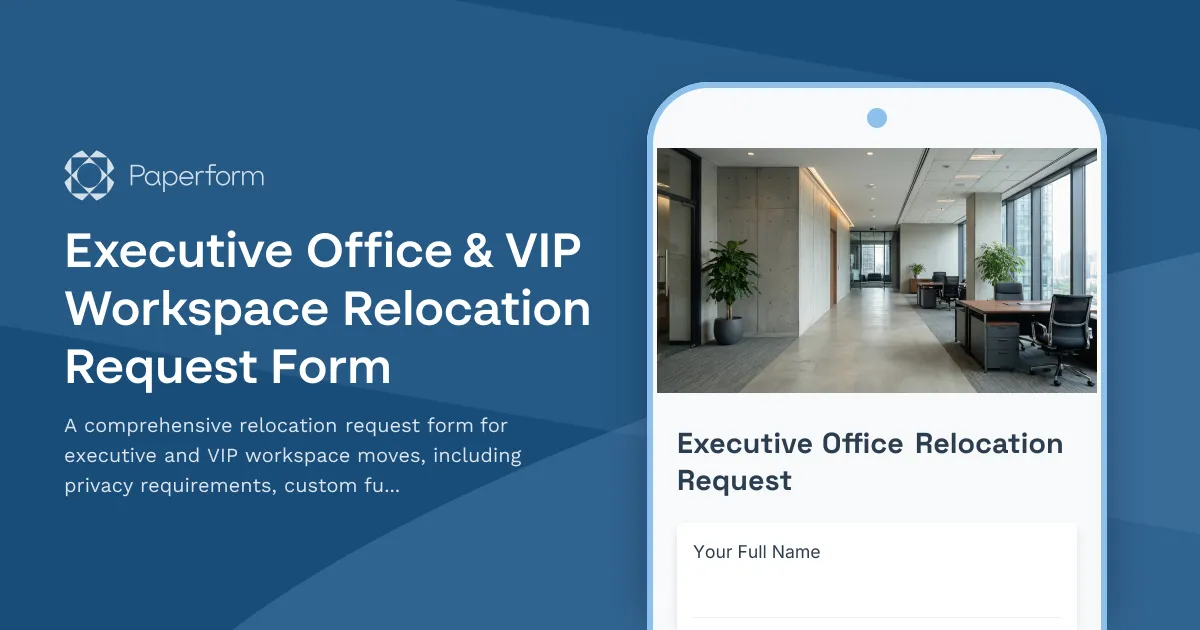
Executive Office & VIP Workspace Relocation Request Form
A comprehensive relocation request form for executive and VIP workspace moves, including privacy requirements, custom furniture specifications, secure storage, and priority scheduling.