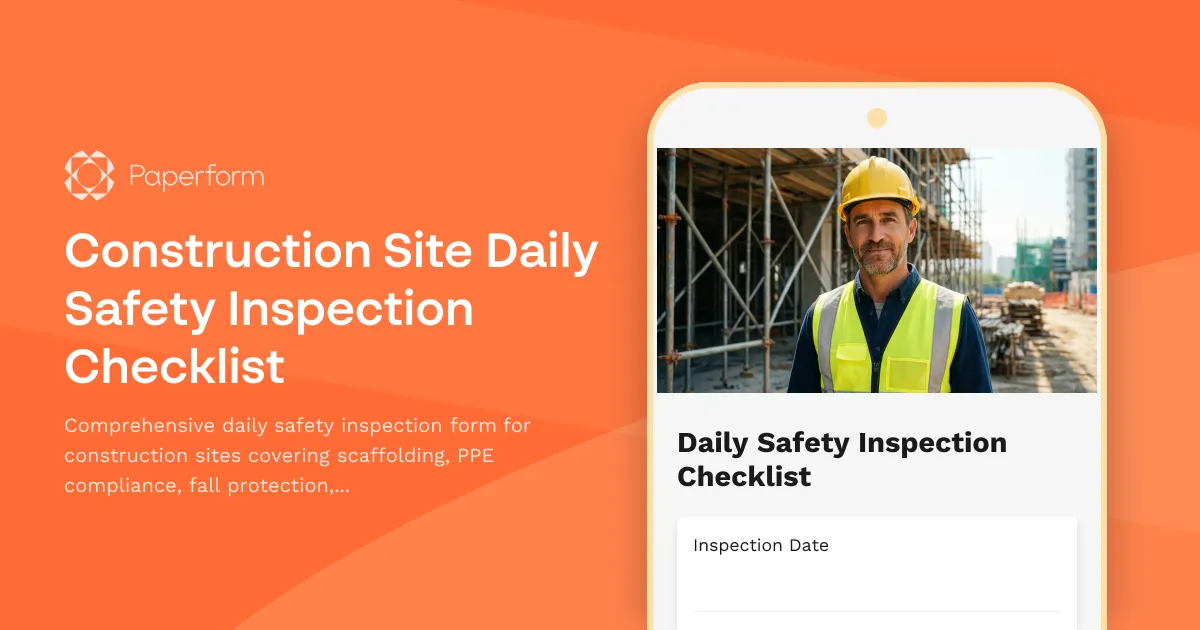
Daily Construction Site Safety Inspections Made Simple
Construction site safety isn't just a compliance checkbox—it's about getting everyone home safe at the end of the day. This Construction Site Daily Safety Inspection Checklist template helps site supervisors, safety officers, and foremen conduct thorough, consistent safety inspections every morning before work begins.
Whether you're managing residential builds, commercial developments, or infrastructure projects, this digital checklist replaces clipboards and paper forms with a mobile-friendly solution that captures everything from scaffolding integrity to PPE compliance, all while automatically timestamping inspections and storing photo evidence of hazards.
What's included in this safety inspection template
This template covers the essential safety categories required on active construction sites:
- Site information and inspector details — Record project name, location, weather conditions, and inspector credentials
- Scaffolding and elevated work platform checks — Verify structural integrity, guardrails, toe boards, access points, and load capacity signage
- PPE compliance verification — Confirm hard hats, safety boots, high-vis vests, gloves, eye protection, and respiratory equipment where required
- Fall protection systems — Inspect harnesses, lanyards, anchor points, safety nets, and guardrail systems
- Hazard identification — Document slip/trip hazards, electrical risks, confined spaces, excavation dangers, and material storage issues
- Photo uploads — Capture visual evidence of hazards, non-compliance, or corrective actions needed
- Corrective action tracking — Assign responsibility and deadlines for addressing identified issues
- Sign-off section — Digital signature from the inspector and site supervisor
Why construction teams choose Paperform for safety checklists
Safety inspections need to happen fast, before crews start work. Paperform's mobile-optimized forms work perfectly on tablets and phones, letting inspectors walk the site with their device and complete checks in real-time—no WiFi required if you use offline-capable browsers.
Conditional logic shows or hides follow-up questions based on inspection findings. If scaffolding fails inspection, additional fields appear to document specific defects and corrective actions. This keeps forms short when everything's safe, but comprehensive when issues arise.
Photo uploads are built right into the form, so inspectors can document hazards immediately rather than trying to describe them in text. Images are automatically attached to the submission and can be included in automated reports sent to project managers and safety coordinators.
Calculations can tally compliance scores across categories, flagging sites that fall below safety thresholds and triggering immediate alerts to management.
Automate your safety workflows with Stepper
Once an inspection is submitted, Stepper can automatically route findings where they need to go:
- Create tasks in project management tools like Asana, Monday, or ClickUp for each corrective action identified
- Send urgent Slack or Teams alerts when critical safety violations are found
- Update safety dashboards in Airtable or Google Sheets to track inspection completion rates across multiple sites
- Generate PDF reports and email them to site supervisors, HSE managers, and project stakeholders
- Trigger follow-up inspection reminders if corrective actions aren't marked complete within specified timeframes
This means less administrative burden on your safety team and faster response times when hazards are identified.
Built for contractors, safety officers, and construction managers
This template is ideal for:
- General contractors managing multiple trade partners and ensuring everyone follows site safety rules
- Safety officers and HSE managers responsible for compliance with OSHA, health and safety regulations, and company safety policies
- Site supervisors and foremen conducting daily walk-throughs before crews start work
- Construction companies in residential, commercial, industrial, infrastructure, and specialty trades
- Facilities and property managers overseeing renovation and maintenance work
Mobile-ready, secure, and audit-trail friendly
Construction sites aren't office environments. Paperform forms work beautifully on any device, with large touch-friendly fields perfect for gloved hands and outdoor conditions. All submissions are timestamped and securely stored, creating a complete audit trail for safety compliance reviews, insurance audits, or incident investigations.
With SOC 2 Type II compliance, role-based permissions, and data residency controls, your safety data stays protected whether you're a small contractor or a multi-site operation.
Customize for your site and standards
Every construction site and region has unique safety requirements. Use Paperform's doc-style editor to add your company logo, adjust categories to match your safety manual, include region-specific regulatory checkpoints (OSHA, HSE, Safe Work Australia, etc.), or add pre-start toolbox talk sign-off sections.
You can create different versions for different project types—high-rise vs. residential, demolition vs. new construction—and still manage everything from one account.
Integrate with your existing safety stack
Connect your safety inspection form to the tools your team already uses:
- Google Sheets or Airtable for centralized safety logs and trend analysis
- Procore, Buildertrend, or CoConstruct for project-specific safety documentation
- Slack or Microsoft Teams for instant notifications when inspections are completed or issues found
- Dropbox or Google Drive for automatic backup of inspection photos and reports
- Zapier, Make, or Stepper for custom workflows between your safety forms and any other business system
Safety is non-negotiable on construction sites. This template gives your team a fast, thorough, and consistent way to identify hazards before they become incidents—helping you maintain compliance, protect your workers, and keep projects moving safely forward.



More templates like this
Construction Site Lighting Adequacy Inspection Form
A professional inspection form for assessing construction site lighting levels, emergency systems, and placement compliance to ensure worker safety and regulatory standards.
Housekeeping and Waste Management Inspection Form
A comprehensive construction site housekeeping and waste management inspection form with debris removal tracking, material segregation verification, and dumpster placement safety checks.

Mobile Crane Operations Safety Checklist
A comprehensive pre-operation safety inspection checklist for mobile crane operations, covering ground stability, load verification, outrigger setup, power line clearance, and operator certification compliance.

Blasting and Explosives Safety Inspection Form
Comprehensive safety inspection form for blasting operations, explosives storage, and blast site compliance. Covers magazine security, lightning protection, blast area clearance, and regulatory compliance requirements.
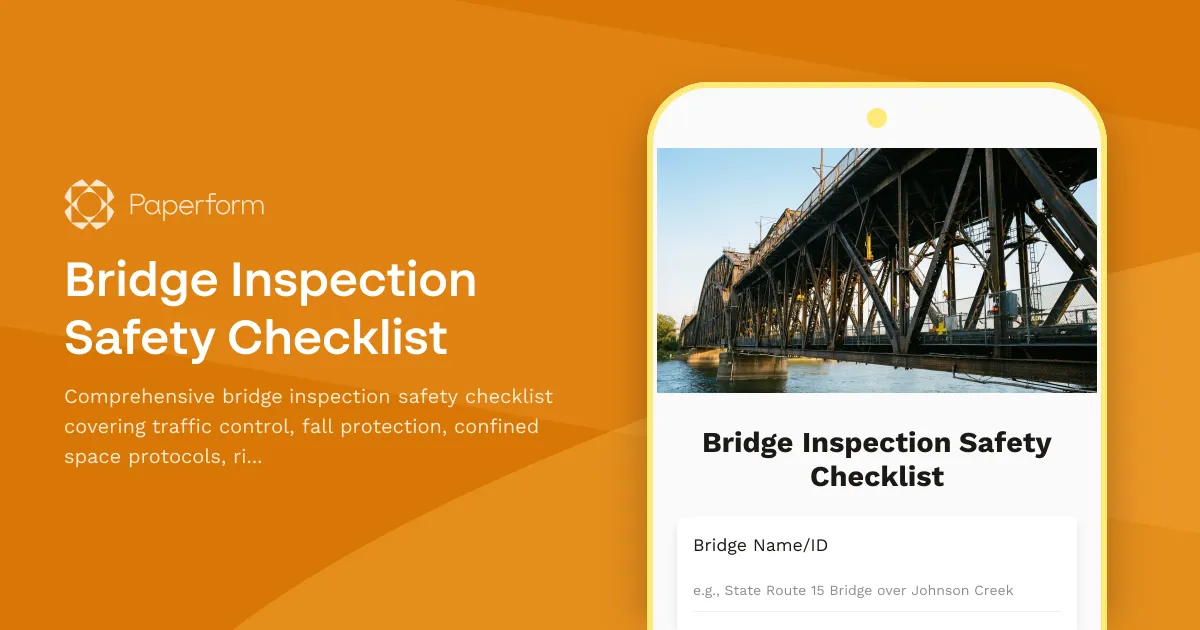
Bridge Inspection Safety Checklist
Comprehensive bridge inspection safety checklist covering traffic control, fall protection, confined space protocols, rigging equipment, and public safety barriers for compliant and secure bridge inspection operations.
Construction Site Daily Safety Inspection Checklist
A comprehensive daily safety inspection form for construction sites covering PPE compliance, scaffolding integrity, hazard identification, and equipment checks with automated timestamps.
Curtain Wall Installation Checklist
Professional curtain wall installation checklist covering anchor verification, panel sequencing, weather sealing, thermal break inspection, and performance testing for construction projects.
Demolition Site Safety Inspection Checklist
Comprehensive pre-demolition and ongoing safety inspection checklist covering structural stability, utility disconnection, hazardous materials, dust control, and public protection measures for demolition contractors and safety officers.
Electrical Safety Inspection Checklist
A comprehensive electrical safety inspection checklist covering panel clearance, grounding systems, extension cords, arc flash labeling, and lockout/tagout procedures for workplace compliance.

Elevator & Lift Safety Inspection Checklist
Comprehensive elevator and lift safety inspection form covering cable wear, emergency brakes, phone systems, weight capacity signage, and annual certification compliance for buildings and facilities.
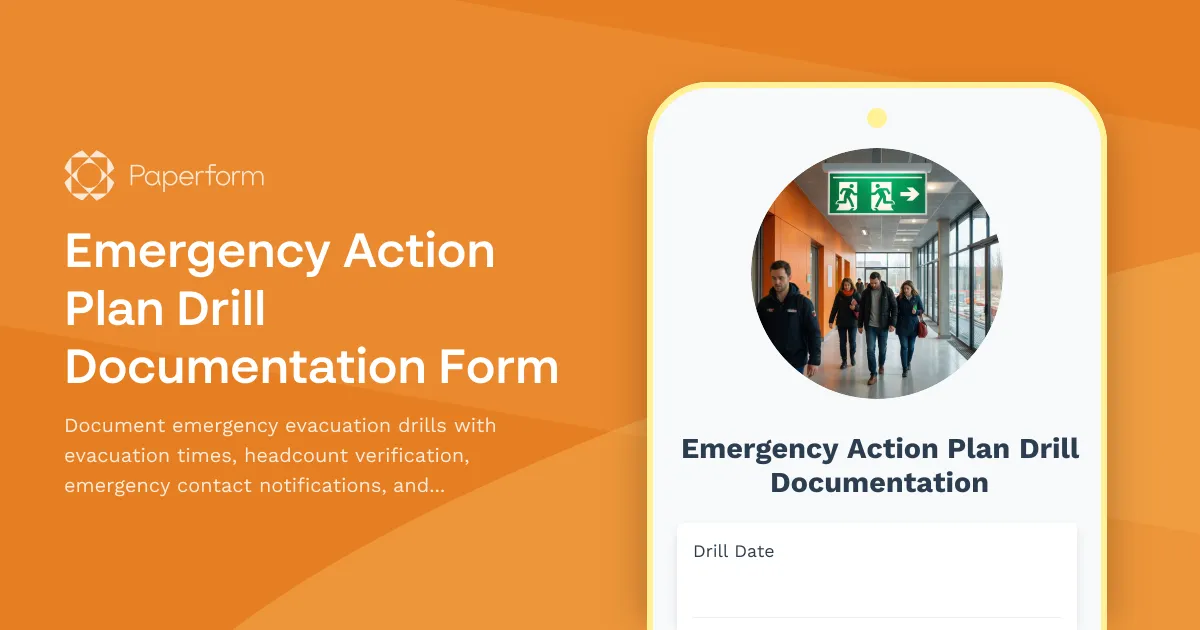
Emergency Action Plan Drill Documentation Form
Document emergency evacuation drills with evacuation times, headcount verification, emergency contact notifications, and areas for improvement to ensure workplace safety compliance.

Fire-Rated Partition Installation Form
Professional documentation form for fire-rated partition installations including UL assembly details, firestop locations, inspection requirements, and compliance tracking for construction projects.