Moving into a new office space means setting up your conference rooms and meeting spaces from scratch—and getting the technology right is critical. Whether you're equipping a single huddle room or outfitting an entire floor of collaborative spaces, you need video conferencing equipment, presentation systems, room booking displays, audio enhancement and remote participation tools that actually work together.
This Conference Room Technology Setup Request Form helps facilities managers, IT teams and office coordinators capture detailed requirements for each meeting space, ensuring every room is equipped with the right technology for hybrid work. From camera placement and microphone arrays to digital signage and cable management, this template covers the full scope of modern meeting room AV needs.
Paperform makes it easy to collect setup requests from multiple departments, embed conditional logic to show relevant equipment options based on room type, and automatically route submissions to your IT and facilities teams via Stepper workflows. Connect your form to project management tools, procurement systems or internal ticketing platforms so every technology request becomes a trackable project with clear ownership and timelines.
Built for facilities managers, IT directors, and workplace experience teams managing office relocations, expansions or meeting room refreshes, this form template helps you standardize technology specifications, control costs and deliver meeting spaces that support seamless collaboration—whether your team is in the room or joining remotely.



More templates like this
Office Relocation Communication Preferences Form
Capture employee communication preferences, update frequency, and concerns during office moves to ensure everyone stays informed and supported throughout the relocation process.
Collaborative Workspace & Huddle Room Equipment Relocation Form
A comprehensive form for managing the relocation of collaborative workspaces and huddle rooms, including AV systems, video conferencing equipment, whiteboards, displays, and post-move technology testing.
Office Library and Resource Center Setup Form
A comprehensive form for setting up a new office library and resource center, including book collection organization, digital resources, study room bookings, and staffing requirements.
CMS Migration Stakeholder Interview Form
Gather comprehensive stakeholder feedback on CMS migration requirements, workflow needs, integration priorities, and training expectations from marketing, IT, content, and executive teams.

Collaboration Workspace Admin Access Request
Request administrative access to collaboration workspaces including member management, content moderation, and archive permissions for project teams.
Hybrid Workplace Desk Booking Form
Streamline hybrid work with desk and team pod reservations, flexible booking periods, and integrated parking allocation for modern flexible workspaces.
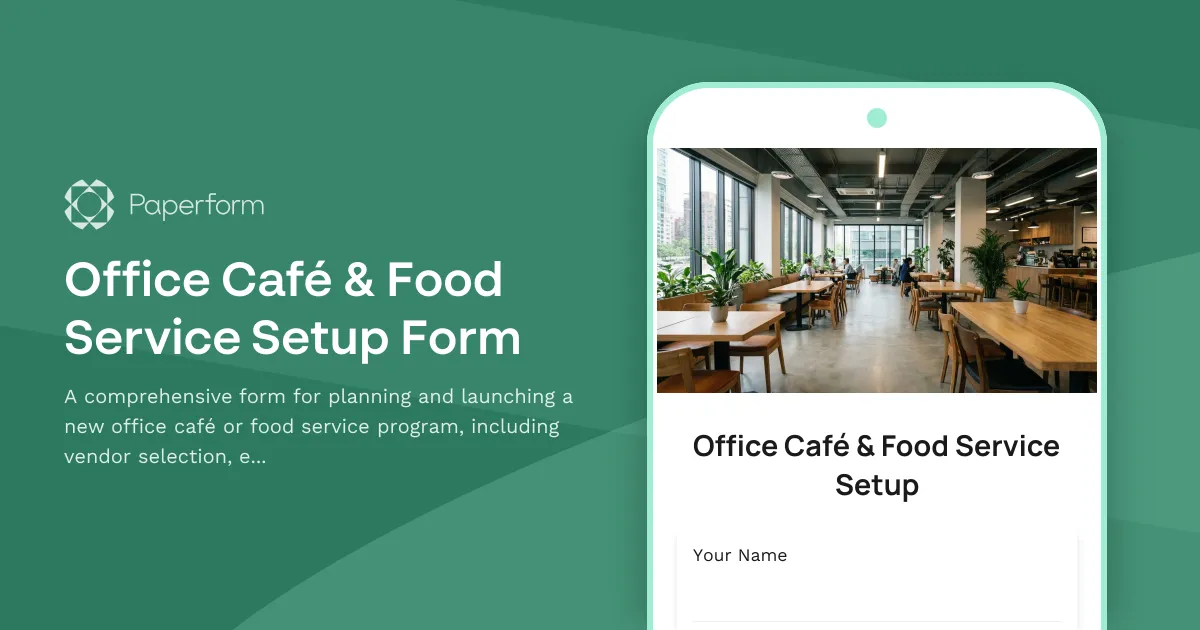
Office Café & Food Service Setup Form
A comprehensive form for planning and launching a new office café or food service program, including vendor selection, equipment requirements, and dietary accommodations.
Office Move Disaster Recovery & Backup Site Designation Form
Designate alternate workspaces and establish disaster recovery protocols for office moves and relocations. Identify backup sites, define recovery objectives, and plan failover procedures to ensure business continuity.
Office Move Network Infrastructure Planning Form
Plan your office relocation's network infrastructure with detailed specifications for bandwidth, WiFi coverage, VoIP systems, printer placement, and redundancy requirements.
Office Relocation Brand Identity & Customer Experience Form
Ensure brand consistency and optimal customer experience during office relocations with detailed planning for reception areas, client-facing spaces, brand elements, and first impressions.
Office Relocation Telecommunications Cutover Plan Form
Plan and coordinate telecommunications infrastructure during office relocations, including phone number porting, voicemail migration, call forwarding, and system testing schedules.
Office Social & Community Space Design Input Form
Gather employee input on new office social and community space design, including kitchen layout, game room equipment, library selections, collaboration areas, and lounge amenities.