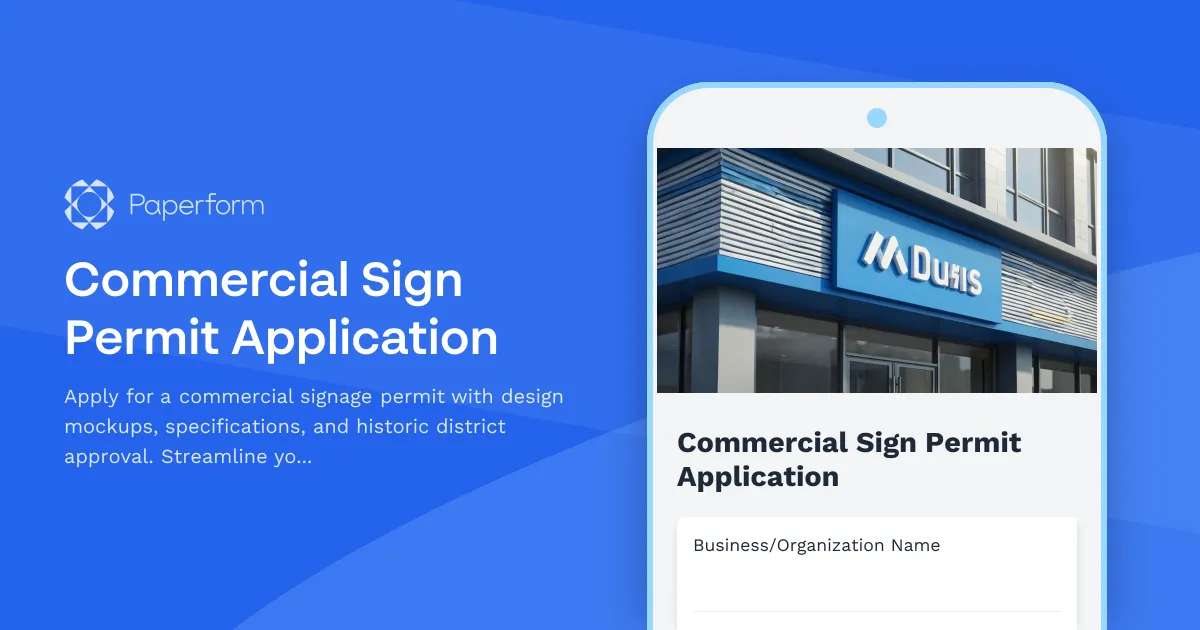
Commercial Sign Permit Application Form – Get Approval Faster
Installing new commercial signage for your business? Whether you're opening a storefront, rebranding your location, or adding wayfinding signage, navigating the permit process doesn't have to be complicated. This Commercial Sign Permit Application template helps businesses, sign companies, and contractors submit complete, professional applications to municipal planning departments—reducing back-and-forth delays and getting you to installation faster.
Who needs a sign permit application form?
This form is designed for:
- Small business owners opening new locations or refreshing exterior branding
- Sign fabrication and installation companies managing permit workflows for multiple clients
- Commercial property managers coordinating tenant signage across retail centers or office buildings
- Marketing and branding agencies handling physical brand activations for clients
- Contractors and general contractors overseeing construction projects that include signage elements
- Historic district businesses that need additional design review and preservation board approval
What makes this sign permit form different?
Most municipal permit applications are PDF downloads that require printing, scanning, and mailing—or worse, in-person submission. This Paperform template brings your sign permit workflow online with features that make the process smoother:
- Upload design mockups and photos directly in the form—no separate email attachments or lost files
- Collect dimensional specifications, materials, and electrical details in structured fields so reviewers have everything they need
- Conditional logic that shows additional questions for illuminated signs, historic districts, or special zoning situations
- Automatic calculations for sign square footage based on height and width inputs
- Integrated payments to collect permit application fees via Stripe or PayPal at the time of submission
- Instant confirmation emails with submission receipts and next steps for applicants
Use Paperform to streamline municipal and contractor workflows
This isn't just a form—it's a complete intake system. With Paperform's flexible editor, you can customize this template to match your city's specific requirements, zoning codes, and fee structures. Add your logo, adjust field labels, and apply conditional logic so applicants only see questions relevant to their sign type.
Because Paperform is built for SMBs and agencies, you can:
- Brand the form to match your planning department or company website
- Embed it on your site or share it as a standalone link
- Collect payments for permit fees, expedited review, or inspection charges
- Route submissions to the right reviewer based on district, sign type, or size
- Automate follow-up with Stepper workflows that send reminders, request additional documentation, or update project management boards
Automate permit review workflows with Stepper
Once a sign permit application is submitted, the real work begins—coordinating review, approval, inspections, and communication with the applicant. With Stepper (stepper.io), Paperform's AI-native workflow builder, you can automate the entire post-submission process:
- Route applications to the correct department (zoning, historic preservation, fire marshal) based on sign location or type
- Send automated status updates to applicants as their permit moves through review stages
- Trigger inspection scheduling once permits are approved
- Update your project tracking tools like Asana, Monday, or Airtable with new applications
- Notify stakeholders when additional information is required or approval is granted
This means faster turnaround times, less manual email coordination, and a better experience for business owners who just want to open their doors.
What's included in this sign permit application?
This template collects everything a planning department or sign company needs to evaluate a commercial sign application:
- Applicant and property information including business name, owner details, property address, and parcel number
- Sign type and specifications such as wall-mounted, freestanding, monument, projecting, or awning signs
- Dimensional details including height, width, square footage (auto-calculated), and mounting height
- Materials and construction specifications like substrate, frame material, and finish
- Illumination details for internally lit, externally lit, or non-illuminated signs, including wattage and lighting type
- Design mockup uploads for renderings, photos, or elevation drawings
- Site photos showing the proposed sign location and surrounding context
- Historic district approval section with conditional fields for properties in designated areas
- Electrical contractor information if the sign requires electrical work
- Zoning and setback compliance confirmation
- Application fee payment processed securely at submission
Built for compliance, designed for simplicity
Municipal permit applications need to be thorough, but they don't have to be painful. This form balances regulatory requirements with user experience—guiding applicants through a clear, logical process while capturing all the details reviewers need. Conditional logic ensures that complex requirements (like historic district compliance or electrical safety documentation) only appear when relevant, keeping the form streamlined for simpler projects.
Trusted by planning departments and sign companies
Paperform is trusted by over 500,000 teams worldwide and is SOC 2 Type II and GDPR compliant, meaning your applicant data is secure and your workflows meet modern data protection standards. Whether you're a city planning office digitizing your permit intake or a sign company managing applications for dozens of clients, Paperform scales with your needs.
Get started in minutes
This template is ready to use as-is, or you can customize it in Paperform's intuitive doc-style editor. No coding required—just click, type, and adjust fields to match your municipality's requirements or your company's branding. Start streamlining your sign permit process today and spend less time chasing paperwork, more time building better communities and businesses.



More templates like this
CrossFit & Functional Fitness Gym Permit Application
Complete permit application for CrossFit and functional fitness gyms covering facility specifications, equipment anchoring, floor protection, coaching certifications, and liability insurance requirements.
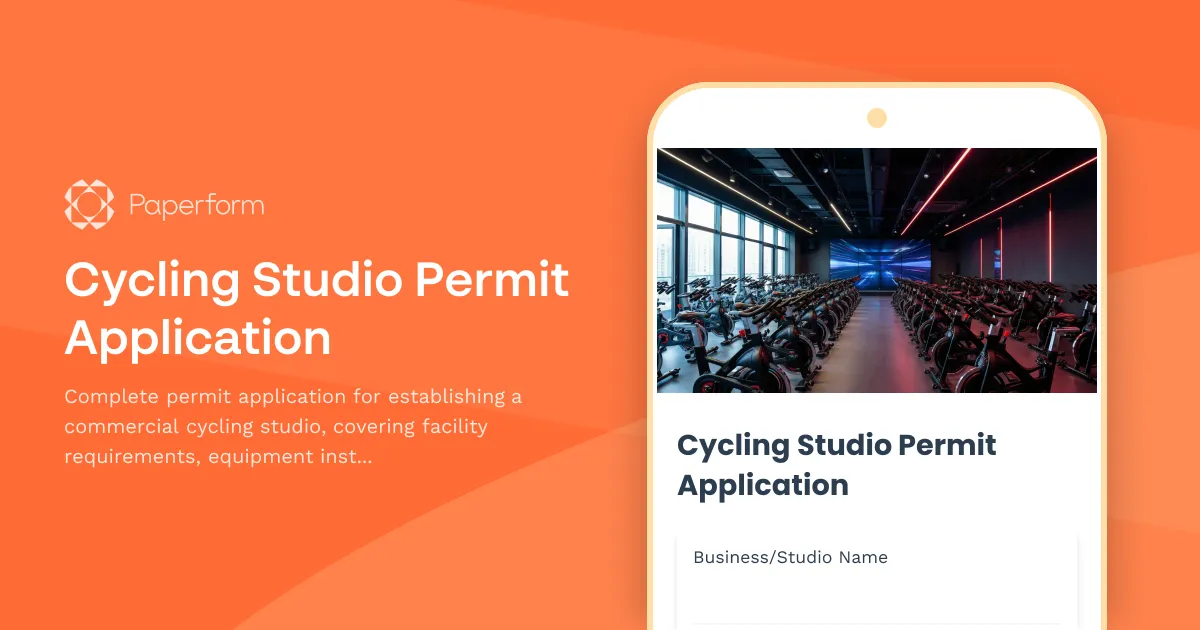
Cycling Studio Permit Application
Complete permit application for establishing a commercial cycling studio, covering facility requirements, equipment installation, safety systems, and operational protocols.
Mobile Home Park Permit Application
Apply for a mobile home park operating permit with comprehensive site planning, infrastructure, utilities, and resident protection compliance.

Recording Studio Permit Application
Apply for a recording studio permit with soundproofing verification, acoustic treatment details, electrical service specifications, and noise ordinance compliance documentation.
Barre Fitness Studio Permit Application
Apply for permits to operate a barre fitness studio with comprehensive facility, equipment, safety, and compliance information for municipal approval.
Bed and Breakfast Permit Application
Apply for a bed and breakfast operating permit with detailed property information, safety compliance, and neighborhood compatibility assessment.
Dance Studio Operating Permit Application
Apply for a dance studio operating permit with facility specifications, safety requirements, instructor certifications, and class capacity details.
Deck or Patio Construction Permit Application
Apply for a permit to construct or modify a residential or commercial deck or patio. Includes structural details, load calculations, railing specifications, and building code compliance verification.
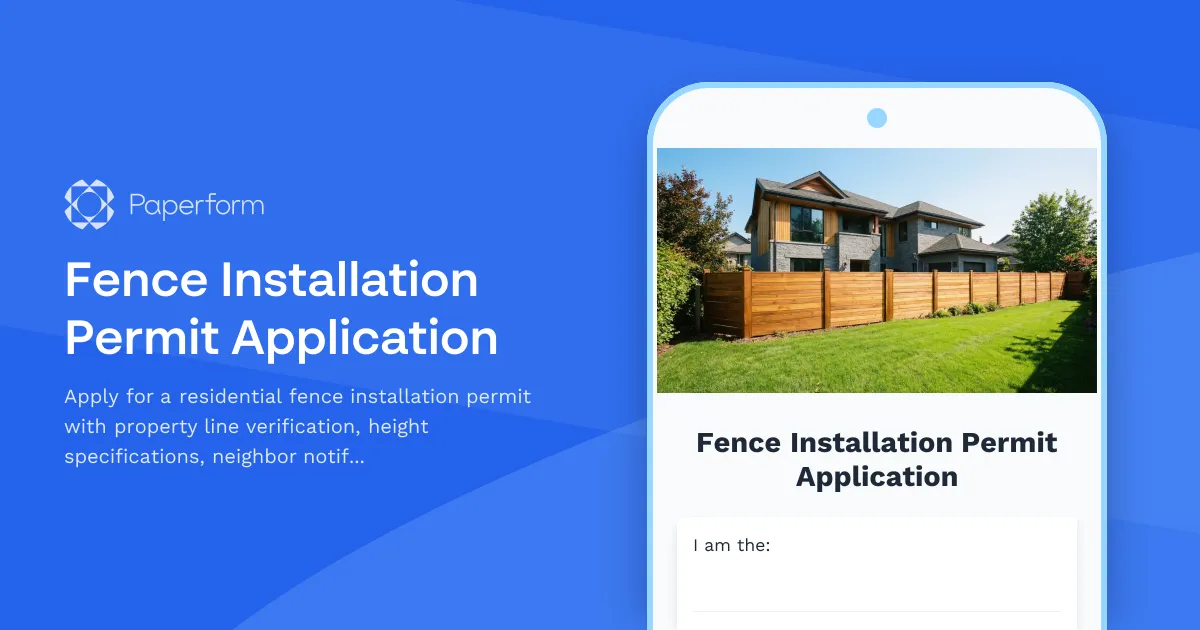
Fence Installation Permit Application
Apply for a residential fence installation permit with property line verification, height specifications, neighbor notifications, and HOA approval documentation.
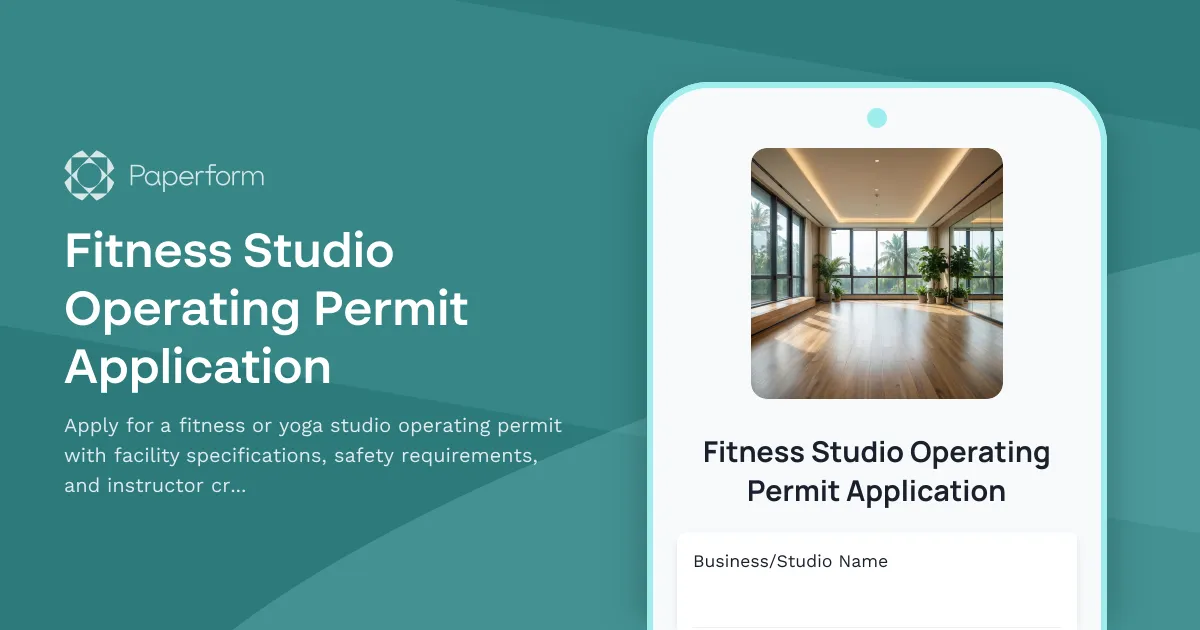
Fitness Studio Operating Permit Application
Apply for a fitness or yoga studio operating permit with facility specifications, safety requirements, and instructor credentials verification.
Go-Kart Track Permit Application
Complete permit application for go-kart track operations, including track design approval, safety requirements, insurance verification, and operational compliance documentation.
Home Renovation Permit Application
Apply for residential renovation permits for kitchen and bathroom remodels. Submit project details, contractor information, and required documentation for approval.