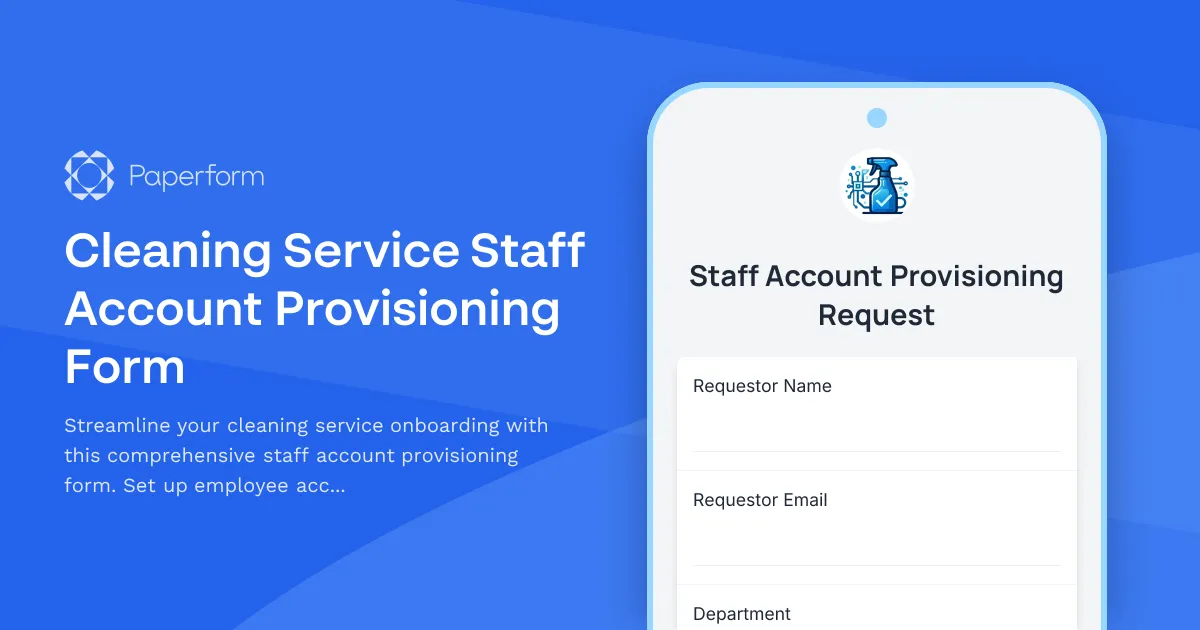
Efficient Staff Onboarding for Cleaning Services
Managing a cleaning service means juggling multiple clients, locations, schedules, and team members. When you bring on new staff, you need to quickly provision their accounts with the right permissions, access levels, and tools—without creating security risks or operational bottlenecks.
This Cleaning Service Staff Account Provisioning Form is designed specifically for cleaning companies, janitorial services, and facility maintenance businesses that need a structured way to onboard new employees. Instead of scattered emails, manual spreadsheets, and forgotten access requests, this template centralizes everything into one professional workflow.
What This Template Helps You Do
Whether you're running a residential cleaning service, commercial janitorial company, or specialized facility maintenance operation, this form captures all the critical information needed to set up a new staff member:
- Employee details and role assignment to ensure the right permissions from day one
- Client location access requests so cleaners can only access the sites they're assigned to
- Supply inventory permissions to control who can request, order, or manage cleaning products
- Inspection checklist tool access for quality control and client satisfaction
- Schedule management preferences to coordinate shifts, routes, and availability
- Emergency contact information for safety and compliance
- Equipment assignments to track who has keys, access cards, and specialized tools
Built for Cleaning Service Operations
This isn't a generic IT form—it's tailored to the unique needs of cleaning businesses. The conditional logic adapts based on whether you're onboarding full-time staff, part-time cleaners, or supervisors, showing only relevant questions for each role. Supervisors might need access to client billing information and team schedules, while individual cleaners need location-specific access and basic supply ordering permissions.
The form includes space for multiple client locations, so you can provision access to several sites at once during onboarding. You can also specify different permission levels—view-only access to schedules versus full editing rights, or basic supply requests versus inventory management capabilities.
Automate Your Provisioning Workflow
Once a manager submits this form, you can use Stepper to automate what happens next. Create a workflow that automatically:
- Sends the request to your IT admin or operations manager for approval
- Creates accounts in your scheduling software, client management system, or internal tools
- Generates access cards or key requests for building managers
- Assigns the employee to the right location groups and communication channels
- Triggers welcome emails with login credentials and training materials
- Updates your HR system with the new hire's permissions and access levels
This eliminates the manual back-and-forth that typically delays new employees from starting productive work, and ensures nothing falls through the cracks during onboarding.
Secure, Compliant, and Audit-Ready
Security matters when your staff has access to client properties and sensitive information. This form creates a clear paper trail of who requested access, what permissions were granted, and when—essential for client contracts, insurance requirements, and compliance audits.
Paperform's SOC 2 Type II compliance and robust security features mean you can trust this data is handled professionally. Set up conditional approval workflows so supervisors must authorize access to high-security clients, or require manager sign-off before granting inventory ordering permissions.
Perfect for Growing Cleaning Businesses
Whether you're a small residential cleaning service onboarding your fifth employee, or a commercial janitorial company adding seasonal staff across multiple locations, this template scales with your needs. The clean, professional design works on any device—managers can submit requests from the office, while field supervisors can provision urgent access from their phones between job sites.
Trusted by service businesses worldwide, Paperform makes it easy to build professional, branded forms that actually work for your operations. Start with this template, customize the fields to match your specific locations and permission structure, and have new staff set up and ready to work in record time.



More templates like this
IT New Employee Account Provisioning Form
Streamline new employee onboarding with this comprehensive IT account provisioning form. Request Active Directory accounts, email setup, software access, and hardware assignments all in one place.
Landscaping Crew Leader Account Provisioning Form
Set up new crew leader accounts with job site access, equipment permissions, time tracking, and client approval workflows for landscaping operations.
Airline Crew Member Account Provisioning Form
Streamline new airline crew member onboarding with comprehensive account provisioning for scheduling systems, flight operations portals, certification tracking, and mobile app access.
Automotive Dealership DMS Salesperson Account Setup Form
A comprehensive account provisioning form for setting up new salesperson accounts in automotive dealership management systems, including inventory access, customer data permissions, financing tools, and commission tracking.
Cannabis Dispensary Budtender Account Provisioning Form
Streamline new budtender onboarding with POS access, inventory permissions, patient verification tools, and compliance tracking for cannabis dispensaries.
Company Intranet Usability Survey
Collect employee feedback on intranet navigation, content quality, search functionality, mobile experience, and overall usability to improve your internal portal.
Contractor & Vendor Access Request Form
Streamline temporary access provisioning for contractors and vendors with sponsor approval, NDA verification, and automated badge printing integration.

Corporate VPN Access Request Form
Streamline remote access requests with this corporate VPN access form. Collect employee details, device information, security clearance levels, and route for manager approval—all in one secure workflow.
Cruise Line Crew Member Account Creation Form
Streamline new crew member onboarding with account setup, ship system access, passenger service permissions, safety compliance tracking, and port schedule visibility all in one place.
Cruise Line Entertainment VPN Access Request
Streamline VPN access requests for cruise line performers and production staff with integrated scheduling and guest services coordination.
Cybersecurity SOC Analyst Account Provisioning Form
Streamline the onboarding of new SOC analysts with comprehensive account provisioning for SIEM dashboards, incident response systems, threat intelligence platforms, and vulnerability scanning tools.
Dark Kitchen Operations Manager Account Creation Form
Streamline account provisioning for dark kitchen delivery operations managers with automated access to order routing, kitchen assignments, driver coordination, and customer service tools.