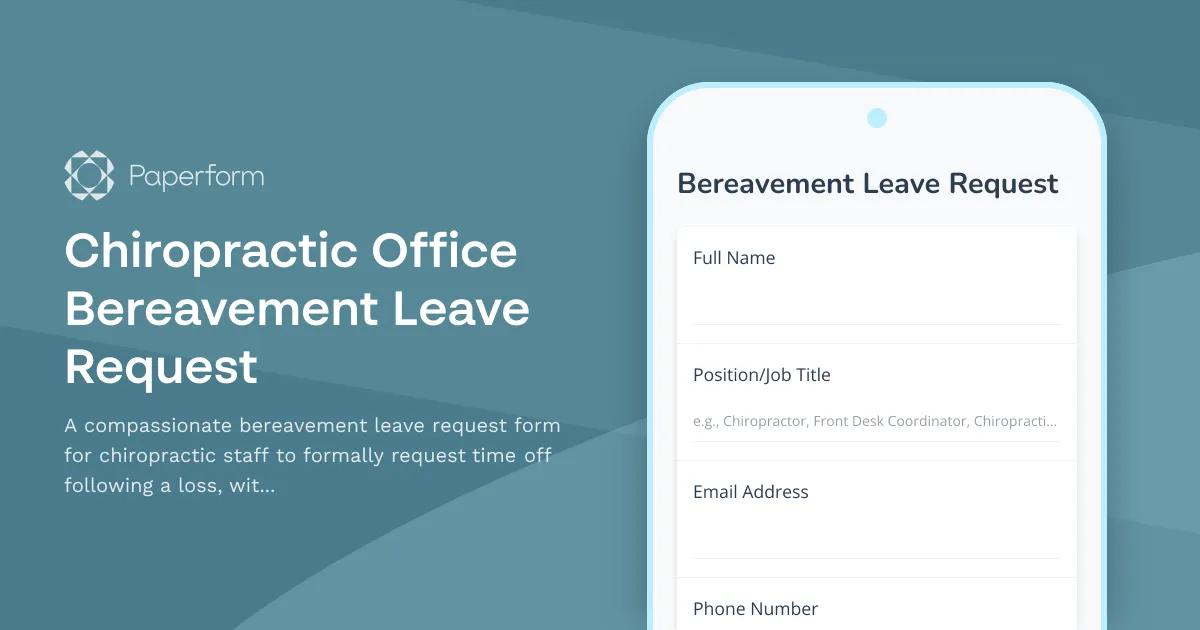
Chiropractic Office Bereavement Leave Request Form Template
Losing a loved one is one of life's most difficult experiences. For chiropractic practices, having a clear, compassionate bereavement leave policy—paired with a professional request form—helps ensure your team members receive the support they need during this challenging time.
This Chiropractic Office Bereavement Leave Request Form Template provides a structured, sensitive way for staff to formally request time off following the loss of a family member or loved one. Whether you're a practice manager, office administrator, or clinic owner, this template streamlines the bereavement leave process while maintaining the empathy and professionalism your team deserves.
Why Chiropractic Practices Need a Bereavement Leave Request Form
In busy chiropractic offices—where patient schedules, treatment plans, and operational workflows depend on consistent staffing—managing unexpected absences can be challenging. A bereavement leave form helps by:
- Providing clarity: Staff understand exactly what information is needed and what leave they're entitled to
- Maintaining continuity: Managers can quickly assess coverage needs and adjust schedules
- Ensuring compliance: Proper documentation protects both the employee and the practice
- Showing compassion: A well-designed form demonstrates that your practice values work-life balance and supports team members through difficult times
What's Included in This Template
This bereavement leave request form has been specifically designed for chiropractic offices and includes:
- Employee information collection: Name, position, department, and contact details
- Relationship verification: Clear documentation of the deceased's relationship to the employee
- Flexible leave duration options: Support for standard bereavement leave, extended leave, and custom arrangements
- Funeral and service documentation: Optional fields for funeral home details and service dates
- Coverage planning: Information to help managers arrange patient care continuity
- Submission tracking: Automatic timestamping and confirmation for both employee and management
The form uses conditional logic to adjust based on the relationship (immediate family typically qualifies for more days) and the type of leave being requested, making the process both thorough and user-friendly.
How Chiropractic Practices Can Use This Form
This template works for practices of all sizes—from solo practitioners with a small front-desk team to multi-location chiropractic groups with dozens of chiropractors, massage therapists, administrative staff, and billing specialists.
Common use cases include:
- Chiropractors requesting time off following the loss of a parent, spouse, or child
- Front desk coordinators needing leave after losing a grandparent or sibling
- Chiropractic assistants and treatment coordinators managing grief while maintaining patient care
- Practice managers coordinating coverage during staff bereavement absences
- Multi-provider clinics tracking bereavement leave across different roles and schedules
Streamline Your HR Processes with Paperform
This template is built on Paperform, the flexible online form builder trusted by healthcare practices, professional services firms, and SMBs worldwide. With Paperform, you can customize this bereavement leave form to match your specific policies, brand, and workflow needs—no coding required.
Key Paperform features for HR forms:
- Conditional logic: Show or hide fields based on relationship type, leave duration, or documentation requirements
- Professional design: Match your practice's branding with custom fonts, colors, and logos
- Secure submissions: SOC 2 Type II compliant and GDPR-ready to protect sensitive employee information
- Email notifications: Automatically alert managers and HR when a request is submitted
- Mobile-friendly: Staff can submit requests from their phone during an already stressful time
- Integration ready: Connect to Google Sheets, Slack, or your practice management system for seamless record-keeping
Automate Bereavement Leave Workflows with Stepper
Once a bereavement leave request is submitted, there's often a chain of tasks that need to happen: notifying the team, adjusting the schedule, updating payroll, and following up with the employee. With Stepper, Paperform's AI-native workflow automation tool, you can automate these steps without writing code.
Example bereavement leave workflow:
- Employee submits bereavement leave request via Paperform
- Stepper automatically sends the request to the practice manager for review
- Once approved, Stepper notifies the scheduling coordinator to adjust appointments
- Stepper creates a reminder to check in with the employee before their return date
- Stepper logs the leave in your HR tracking spreadsheet or practice management system
By connecting this form to Stepper, you reduce administrative burden during an already sensitive time and ensure nothing falls through the cracks.
Customization Ideas for Your Practice
While this template works out-of-the-box, you may want to tailor it to your specific practice policies:
- Adjust leave entitlements: Modify the relationship categories to reflect your practice's bereavement leave policy (e.g., 3 days for immediate family, 1 day for extended family)
- Add accrual tracking: Include fields to track whether the employee is using PTO, unpaid leave, or specific bereavement days
- Include travel time: Add options for staff who need to travel out of state or internationally for services
- Integrate with your HRIS: Use Paperform's integrations to automatically log requests in BambooHR, Gusto, or your existing HR system
- Create approval workflows: Route requests to different approvers based on employee role or leave duration
Support Your Team with Compassionate HR Processes
Bereavement leave isn't just a policy—it's a reflection of your practice's values. By implementing a clear, compassionate request process, you show your team that you prioritize their wellbeing even during the toughest moments.
This Chiropractic Office Bereavement Leave Request Form Template makes it easy to balance operational needs with genuine human care, helping your practice maintain both professional standards and heartfelt support.
Get started with Paperform today and build HR forms that your team can rely on—designed for healthcare practices, optimized for real-world workflows, and ready to use in minutes.



More templates like this
Chiropractor Office Employee Handbook Acknowledgment Form
Comprehensive employee handbook acknowledgment form for chiropractic offices covering patient safety protocols, adjustment techniques, billing compliance, and scope of practice guidelines.

Acupuncturist Performance Appraisal Form
Comprehensive performance review form for acupuncturists covering treatment outcomes, patient satisfaction, clinical documentation, and practice development contributions.
Telehealth Acupuncturist Onboarding Form
A comprehensive onboarding form for telehealth acupuncturists covering platform access, treatment software, herb dispensary credentials, insurance billing, and virtual wellness tools setup.
Virtual Chiropractor Onboarding Form
A comprehensive onboarding form for chiropractors joining a virtual practice, covering telehealth compliance, patient assessment tools, billing setup, and treatment protocols.
Virtual Craniosacral Therapist Onboarding Form
A comprehensive onboarding form for virtual craniosacral therapists with telehealth assessment, treatment documentation, screening tools, and continuing education tracking.
Acupressure Clinic Mat and Supply Inventory Form
A comprehensive inventory checklist for acupressure clinics to track mats, supplies, sanitation protocols, patient comfort preferences, and treatment room standardization.

Chiropractic Adjustment Injury Report
A professional incident reporting form for chiropractors to document adjustment-related injuries, verify informed consent, record technique details, and initiate malpractice claims when necessary.

Chiropractic Adjustment Patient Satisfaction Survey
Gather valuable feedback on pain relief effectiveness, appointment scheduling, insurance processing, and treatment plan clarity to improve your chiropractic practice's patient care experience.
Chiropractic Clinic Adjustment Room Scheduling Form
A comprehensive room booking form for chiropractic clinics to schedule adjustment rooms, coordinate practitioner preferences, integrate treatment plans, and verify insurance coverage.
Chiropractic Clinic Associate Doctor Onboarding Form
A comprehensive onboarding form for chiropractic clinics to streamline the hiring process for associate doctors, including license verification, technique certifications, insurance details, and practice preferences.
Chiropractic Franchise Employee Handbook Acknowledgment Form
A comprehensive acknowledgment form for chiropractic franchise employees to confirm receipt and understanding of company policies, treatment protocols, scheduling procedures, and compliance requirements.

Chiropractic Practice Budget Forecast Form
A comprehensive budget forecasting tool designed specifically for chiropractic practices to project revenue, track patient visit patterns, analyze payment mix, and plan for supplement sales and treatment conversions.