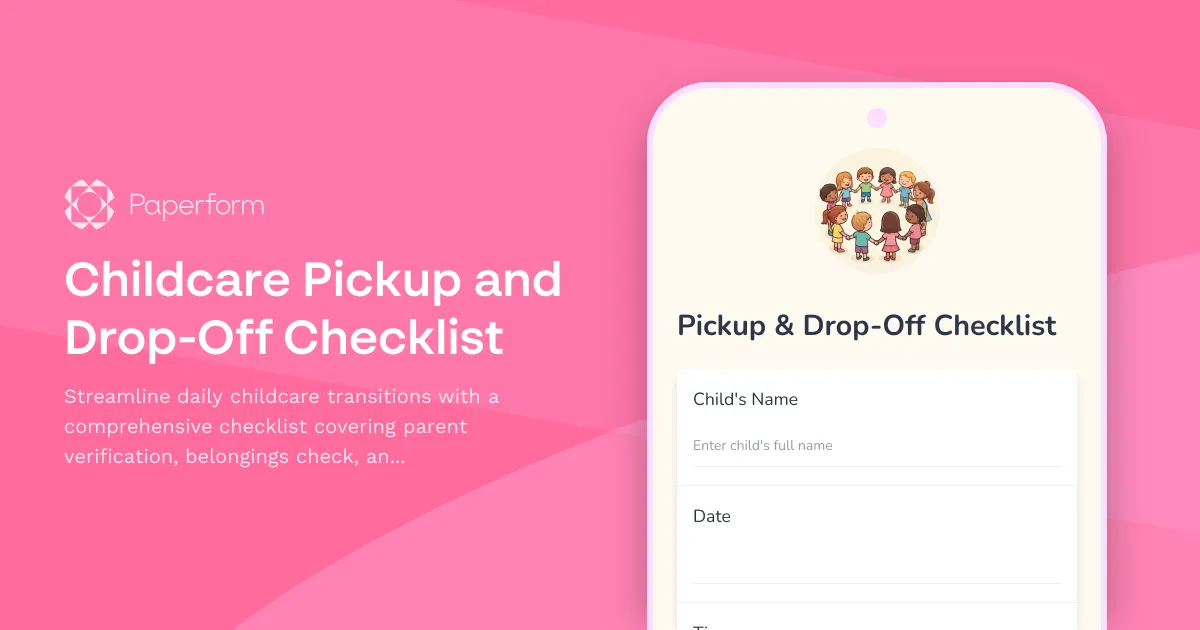
Streamline Your Childcare Pickup and Drop-Off Process
Running a childcare center, daycare, or preschool means managing dozens of transitions every day. Between verifying authorized guardians, checking belongings, communicating daily updates, and ensuring every child gets safely to the right person, there's a lot that can slip through the cracks. That's where this Childcare Pickup and Drop-Off Checklist comes in.
This Paperform template transforms your daily handoff procedures from scattered clipboards and paper forms into a streamlined digital checklist that childcare providers can complete in seconds on any device. Whether you're managing drop-off routines in the morning or pickup procedures in the afternoon, this form ensures consistency, accountability, and clear communication with parents every single time.
Built for Childcare Professionals Who Need Reliable Documentation
Childcare providers, daycare owners, preschool teachers, and early childhood educators know that every handoff moment is critical. Parents need reassurance that their child arrived safely, that their belongings are accounted for, and that they're getting a clear picture of their child's day. Meanwhile, your staff needs a fast, foolproof way to document each transition without adding administrative burden.
This template is designed specifically for:
- Daycare centers managing multiple age groups and dozens of daily transitions
- Preschools and early learning centers ensuring safe arrivals and departures
- Home-based childcare providers creating professional documentation practices
- After-school programs tracking student pickups with authorized guardian verification
- Summer camps and specialty programs maintaining clear custody handoff records
What's Included in This Checklist
This pickup and drop-off checklist covers everything your team needs to document during transitions:
Child and Guardian Information
Quickly log the child's name, date, time, and which staff member is handling the handoff. Identify whether it's a drop-off or pickup, and record the parent or authorized guardian's name and relationship to the child.
Parent/Guardian Verification
Confirm that the person dropping off or picking up is on the authorized list, check identification if needed, and document any special custody or pickup instructions.
Belongings Check
Track items coming and going—diaper bags, lunch boxes, spare clothes, comfort items, medications, and anything else that needs to travel with the child. This prevents lost items and ensures children have what they need throughout the day.
Child Condition Assessment
Note the child's mood, health status, and any parent-reported concerns at drop-off, or observe behavior and well-being at pickup. This creates a clear baseline for each day and helps identify any changes.
Daily Report Completion
Confirm that daily activities, meals, naps, diaper changes, and any incidents have been documented and shared with the parent. This ensures nothing important gets missed during the handoff rush.
Signature and Timestamp
Capture parent/guardian acknowledgment and staff signatures with automatic timestamps for a complete audit trail.
Why Paperform is Perfect for Childcare Centers
Unlike paper checklists that get lost, damaged, or forgotten in the shuffle, Paperform gives you a digital system that's just as easy to use but infinitely more reliable. Staff can complete the checklist on a tablet at the door, on their phone, or on a shared computer, and all submissions are stored securely in one place.
Conditional logic means the form adapts to each situation—if it's a drop-off, you'll see drop-off-specific questions; if it's a pickup, the form adjusts accordingly. If a parent reports their child is unwell, additional fields can appear to capture details. This keeps the form short and relevant without overwhelming your team.
Automatic notifications can be set up to alert directors or admin staff if certain conditions are met—such as an unauthorized pickup attempt, a child arriving unwell, or a missing required item. You can also send confirmation emails to parents after each drop-off or pickup, giving them peace of mind and a digital record of the handoff.
Keep Parents in the Loop and Your Center Protected
Clear communication builds trust, and documentation protects everyone. With this checklist, parents receive consistent updates about their child's transitions, and your center maintains detailed records that can be invaluable if questions or concerns arise later.
You can embed this form directly on your parent portal or center website, send it as a pre-filled link via email or text, or keep it on a tablet at your entrance for quick completion during busy morning and afternoon rushes.
Automate Follow-Up Tasks with Stepper
Once a checklist is submitted, you might need to update parent communication logs, flag missing items for follow-up, or sync information into your childcare management system. That's where Stepper comes in.
Stepper is Paperform's AI-native workflow builder that turns each checklist submission into a series of automated actions. For example, you could automatically:
- Send a summary email to parents after drop-off confirming their child's arrival and belongings
- Create a task in your team's project management tool to follow up on missing items
- Log the handoff details into your childcare CRM or student information system
- Flag incomplete daily reports for staff to finish before end of day
- Archive records into Google Drive or Dropbox organized by child and date
These workflows run in the background, saving your team hours of manual data entry and ensuring nothing falls through the cracks.
Designed for Real Childcare Environments
This template is intentionally simple and fast to complete because we know childcare staff are juggling multiple responsibilities at once. The form is mobile-friendly, works offline if needed, and can be filled out in under two minutes even during the busiest transition times.
Whether your center serves infants, toddlers, preschoolers, or school-age children, this checklist adapts to your needs. You can easily customize fields to match your center's specific procedures, add custom branding, or duplicate the form for different age groups or classrooms.
Trusted by Childcare Providers Nationwide
Paperform is trusted by over 500,000 teams worldwide, including childcare centers, preschools, and family care providers who need reliable, professional forms without the complexity. As a SOC 2 Type II and GDPR compliant platform, Paperform ensures that sensitive information about children and families is stored securely and handled with care.
While Paperform is not HIPAA compliant, it provides robust security features suitable for most childcare documentation needs, including SSL encryption, role-based access controls, and data residency options.
Get Started in Minutes
You don't need any technical skills to start using this template. Simply customize the fields to match your center's procedures, share the form with your staff, and start documenting pickups and drop-offs with confidence. Paperform's intuitive editor makes it easy to add your logo, adjust colors to match your brand, and tweak questions as your processes evolve.
Ready to bring consistency and clarity to your childcare transitions? This checklist template gives you everything you need to create safer, more organized pickups and drop-offs while keeping parents informed and your team protected.
Industries: Childcare & Daycare, Education, Early Childhood Education
Roles: Daycare Owner, Childcare Provider, Preschool Teacher, Early Childhood Educator, Program Coordinator



More templates like this
Childcare Center Daily Safety Checklist
A comprehensive daily safety inspection checklist for childcare centers covering playground equipment, choking hazards, emergency contacts, medication storage, and cleaning protocols to ensure child safety and regulatory compliance.
Childcare Daily Activity Report
A comprehensive daily report form for childcare providers to track attendance, meals, naps, activities, and communicate important updates to parents.
Dance Studio Class Preparation Checklist
A comprehensive checklist for dance instructors to ensure proper class preparation, including music cuing, equipment setup, attendance tracking, and emergency contact verification before each session.
Aquarium Maintenance Checklist
A comprehensive aquarium maintenance checklist for tracking water quality testing, equipment inspections, livestock health, and feeding schedules to ensure a thriving aquatic environment.
Childcare Center Playground Equipment Safety Inspection Checklist
A comprehensive monthly playground safety inspection checklist for childcare centers to track equipment condition, fall zone measurements, and maintenance needs while ensuring compliance with safety standards.
Childcare Center Staff Ratio Compliance Form
Track daily staff-to-child ratios, headcounts, and licensing compliance for your childcare center. Ensure you meet state requirements and maintain proper documentation.
Childcare Daily Attendance & Hours Log
Professional childcare attendance tracking form with digital parent signatures, automated late pickup fee calculations, and incident reporting capabilities for daycare providers.
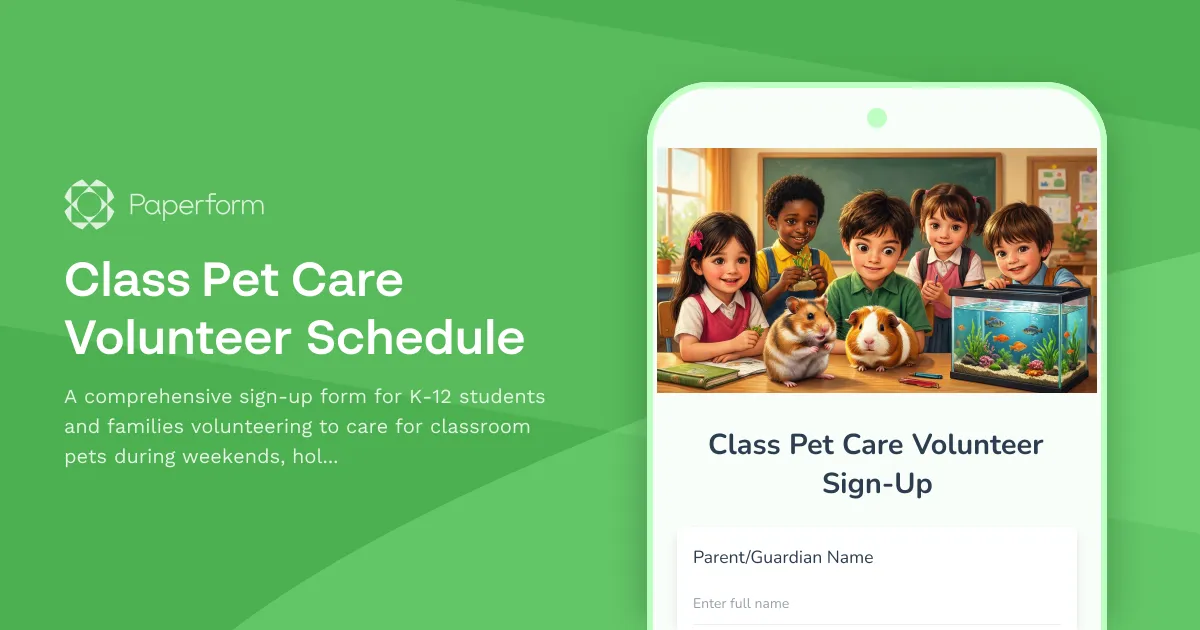
Class Pet Care Volunteer Schedule
A comprehensive sign-up form for K-12 students and families volunteering to care for classroom pets during weekends, holidays, and school breaks. Includes allergy disclosure, emergency contacts, and care instructions acknowledgment.

Food Allergy Symptom Diary
Track food allergy reactions, identify suspected allergens, and monitor symptom severity with this comprehensive allergy diary and assessment form.
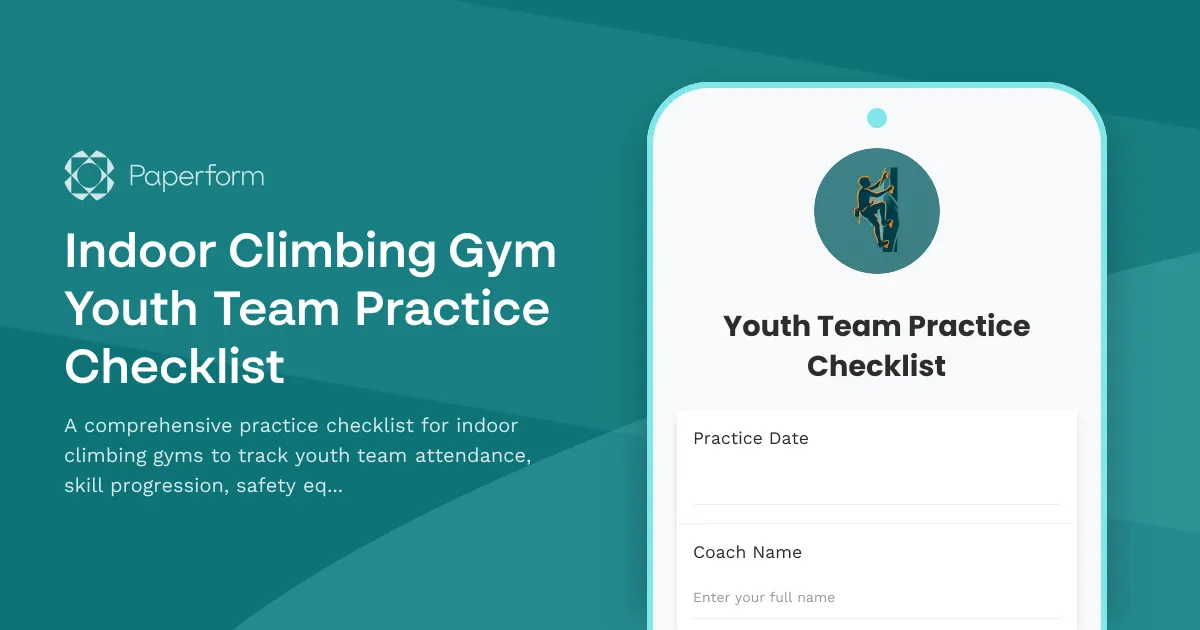
Indoor Climbing Gym Youth Team Practice Checklist
A comprehensive practice checklist for indoor climbing gyms to track youth team attendance, skill progression, safety equipment, and parent communication in one streamlined form.

Martial Arts Dojo Class Preparation Checklist
A comprehensive pre-class checklist for martial arts instructors to ensure mats are sanitized, equipment is ready, attendance is recorded, and student progress is tracked.

Music Lesson Preparation Checklist
A comprehensive checklist for music teachers to prepare lessons, track student progress, select appropriate materials, and plan practice assignments.