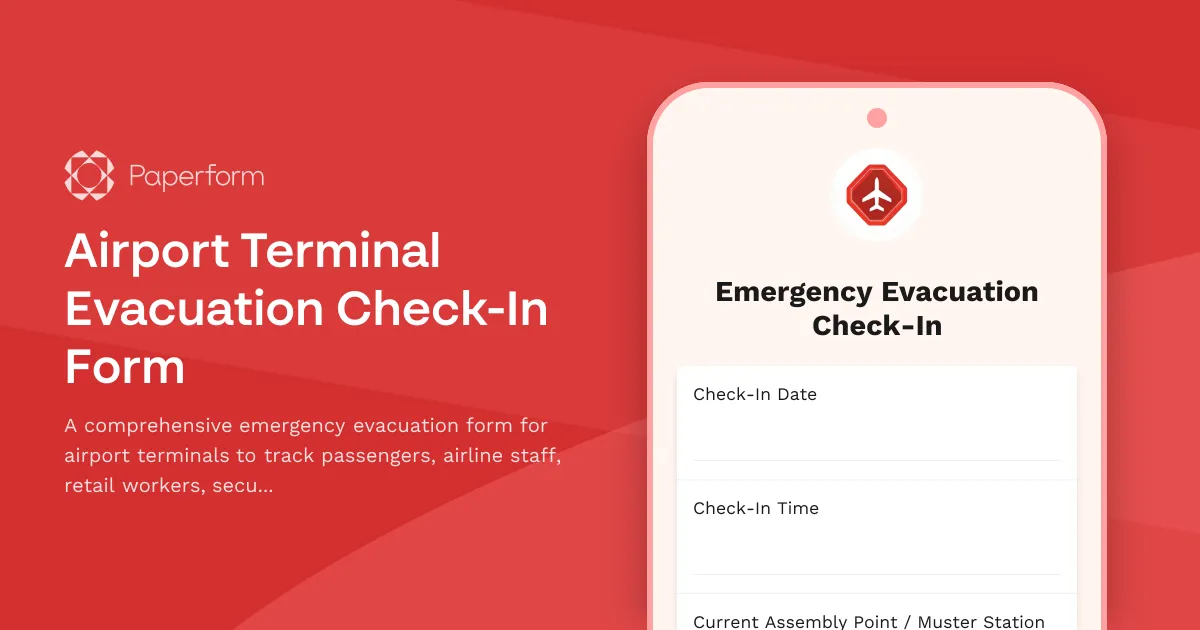
Safe, Efficient Airport Terminal Evacuation Check-In
When emergency situations require airport terminal evacuations, accurate headcount and location tracking become critical for passenger safety and operational recovery. This Airport Terminal Evacuation Check-In Form provides airport operators, emergency coordinators, and terminal managers with a structured digital solution for tracking evacuees across all terminal zones and personnel categories.
Built specifically for aviation and airport operations, this template accommodates the complex nature of terminal evacuations—from tracking transiting passengers and crew to accounting for retail staff, security personnel, customs officers, and contractors working in restricted areas. The form captures essential identification details, flight information where applicable, original location within the terminal, and current assembly point to ensure no one is left behind.
Paperform makes this critical emergency workflow faster and more reliable. Rather than relying on paper clipboards and manual tallies during high-stress situations, airport teams can deploy this form on tablets, phones, or kiosks at assembly points. Conditional logic automatically adjusts questions based on evacuee type—passengers see flight manifest fields, while staff members provide employee IDs and department information. Real-time submissions give emergency coordinators an instant, accurate headcount across multiple muster points.
Connect this form to Stepper to automate your post-evacuation workflows: trigger notifications to airline operations centers when passenger groups are accounted for, route security clearance verification to relevant departments, update incident management systems, and generate automated all-clear reports when headcounts are complete. This ensures the evacuation response stays coordinated even when teams are distributed across the airfield.
Whether you're managing terminal emergencies, conducting evacuation drills, or updating emergency response procedures, Paperform delivers a mobile-friendly, SOC 2 Type II compliant solution that works under pressure. This template helps airports maintain safety standards, regulatory compliance, and most importantly—ensures every person in your terminal is accounted for when it matters most.



More templates like this
Airport Terminal Restricted Area Visitor Badge Request Form
Secure visitor badge request form for airport terminal restricted areas with TSA background check, airline sponsor verification, escort requirements, and SIDA badge compliance.
Convention Center Event Evacuation Form
Track evacuation status, headcount, and safety information for convention center events with exhibitor booths, attendee estimates, and emergency exit usage.
Prison Facility Evacuation Form
A comprehensive emergency evacuation form for correctional facilities to track inmate headcount, officer assignments, secure perimeter status, and transport coordination during crisis situations.
Air Force One Maintenance Security Incident Report
Secure incident reporting form for Air Force One maintenance facility security breaches, enabling coordinated response across Secret Service, Air Force, and federal agencies with flight schedule impact assessment.
Air Traffic Control Radar Maintenance Request Form
Comprehensive radar maintenance request form for air traffic control facilities with FAA coordination, flight pattern rerouting protocols, and backup system certification tracking.

Airport Security Threat Report Form
A comprehensive security threat reporting form for airport personnel to document and escalate critical incidents, coordinate TSA notification, manage terminal evacuations, and facilitate law enforcement response.
Batting Cage Facility Evacuation Check-In Form
A comprehensive evacuation form for batting cage facilities to track customer headcount, equipment shutdown procedures, and safety protocol completion during emergency situations.
Commercial Building Evacuation Roll Call
Emergency headcount and status confirmation form for multi-tenant commercial buildings during evacuations, tracking occupants, floor locations, and assistance needs.
Community Swimming Pool Evacuation Form
A comprehensive emergency evacuation checklist for community swimming pools to verify all swimmers, staff, and areas are accounted for and secured during an emergency evacuation.
Presidential Emergency Operations Bunker Life Support Issue Report
A specialized maintenance request form for reporting life support system failures, structural integrity issues, and continuity protocol activation in secure presidential emergency operations facilities.
Shopping Mall Evacuation Check-In Form
Emergency evacuation headcount and status tracking form for shopping mall personnel, store employees, security, maintenance staff, and customer assistance coordination during crisis situations.
Aircraft Maintenance Hangar Evacuation Form
A comprehensive emergency evacuation and headcount form for aircraft maintenance facilities that tracks personnel, equipment status, and safety protocols during evacuations.