Boost Your YouTube Engagement with Ready-to-Use Community Post Templates
YouTube's Community tab is one of the most powerful—and underutilised—tools for building a loyal audience. While your videos do the heavy lifting, community posts keep the conversation going between uploads, helping you stay top-of-mind, gather feedback, and deepen relationships with your subscribers.
The problem? Coming up with fresh, engaging community post ideas week after week can feel like yet another content task on an already packed schedule. That's where these YouTube Community Post Templates come in.
What You'll Get
This digital template pack gives you a library of ready-to-use community post ideas across four high-engagement categories:
- Poll ideas: Quick questions that spark conversation and give you valuable insight into what your audience wants to see next.
- Behind-the-scenes prompts: Humanise your channel by sharing your creative process, workspace setup, day-in-the-life moments and sneak peeks.
- Story updates: Keep your audience in the loop on upcoming projects, milestones, challenges and personal wins that make them feel part of your journey.
- Engagement-boosting questions: Thought-provoking, fun or opinion-based prompts that get subscribers commenting, sharing their experiences and connecting with each other.
Each template is structured to work straight out of the box—or you can customise them to match your niche, tone and audience vibe.
Who This Is For
These templates are perfect for:
- YouTubers and content creators who want to post consistently on the Community tab without the mental load of starting from scratch every time.
- Social media managers and agencies supporting YouTube creators and looking for a repeatable content system.
- Course creators, coaches and educators who use YouTube as a key platform and want to build a more engaged community around their content.
- Streamers, vloggers and niche creators in gaming, tech, beauty, lifestyle, education or any vertical where audience connection drives growth.
Whether you're a solo creator juggling ten things at once or part of a small team managing multiple channels, these templates give you a plug-and-play solution for keeping your Community tab active and your audience engaged.
Why Community Posts Matter
YouTube's algorithm loves creators who keep people on the platform—and community posts are a lightweight way to do exactly that. They:
- Keep your channel active between video uploads, so your audience doesn't forget about you.
- Boost visibility by appearing in subscribers' feeds and sometimes on the Home tab.
- Generate feedback and ideas that inform your next videos, helping you create content people actually want.
- Build loyalty by making your audience feel heard, involved and valued beyond passive viewing.
The more consistently you post, the more your audience expects (and looks forward to) hearing from you. These templates help you build that rhythm without burning out.
How Paperform Makes This Easy
We've packaged these templates as a digital product you can sell or share via Paperform, and the same platform that delivers the download can power your entire creator business:
- Payments built in: Connect Stripe, PayPal or Square to sell template packs, memberships or tip-jar access with zero code.
- Instant delivery: As soon as someone completes checkout, they're redirected to a success page with their download link or emailed a PDF—no manual follow-up needed.
- Lead capture + CRM sync: Collect emails at checkout and push them straight into your email tool, CRM or Notion database so you can nurture your audience and promote future products.
- On-brand checkout experience: Customize colours, fonts, imagery and copy so your order form feels like a natural extension of your YouTube channel and website.
- Papersign for licensing or agreements: If you're selling templates with usage terms or offering agency licensing, you can send an eSignature agreement via Papersign right after purchase.
- Stepper workflows for automation: Use Stepper to automatically tag customers in your CRM, send a welcome sequence, add them to a private Discord or Slack, or trigger a thank-you video—turning one-off buyers into long-term fans.
Paperform isn't just a checkout page—it's the engine behind your entire digital product business, from first click to fulfilled order to ongoing relationship.
How to Use These Templates
- Browse the pack and pick a category (polls, BTS, updates or questions) based on what fits your content calendar or audience mood.
- Customize the prompt with your own voice, niche context or current project.
- Post to your YouTube Community tab and watch the comments, likes and shares roll in.
- Track what works so you can double down on the post types that get the most engagement and refine your strategy over time.
You can batch-schedule a month's worth of posts in one sitting, or keep the templates handy for those moments when you're stuck and need inspiration fast.
A System That Scales With You
Whether you're just starting to use the Community tab or you're already posting regularly and need fresh ideas, these templates grow with your channel. Use them as-is when you're busy, remix them as your voice evolves, or layer them into a broader content strategy that spans YouTube, Instagram, TikTok and email.
And because Paperform handles the delivery, payments and follow-up automatically, you can focus on creating great content instead of wrestling with file hosting, payment processors and email lists.
Get Started in Minutes
With Paperform's digital product tools, you can have your YouTube Community Post Templates live and selling within minutes. No complicated eCommerce platform, no developer, no monthly subscription to yet another tool. Just a simple, beautiful form that handles everything from checkout to delivery—so you can get back to what you do best: making videos and building your audience.
Trusted by over 500K creators, agencies and small businesses worldwide, Paperform is SOC 2 Type II and GDPR compliant, giving you and your customers peace of mind on every transaction.



More templates like this
Community Content Calendar Input Form
Empower your community to shape your content roadmap with collaborative topic voting, priority ranking, and contribution credits for creators and influencers.
Fan Behind-the-Scenes Request Poll
A fan engagement poll to gather insights on what behind-the-scenes content your audience wants to see, including content area interests, production curiosity, and preferred bonus content formats.
Fan Long-Form Content Survey
Understand how your audience consumes long-form content, their attention span, format preferences, and willingness to pay for premium content.
Creator Collaboration Request Form
A streamlined form for creators seeking collaboration opportunities, guest appearances, and co-creation projects with fellow content creators and brands.

Which Type of Podcast Creator Are You?
Discover your podcasting personality with this fun quiz! Find out which podcast format and style matches your unique voice, interests, and creative approach.
YouTube Video Script Template Library
Professional YouTube script templates for content creators, complete with hook formulas, B-roll suggestions, and CTA optimization for every video type.
Community Live Stream Topic Request Form
Let your community request and vote on live stream topics. Collect topic suggestions, urgency ratings, supporting resources, and schedule preferences to create content your audience actually wants to see.
Community Meme Contest Submission Form
A fun, engaging form for collecting meme contest entries from your community. Fans can upload their memes, add captions, declare originality, and vote on viral potential—perfect for creators building engagement.
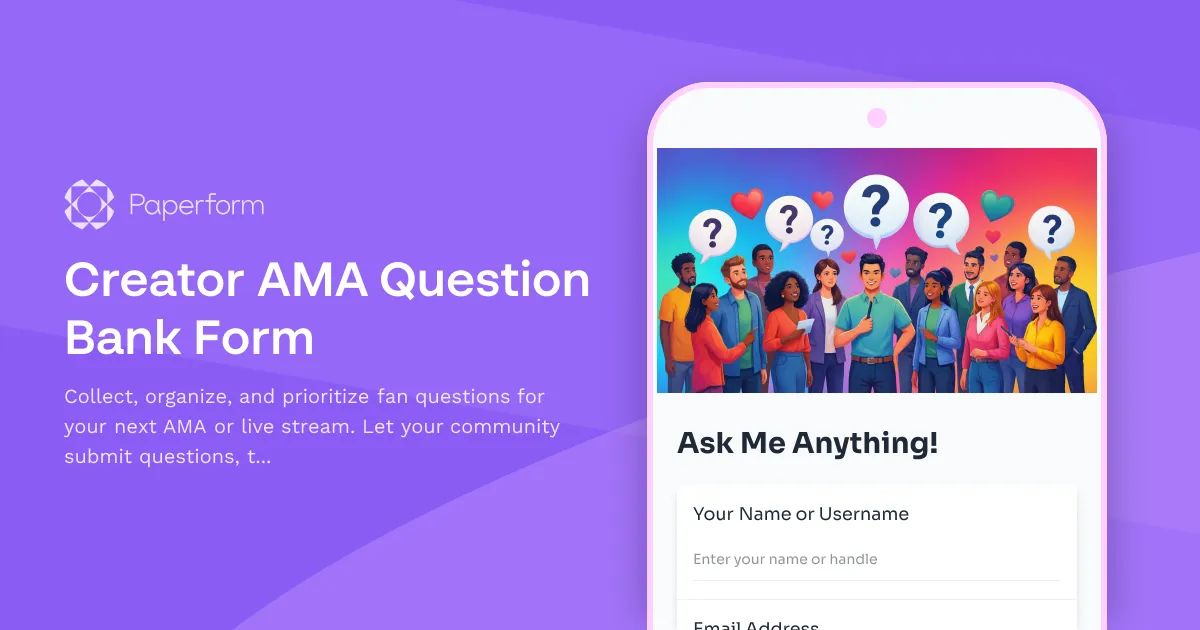
Creator AMA Question Bank Form
Collect, organize, and prioritize fan questions for your next AMA or live stream. Let your community submit questions, tag topics, and help surface the best content through an upvote system.
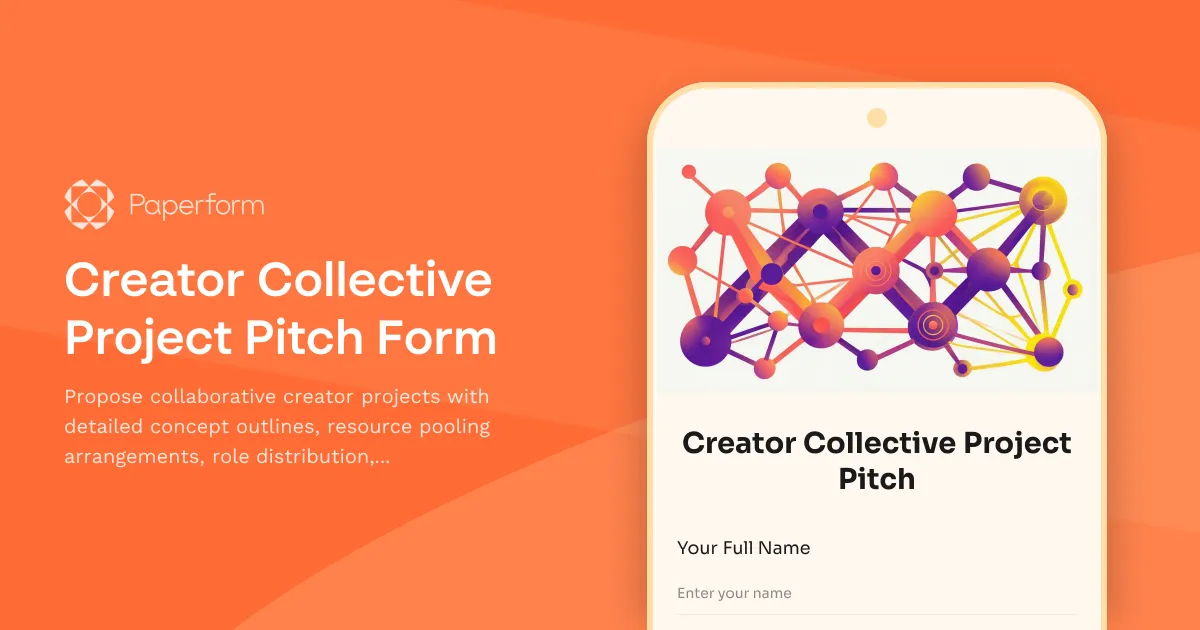
Creator Collective Project Pitch Form
Propose collaborative creator projects with detailed concept outlines, resource pooling arrangements, role distribution, timeline coordination and shared revenue models for multi-creator partnerships.
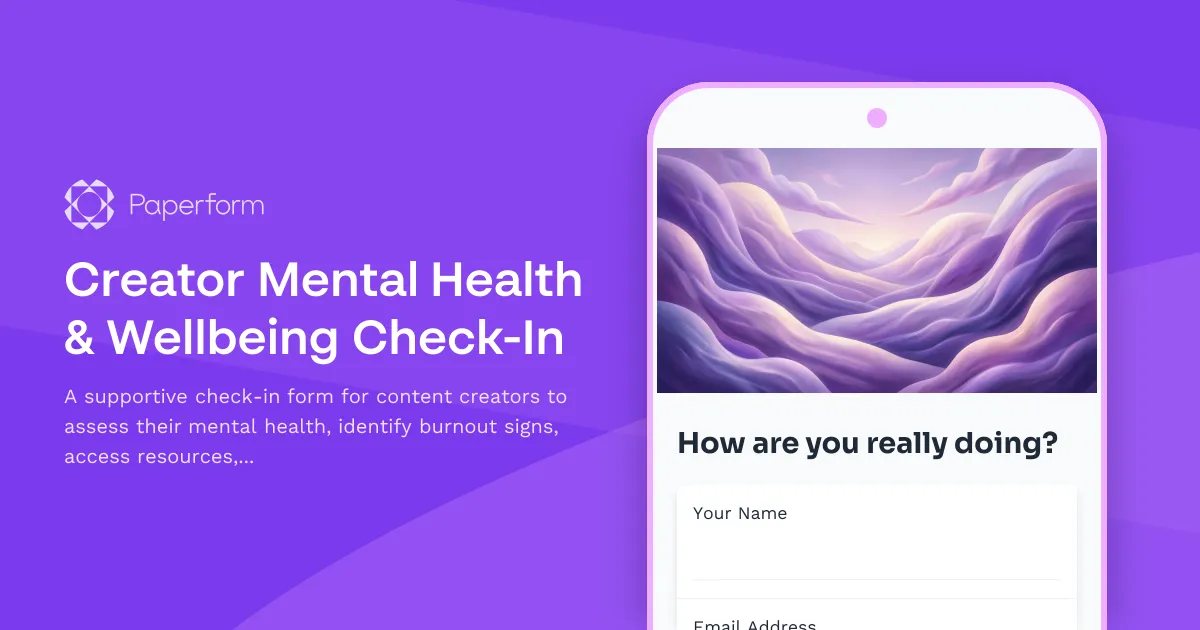
Creator Mental Health & Wellbeing Check-In
A supportive check-in form for content creators to assess their mental health, identify burnout signs, access resources, and connect with peer support or professional help when needed.
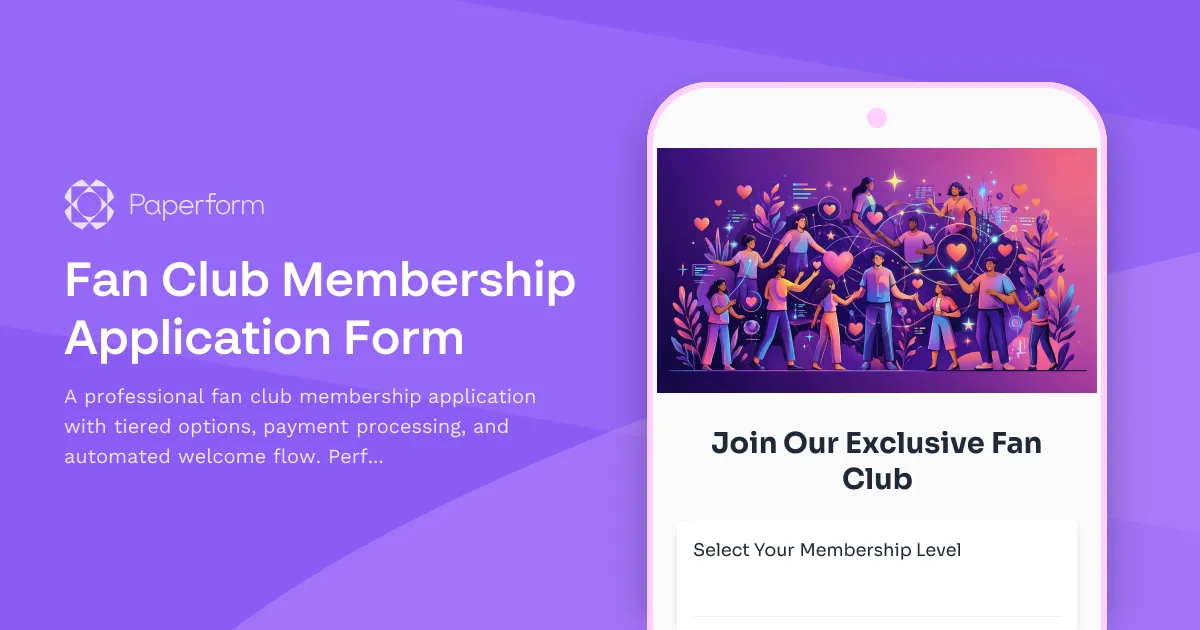
Fan Club Membership Application Form
A professional fan club membership application with tiered options, payment processing, and automated welcome flow. Perfect for creators, influencers, and artists building engaged communities.