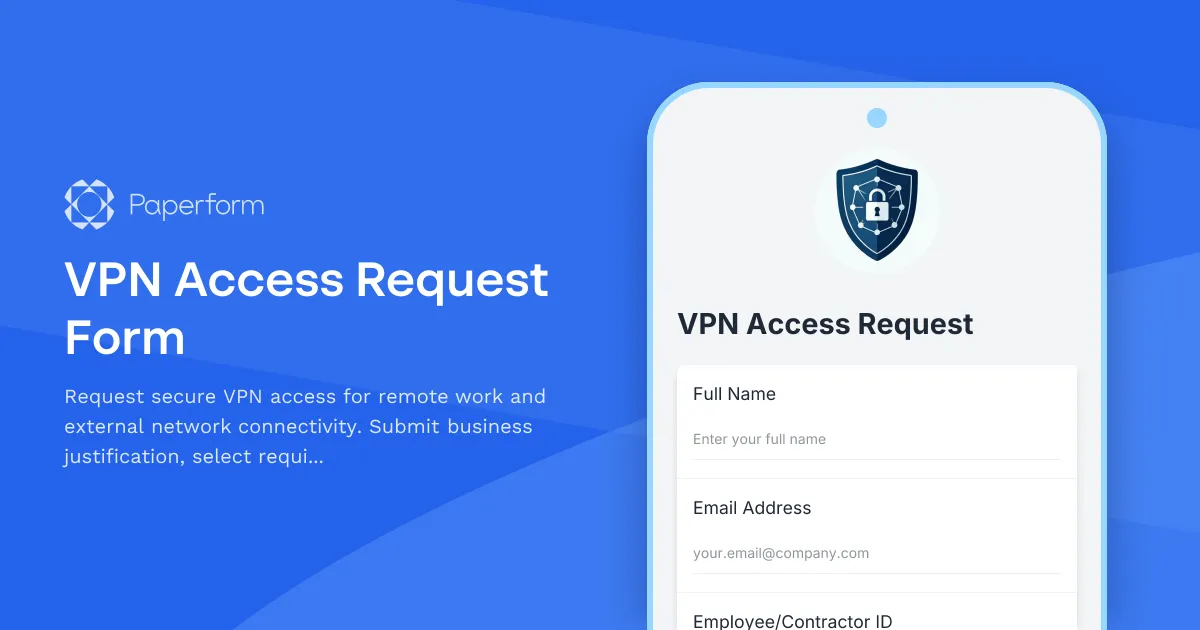
Streamline VPN Access Provisioning with Paperform
Managing VPN access requests doesn't have to mean endless email chains and scattered spreadsheets. This VPN Access Request Form template gives IT teams a structured, professional way to collect everything needed to provision secure remote access—business justification, access duration, network segment requirements and policy acknowledgments—all in one clear submission.
Built for IT departments, managed service providers and security teams serving small and medium businesses, this template helps you standardise how employees, contractors and partners request VPN credentials while maintaining tight control over who gets access to what.
Capture the right details, every time
The form walks requesters through key information: employee details, device information, the business reason for access, which network segments they need, how long they need it for, and whether they've read and accepted your acceptable use policy. Conditional logic can show different fields based on employment type or access level, and built-in validation ensures you're not chasing people for missing manager approvals or device serial numbers.
Turn submissions into instant workflows with Stepper
Once a VPN request is submitted, you can use Stepper to route it for manager approval, create a ticket in your helpdesk, provision credentials in your VPN platform, send onboarding instructions to the requester, and schedule an automatic review or deprovisioning reminder when the access period ends. No more manual handoffs—just a clean, auditable process from request to provisioning.
Keep everything secure and compliant
With Paperform's SOC 2 Type II compliance, role-based permissions and integration options, you can confidently collect sensitive access requests, restrict form editing to authorised staff, and push data securely into your ticketing, identity management or logging systems. Whether you're managing a handful of remote workers or provisioning access for a distributed team, this template gives you the control and visibility IT security demands.
Get started in minutes, customize the form to match your internal policies, and take the friction out of VPN access management.



More templates like this

Corporate VPN Access Request Form
Streamline remote access requests with this corporate VPN access form. Collect employee details, device information, security clearance levels, and route for manager approval—all in one secure workflow.
Collaboration Tool Guest Access Request Form
Streamline external partner access to your collaboration tools with automated permissions, project assignments, and built-in confidentiality agreements.
Contractor VPN Access Application Form
Streamline temporary VPN access requests for contractors with automated approvals, NDA collection, and expiration tracking.
Cybersecurity Awareness Training Quiz
Test employee knowledge on phishing detection, password security, and data protection with this comprehensive cybersecurity awareness quiz designed for workplace training programs.

Employee Offboarding IT Access Revocation Checklist
Comprehensive IT offboarding checklist to systematically revoke employee system access, track equipment returns, and ensure secure account closure across all platforms.
IT Security Awareness Gamification Implementation Change Request
Submit change requests for implementing gamified security awareness training programs with game mechanics, reward systems, and engagement tracking features.
Mobile Device Security Compliance Form
A comprehensive mobile device security compliance form for BYOD programs, featuring policy acknowledgment, encryption verification, and remote wipe authorization to protect company data.
Privileged Access Request Form
Request temporary or permanent admin rights with business justification and security approval. Streamline privileged access management for IT teams.
Remote Penetration Tester Onboarding Form
Comprehensive onboarding form for remote penetration testers including environment access, tool provisioning, certification verification, and rules of engagement acknowledgment.
Remote Support Software Request Form
Request access to screen sharing and remote support software with configurable session limits, file transfer capabilities, and recording options for IT support teams.

Remote Work Monitor & Display Upgrade Request
Request approval for new monitors and display equipment for your home office setup. Submit screen specifications, multiple monitor needs, and mounting requirements for budget approval.
South Korea Access Control Request Form
Professional access control request form for South Korean organizations. Manage authorization levels, track approval workflows, and maintain comprehensive audit trails for regulatory compliance.