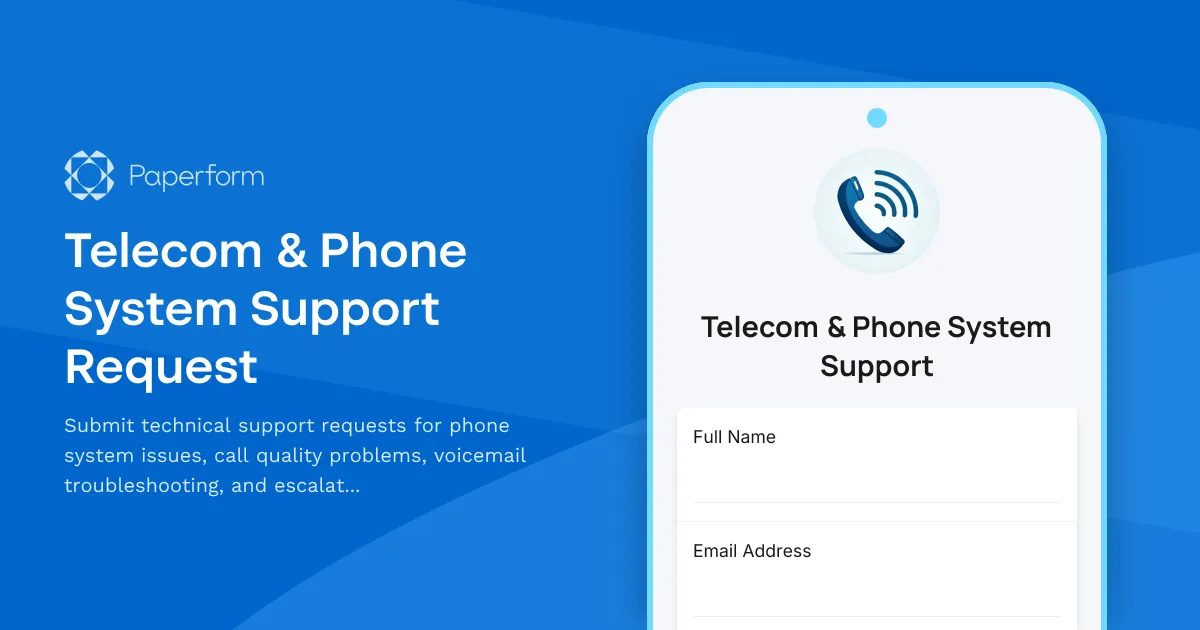
Managing a reliable phone system is critical for business operations, but when issues arise—dropped calls, voicemail glitches, or extension problems—you need a fast, organized way to capture details and route requests to the right team.
This Telecom & Phone System Support Request template gives IT teams and help desks a structured way to collect essential information from employees experiencing phone or telecom issues. Built for businesses that rely on desk phones, VoIP systems, PBX infrastructure, or unified communications platforms, this form captures extension numbers, call quality details, voicemail problems, and hardware information in one place.
The form uses conditional logic to adapt based on the issue type—routing voicemail problems to one workflow, call quality complaints to another, and carrier escalations to a separate approval path. Whether you're managing an on-premise phone system or a cloud-based solution like RingCentral, Microsoft Teams, or 8x8, this template helps you triage faster and reduce back-and-forth emails.
Perfect for IT support teams, managed service providers, system administrators, and telecom managers across industries including corporate offices, call centers, healthcare facilities, and professional services firms.
Once submitted, you can use Stepper to automate ticket creation in your help desk system, route urgent requests to senior techs, notify telecom vendors, or trigger escalation workflows when carrier involvement is required. Keep your communications infrastructure running smoothly with a form designed for the realities of modern business telephony.



More templates like this
Call Center Remote Agent VPN Setup Form
A comprehensive VPN and system access request form for remote call center agents, including softphone configuration, CRM access levels, and quality monitoring consent.
IT Asset Disposal Request Form
Streamline the secure disposal of IT equipment with automated tracking, data sanitization compliance, environmental standards verification, and certificate of destruction generation.
IT Helpdesk Problem Report Form
A comprehensive IT problem reporting form with asset tracking, priority assessment, and automatic SLA routing to streamline technical support workflows.
IT Helpdesk Ticket Submission Form
Submit IT support requests with issue details, urgency level, and screenshots. Track your tickets and get faster resolutions with our streamlined helpdesk form.
Workplace Collaboration Tool Support Request
Submit technical support requests for workplace collaboration tools, including access issues, file sharing errors, integration problems, and bot configuration assistance.
Backup and Recovery Request Form
Submit backup and data recovery requests with detailed specifications including data location, retention requirements, recovery objectives, and priority levels for IT support teams.
Emergency VPN Access Request Form
Fast-track urgent VPN access for after-hours incidents and critical system issues. Streamline emergency approvals with incident tracking and manager authorization.

Home Office Battery Backup & UPS Request Form
Request battery backup and UPS equipment for your home office to ensure business continuity during power outages. Assess your power needs, prioritize critical devices, and plan for uninterrupted remote work.
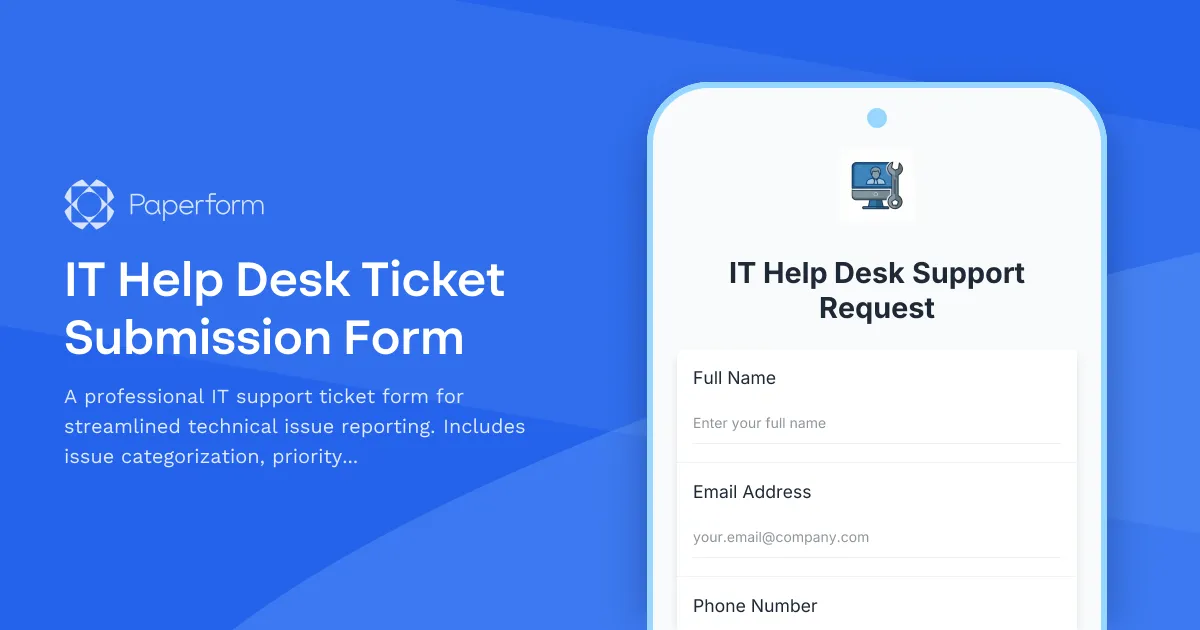
IT Help Desk Ticket Submission Form
A professional IT support ticket form for streamlined technical issue reporting. Includes issue categorization, priority levels, device details, and file attachments to help your IT team resolve problems faster.
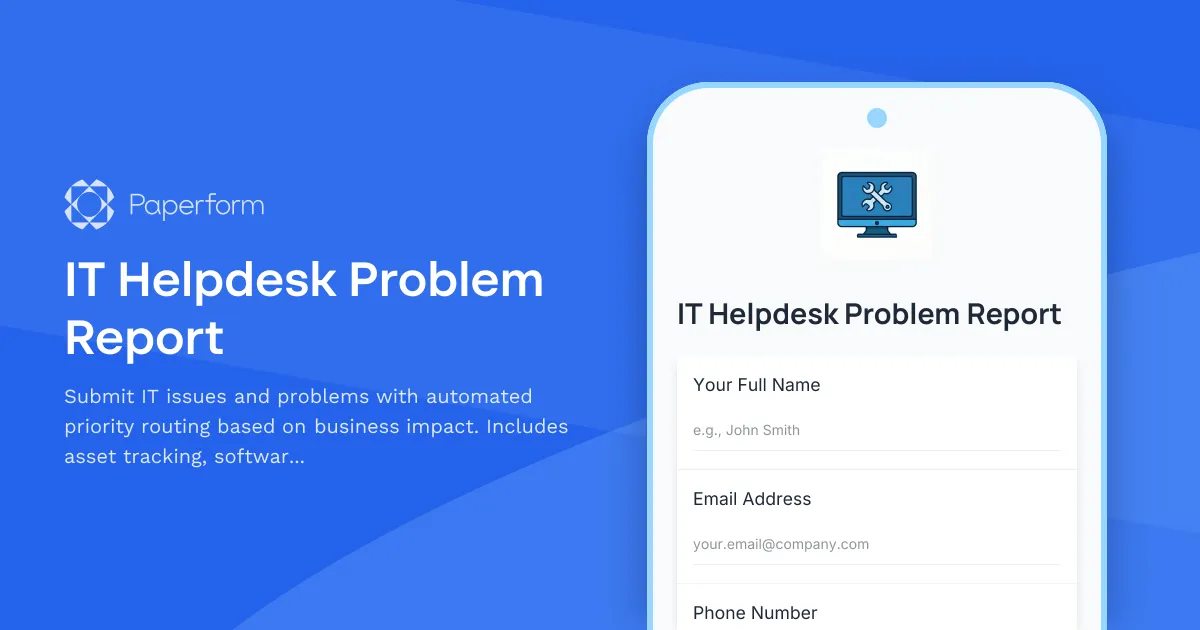
IT Helpdesk Problem Report
Submit IT issues and problems with automated priority routing based on business impact. Includes asset tracking, software/hardware selection, and SLA-based assignment.
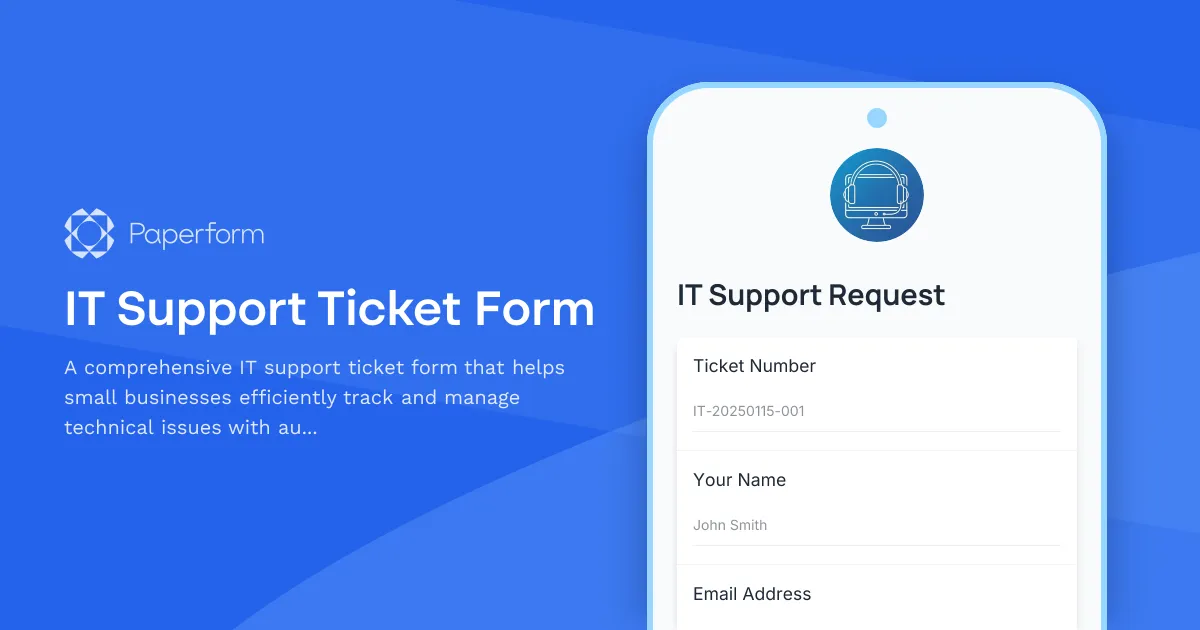
IT Support Ticket Form
A comprehensive IT support ticket form that helps small businesses efficiently track and manage technical issues with automated ticket generation and detailed problem categorization.
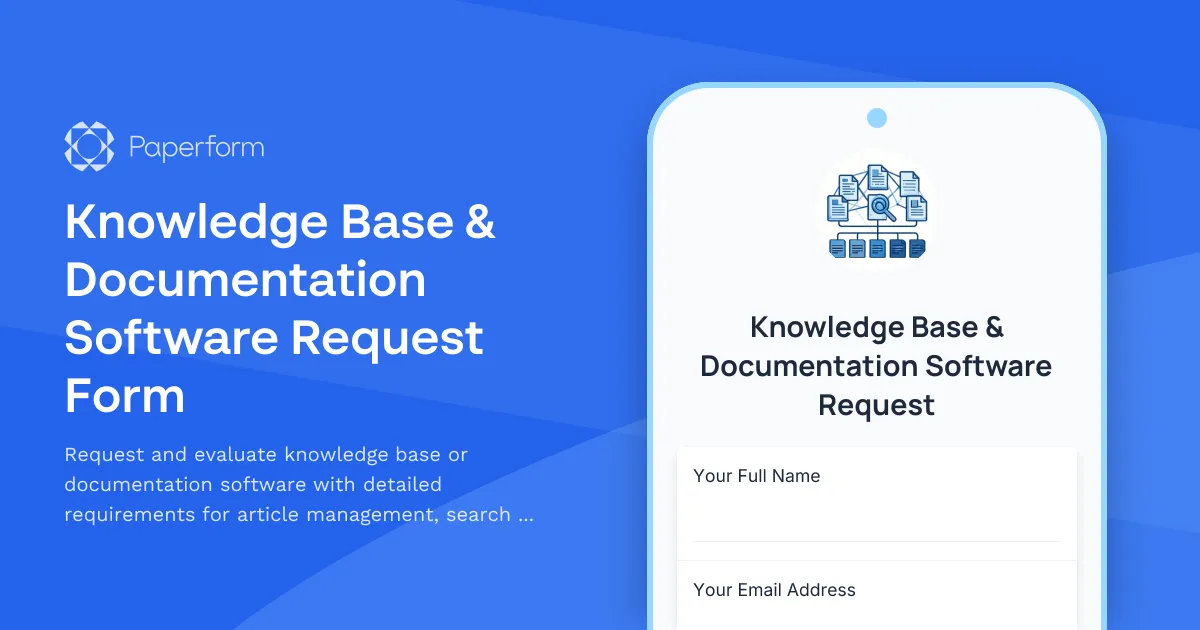
Knowledge Base & Documentation Software Request Form
Request and evaluate knowledge base or documentation software with detailed requirements for article management, search capabilities, version control, and multilingual support.